Modulenotfounderror: no module named ‘openpyxl’
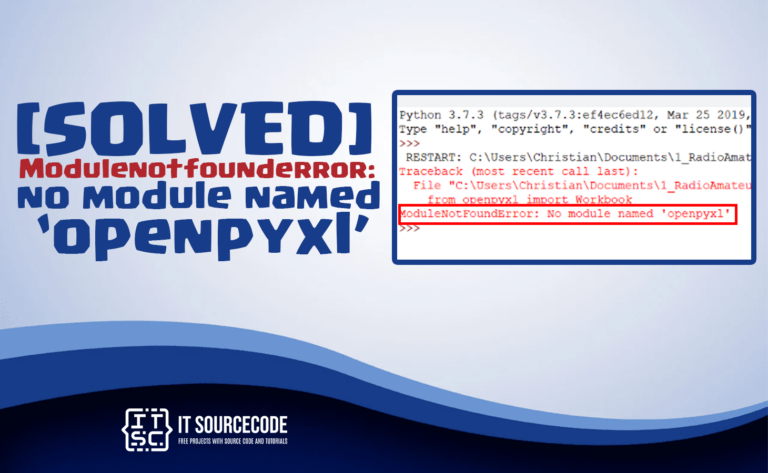
In this post, we will learn the solutions to resolve the error modulenotfounderror no module named openpyxl. Also, we will discuss what is openpyxl? and what are the causes of …

itsourcecode.com hosts 198+ documented fixes for Python ModuleNotFoundError messages: the most common error every Python developer hits, from beginners running their first script to ML engineers wrestling with TensorFlow imports. Whether you see ModuleNotFoundError: No module named 'numpy', 'tensorflow', 'flask', or some obscure dependency, you’ll find the exact fix below organized by ecosystem. Each post shows the error, the root cause, and 2-4 alternative fixes.
What is ModuleNotFoundError?
A ModuleNotFoundError happens when Python’s import statement can’t find a module on the current Python interpreter’s path. It’s a subclass of ImportError, introduced in Python 3.6. The error message always tells you which module is missing in quotes, for example ModuleNotFoundError: No module named 'pandas'. The fix depends on why Python can’t find it: not installed, installed in a different Python, wrong virtualenv active, typo in the import, or a sub-module that doesn’t exist in the package version you have.
How to fix any ModuleNotFoundError in 5 steps
Read the exact module name in quotes. The error tells you what’s missing. Note the spelling, capitalization matters in Python (PIL vs pil, OpenCV vs cv2).
Confirm which Python you’re running. Run which python (Mac/Linux) or where python (Windows). Then python --version. If you have multiple Pythons, you may be importing from a different one than where the module is installed.
Try installing with pip. Run pip install . If that fails, try python -m pip install , this guarantees you’re using the pip that matches your active Python.
Check your virtualenv. If you’re using a virtualenv (venv, conda, poetry), make sure it’s activated before running pip install AND before running your script. Forgotten activation is the #1 cause of this error.
Verify the import name matches the package name. Some packages have different install and import names. Example: install pip install beautifulsoup4, but import as from bs4 import BeautifulSoup. Install pip install opencv-python, import as import cv2. Install pip install python-dotenv, import as from dotenv import load_dotenv.
Most common causes (in order of frequency)
Module not installed: easy fix: pip install
Wrong Python interpreter active: IDE running system Python but module installed in venv (or vice versa)
Virtualenv not activated: module installed globally but venv is active, or installed in venv but venv isn’t active
Install name ≠ import name: see the table above (bs4, cv2, dotenv, etc.)
Sub-module removed in newer version: common with sklearn, keras, numpy as their internal APIs evolve
Python core module disabled at build time: _ssl, _tkinter, _curses errors usually mean Python was compiled without those modules
Python 2 → 3 migration: old codebases importing modules with renamed locations
Featured ModuleNotFoundError fixes by ecosystem
📊 Data Science (numpy, pandas, matplotlib, scikit-learn)
The Python data stack. Most errors here come from sub-module removals between major versions or pip/conda installation mismatches.
No module named ‘matplotlib’
No module named ‘sklearn.externals.six’
No module named ‘numpy.testing.nosetester’
No module named ‘pyspark.pandas’
No module named ‘tabulate’
No module named ‘prettytable’
🤖 Machine Learning & AI (TensorFlow, PyTorch, Keras, OpenCV, LangChain)
ML packages have the most install pain because of GPU/CPU variants, CUDA versions, and rapidly changing internal APIs.
No module named ‘tensorflow’
No module named ‘torchvision’ (PyTorch)
No module named ‘keras.objectives’
No module named ‘PIL’ (Pillow)
No module named ‘langchain’
No module named ‘einops’, 2026 Guide
No module named ‘groundingdino’, 2026 Guide
No module named ‘pinecone’
No module named ‘taming’
🌐 Web Frameworks (Flask, Django, FastAPI)
Framework imports usually fail because the framework isn’t installed in the active venv, or you’re importing a sub-package that’s a separate pip install (Flask-CORS, flask_sqlalchemy, etc.).
No module named ‘flask’
No module named ‘flask_sqlalchemy’
No module named ‘flask_cors’, 2026 Guide
No module named ‘fastapi’, 2026 Guide
No module named ‘aiohttp’
No module named ‘django_filters’
No module named ‘debug_toolbar’ (Django)
🗄️ Databases (PostgreSQL, MongoDB, MySQL)
Database connectors often need system libraries before they can be installed. psycopg2 needs libpq-dev on Linux; mysqlclient needs mysql-dev.
No module named ‘psycopg2’ (PostgreSQL)
No module named ‘pymongo’ (MongoDB)
No module named ‘MySQL’ (Python 3)
No module named ‘mysql’
No module named ‘flask_sqlalchemy’
🖥️ GUI & Game (Tkinter, PyQt, Pygame)
Desktop GUI errors. _tkinter errors usually mean Python was compiled without Tk support, need to rebuild Python or use a different distribution.
No module named ‘_tkinter’, 2026 Guide
No module named ‘PyQt5.QtWebKitWidgets’
No module named ‘pygame’
🕷️ Web Scraping (BeautifulSoup, Selenium, Scrapy)
Web scraping has more “install name ≠ import name” gotchas than any other ecosystem. bs4 needs beautifulsoup4; webdriver_manager is its own package.
No module named ‘bs4’ (BeautifulSoup)
No module named ‘selenium’
No module named ‘lxml’
No module named ‘webdriver_manager’, 2026 Guide
📦 pip, setuptools, Python core modules
The most painful errors, when Python itself can’t import its own tools. Usually means a broken Python install, missing system dependency, or virtualenv that’s gone bad.
No module named ‘pip’ in Python
No module named ‘pip’ on Windows
No module named ‘pkg_resources’, 2026 Guide
No module named ‘setuptools.command.build’
No module named ‘_ssl’
No module named ‘_curses’, 2026 Guide
No module named ‘distutils.cmd’
No module named ‘fcntl’, 2026 Guide
🛠️ Utilities (dotenv, dateutil, click, docx)
Common helper packages. Most of these have classic install/import name confusion.
No module named ‘dotenv’ (install: python-dotenv)
No module named ‘python-dateutil’
No module named ‘click’, 2026 Guide
No module named ‘crypto’
No module named ‘docx’, 2026 Guide
No module named ‘ruamel’
No module named ‘jwt’, 2026 Guide
🤖 Bots, Notebooks, & Misc
No module named ‘discord’, 2026 Guide
No module named ‘IPython’, 2026 Guide
No module named ‘google.colab’, 2026 Guide
2026 Updated Guides: featured ModuleNotFoundError fixes
These guides were rewritten or expanded in 2026 with current package versions and step-by-step install instructions for Windows, Mac, and Linux.
No module named ‘fastapi’: FastAPI install guide
No module named ‘flask_cors’: Flask CORS setup
No module named ‘click’: Click CLI library
No module named ‘docx’: python-docx vs docx confusion
No module named ‘discord’: discord.py setup
No module named ‘einops’: tensor manipulation
No module named ‘groundingdino’: computer vision
No module named ‘google.colab’: Colab vs local Python
No module named ‘IPython’: Jupyter & notebooks
No module named ‘jwt’: PyJWT setup
No module named ‘fcntl’: Unix-only on Windows
No module named ‘pkg_resources’: setuptools broken
No module named ‘_tkinter’: Python compile flags
No module named ‘_curses’: terminal libraries
No module named ‘webdriver_manager’: Selenium driver auto-management
No module named ‘debug_toolbar’: Django toolbar
Related error categories
ModuleNotFoundError is one of 10 hubs in our Python & JavaScript error reference cluster, 980+ documented fixes total. If your error isn’t about a missing module, jump to the right hub below:
TypeError Reference, 220+ Python & JS TypeError fixes (NoneType, not callable, JS undefined)
AttributeError Reference, 173+ “object has no attribute X” fixes
ValueError Reference, 100+ library-specific Python ValueError fixes
ImportError Reference, 67+ “cannot import name X from Y” fixes (different from ModuleNotFoundError, for version conflicts where the package IS installed)
NameError Reference, 49+ Python “name X is not defined” fixes
RuntimeError Reference, 49+ PyTorch CUDA, asyncio, Flask runtime errors
SyntaxError Reference, 48+ Python & JavaScript parsing errors
ReferenceError Reference, 34+ JavaScript “is not defined” fixes
HTTP Error Reference, 35+ HTTP status code fixes
Python Tutorial, beginner-to-intermediate Python lessons
About this ModuleNotFoundError reference
This ModuleNotFoundError reference has been curated since 2015 by PIES Information Technology Solutions in Binalbagan, Negros Occidental, Philippines. Every post in the collection started as a real error encountered by us, our clients, or readers who emailed us with their tracebacks. Used by 12,000+ Python developers monthly across the Philippines, India, the United States, and beyond. If your error isn’t here, send the full traceback to our contact form and we’ll add it.
In this post, we will learn the solutions to resolve the error modulenotfounderror no module named openpyxl. Also, we will discuss what is openpyxl? and what are the causes of …
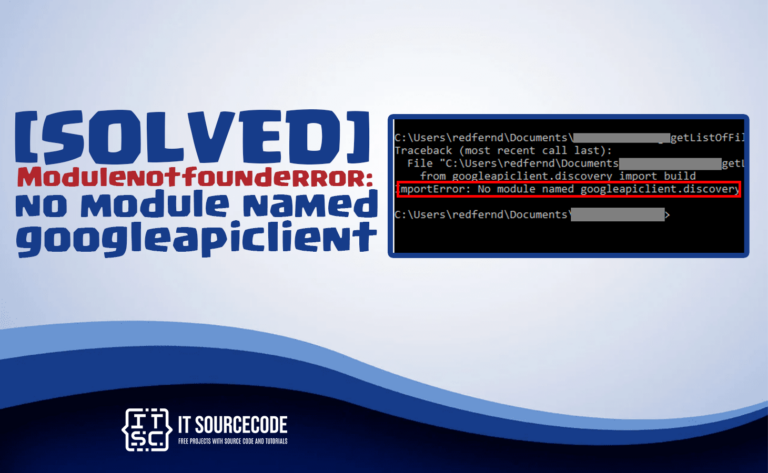
In this article, we will provide solutions to the Modulenotfounderror: no module named ‘googleapiclient’ error. Apart from that, we will look at the possible causes of why we encounter this …
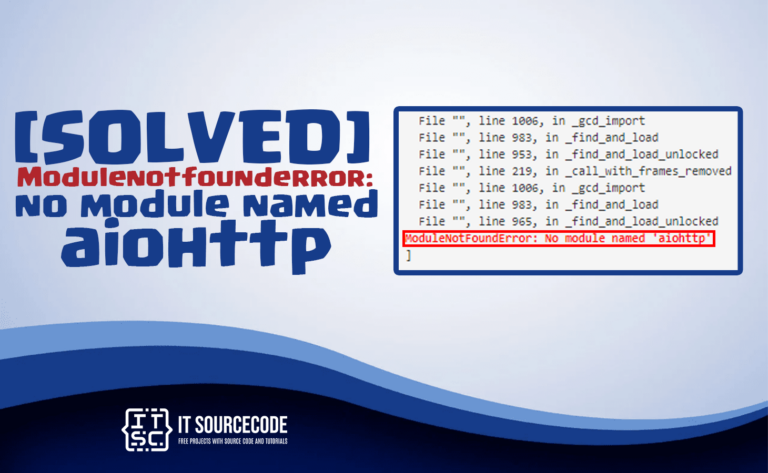
How to solve the modulenotfounderror: no module named ‘aiohttp’ error message? Let’s find out the best solution through this article. Errors mold you into a great data scientist, developer, or …
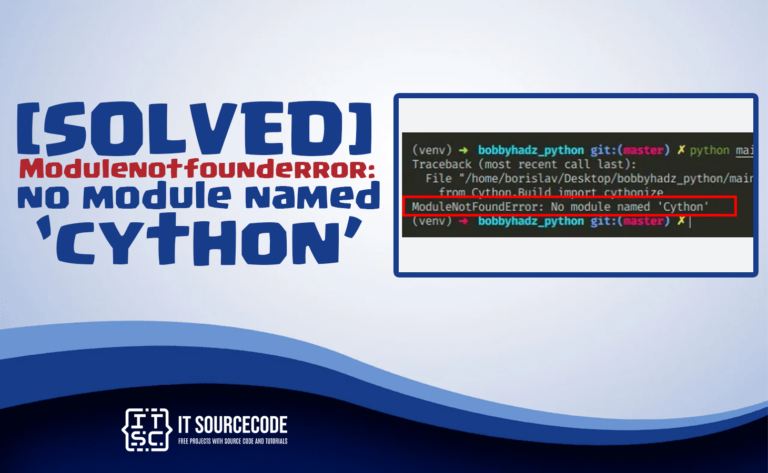
In this post, we will discuss the solutions how to resolve the error modulenotfounderror: no module named cython. Also, we will discuss the if What is ‘cython’ and we will …

In this article, we will show how to solve Modulenotfounderror: no module named snowflake. Also, we will provide a brief discussion about this no module named snowflake, along with possible …
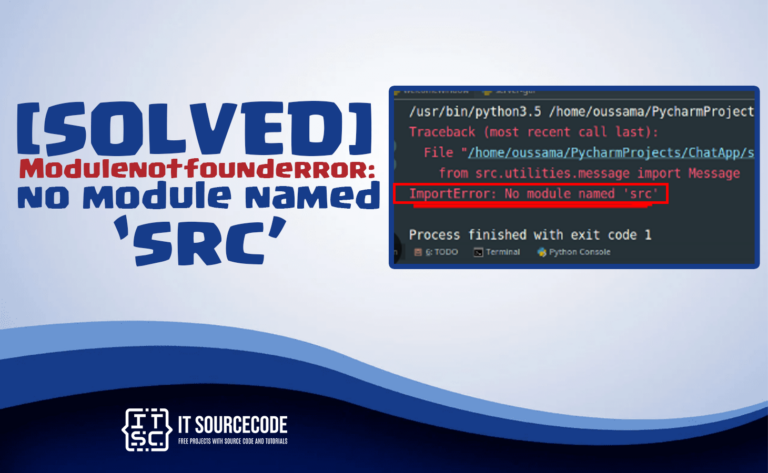
In this post, you will learn the solutions to solve the error Modulenotfounderror: no module named ‘src’. Actually, all programmers in python may encounter this error because the Python interpreter …
In this article, we will show how to solve Modulenotfounderror: no module named surprise. Also, we will provide a brief discussion about this no module named surprise, along with possible …
![Modulenotfounderror: no module named 'pyautogui' [SOLVED]](https://itsourcecode.com/wp-content/uploads/2023/03/modulenotfounderror-no-module-named-pyautogui-768x473.png)
Encountering an error stating modulenotfounderror: no module named ‘pyautogui’ in Python? Looking for a solution to fix this error? Read on to solve your problem. In this article, we will …
This article will help you to resolve the modulenotfounderror: no module named ‘paramiko’ error message. That is usually occur when the required module is unable to find by the Python …
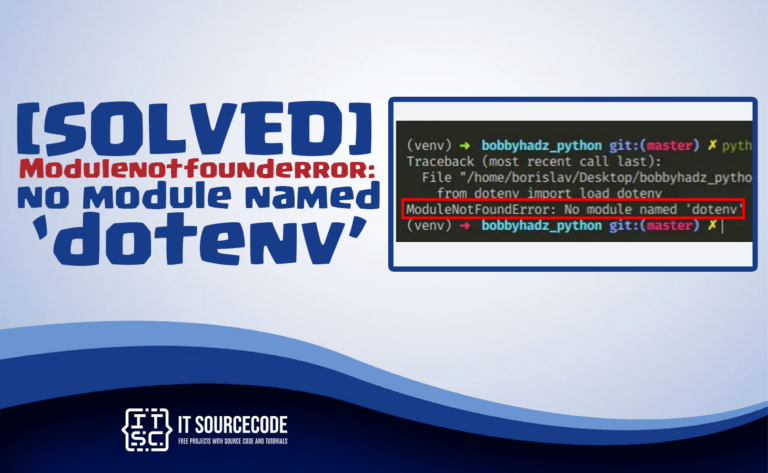
In this tutorial, we will discuss the solutions to solve the problem error Modulenotfounderror: no module named ‘dotenv’. Which is encountered by several programmers in python language. Why the error …
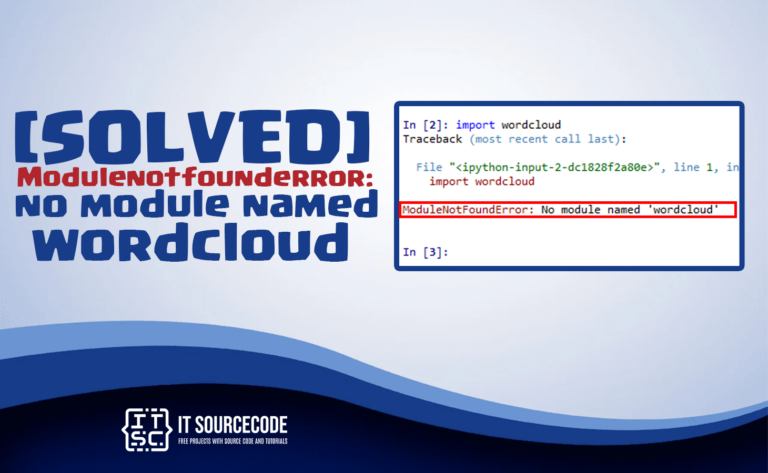
This article will look at how to fix Modulenotfounderror: no module named ‘wordcloud’ error. We’ll also walk you through what is this error and the possible causes of this error. …
![Modulenotfounderror no module named tabulate [SOLVED]](https://itsourcecode.com/wp-content/uploads/2023/03/modulenotfounderror-no-module-named-tabulate-768x473.png)
Looking for a solution to the modulenotfounderror no module named tabulate in Python? Read on to solve your problem. In this article, we will show you how to solve the …
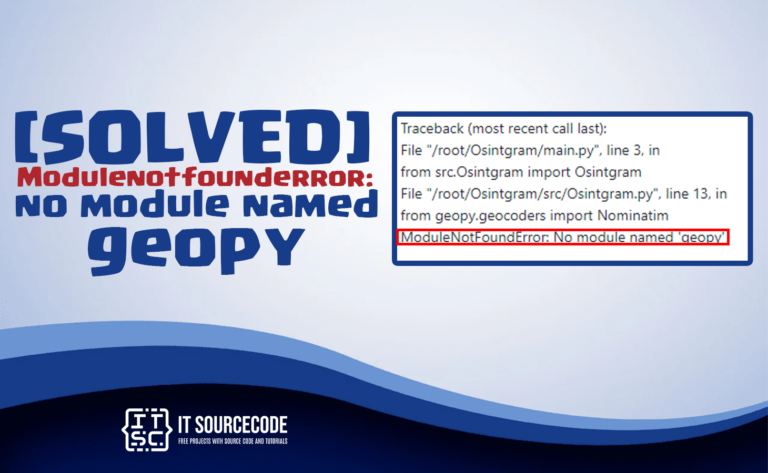
Having a hard time fixing the modulenotfounderror no module named ‘geopy’ error message? Stop worrying this time; in this article, we will hand you the solutions for this error that …