🎓 Free Capstone Projects with Full Documentation, ER Diagrams & Source Code — Updated Weekly for 2026
👨‍💻 Free Source Code & Capstone Projects for Developers

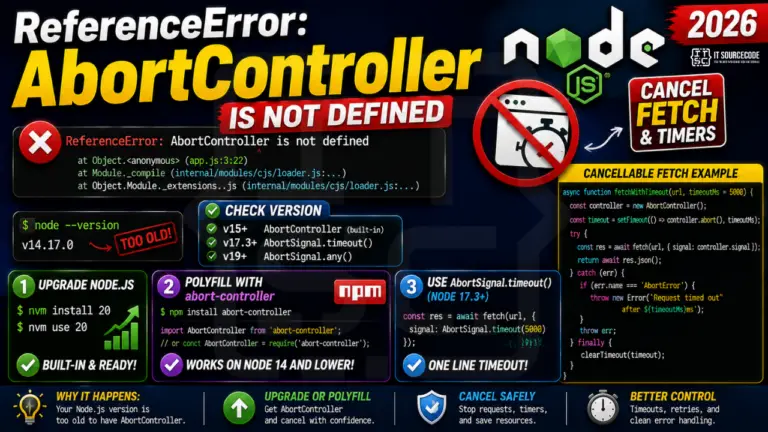
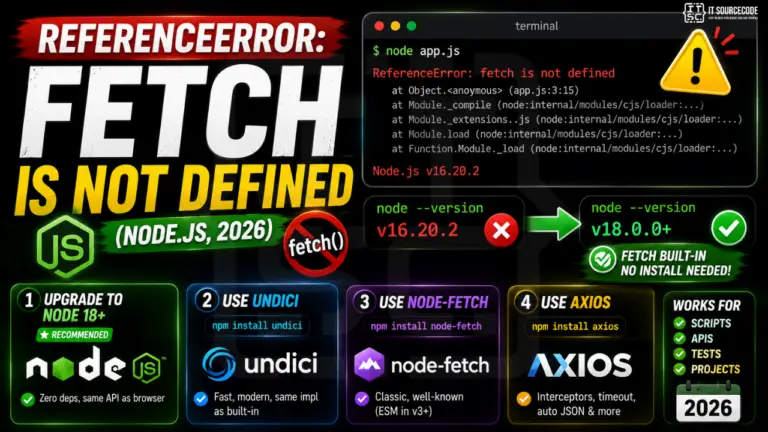
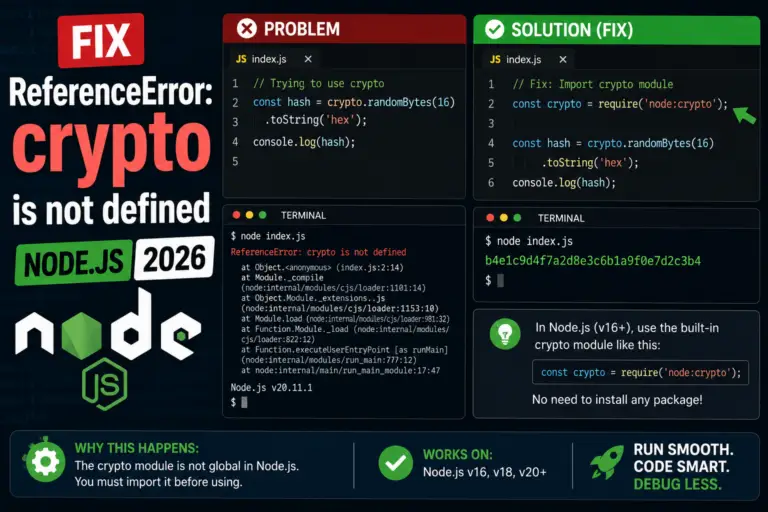
Referenceerror buffer is not defined

referenceerror buffer is not defined

Have you encountered a “ReferenceError: buffer is not defined” error? Which indicates an issue with a variable or object reference? Well when working with JavaScript or any programming language, encountering …

Read more

Frequently Asked Questions

What is the difference between ReferenceError and TypeError?
ReferenceError means the identifier does not exist at all in any scope JavaScript can reach. TypeError means the identifier exists but the value has the wrong type for what you tried to do (calling a non-function, reading a property of undefined). If you see "is not defined" — ReferenceError. If you see "is not a function" or "cannot read property X of undefined" — TypeError.
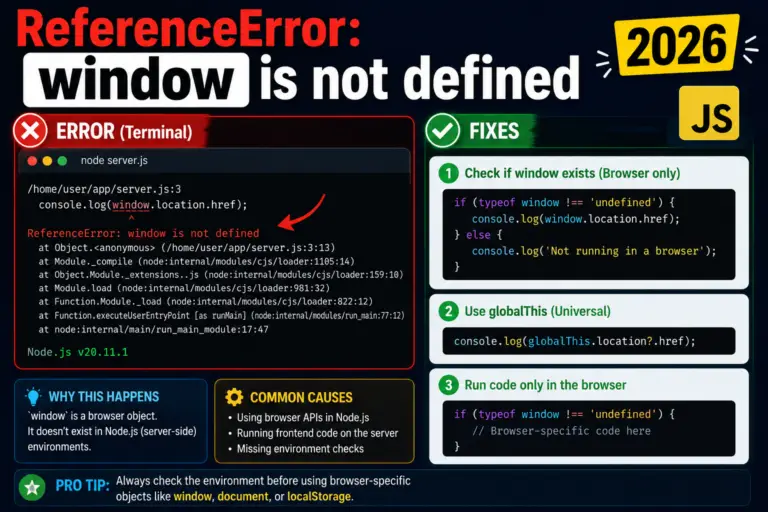
Why does "window is not defined" happen on the server?
You are running code in Node.js (SSR, build step, API route) where there is no browser. window only exists in browsers. Three fixes: (1) Check typeof window !== 'undefined' before using it. (2) For Next.js, move the code into useEffect (runs only on client). (3) Use dynamic imports with { ssr: false } for whole client-only components.
Why does "__dirname is not defined" happen in ES modules?
ESM does not expose __dirname or __filename as globals (they are CommonJS-only). To get the current file's directory in ESM, use: import { fileURLToPath } from 'url'; import path from 'path'; const __dirname = path.dirname(fileURLToPath(import.meta.url));
Why does "process is not defined" happen in the browser?
process is a Node.js global; browsers do not have it. If your bundled code references process.env.X, configure your bundler to replace process.env at build time: Vite does this automatically with import.meta.env; Webpack needs DefinePlugin; Next.js exposes NEXT_PUBLIC_* env vars to the browser.
Why does "ReferenceError: React is not defined" happen?
You are using JSX in a file that does not import React. Either: (1) Add import React from 'react' at the top. (2) Configure your React 17+ runtime — set jsx: 'react-jsx' in tsconfig.json, or use @babel/preset-react with { runtime: 'automatic' }. The automatic runtime imports React for you.
How do I prevent ReferenceError in production?
(1) Use TypeScript or JSDoc with type-checking — they catch undefined references at compile time. (2) Use a linter (ESLint with no-undef rule). (3) For SSR frameworks, follow the framework's pattern for "client-only" code. (4) Always check typeof X !== 'undefined' before using suspected globals.
How often is this ReferenceError reference updated?
New posts are added weekly. Last refreshed: May 2026. Note: 2 posts (window-is-not-defined, cannot-access-before-initialization) were removed in our May 2026 content quality cleanup — their replacements may return as fully-rewritten guides in the future.