
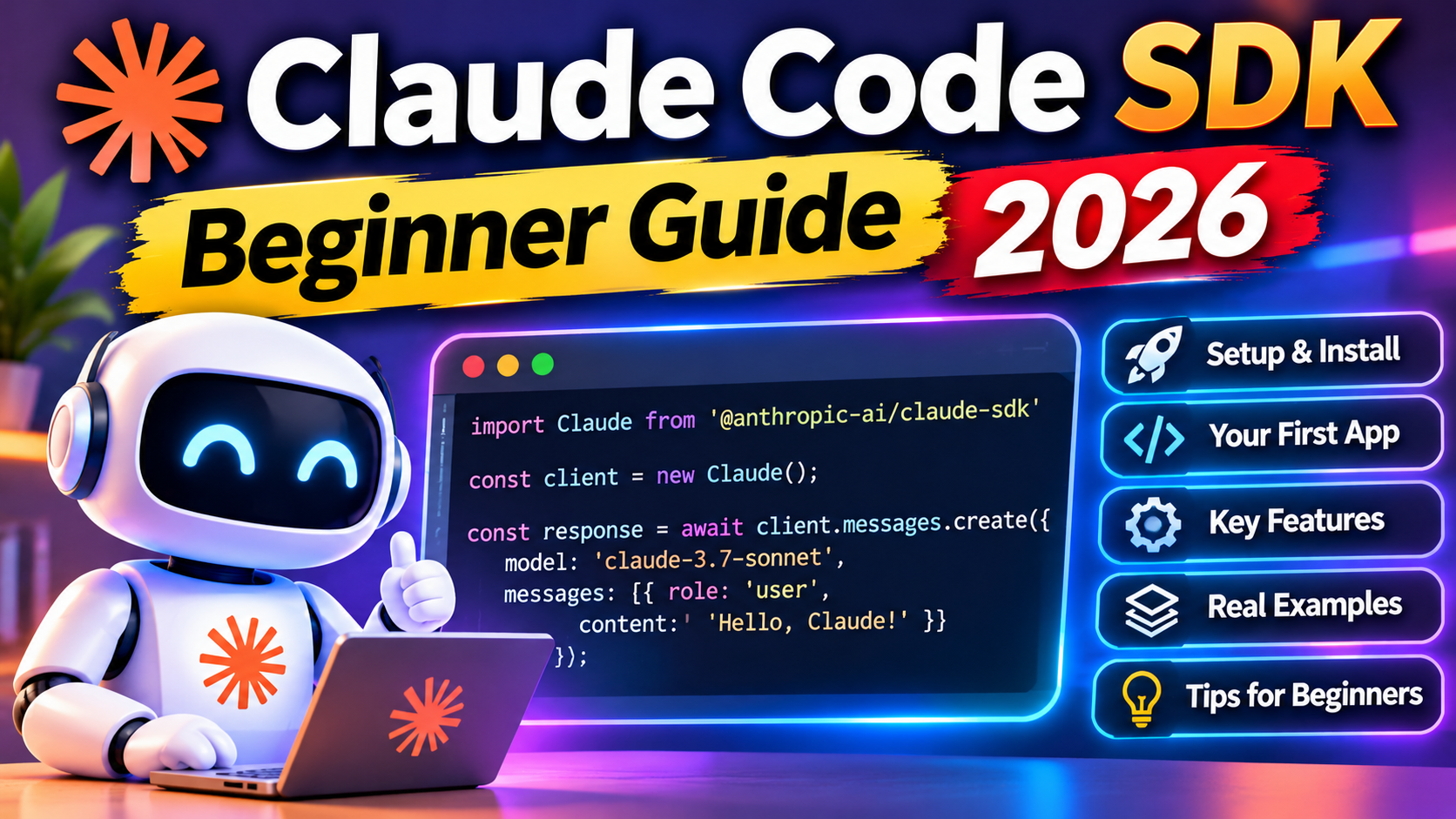
The short answer
Install claude-agent-sdk, set ANTHROPIC_API_KEY, and call ClaudeSDKClient with a prompt. You get a working agent that can read files, run shell commands, and edit code in under 30 lines of Python. This guide ships a complete first agent and explains the four concepts you need: tools, hooks, permission mode, and streaming responses.
The Claude Agent SDK ships the same agent loop that Claude Code uses internally. You build autonomous assistants that read files, run commands, call APIs, and chain tool use until the task is done. No framework glue, no orchestrator to configure. Just Python or TypeScript, your API key, and the instructions you give the agent.
This guide shows you how to build a first working agent, walks through the four core concepts, and shows a second agent that solves a real task. By the end you will understand when the SDK is the right choice and when you should reach for Messages API or the lower-level tool_runner instead.
What the Claude Agent SDK is
The SDK wraps the model, built-in tools (file read, file edit, bash, web search), and an agent loop that keeps running until the model decides it is done or you cut it off. You describe the task in natural language and the agent figures out which tools to call and in what order.
It is the same loop that powers Claude Code. When you build with the SDK, you get battle-tested tool definitions, a permission system, and streaming responses out of the box. Build in your own custom tools when you need to call internal APIs or domain-specific logic.
Install and authenticate
pip install claude-agent-sdk
export ANTHROPIC_API_KEY=your_key_here
You need an API key from console.anthropic.com. The free tier works for testing. For production, set up billing before you hit the rate limit.
Your first agent in 25 lines
This agent summarizes a Python file and suggests improvements. It uses the built-in Read and Bash tools.
import asyncio
from claude_agent_sdk import ClaudeSDKClient, ClaudeAgentOptions

async def main():
    options = ClaudeAgentOptions(
        system_prompt="You are a code reviewer. Read the given file, summarize it, and suggest three concrete improvements.",
        allowed_tools=["Read", "Bash"],
        max_turns=10,
    )

    async with ClaudeSDKClient(options=options) as client:
        await client.query("Review the file src/handler.py in this directory")
        async for message in client.receive_response():
            if hasattr(message, "content"):
                for block in message.content:
                    if hasattr(block, "text"):
                        print(block.text)

asyncio.run(main())
Run it. The agent reads the file, thinks for a few seconds, and prints its summary. If it needs to check directory contents first, it calls Bash. If it needs to read the file, it calls Read. You did not orchestrate any of that.
Concept 1: Tools
Tools are what the agent can do in the world. The SDK ships with built-ins: Read, Write, Edit, Bash, Glob, Grep, WebFetch, WebSearch. You whitelist which ones the agent can call via allowed_tools.
For custom tools, define an MCP server or a simple Python function with a decorator. The tool’s docstring becomes the description the model sees, so be precise about what it does and what parameters it takes.
Concept 2: Permission mode
Three modes control what the agent can do without asking you:
- default: the agent prompts for each tool call. Safe but slow.
- acceptEdits: file edits apply automatically, other tools still prompt.
- bypassPermissions: no prompts. Use only in sandboxed environments.
For production agents you want neither extreme. Use PermissionDecisions in a hook to allow safe commands and block dangerous ones based on your own logic.
Concept 3: Hooks
Hooks intercept the agent lifecycle. PreToolUse fires before a tool runs and can veto or modify the call. PostToolUse fires after. UserPromptSubmit lets you rewrite prompts before the model sees them.
async def guard_bash(tool_input, tool_use_id, context):
    cmd = tool_input.get("command", "")
    if "rm -rf" in cmd or "sudo" in cmd:
        return {"behavior": "deny", "message": "Dangerous command blocked"}
    return {"behavior": "allow"}

options = ClaudeAgentOptions(
    hooks={"PreToolUse": [{"matcher": "Bash", "hooks": [guard_bash]}]},
    ...
)
This pattern replaces most of what you would otherwise build in LangChain’s callback system, with less boilerplate.
Concept 4: Streaming responses
The receive_response() iterator yields messages as the model generates them. Text, tool calls, tool results, and final stop reason all come through. For a chat UI you render text blocks as they arrive. For a pipeline you collect them until stop_reason is “end_turn”.
A second agent: fix a failing test
This one is more real. Give the agent a failing pytest output and tell it to make the test pass.
options = ClaudeAgentOptions(
    system_prompt=(
        "You are a Python developer. The user will give you a failing test. "
        "Read the relevant source files, identify the bug, edit the code, and re-run the test. "
        "Stop when the test passes."
    ),
    allowed_tools=["Read", "Edit", "Bash", "Glob"],
    permission_mode="acceptEdits",
    max_turns=20,
)
Point it at a failing test and it will spelunk the codebase, identify the issue, patch the code, and re-run the test to verify. This is a non-trivial autonomous workflow.
When to use the SDK versus Messages API
Use the Agent SDK when the task is open-ended and requires multiple tool calls to resolve. Code review, test fixing, document generation from source files, API exploration, scripted debugging.
Use the Messages API directly when you just need one response to one prompt. Translation, summarization of a single document, Q and A over a fixed context. No agent loop needed. Less overhead, lower cost.
Use tool_runner when you want the loop but your tools are your own, not the built-in filesystem tools. It is a lighter-weight orchestrator for custom tools only.
Common pitfalls to avoid
- Setting permission_mode to bypassPermissions in development and forgetting to change it for production. Use default or acceptEdits for anything touching real files.
- Letting max_turns default to a large value with no spend cap. A runaway agent can rack up $10 of tokens in a few minutes.
- Giving the agent broad bash access when a narrow tool would do. Define a custom tool for a specific operation instead of letting the model shell out.
- Logging only the final response. Log every tool call and its result; you need this for debugging and for evaluating agent quality later.
- Running untrusted user input through the agent without a prompt-injection guard. A PreToolUse hook that inspects the prompt is the cheapest safety layer.
The strongest production agents treat the SDK as the loop runner and add their own guardrails via hooks. Start restrictive, loosen when you have observability.
Frequently asked questions
What model does the Claude Agent SDK use?
By default it uses the latest Claude Sonnet. You can pass model=claude-opus-5-5 in ClaudeAgentOptions to switch to Opus for harder tasks, or claude-haiku-5-5 for cheaper, faster runs on simpler work.
How much does running an agent cost?
Pay per token used. Each tool call is a round trip with tokens for the model’s reasoning. A typical code review agent on a 300-line file costs around $0.08 using Sonnet. A long autonomous session with 30 tool calls can run $0.50 to $2.00.
Does the SDK work with TypeScript?
Yes. The @anthropic-ai/claude-agent-sdk package mirrors the Python API. The same concepts (tools, hooks, permission mode, streaming) apply. Install via npm install @anthropic-ai/claude-agent-sdk.
Can I use MCP servers with the Agent SDK?
Yes. Pass mcp_servers in ClaudeAgentOptions. The agent discovers tools from each server and can call them like built-ins. This is how you add database access, Slack posting, or domain-specific APIs without writing custom tool code.
How do I stop a runaway agent?
Set max_turns to cap the loop. Use PreToolUse hooks to deny calls that match danger patterns. In interactive use, you can cancel by exiting the async context manager, which signals the SDK to stop after the current turn.
Is the SDK suitable for production?
Yes, with the usual care. Log every tool call, set per-task spend caps, use permission mode other than bypassPermissions, and run inside a sandboxed working directory. Many teams run Claude Agent SDK agents in production CI/CD and background job workers.