Fix TS2345: Argument Not Assignable to Parameter (2026)
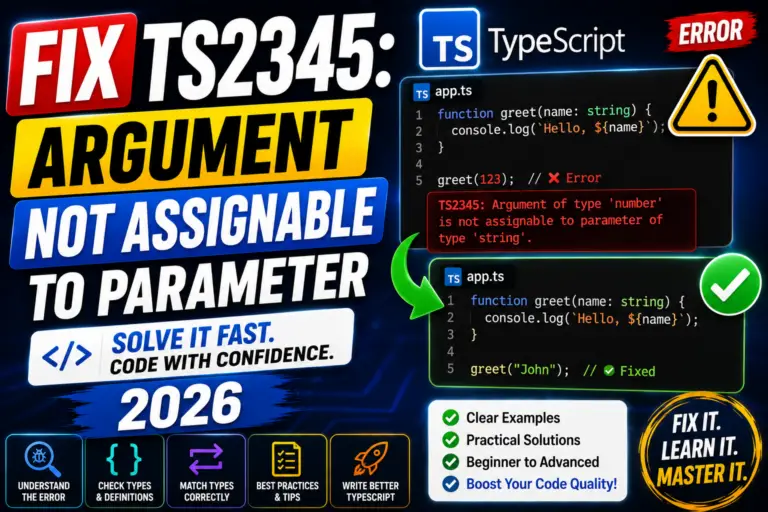
Fix TypeScript TS2345: Argument of type X not assignable to parameter of type Y. Real causes with fixes for React props, fetch responses, callbacks (2026).

TypeScript is JavaScript with optional static typing, it catches bugs at compile time, gives better autocomplete in editors, and is the modern standard for large React/Vue/Angular projects. This hub collects free TypeScript tutorials from “what is a type” through advanced generics, decorators, and full-stack TypeScript with Node.js back-ends.
What you’ll learn in the TypeScript tutorial series
Type basics: fundamental types, arrays, tuples, enums, union types
Interfaces: defining object shapes, extending interfaces, optional properties
Classes: access modifiers (public/private/protected), abstract classes, decorators
Generics: generic functions, generic classes, constraints
Type narrowing: type guards, discriminated unions, in operator
Utility types: Partial, Required, Pick, Omit, Record, ReturnType
Modules: import/export, declaration files (.d.ts), namespaces
Integration: TypeScript with React, Node.js, Express, Next.js
Why TypeScript matters for modern capstones
For BSIT capstones using React, Vue, Angular, or any modern JavaScript framework, TypeScript is now the default, it makes code more maintainable, catches errors before runtime, and signals professionalism to your panel. The learning curve from JavaScript is small (~1-2 weeks for the basics), and the payoff in code quality is significant. If your capstone is a pure PHP + MySQL system, TypeScript is optional. For anything React/Node.js-based, learn it.
TypeScript prerequisites
Before starting TypeScript, you should be comfortable with: (1) JavaScript fundamentals: variables, functions, arrays, objects (see our JavaScript Tutorial); (2) ES6+ features: arrow functions, destructuring, spread/rest; (3) npm basics: installing packages, package.json. TypeScript adds types on top of these, it doesn’t replace JavaScript knowledge.
Related TypeScript resources
JavaScript Tutorial, prerequisite foundation
React Projects, React + TypeScript is the modern combo
Node.js Projects, server-side TypeScript
Vue.js Projects, Vue 3 supports TypeScript natively
TypeScript Tutorials (full list), all individual tutorials
Scroll down to browse the full TypeScript tutorial catalog ↓
Fix TypeScript TS2345: Argument of type X not assignable to parameter of type Y. Real causes with fixes for React props, fetch responses, callbacks (2026).
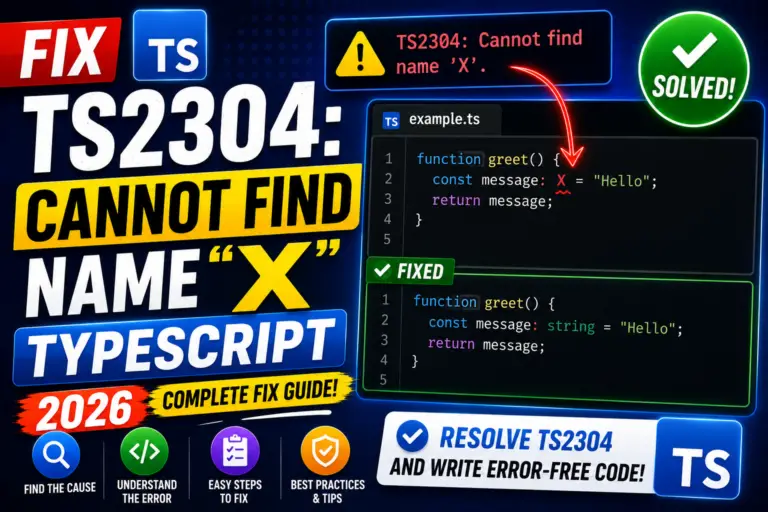
Fix TypeScript TS2304: Cannot find name X. Real causes for missing imports, missing @types packages, and lib config in tsconfig with fixes (2026).
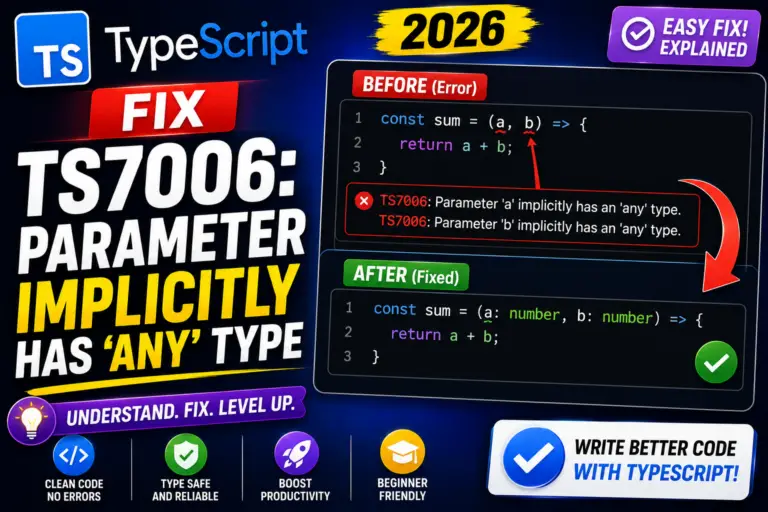
Fix TypeScript TS7006: Parameter implicitly has ‘any’ type. Real causes for callbacks, event handlers, and array methods with noImplicitAny (2026).
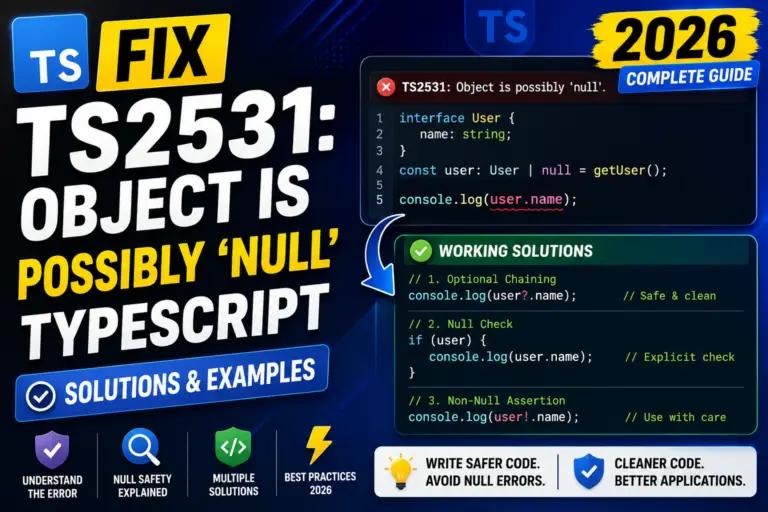
Fix TypeScript TS2531: Object is possibly ‘null’. Real causes with fixes for React refs, querySelector, DOM APIs, and optional chaining patterns (2026).
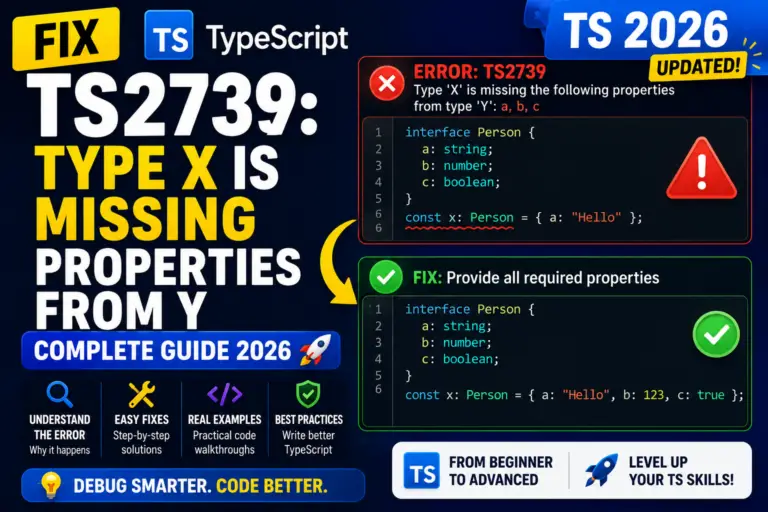
Fix TypeScript TS2739: Type X is missing properties from type Y. Real causes with fixes for React props, API DTOs, spread + defaults patterns (2026).
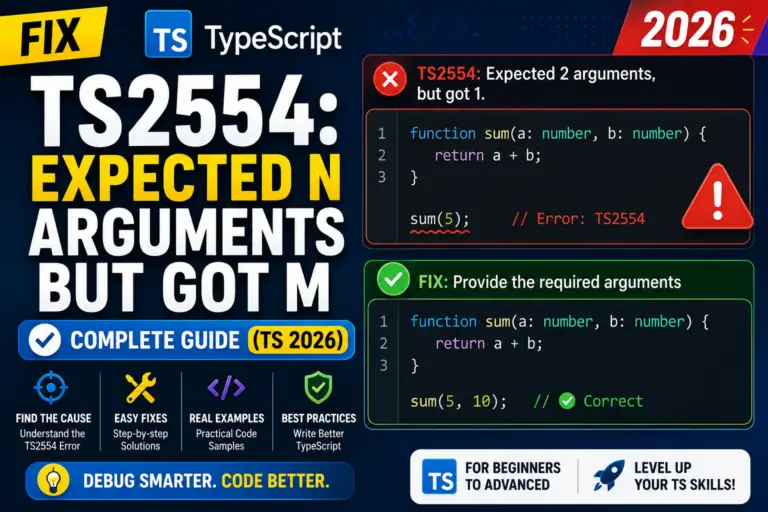
Fix TypeScript TS2554: Expected N arguments, but got M. Real causes for callbacks, forEach, custom hooks, and React event handlers with 2026 fixes.
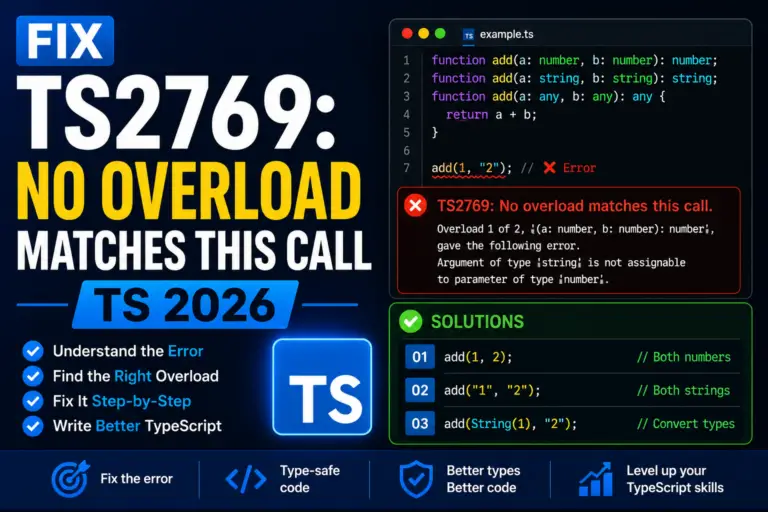
Fix TypeScript TS2769: No overload matches this call. Real causes for React useState setter, event handlers, and JSX props with proper fixes (2026).
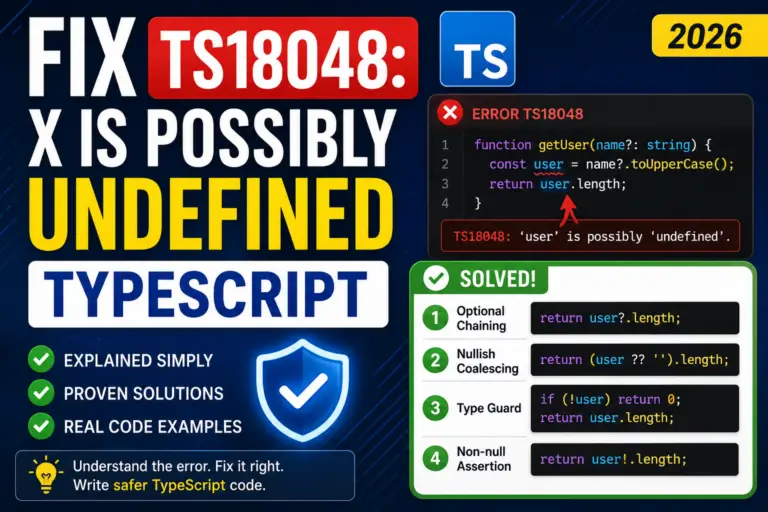
Fix TypeScript TS18048: X is possibly undefined. Real causes with fixes for optional params, array access, Map.get, and object property lookup (2026).
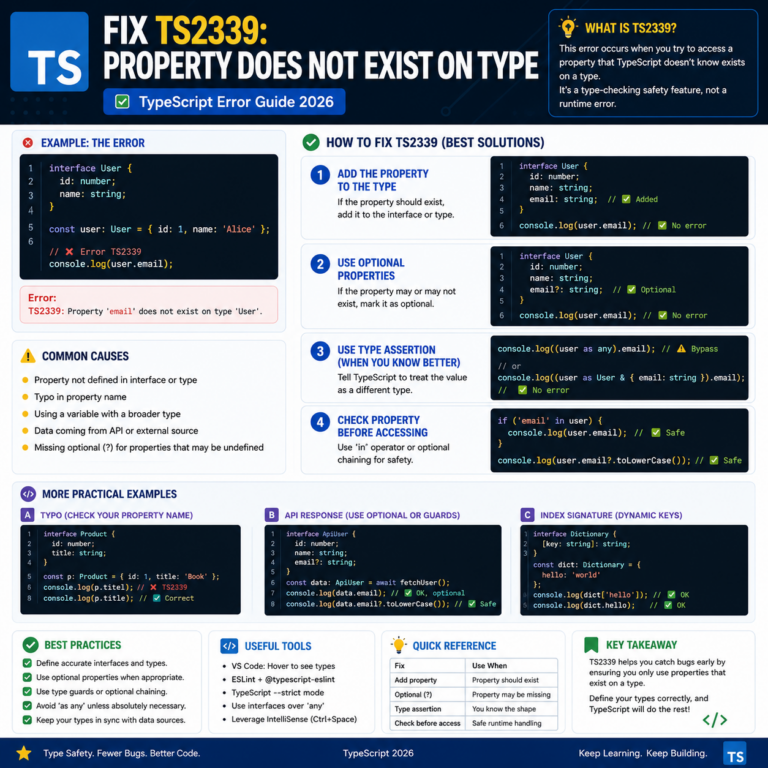
Fix TypeScript TS2339: Property does not exist on type. Real causes with fixes for React events, dynamic keys, unknown types, and API responses (2026).
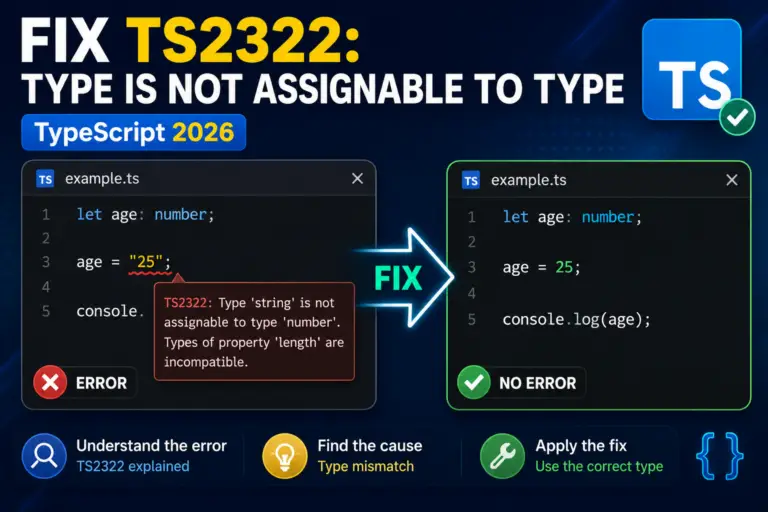
Fix TypeScript TS2322: Type X is not assignable to type Y. Real causes for React refs, string vs undefined, enums, and const assertions. 2026 guide.

TypeScript offers a bunch of handy string methods that make it easy for developers to work with strings. You can search, replace, trim, and change the case of strings, among …
What is String Operators in TypeScript? String operators in TypeScript are used to manipulate and work with string values. List of String Operators in TypeScript The following are the list of …
What is Conditional or Ternary Operator? The TypeScript conditional operator, also known as the ternary operator because it takes three operands. It evaluates a condition and returns one of two …
tsc or a bundler like Vite/webpack.string, number, boolean, arrays (string[]), tuples. Interfaces: describing object shapes. Type aliases: naming complex types. Union types: string | number. Generics: type parameters for reusable functions like Array<T>. Utility types: Partial, Pick, Omit, Record. Type narrowing: using typeof and in guards. Master these and you cover ~80% of real-world TS usage.npm init -y, then npm install -D typescript @types/node, then npx tsc --init to generate tsconfig.json. Compile with npx tsc. For React: use npm create vite@latest myapp -- --template react-ts, Vite sets up everything. For Next.js: npx create-next-app@latest --typescript. Modern frameworks include TypeScript templates by default, you almost never need to set it up manually.interface for object shapes, use type for unions, intersections, primitives, or anything that's not a simple object. In practice they're often interchangeable.