
You’ve spent 6-9 months building and writing your capstone. Defense day decides whether all that work translates to PASS or BACK TO REVISIONS. Most defense failures aren’t from weak projects, they’re from preventable presentation mistakes that destroy confidence in otherwise solid work.
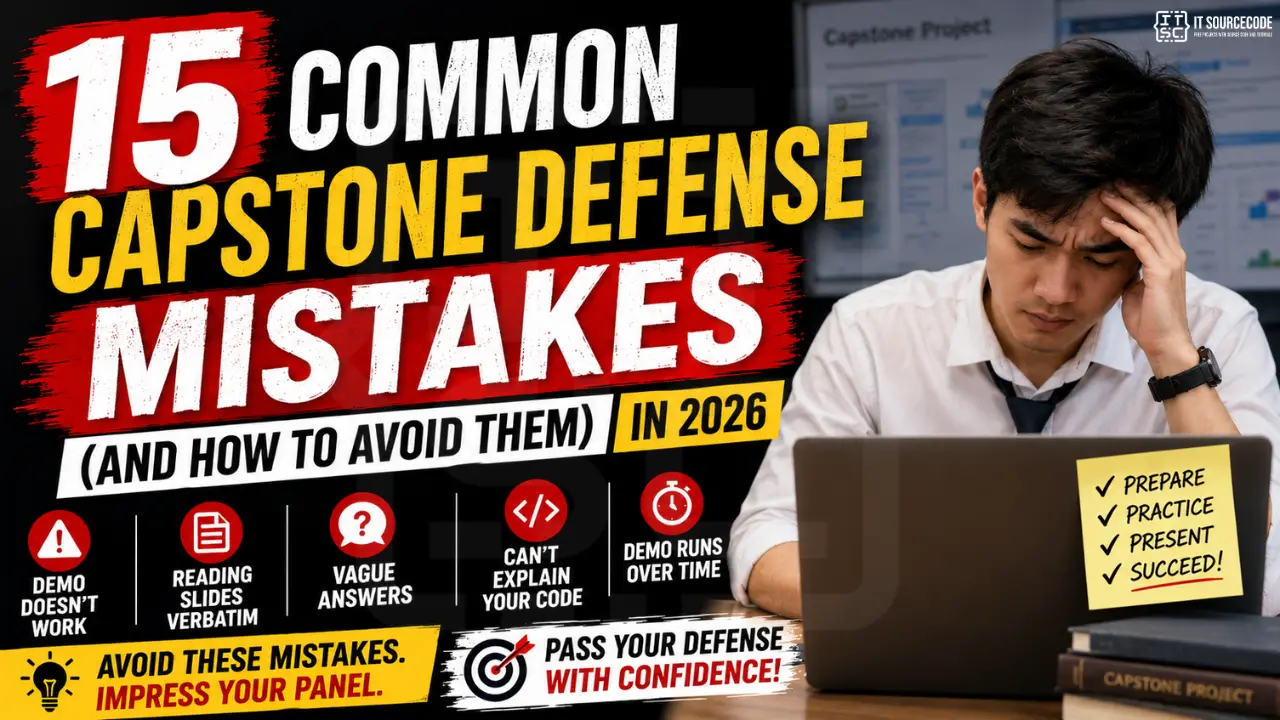
This guide covers the 15 most common capstone defense mistakes we’ve observed in 300+ Philippine BSIT defenses, plus specific actions to avoid each. Read this 2-3 weeks BEFORE your defense, not the night before.
Mistake #1: Demo doesn’t work on the day
Why it happens: Last-minute changes break the build. Internet down. Wrong device. Database not loaded.
Fix:
- Freeze your code 72 hours before defense. Make NO changes after.
- Have 2 backups: deployed live URL + offline localhost version + screenshots/recorded demo as last resort.
- Test the exact defense setup: the laptop you’ll use, the projector, the network, 24 hours prior.
- Pre-seed sample data so demos don’t fail from empty databases.
Mistake #2: Reading slides verbatim
Why it kills you: Panel can read faster than you speak. They assume you don’t understand your own project.
Fix: Slides have HEADLINES + KEY POINTS, not paragraphs. You expand verbally with your own words. Practice each slide until you can talk about it without looking back. See our MS PowerPoint tutorial for slide design principles.
Mistake #3: Vague answers like “We used MVC because it’s good”
Why it kills you: Panels equate vague answers with surface-level understanding.
Fix: Every answer includes WHAT + WHY + CONCRETE EXAMPLE.
Weak: “We used MVC because it’s good.”
Strong: “We used MVC to separate concerns. Our Model handles database queries, our View renders the UI, and our Controller validates inputs. This let us test the inventory calculation logic without spinning up the full UI, saved us 3 days of debugging during testing.”
Mistake #4: Can’t explain your own code
Why it happens (a lot in 2026): Over-reliance on AI code generation. You accept Copilot/Cursor suggestions without understanding the logic.
Fix: Before defense, take a printed copy of your top 5 functions/methods. Write LINE-BY-LINE explanations. If you can’t, refactor until you understand. Better yet, use AI tools the right way from the start.
Mistake #5: Demo runs over time
Why it happens: Trying to show every feature instead of the critical path.
Fix: Pre-script your demo with a stopwatch. 5-7 minute max. Show: login → one core workflow end-to-end → admin view of result. Don’t tour every screen. Panels prefer DEPTH (1 workflow done well) over BREADTH (10 screens shallow).
Mistake #6: Not anticipating obvious panel questions
Common questions you MUST be ready for:
- “Walk me through your activity diagram for the main workflow.”
- “Why did you choose this technology stack?”
- “How does your system handle [specific edge case]?”
- “What if 1000 users use this simultaneously?”
- “How do you ensure data security?”
- “What would you improve if you had more time?”
- “How is your system different from existing solutions?”
- “How did you test this?”
- “What was the hardest part of building this?”
- “Show me where you handle the [specific feature] in your code.”
Fix: Write out answers to all 10. Memorize the structure. Practice saying them aloud 5x each. Have your adviser run mock defense 1 week before.
Mistake #7: Team members don’t know each other’s parts
Why it kills you: Panel asks “How does the Payment module connect to Inventory?”, only Mark knows but he’s not the one answering. The whole team looks disorganized.
Fix: Every team member must be able to explain EVERY module at a high level, even modules they didn’t build. Internal cross-training sessions in the last 2 weeks before defense.
Mistake #8: Defensive body language
Symptoms: Arms crossed, looking down, mumbling, getting visibly upset at critiques.
Why it kills you: Panels read defensiveness as “this person can’t be coached”, which signals weak collaboration skills (a job risk).
Fix:
- Stand tall, hands at sides or holding pen, eye contact with each panelist
- When critiqued, say “Thank you for that observation. You’re right that [acknowledge valid part]. Our reasoning was [explain]. I’ll note this for revisions.”
- Never argue. Never sulk. Accept feedback graciously even if you disagree.
Mistake #9: Slides have walls of text
Symptoms: 200-word paragraphs on a slide. Tiny fonts. No visual hierarchy.
Fix: Each slide has: 1 headline + 3-5 bullet points + 1 visual (screenshot or diagram). Use 28pt+ for body text. White space is your friend. MS PowerPoint tutorials cover the design fundamentals.
Mistake #10: Saying “I don’t know”
Why it kills you (sometimes): If you genuinely don’t know AND show no recovery plan, you lose credibility. But pretending to know when you don’t is WORSE.
Fix: Use this script:
“That’s a great question. We didn’t specifically test for that scenario, but my reasoning would be [thoughtful guess]. To validate, I’d [specific verification step]. Can I follow up with you in writing after defense?”
This shows: humility + reasoning ability + commitment to follow through. Panels respect this far more than fake confidence.
Mistake #11: Skipping practice runs
Why it happens: “We’ll wing it on defense day.”
Fix: MINIMUM 3 practice runs:
- Week before: Run full presentation + demo to your adviser. Get specific feedback.
- 3 days before: Run to a friend who knows nothing about your project. Their confused questions reveal blind spots.
- 1 day before: Solo timed run, full dress rehearsal in defense clothes.
Mistake #12: Dressing inappropriately
Why it matters: First impressions form in 7 seconds. Sloppy attire signals “I didn’t take this seriously.”
Filipino BSIT defense dress code (safe):
- Male: Long-sleeve polo or barong, slacks, closed-toe leather shoes. No jeans, no sneakers.
- Female: Blouse + slacks/skirt OR business dress. Closed-toe shoes. Modest makeup.
- Both: Groomed hair, no flashy accessories, no loud perfume/cologne.
Mistake #13: Bashing existing solutions to make yours look better
Symptoms: “Existing System X is bad because…” Panel notices you don’t actually understand System X.
Fix: Acknowledge what existing solutions do WELL. Then explain what GAP yours fills. Mature positioning impresses more than competitive trash-talk.
Mistake #14: Forgetting Chapter 5 (Future Recommendations)
Why panels ask: Shows you understand your project’s limits and can think beyond MVP.
Fix: Prepare 3-5 specific future enhancements with reasoning. “Add mobile app for offline use” + “Integrate with [Payment Gateway X] for online checkout” + “Add ML-based recommendation engine using [Y dataset].” Never say “we’d improve the UI”, too vague.
Mistake #15: Not following up after defense
Why it matters: Many panels give “conditional pass” requiring revisions. Students who follow up promptly get faster sign-off.
Fix: Within 48 hours of defense, send each panelist a polite email: “Thank you for your time and feedback on [date]. Per your suggestions, we will [list 3 specific revisions]. We aim to submit revised manuscript by [date]. Please let us know if there’s anything else you’d like us to address.”
Frequently Asked Questions
Looking for your capstone project idea?
Browse our complete list of 150 Best Capstone Project Ideas for IT Students (2026 Edition), covering Web, Mobile, AI, Database, and Game Development topics with full descriptions and defense scope.
How long does a typical BSIT capstone defense take?
What if the panel asks something I genuinely don’t know?
Should I memorize my entire presentation script?
What’s the worst thing I can do during defense?
How should we divide speaking time among team members?
Can I bring notes to my defense?
Final Thoughts
Most defense failures are NOT about weak technical work. They’re about preventable presentation mistakes. The defense is fundamentally a TEST OF COMMUNICATION, can you explain your work clearly, handle criticism gracefully, and answer specifically? Practice the SOFT skills as much as the technical content. Three weeks of focused defense prep can turn a borderline project into a confident pass.
🎯 Your defense prep checklist:
- Read this guide 2-3 weeks before defense
- Write answers to the 10 common questions (Mistake #6)
- Schedule 3 practice runs (Mistake #11)
- Freeze code 72 hours before (Mistake #1)
- Review our Chapter 1-5 Writing Series to confirm documentation is defense-ready
- If using AI tools, see how to use AI safely

Adrian Mercurio
Full-Stack Developer at PIES IT Solution
Specializes in building complete capstone projects with full documentation. Strong background in PHP/MySQL development and database design. Has personally built and tested over 30 capstone-ready projects with ER diagrams, DFDs, and chapter-by-chapter thesis documentation.
Expertise: PHP · Laravel · Database Design · Capstone Projects · C# · C · C++ · Python · AI Projects · View all posts by Adrian Mercurio →