
Notion and Airtable both call themselves “database-first workspaces” but they solve different problems. Notion is a docs-first tool that added databases. Airtable is a database-first tool that added docs and views. The right pick depends on which side of that split you spend more time on.
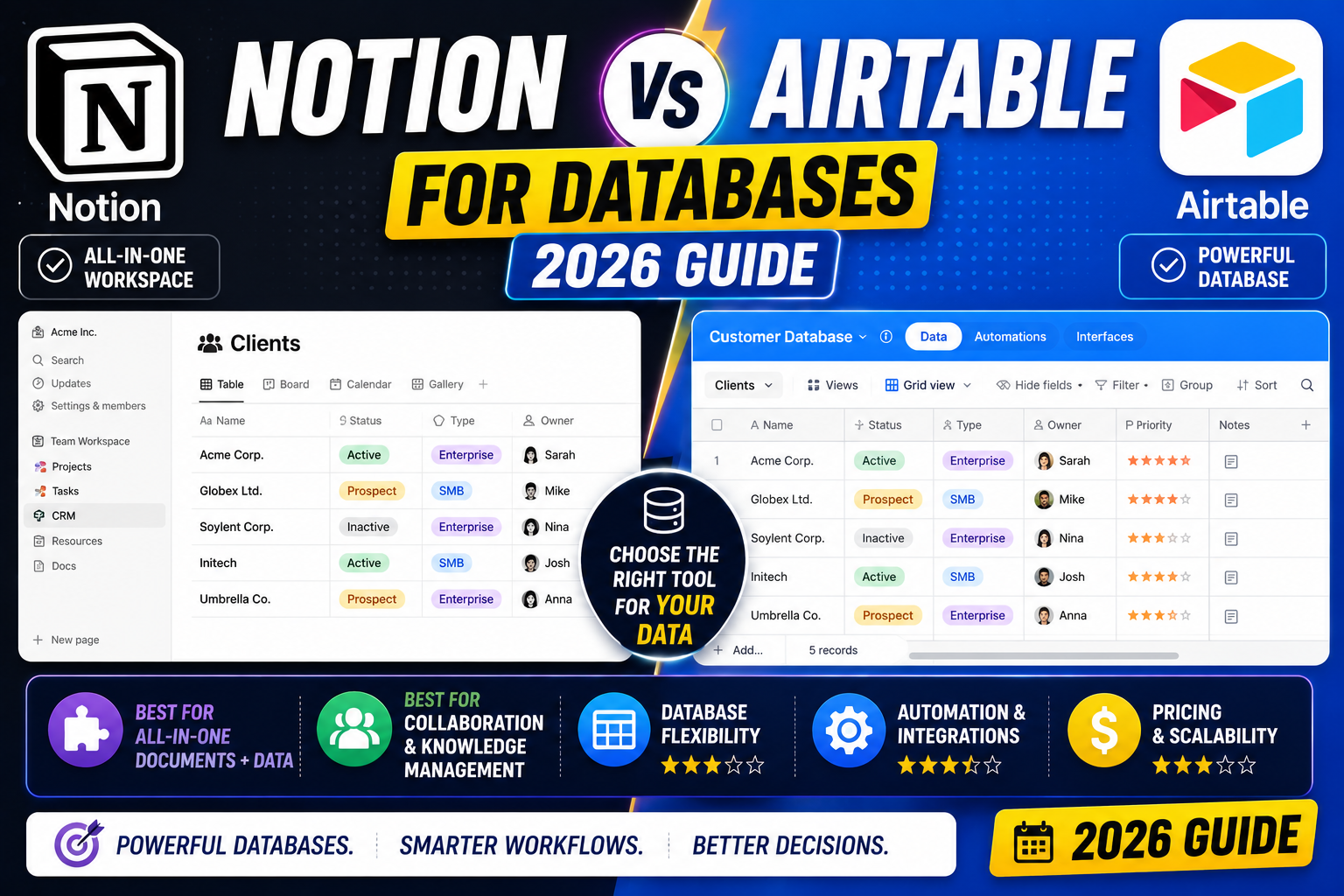
After running both side by side for a year (Notion for personal knowledge management, Airtable for our client project pipeline), here is the honest breakdown of when each one wins.
The 30-second answer
- Pick Notion if your main work is writing, note-taking, wikis, or documentation with occasional light database use.
- Pick Airtable if your main work is managing structured data (project trackers, CRMs, inventory, content calendars) with occasional documentation.
- Pick both if you have a real budget. Many teams use Notion for knowledge base plus Airtable for operational data.
Pricing side by side (August 2026)
- Notion Free: Unlimited pages for personal use, 10-guest cap on shared workspaces
- Notion Plus: USD 10 per user per month, unlimited file uploads, 30-day version history
- Notion Business: USD 15 per user per month, SAML SSO, private team spaces
- Airtable Free: 1,200 records per base, 3 users, basic views only
- Airtable Team: USD 20 per user per month, 50,000 records per base, all view types
- Airtable Business: USD 45 per user per month, 125,000 records, advanced admin, SSO
Cost winner: Notion, significantly. At USD 10 vs USD 20 per seat, Notion is half the price at the entry paid tier. Airtable’s Business tier at USD 45 puts it well into enterprise pricing.
Database features: Airtable wins clearly
If databases are the primary reason you are choosing between these tools, Airtable is stronger by a wide margin.
- Field types: Airtable has 25+ field types (linked records, lookup, rollup, formula, barcode, button, count, autonumber, checkbox, single/multi select, etc). Notion has about 15.
- Linked records: Airtable’s relationship model is bidirectional and true relational. Notion’s relations are simpler and less powerful.
- Views: Airtable has 8 view types (Grid, Kanban, Calendar, Gallery, Gantt, Timeline, Form, Interface). Notion has 6 (Table, Board, List, Calendar, Gallery, Timeline).
- Filters and sorts: Airtable’s filter builder is more powerful with nested AND-OR logic. Notion’s is simpler but easier for beginners.
- Automations: Airtable automations trigger on record create, update, or on a schedule. Notion has automations only in Business tier and they are more limited.
Docs and knowledge base: Notion wins clearly
If your primary use is writing (docs, wikis, meeting notes, personal knowledge base), Notion is not close.
- Nested pages inside pages inside pages, all searchable
- Inline databases that live inside doc pages
- Best-in-class markdown-like editor that never fights you
- Sync blocks that update everywhere when you edit them once
- Web clipper that saves articles cleanly to your workspace
- Native support for embeds (YouTube, Figma, GitHub, Loom, etc)
Airtable has an Interfaces feature that lets you build custom pages on top of data, and it has a basic doc field, but as a general knowledge base or writing tool, it feels awkward compared to Notion.
Real use cases: when each one wins
Content calendar (blog posts, social media, video): Both work. Notion is easier to spin up quickly. Airtable is more powerful once you have 50+ pieces of content with multiple statuses, owners, and deadlines.
Personal CRM (contacts and follow-ups): Notion for under 500 contacts. Airtable for anything larger, especially if you need automated reminders or Zapier integrations.
Bug tracker or project management: Airtable wins because of Kanban with automations, timeline view, and formula fields for priority calculation.
Meeting notes and internal wiki: Notion wins by a wide margin. Airtable is not designed for this.
Inventory management: Airtable wins because of barcode fields, lookup fields, and richer formulas.
Client onboarding and knowledge base: Notion wins for the beautiful docs experience.
Applicant tracking (light): Both work. Notion for teams under 20. Airtable for anything more structured with multiple statuses and interview scoring.
Integrations and API
Airtable API: More mature. REST API returns clean JSON, well-documented, has many client libraries. Airtable also has native Zapier and Make (Integromat) integrations that just work.
Notion API: Improved a lot in 2024 to 2025. Now supports database queries, page creation, and content updates. Still less mature than Airtable’s. Zapier support exists but some triggers are less reliable.
If you plan to connect your workspace to other tools programmatically, Airtable is smoother. If your integrations are lightweight (Zapier for a few workflows), both handle it fine.
Learning curve
Notion is easier to start (you can just write pages) but harder to organize at scale. First-week user usually feels productive quickly.
Airtable is steeper on day one (you have to think in tables, records, fields) but easier to scale because the structure is enforced. Most users need 2 to 3 weeks to become comfortable.
If your team is non-technical, Notion is a friendlier onboarding. If your team is used to spreadsheets, Airtable clicks quickly.
AI features (2026 update)
Notion AI: USD 10/user/month extra. Handles summarization, writing assistance, translation, and Q&A on your workspace. Better for writing-heavy work.
Airtable AI: USD 12/user/month extra. Generates content for record fields, categorizes data, extracts entities. Better for structured data workflows.
Both are useful additions but not essential. If you already have ChatGPT Plus or Claude Pro, most AI features overlap and it may not be worth doubling up.
Common mistakes when choosing
- Picking Airtable for a knowledge base: Airtable interfaces can make it work but Notion is 5x easier for pure documentation.
- Picking Notion for a real database: Notion databases hit performance walls around 2,000 rows. Airtable handles 50,000+ smoothly.
- Not budgeting per-seat cost: Airtable at USD 20 to USD 45 per seat becomes expensive fast for a growing team. Do the math for 3-year total cost.
- Trying to use one tool for everything: Many teams end up using both, and that is fine. Notion for wiki, Airtable for operations.
Official documentation and pricing
Learn each tool deeper (affiliate)
The links below are affiliate links. We may earn a commission at no extra cost to you when you enroll. See our affiliate disclosure.
- Master Notion (Coursera), the deep-dive Notion specialization
- Notion Complete Course (Udemy), one-time low fee lifetime access
- Airtable Complete Course (Udemy), best for teams implementing at work
- DataCamp Airtable + Automation track, for API-heavy workflows
Frequently asked questions
Is Notion or Airtable cheaper for a small team?
Notion is cheaper. At USD 10 per user per month for Notion Plus versus USD 20 per user per month for Airtable Team, Notion is exactly half the price at the entry paid tier. For a 5-person team the difference is USD 50 per month, which adds up to USD 600 per year.
Can Notion replace Airtable for database work?
For small databases (under 500 records) with simple relationships, yes. For anything larger or with complex linked records, formulas, and lookups, no. Notion databases hit noticeable performance issues around 2,000 rows. Airtable handles 50,000 records per base smoothly on the Team plan.
Which one has a better API for automation?
Airtable. Its REST API is more mature, better documented, and has smoother Zapier and Make integrations. Notion’s API improved a lot in 2024 to 2025 and now supports database queries and page creation, but Airtable is still the more reliable choice for programmatic workflows.
Can I use both Notion and Airtable together?
Yes, and many teams do. The common pattern is Notion for internal wiki and documentation, Airtable for operational data (project pipelines, CRM, inventory). You can embed an Airtable base inside a Notion page so users see both in one place.
Which is easier to learn?
Notion feels easier at first because you can just start writing pages. Airtable is steeper on day one (you have to think in tables and fields) but easier to scale because the structure is enforced. Total time to competence is roughly a week for Notion, 2 to 3 weeks for Airtable.
Which one is better for content calendars?
Both work. Notion is easier to set up in an hour with basic status tracking. Airtable is more powerful once you have 50+ pieces of content with multiple stages, owners, and calendar views. For solo creators or small teams, Notion. For content-heavy agencies, Airtable.

Caren Bautista
Technical Writer at PIES IT Solution
Responsible for crafting clear, beginner-friendly content across the platform.
Expertise: Technical Writing · Content Creation · Documentation · Editorial Writing · JavaScript · TypeScript · Python · Python Errors · HTTP Errors · MS Excel · View all posts by Caren Bautista →