
GCredit is the credit line built into your GCash app. Once activated, you get a spending limit (starts anywhere from PHP 1,000 to PHP 10,000 depending on your GScore) that you can use like a credit card at any GCash-accepting merchant. Pay it back on time and the limit grows. Miss a payment and the limit shrinks or gets suspended.
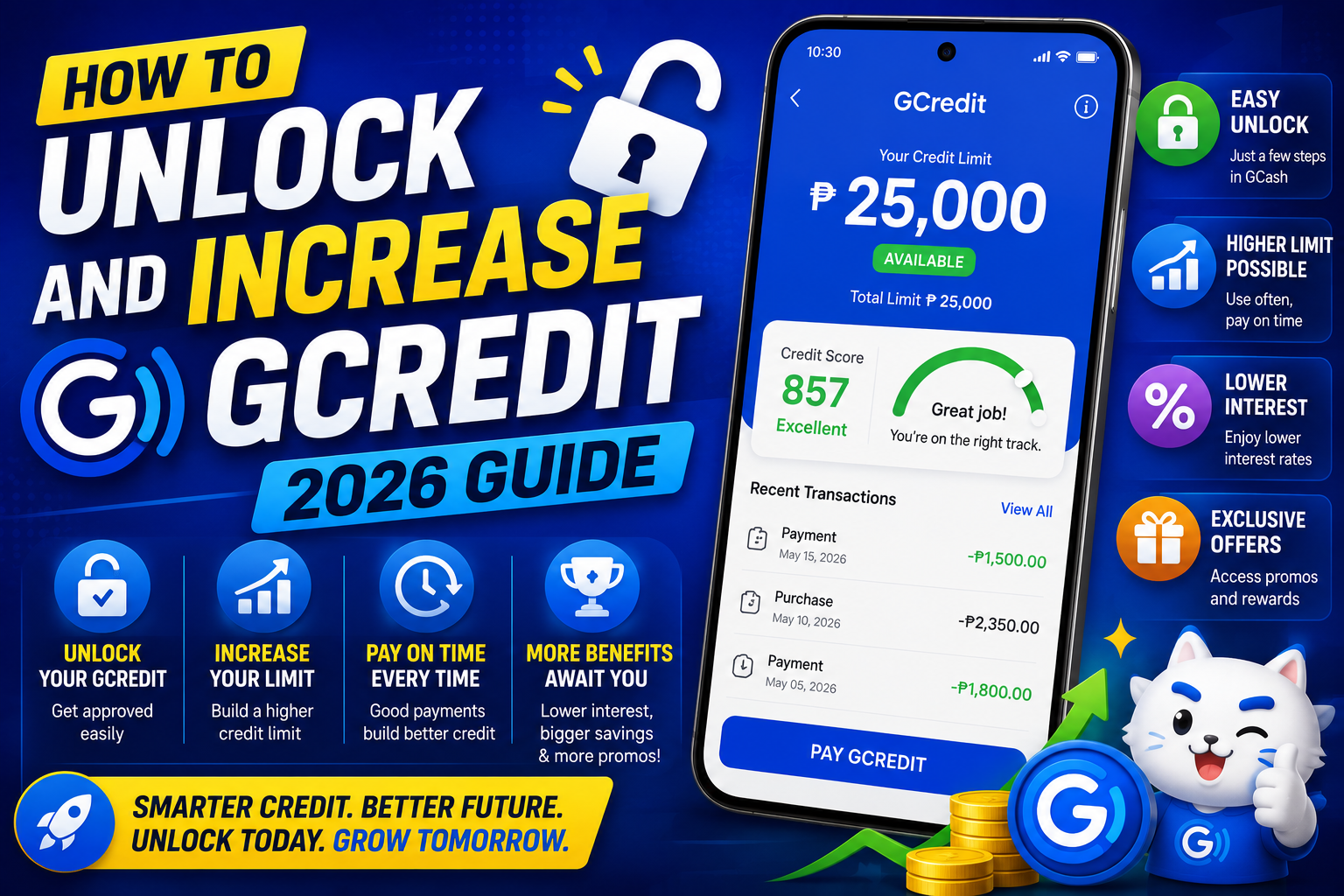
I have watched my own GCredit limit go from PHP 1,500 in 2019 up to PHP 25,000 today by treating it like a real credit card. This guide covers how to unlock it if you have not yet, how to grow the limit through the right habits, and the specific mistakes that will keep it capped low.
Quick step-by-step summary (click to expand)
- Verify your account first. GCredit requires Fully Verified GCash. Upload a valid government ID if you are still on Basic.
- Open GCredit from the home screen. Tap the GCredit tile in your GCash dashboard.
- Tap Activate GCredit. Accept the terms, confirm your phone, and wait 24-48 hours for approval.
- Use it at least monthly. Small transactions (PHP 100-500 at partner merchants) build usage history.
- Pay in full every cycle. Never carry a balance past the due date. On-time full payment is the fastest limit growth signal.
- Request a limit increase every 3-4 months. After 3+ months of clean usage, tap the Increase Limit button inside GCredit.
What GCredit actually is
GCredit is a revolving credit line built into GCash. Unlike GLoan (which is a one-time installment loan), GCredit works like a credit card: you have a limit, you spend some or all of it, you pay it back monthly, and the limit resets. Unpaid balances carry interest.
Key facts:
- Interest rate: around 5 percent per month on unpaid balances (or roughly 60 percent APR)
- Where you can spend: any merchant that accepts GCash (in-store QR, online checkouts, bill payments)
- Where you cannot use it: cash withdrawals from ATM, sending to another GCash wallet
- Minimum payment: 5 percent of the outstanding balance each month
- Statement date: fixed to when you activated (check inside GCredit)
- Due date: 15 days after statement date
Pay in full every month and GCredit is essentially free money in terms of not paying interest. Carry a balance and 5 percent monthly interest starts adding up quickly, so treat it like a credit card, not a personal loan.
How to unlock GCredit
The prerequisite is Fully Verified GCash. If you are still on Basic account level, GCredit is not available. Upgrade first:
- Open GCash, tap your profile picture at the top left.
- Tap Account Type. If it shows Basic or Verified, tap Upgrade.
- Choose Fully Verified. Upload a valid Philippine government-issued ID (drivers license, passport, PhilID, UMID, SSS ID, PRC).
- Take a selfie for facial verification.
- Wait 24-72 hours for approval. GCash sends an in-app notification when Fully Verified is active.
Once Fully Verified, activate GCredit itself:
- Open GCash home screen. Tap the GCredit tile (green icon).
- Tap Activate GCredit.
- Read and accept the terms and conditions.
- Confirm your registered phone number and complete the OTP verification.
- Wait for approval. Most users get an initial credit limit within 24-48 hours.
Your starting limit depends on your GScore (covered in a separate article). Fully Verified users typically start with PHP 1,500-5,000. Users with higher GScore from prior GCash activity start higher, sometimes at PHP 8,000-10,000.
How to grow your GCredit limit
The single most important factor is on-time full payment. Every cycle you pay the full statement balance by the due date, GCash records a positive signal that feeds into your next limit review. After 3-6 months of clean payment history, GCash starts offering limit increases automatically.
What actually moves the limit up:
- Use GCredit regularly, not just occasionally. Aim for 5-15 transactions per month. Even small purchases (PHP 100 at 7-Eleven, PHP 250 for a Grab ride) count as active usage.
- Use 30-50 percent of your limit each cycle, then pay in full. Using zero percent or 100 percent both look bad. The sweet spot is around 30-50 percent utilization.
- Pay before the due date. Autopay is easiest. Set it up under GCredit settings.
- Do not request a limit increase in the first 3 months. Requests before you have proven consistent payment history usually get denied and each denial hurts.
- After 3+ months of clean usage, tap Increase Limit inside GCredit. Approvals typically come within 24-48 hours.
By the way, from my own experience: my limit grew from PHP 1,500 to PHP 5,000 after 4 months, PHP 5,000 to PHP 12,000 after 8 more months, and PHP 12,000 to PHP 25,000 after another year. The growth is slow at first, then accelerates once you cross PHP 10,000.
Mistakes that keep your limit capped
- Missing a payment even once. A single missed due date can freeze your limit for 6 months. Two missed payments can suspend GCredit entirely.
- Maxing out the limit every month. Using 90-100 percent of available credit is a stress signal. Keep utilization under 70 percent for growth-friendly behavior.
- Paying only the minimum. Minimum payments prevent late fees but do not signal creditworthiness. Aim for full payment every cycle.
- Requesting increases too frequently. Once every 3-4 months is fine. Every 2 weeks reads as desperate and usually triggers denials.
- Using GCredit only for large one-time purchases. GCash rewards frequency plus reliability. Small daily transactions look better than one PHP 5,000 spend per month.
- Cash advancing via workarounds. Some users try to convert GCredit to wallet balance via merchant tricks. GCash detects this and it hurts your GScore hard.
Where you can spend GCredit
GCredit works everywhere GCash payments work:
- In-store QR payments at any GCash partner (7-Eleven, SM Supermalls, Ministop, Robinsons)
- Online checkouts that support GCash (Lazada, Shopee, Grab, most Philippine e-commerce)
- Bill payments (Meralco, PLDT, Globe, Sky Cable, water utilities)
- Load and mobile data top-ups
- Grab, Angkas, Foodpanda, Netflix, Spotify, and other subscriptions billed through GCash
Cannot use GCredit for: Cash Out to a bank, Send Money to another GCash user, ATM withdrawal, or crypto purchases. These are wallet-only transactions.
Recovering after a missed payment
If you missed a due date, immediate steps:
- Pay the full outstanding balance as soon as possible. Same-day payment (even 1 day late) hurts less than 2-3 day late payment.
- Wait for GCash to update your GScore (1-2 weeks after payment).
- Do not request a limit increase for 3 months. Any request will be denied.
- Continue using GCredit normally with on-time payment for 3-6 months. The negative signal fades gradually.
Full recovery to your previous limit takes about 6 months of clean history. Two consecutive missed payments extends this to 12+ months, so never miss two in a row.
Official documentation
Frequently asked questions
Why is GCredit not available for my account?
Two most common reasons: your account is not Fully Verified (upgrade first), or GCash has not yet extended GCredit to you based on your usage history. If Fully Verified and still no GCredit tile, use GCash actively for 30 days (Cash In, bill payments, Send Money) and GCash will eventually offer activation.
What is the interest rate on GCredit?
Around 5 percent per month on unpaid balances, or roughly 60 percent APR. This kicks in only if you carry a balance past the due date. Pay in full and you pay zero interest, so treat it like a credit card grace period.
How fast can my GCredit limit grow?
Realistic growth: PHP 1,500 to PHP 5,000 in 3-4 months, PHP 5,000 to PHP 10,000 in another 6 months, PHP 10,000 to PHP 25,000+ over the following year. Growth accelerates once you cross PHP 10,000 because GCash trusts you more. The whole journey from starter to max limit typically takes 18-24 months of consistent use.
Can I use GCredit for online shopping outside the Philippines?
Only if the international merchant accepts GCash directly (rare). For most foreign online shopping, use a real credit card. GCredit is designed for the Philippine market and does not process foreign currency transactions.
What happens if I stop using GCredit for months?
GCash may reduce your limit due to inactivity. To keep your limit stable, use GCredit at least once every 60-90 days. Even a small PHP 100 purchase counts as active usage. Long dormant periods do not usually get your account suspended but they slow future limit growth requests.
Can I request a specific credit limit?
No. GCash decides the limit based on your GScore, income indicators, and usage history. You can request an increase but GCash sets the new amount. Most users see increments of PHP 2,000-5,000 per approved request. Attempts to negotiate a specific number are not supported.
Anyway, if you treat GCredit like a real credit card, pay in full every cycle, and use it consistently for real transactions, the limit growth compounds. I hope this article helps you unlock and grow yours faster than the trial-and-error path I took.

Joken E. Villanueva
Founder & Lead Developer at PIES IT Solution
Founder of PIES Information Technology Solutions, a software company building production-grade applications for institutions across the Philippines. Over 8 years of hands-on full-stack development experience, currently leading the development of ClinicAI, an AI-powered clinic management platform.
Expertise: PHP · MySQL · JavaScript · AI Integration · SaaS Architecture · VB.NET · Database Design · Capstone Documentation · Java · View all posts by Joken E. Villanueva →