
The short answer
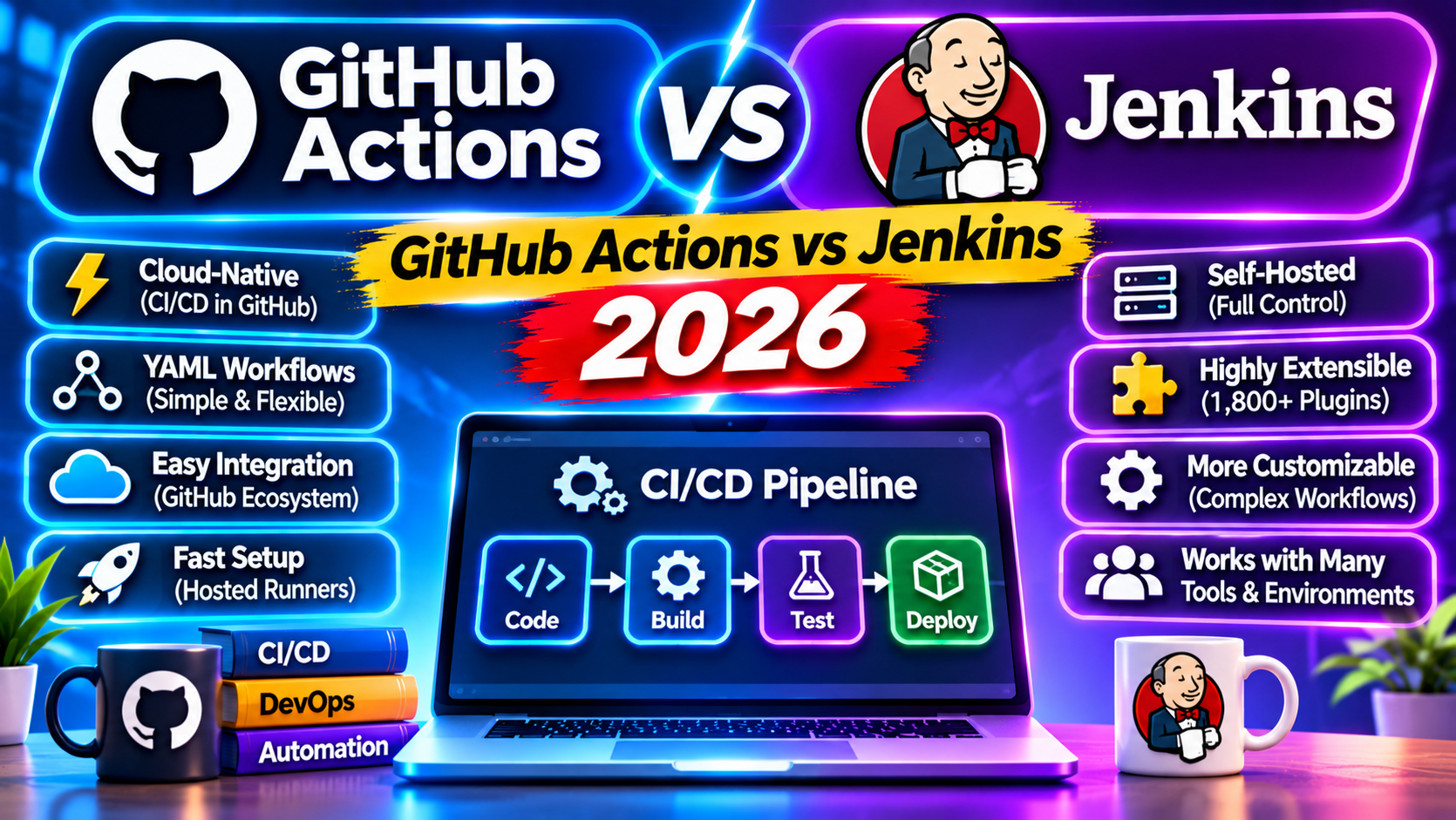
For teams on GitHub, GitHub Actions is the default pick in 2026. Zero infrastructure, pay per minute, deep integration with repos and secrets. Jenkins is the right pick when you need full control over runners, air-gapped environments, or hundreds of parallel jobs. For most startups and mid-size teams, Actions saves money and admin overhead.
I maintain Jenkins pipelines for an enterprise client and GitHub Actions workflows for everyone else. The gap in operational overhead is measurable: the Jenkins instance requires about 4 hours monthly of maintenance (plugin updates, agent reboots, disk cleanup). The Actions workflows require zero.
This guide compares syntax, pricing, runner options, security, and ecosystem for the two most common CI/CD tools. By the end you will know which fits your team’s constraints.
Pipeline syntax
GitHub Actions workflow in .github/workflows/ci.yml:
name: CI
on: [push, pull_request]
jobs:
  test:
    runs-on: ubuntu-latest
    steps:
      - uses: actions/checkout@v4
      - uses: actions/setup-python@v5
        with:
          python-version: "3.12"
      - run: pip install -r requirements.txt
      - run: pytest
Jenkins Pipeline as code in Jenkinsfile:
pipeline {
  agent any
  stages {
    stage('Checkout') { steps { checkout scm } }
    stage('Setup') { steps { sh 'pip install -r requirements.txt' } }
    stage('Test') { steps { sh 'pytest' } }
  }
}
Both are readable. Actions wins on marketplace integrations (setup-python, upload-artifact, cache); Jenkins wins on scripting flexibility with Groovy.
Pricing
GitHub Actions on github.com runs on hosted runners billed per minute. Public repos: unlimited free minutes. Private repos: 2,000 free minutes per month on Free tier, 3,000 on Team tier, 50,000 on Enterprise Cloud. Beyond that, $0.008 per minute on Linux runners.
Jenkins is free. You pay for the hosts. A modest Jenkins setup on a single $40 cloud VM runs maybe 50 builds a day. A bigger setup with 4 ephemeral agents on Kubernetes might cost $200 to $500 monthly in infrastructure, before admin time.
For teams under 1,500 builds monthly, Actions is cheaper after factoring admin time. For teams pushing 10,000 plus builds monthly with heavy workloads, self-hosted Jenkins becomes cheaper on raw infrastructure cost.
Runners
Actions offers Linux, Windows, and macOS hosted runners. You can also register self-hosted runners for private networks or custom hardware (GPUs, ARM, etc.). Self-hosted runners cost nothing beyond the host.
Jenkins has agents on any machine with Java. You control the whole fleet: label them, size them, scale them with autoscaling plugins or Kubernetes. More complexity, more control.
Secrets and security
Actions stores secrets per repository, per environment, or at org level. Access control is tied to GitHub permissions. OIDC lets you authenticate to AWS, GCP, or Azure without long-lived credentials.
Jenkins Credentials plugin stores secrets; access is via folder permissions or Role-Based Access Control plugin. The raw flexibility is higher, the surface area is also higher. Misconfigurations in Jenkins are a common cause of CI breaches.
Plugin ecosystem
Jenkins has roughly 1,900 plugins. GitHub Actions marketplace has over 20,000 pre-built actions. Both cover the common integrations (notifications, cloud deploys, code quality). Actions has caught up and surpassed Jenkins on freshness; many Actions marketplace items are more recent than their Jenkins equivalents.
Monorepo support
Actions has path filters built in: only run a job when files under a specific path change. Reusable workflows let you share pipelines across repos or across jobs in the same repo. For a large monorepo with 20 services, this works well.
Jenkins has multibranch pipeline and shared libraries. Groovy functions let you abstract repeated logic. For complex monorepos with fan-out matrices (test every service against three versions of a shared library), Jenkins is more expressive.
Enterprise and compliance
GitHub Enterprise Cloud has SOC 2, ISO 27001, HIPAA BAA. GitHub Enterprise Server (self-hosted) gives you full control over the runner environment and data. Both options satisfy most enterprise compliance requirements.
Jenkins is self-hosted by definition. For air-gapped environments or heavy regulatory constraints, this is often the only option. Banks, defense contractors, and healthcare systems commonly run Jenkins for this reason.
When Actions is the right pick
Teams already on GitHub. Open source projects (unlimited free minutes). Startups and mid-size teams without dedicated CI admin. Workflows that need GitHub integrations (issue automation, release workflows, PR comments).
Also pick Actions when you want to eliminate CI infrastructure as a maintenance burden. The managed nature of hosted runners is a real quality-of-life improvement.
When Jenkins is the right pick
Air-gapped environments. Teams with existing Jenkins investment and 100+ plugin-driven pipelines. Workloads that run constantly and justify dedicated infrastructure (high-frequency builds, long-running jobs). Teams with specific compliance needs that require data residency or network isolation.
Pick Jenkins when you need full control over the agent lifecycle and are willing to pay for it in admin time.
Common pitfalls to avoid
- Checking secrets into the workflow YAML. Use environment secrets and OIDC; never hardcode.
- Using pull_request_target without understanding the security implications. It runs with write permissions on the base repo; only enable for trusted contributors.
- Running every job on every push. Use path filters and conditional job triggers to avoid wasting minutes on unrelated changes.
- Forgetting to cache dependencies. actions/cache saves 30 to 90 seconds per run on a typical Python or Node project.
- Leaving self-hosted runners untended. They need patching, disk cleanup, and version upgrades just like any server.
Hybrid patterns that work
Many teams run Actions for build and test, then trigger a Jenkins job for deploy to on-premises infrastructure. The pattern lets you keep Actions for fast feedback on PRs while using Jenkins for environments it can reach that Actions cannot.
Frequently asked questions
Can GitHub Actions deploy to AWS or Azure?
Yes. Use the aws-actions or azure/login action with OIDC authentication. No long-lived credentials in secrets; your workflow authenticates with a short-lived token tied to the specific job. This is the recommended pattern for all cloud deploys.
How many parallel jobs do I get?
GitHub Actions concurrency depends on plan: 20 for Free, 40 for Team, 180 for Enterprise. Jenkins has no artificial limit; you cap at your agent capacity. For high-parallelism workloads, Jenkins or Actions Enterprise is better suited.
Which has faster build times?
Roughly equivalent for the same workload on comparable hardware. Actions hosted runners spin up in 10 to 30 seconds. Jenkins agents start instantly if already running, 1 to 3 minutes if on-demand. For spiky workloads, the on-demand pattern dominates.
How do I debug a failing workflow in Actions?
Enable step debug logging by setting the ACTIONS_STEP_DEBUG secret to true. Use tmate-action to SSH into a running job. For intermittent failures, use workflow_dispatch to rerun with the same input and compare logs.
Can I migrate from Jenkins to GitHub Actions?
Yes. GitHub ships a Jenkins importer that converts Jenkinsfiles to workflow YAML. The output needs manual review, especially for shared library calls and Groovy functions. Plan 1 to 3 days per complex pipeline for cleanup and testing.
What about GitLab CI?
GitLab CI is the right pick for teams on GitLab. Comparable to Actions in capabilities and pricing. If you are already in the GitHub ecosystem, Actions has tighter integration. If you are already on GitLab, GitLab CI is the obvious choice.
Decision in one line
If your code lives on GitHub and you do not already have a Jenkins investment to protect, choose Actions. If you have Jenkins today, keep it until the operational cost outweighs the migration effort. For new projects in 2026 the default is Actions; Jenkins remains the right choice for specific constraints around compliance, self-hosted infrastructure, or Groovy-powered flexibility.