
If you use GCash for more than daily transactions, you have probably hit the PHP 100,000 monthly cap and wondered how to get past it. GCash has three tiers of wallet limits, and the top tier lets you move PHP 500,000 per month. This guide walks you through what your current tier is, what requirements each upgrade needs, and how long each step takes in 2026.
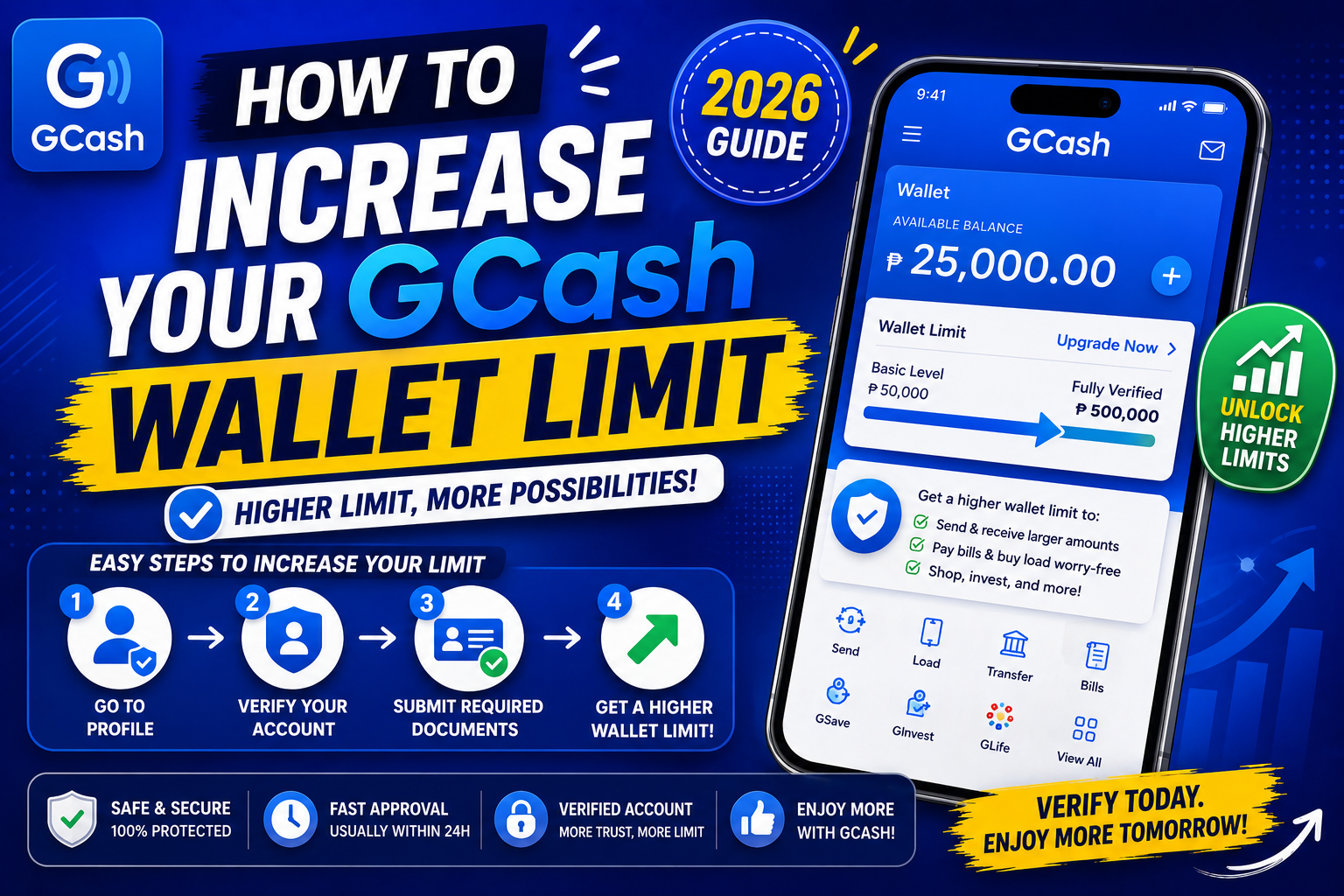
Quick step-by-step summary (click to expand)
- Check your current limit. Open GCash > tap your profile picture > look for “Wallet Limit”.
- Verify your account (if not already). Basic to Semi-Verified via mobile OTP. Semi to Fully Verified requires a government ID.
- Upgrade to Fully Verified. Tap Upgrade > submit a valid PH government ID + a live selfie.
- Wait for approval. Usually 24 to 72 hours.
- For higher limits, apply for GCash Advanced. Requires proof of income and additional ID verification.
- Verify new limit. Return to your profile page and confirm the new tier and monthly cap.
The 3 GCash wallet limit tiers in 2026
- Basic / Semi-Verified: PHP 5,000 maximum wallet balance, PHP 5,000 monthly transaction cap. You get this automatically when you first sign up with your mobile number.
- Fully Verified: PHP 100,000 maximum wallet balance, PHP 100,000 monthly transaction cap. Requires a valid government ID + selfie.
- GCash Advanced: PHP 500,000 maximum wallet balance, PHP 500,000 monthly transaction cap. Requires additional documents including proof of income.
The tier applies to both your wallet balance AND your total monthly transactions (cash in + cash out + transfers + payments combined).
How to check your current tier
- Open the GCash app.
- Tap your profile picture at the top-right.
- Look for “Wallet Limit” or “Verification Status” in the profile section.
- You will see one of three labels: “Basic”, “Fully Verified”, or “Advanced”.
If you have used GCash for less than a month or never uploaded an ID, you are probably Basic/Semi-Verified. Most active users are Fully Verified. Only a small percentage need Advanced.
Step 1: Upgrade from Basic to Fully Verified
This is the most common upgrade. It unlocks the PHP 100,000 cap that covers most household use cases.
What you need:
- A valid Philippine government-issued ID with photo. Accepted: Philippine passport, driver’s license, UMID, PhilSys ID (PhilID), postal ID, TIN ID with photo, PRC ID.
- Your phone camera for a live selfie.
- 5-10 minutes of your time.
Steps:
- Open the GCash app.
- Tap your profile picture > tap “Wallet Limit” or “Upgrade to Fully Verified”.
- Tap “Get Started”.
- Choose your ID type from the list.
- Take a clear photo of the front (and back if required) of your ID. Make sure the text is readable and the ID edges are visible.
- Take a live selfie. The app asks you to blink or move your head to confirm you are real.
- Review the submitted info. Confirm.
- Tap “Submit”.
Approval time: Usually 24 to 72 hours. During weekends or holidays, up to 5 business days. You get an SMS and in-app notification when approved.
Step 2: Upgrade from Fully Verified to GCash Advanced
This tier is for people who need the PHP 500,000 cap. Common users: freelancers with foreign clients, small business owners, remittance receivers for family, and anyone doing large real-estate or vehicle payments through GCash.
What you need:
- A second valid government ID (different from what you used for Fully Verified).
- Proof of income: any of the following usually accepted, payslip (last 3 months), Certificate of Employment with compensation, ITR (Income Tax Return), business registration + BIR receipts if self-employed, or bank statement showing regular income.
- A billing statement or proof of address (utility bill dated within last 3 months).
Steps:
- Open GCash > profile > “GCash Advanced” or “Upgrade Wallet Limit”.
- Tap “Apply Now”.
- Upload each required document. Take clear photos or upload PDFs.
- Fill out the additional questionnaire (source of funds, expected monthly transaction volume, purpose of upgrade).
- Submit.
Approval time: 5 to 10 business days. This one takes longer because it requires manual review by GCash’s compliance team.
Common reasons your upgrade gets rejected
- ID photo blurry or edge cut off. Retake in bright natural light with the full ID visible in frame.
- Name mismatch between ID and GCash profile. Update your GCash profile name to exactly match your ID (including middle initials).
- Expired ID. The ID must be valid on the date you submit. Renew your ID first if needed.
- Selfie does not match ID photo. Rare, but happens with old IDs where you look very different. Use a newer ID if you have one.
- Same ID used on multiple GCash accounts. One ID = one Fully Verified GCash account. If you have a second GCash on a different phone number with the same ID, close that first.
- Proof of income not clear enough (Advanced tier). Include the full document not just a section. Payslips should show your employer’s name and your net pay clearly.
What actually counts against your monthly cap
Not everything you do in GCash counts. Here is what DOES vs DOES NOT count against your monthly transaction cap:
Counts against your cap:
- Cash in from bank, PayPal, remittance, over-the-counter
- Cash out at ATM or physical partner
- Send money to another GCash user or bank
- Pay bills
- Buy load
- Merchant QR payments
Does NOT count:
- Money you keep IN your GCash wallet (only your BALANCE has to stay under the tier limit)
- Interest earned in GSave
- Investment gains in GInvest
- Refunds credited back to your wallet
If you hit your monthly cap
When you cross the monthly transaction cap for your tier, GCash blocks further transactions until the cap resets on the 1st of next month. You can still receive money into your wallet (that counts against your balance not your cap) but you cannot send, pay, or cash out.
What to do if you hit the cap and need to move money urgently:
- Wait until the 1st of next month for the cap to reset.
- Or upgrade your tier before the cap resets (Advanced upgrade takes 5-10 days so plan ahead).
- Or use another wallet (Maya) or a real bank transfer for the urgent transaction.
Do you actually need Advanced?
The PHP 500,000 tier sounds impressive but only a small subset of GCash users need it. Do the math:
- Freelancer earning USD 3,000/month (~PHP 170,000): Fully Verified is enough (PHP 100,000 covers most single transactions; use bank transfers for the excess).
- Small business receiving PHP 50,000-150,000 per month from customers: Fully Verified is fine.
- Real estate reservation fee of PHP 200,000-300,000 as one-time: Advanced needed.
- Vehicle down payment of PHP 400,000+: Advanced needed.
- OFW receiving PHP 150,000-500,000/month in remittances: Advanced needed.
If you are unsure, stay Fully Verified. You can always upgrade later when you need it. Advanced requires more documents and monthly compliance monitoring.
Alternative: keep multiple digital wallets to split your transactions
Instead of upgrading, some people keep Fully Verified accounts on both GCash and Maya. Each gives you PHP 100,000/month, totaling PHP 200,000 capacity between them without upgrading either. Downside: you split your money and use two apps. Upside: no compliance paperwork.
I hope this article helps. If your upgrade got rejected and you cannot figure out why, drop a comment on our Contact page or message us on Facebook.
Official documentation
Frequently asked questions
What is the maximum GCash wallet limit in 2026?
PHP 500,000 per month for GCash Advanced tier (both wallet balance cap and monthly transaction cap). Fully Verified is PHP 100,000. Basic/Semi-Verified is PHP 5,000. GCash Advanced requires proof of income + a second government ID.
How long does GCash verification take?
Fully Verified: 24-72 hours typically, up to 5 business days on weekends or holidays. GCash Advanced: 5-10 business days because it involves manual compliance review.
Which IDs does GCash accept for verification?
Philippine passport, driver’s license, UMID, PhilSys ID (PhilID), postal ID, TIN ID with photo, PRC ID. School IDs and voter’s IDs are NOT accepted for GCash verification.
Why did my GCash upgrade get rejected?
Most common causes: blurry ID photo, name mismatch between ID and GCash profile, expired ID, or the same ID already used on another GCash account. Retake with clear lighting, verify name spelling matches exactly, and use a valid unexpired ID.
Do I really need GCash Advanced?
Only if you regularly move more than PHP 100,000 per month. Small businesses, freelancers with high-earning foreign clients, OFW families receiving large remittances, and one-time large payments (real estate, vehicles) benefit. Most household users are fine with Fully Verified.
Can I keep multiple GCash accounts to bypass the limit?
Only one Fully Verified GCash account per government ID. You can have Basic accounts on multiple phone numbers but they are capped at PHP 5,000 each. A cleaner workaround is keeping both a GCash and Maya account, each with PHP 100,000 caps, for PHP 200,000 total monthly capacity across the two wallets.

Joken E. Villanueva
Founder & Lead Developer at PIES IT Solution
Founder of PIES Information Technology Solutions, a software company building production-grade applications for institutions across the Philippines. Over 8 years of hands-on full-stack development experience, currently leading the development of ClinicAI, an AI-powered clinic management platform.
Expertise: PHP · MySQL · JavaScript · AI Integration · SaaS Architecture · VB.NET · Database Design · Capstone Documentation · Java · View all posts by Joken E. Villanueva →