
The “Cash In Failed” error in GCash is one of the most stressful things a user can see, especially when the money already left your bank account. In most cases the money is not lost. GCash is holding it in a pending state while the transaction is verified. Sometimes though, the transfer needs a nudge from your side to complete.
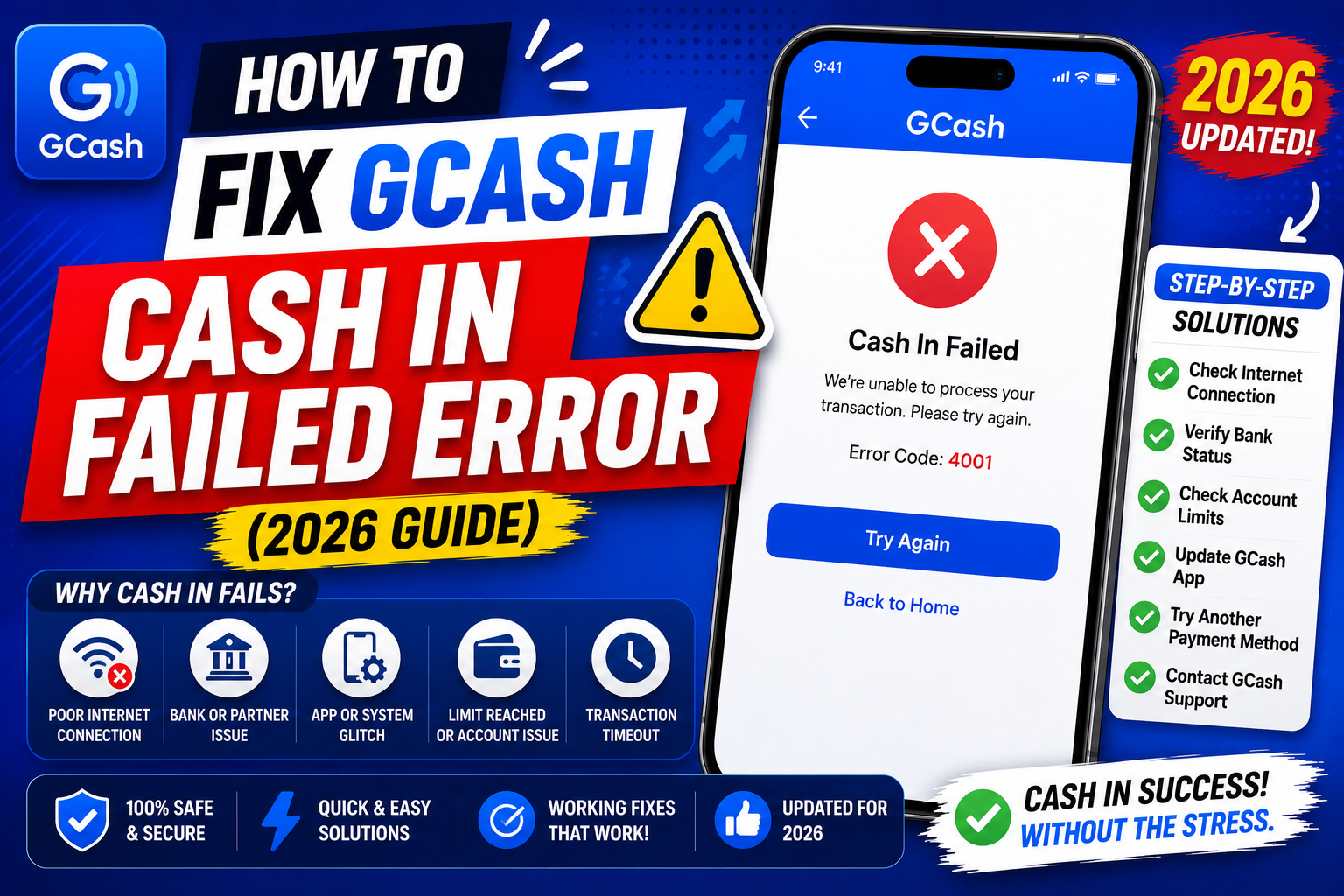
We collected the six most common causes and the exact fix for each. Work through them in the order below. Most users resolve the issue in the first two or three fixes without ever needing to call GCash support.
Quick step-by-step summary (click to expand)
- Wait 15 to 60 minutes. Bank-to-GCash transfers are not always instant. Check your GCash balance after 15 minutes and again after an hour before doing anything else.
- Check your GCash wallet limit. If the Cash In amount pushes you over the monthly limit for your account level, GCash rejects it. Verify your account to raise the limit.
- Clear the GCash app cache. A corrupted cache can show a false failed error even when the money is already in your wallet.
- Retry with a smaller amount. If your first attempt was for the maximum limit, try a smaller amount to isolate whether the block is a limit issue or a bank issue.
- Contact your source bank first. If the money left your bank but never reached GCash, ask the bank to file a Notice of Reversal.
- File a GCash Help ticket. If the transaction never appears in your bank statement and never reached GCash, file a ticket with the reference number and screenshots.
What the Cash In Failed error usually means
The message “Cash In Failed” or “We were not able to complete your transaction” typically means one of three things:
- The bank’s overnight batch has not settled yet, and the transfer is still queued
- You hit a wallet limit on your GCash account level (Basic, Verified, or Fully Verified)
- The bank rejected the outgoing transfer at their side, and no money left your account
Before doing anything, open your source bank’s app and check the transaction. If the deduction is not there, your bank never sent the money and nothing is lost. If the deduction is there, the fixes below are how we recover it.
Fix 1: Wait 15 to 60 minutes before retrying
Bank-to-GCash transfers use InstaPay or PESONet. InstaPay usually settles within 5 to 10 minutes but can stretch to 60 minutes during peak hours (lunch, payday weekends, and end of month). PESONet is slower, batching transfers 3 times per business day.
What to do:
- Close the GCash app fully (swipe it away from your app switcher).
- Wait 15 minutes.
- Reopen GCash and check your balance.
- If the money is not there after 60 minutes, move to Fix 2. Do not retry the Cash In yet or you may double the deduction.
Fix 2: Check your GCash wallet limit
GCash sets monthly incoming and outgoing limits based on your account verification level. If the failed Cash In pushed your monthly total past the limit, GCash rejects the transaction even though your bank approved it.
Current limits:
- Basic account: PHP 50,000 per month total wallet turnover
- Verified account: PHP 100,000 per month
- Fully Verified account: PHP 500,000 per month
Open GCash, tap your profile picture, then Account Type. If it shows Basic or Verified and you are near the limit, tap Upgrade to Fully Verified. Full verification takes 1 to 3 business days and unlocks the PHP 500,000 monthly cap.
Fix 3: Clear the GCash app cache
Sometimes the money is already in your wallet but the app’s local cache is showing the old “failed” state. Clearing the cache forces a fresh sync with the GCash servers.
On Android: open your phone Settings, tap Apps, find GCash, tap Storage, then Clear Cache. Do NOT tap Clear Data (that logs you out and requires you to reverify).
On iPhone: Apple does not expose per-app cache clearing. Instead, offload the app: Settings, General, iPhone Storage, tap GCash, then Offload App. Reinstall from the App Store and log back in. Your data is preserved.
After clearing cache, open GCash and check the transaction history. Failed Cash In attempts that actually completed will now show the correct status.
Fix 4: Retry with a smaller test amount
If Fixes 1 through 3 did not resolve it and your bank statement shows no deduction, retry with a small test amount like PHP 100. This isolates the cause:
- Test succeeds: the original failure was probably a bank-side rejection on the larger amount. Contact your bank about outbound transfer limits or fraud flags.
- Test also fails: the block is on the GCash side or the bank connection itself. Move to Fix 5.
Never repeat the original amount immediately. If the first transfer is still pending in the bank’s system, a retry can trigger a double debit that is painful to reverse.
Fix 5: Contact your source bank to file a Notice of Reversal
If your bank shows the transaction as completed but the money never arrived in GCash, you need the bank to file a Notice of Reversal (NOR). This is a standard InstaPay procedure and every Philippine bank supports it.
What to prepare before you call:
- Reference number of the failed Cash In (visible in your bank app’s transaction detail)
- Exact amount, date, and time
- Your GCash mobile number that was supposed to receive the money
- Screenshot of both the bank confirmation and the GCash failed screen
Call your bank’s 24/7 hotline or file through their app’s Help section. NOR resolution typically takes 3 to 5 business days. The money is credited back to your bank, then you retry the Cash In.
Fix 6: File a GCash Help ticket
Use this fix only after your bank confirms the money is on their side and the NOR does not resolve it within 5 business days.
Open GCash, tap the Help icon (looks like a chat bubble in the bottom navigation), tap Report an Issue, and choose Cash In. Fill out the form with:
- The reference number from your bank
- Amount, date, and time
- Screenshots of both the bank debit and the GCash failed message
- Any response you got from your bank’s NOR filing
GCash responds within 2 to 5 business days. Track the ticket status inside the Help section.
How to avoid Cash In Failed errors in the future
- Upgrade to Fully Verified so the PHP 500,000 monthly limit is never the bottleneck
- Avoid Cash In during payroll windows (15th and 30th of the month, 11am to 2pm) when InstaPay is slow
- Do not retry a failed Cash In for at least 15 minutes to prevent double debits
- Keep the GCash app updated to the latest version through your app store
- Screenshot every Cash In confirmation from your bank; those references save hours if a ticket is needed later
Official documentation
Frequently asked questions
If Cash In failed, did I lose my money?
In almost every case, no. If the money left your bank, it is either still in transit through InstaPay (up to 60 minutes) or held in a reversible pending state. If the money never left your bank, nothing was charged. Check your bank statement first before assuming a loss.
Should I retry a failed Cash In immediately?
No. Wait at least 15 to 60 minutes. If the original transfer is still processing on the bank side, a retry can trigger a double debit that is hard to reverse. Confirm the first attempt fully failed before trying again, ideally with a smaller test amount first.
Why does Cash In fail during payday weekends?
InstaPay volume spikes on the 15th and 30th of every month when salaries hit bank accounts. Some transfers get queued instead of processed immediately. Waiting 30 to 60 minutes usually resolves it. If you can, do large Cash Ins outside these peak windows.
Can GCash reverse a failed Cash In on their side?
Only if the money reached GCash and then failed to credit your wallet. If the money never left your bank, GCash cannot do anything and you must contact your bank. Always start by checking your bank statement to see which side is holding the funds.
How long does a Notice of Reversal take?
Between 3 and 5 business days for most Philippine banks. Some banks resolve simple InstaPay reversals in as fast as 24 hours. File the NOR the same day you notice the failed transfer, since older tickets take longer to trace.
Does upgrading to Fully Verified fix Cash In failures?
It fixes failures caused by hitting the monthly wallet limit, which is the second most common cause after peak-hour delays. Fully Verified raises your monthly cap to PHP 500,000 and also unlocks higher single-transaction limits, so it is worth doing regardless of the current issue.
If none of these six fixes recovered your Cash In, drop the reference number and error details in the comments. We update this guide every quarter with new bank-side issues that readers report, and your case might already have a fix in the pipeline.

Adones Evangelista
Programmer & Technical Writer at PIES IT Solution
Adones Evangelista is a programmer and writer at PIES IT Solution, author of over 900 tutorials and error-fix guides at itsourcecode.com. Specializes in JavaScript, Django, Laravel, and Python error debugging covering ValueError, TypeError, AttributeError, ModuleNotFoundError, and RuntimeError, plus C/C++ and PHP capstone projects for BSIT students.
Expertise: JavaScript · Python · Django · Laravel · Error Debugging · C/C++ · View all posts by Adones Evangelista →