
I get asked this all the time by friends and family here in the Philippines. Someone abroad sends them money through PayPal and they want it in their GCash so they can pay bills, transfer to a bank, or cash out at a Palawan Express. This is doable and it works well once you set it up. In this article I will walk you through the exact steps for 2026, the real fees, how long the money takes to arrive, and what to do when things go wrong.
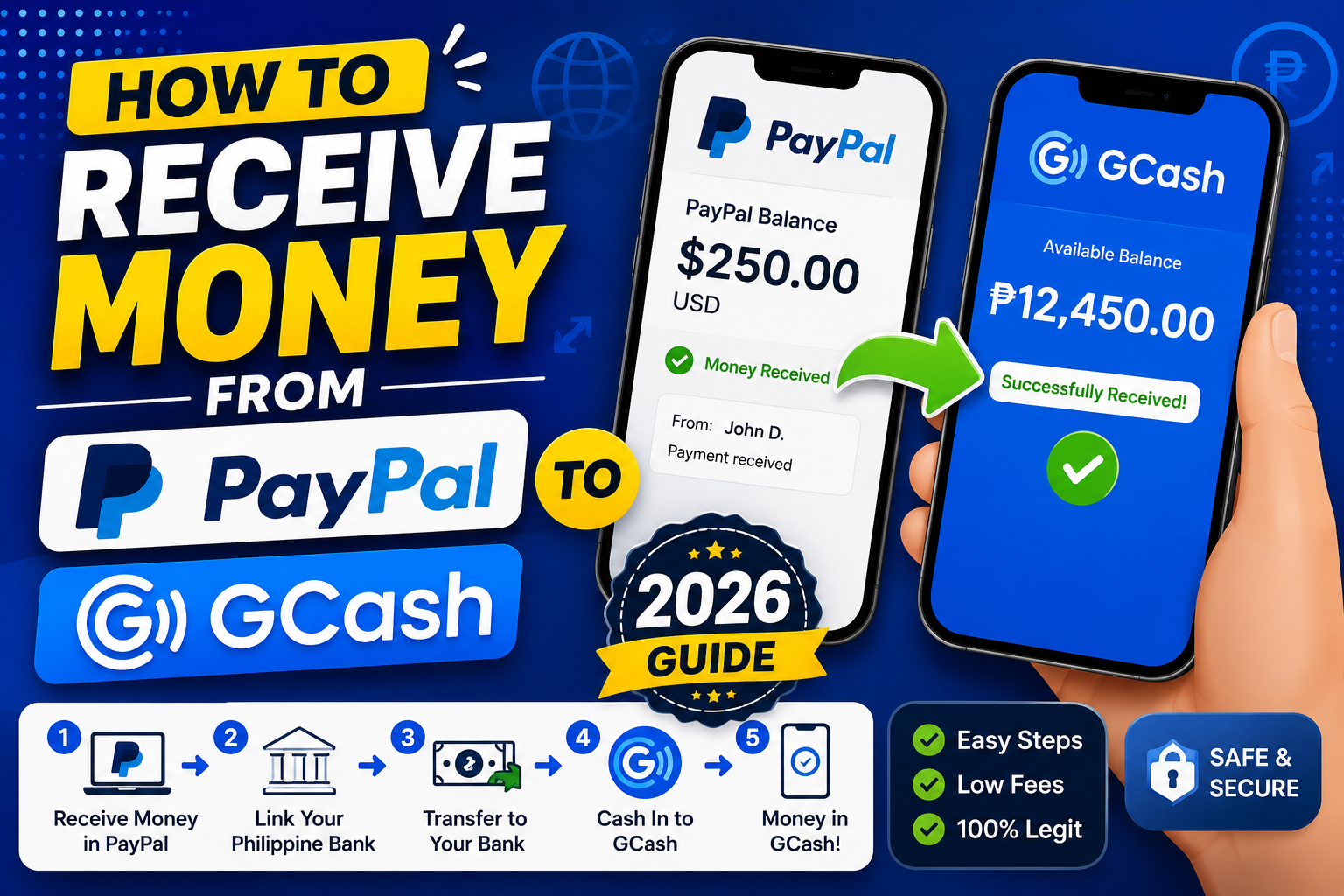
Quick step-by-step summary (click to expand)
- Verify your GCash account. You need Fully Verified status (not just Semi-Verified) to receive from PayPal.
- Open your GCash app. Tap Cash In on the home screen.
- Look for PayPal under “Bank Transfer” or “Direct”. Scroll the Cash In options and tap PayPal.
- Link your PayPal account. Log in with your PayPal email and password when the app asks. This is a one-time setup.
- Enter the amount you want to cash in. Minimum is PHP 200, maximum depends on your PayPal balance.
- Confirm the transfer. Review the PHP amount, the small fee, and tap Send Money.
- Wait for the money to arrive. Usually 3 to 15 minutes. You will get a text and app notification.
Before you start: what you need
Two things must be true before this will work:
- Your GCash must be Fully Verified. Not Semi-Verified, not “Basic”. Full verification means you submitted a government ID and a selfie, and GCash approved it. Check by tapping your profile picture inside the app. If it says “Fully Verified” you are good.
- Your PayPal must have USD or PHP funds. If your PayPal is empty, cash in nothing will happen. Ask the sender to send you money to your PayPal first, or link your PayPal to a US or PH bank if you want to add funds yourself.
Also make sure the name on your PayPal and the name on your GCash match. If they do not (like PayPal shows “Juan De la Cruz” and GCash shows “Juan Dela Cruz”), the linking step will still work but PayPal may hold the transfer for review the first time.
Step 1: Open GCash and go to Cash In
Open your GCash app. On the home screen, tap the “Cash In” button. It looks like a green icon near the top of the screen. This opens a list of ways you can add money to your GCash wallet.
Step 2: Find PayPal in the list
Scroll down through the Cash In options. PayPal is usually near the bottom of the list under a section called “Bank Transfer” or “Direct” or sometimes “Foreign Wallets”. Look for the PayPal logo.
By the way, if you do not see PayPal at all, your app might be outdated. Go to Google Play or the App Store, update your GCash app, then check again.
Step 3: Link your PayPal account (one time only)
The first time you use this feature, GCash will ask you to link your PayPal account. Tap “Continue” and a PayPal login screen appears inside the app.
- Enter your PayPal email.
- Enter your PayPal password.
- If you have two-factor authentication turned on, PayPal will send a code to your email or phone. Enter it.
- PayPal will ask you to confirm you want to link your account to GCash. Tap Agree and Continue.
Once linked, you will not have to log in to PayPal again for future cash-in. GCash remembers the connection.
Step 4: Enter the amount
After linking, GCash shows a screen where you enter the amount you want to cash in. The rules for 2026:
- Minimum amount: PHP 200
- Maximum per transaction: PHP 100,000 if your GCash wallet limit allows it
- Maximum per month: depends on your GCash wallet limit tier (usually PHP 100,000 for Fully Verified, higher if you upgraded to GCash Advanced)
Enter your amount in pesos. GCash will show you the equivalent in USD (from your PayPal balance) using PayPal’s current exchange rate.
Step 5: Review the fees
This is where people get surprised. There are two fees:
- GCash service fee: Usually PHP 0 to PHP 25 per transaction. Sometimes free during promos.
- PayPal exchange rate margin: PayPal converts USD to PHP at a rate that is 2 to 4 percent worse than the mid-market rate. For example, if the real rate is PHP 56.50 per USD, PayPal might give you PHP 55.20. On a USD 100 transfer, this hidden margin costs you around PHP 130.
The total cost of a USD 100 transfer usually ends up around PHP 130 to PHP 155 in real terms. This is expensive compared to Wise (about PHP 60 for the same amount) or Remitly (about PHP 40). If speed matters more than fee, PayPal is fine. If fee matters, use Wise instead.
Step 6: Confirm and send
Tap “Send Money” or “Confirm” on the review screen. Enter your GCash MPIN when prompted. The money leaves your PayPal balance immediately.
Step 7: Wait for the money to arrive
Now you wait. Normal arrival times in 2026:
- 3 to 15 minutes: Most transfers, especially on weekdays during business hours.
- Up to 1 hour: During peak hours (payday Fridays, holidays) or if PayPal’s system is running a fraud check.
- Up to 24 hours: First-time transfers to a newly-linked account (PayPal often reviews these manually).
- Never arrives: Something went wrong. Skip to the troubleshooting section below.
You will get an SMS from GCash when the money arrives and a push notification if you have the app open. Check your GCash wallet balance to confirm.
Common problems and how to fix them
“Transaction failed. Please try again later.” Usually a temporary GCash-PayPal handshake issue. Wait 15 minutes and retry. If it fails 3 times in a row, close the app completely (swipe it away from your recent apps) and try again on a fresh session.
Money left PayPal but did not arrive in GCash. This happens once in a while. First check your PayPal transaction history: if it shows “Completed”, the money did leave. Then check your GCash transaction history under “My Transactions”. If GCash shows nothing, wait 24 hours. If still nothing, contact GCash support with your PayPal transaction ID (find it in your PayPal email receipt).
“You cannot receive this amount because your wallet limit is exceeded.” Your GCash wallet is close to its monthly limit (PHP 100,000 for Fully Verified). Either transfer some GCash money out to your bank first, or upgrade your wallet limit by going to Profile > Wallet Limit > Upgrade.
“Name mismatch” hold from PayPal. PayPal is being cautious because your name on PayPal does not exactly match your GCash. Log in to PayPal on a browser, go to Activity, find the held transfer, and click “Review”. PayPal usually releases the hold after you confirm the transaction is legitimate.
App shows “PayPal not available in your region”. Very rare in the Philippines. Sometimes happens if you set your GCash to a non-PH SIM. Reinstall the app and reactivate with your PH mobile number.
Wise vs PayPal for sending money to GCash
If the person sending you money can use Wise instead of PayPal, ask them to. On a USD 100 transfer:
- PayPal to GCash: arrives in 15 min, real cost around PHP 130-155
- Wise to GCash: arrives in 30 min to 2 hours, real cost around PHP 55-80
Same for larger amounts. On a USD 500 transfer, Wise saves you around PHP 400-500. Only use PayPal if the sender is not tech-savvy enough to sign up for Wise, or if speed is critical.
What to do after the money arrives
Once the money is in your GCash, you have several options:
- Pay bills: tap Pay Bills, choose your biller (Meralco, Globe, PLDT, etc.), pay directly.
- Transfer to a bank: tap Send Money > Bank Transfer. Free via InstaPay for most PH banks (BDO, BPI, Metrobank, Union, RCBC, etc.). Fee dropped to PHP 10 on Jul 4, 2026.
- Cash out at a physical location: tap Cash Out and choose Palawan Express, Cebuana Lhuillier, or an authorized partner. Bring valid ID.
- Withdraw at an ATM: tap Withdraw > choose ATM > follow the app instructions. Fee depends on the bank (PHP 8 to PHP 20).
- Keep it in GCash: use for Grab, food deliveries, online shopping, or GStore purchases.
I hope this article helps. If you run into trouble that is not covered here, drop a comment on our Contact page or message us on Facebook and I will try to help.
Official documentation
Frequently asked questions
How long does PayPal to GCash take in 2026?
Usually 3 to 15 minutes on weekdays during business hours. Can take up to 1 hour during peak times or holidays. First-time transfers to a newly linked account may take up to 24 hours because PayPal does a manual review.
What is the maximum I can send from PayPal to GCash?
PHP 100,000 per transaction for Fully Verified GCash accounts. Higher for GCash Advanced. Your monthly limit is also PHP 100,000 by default. To send larger amounts, upgrade your wallet limit or use a bank remittance instead.
Is PayPal to GCash safe?
Yes, both PayPal and GCash use strong encryption and 2-factor authentication. Never share your PayPal password or GCash MPIN with anyone. If you get a suspicious link claiming to be from either, do not click it. Access both services only through their official apps.
Why is my PayPal to GCash transfer stuck?
First check your PayPal Activity page. If it shows Completed, the money left PayPal. Then check GCash My Transactions. If GCash shows nothing after 24 hours, contact GCash support with your PayPal transaction ID from your email receipt.
Can I unlink PayPal from GCash later?
Yes. Open GCash, go to Profile > Linked Accounts, find PayPal in the list, and tap Unlink. You can re-link anytime by going through the Cash In > PayPal setup again. Unlinking does not delete your PayPal account.
Is Wise better than PayPal for sending to GCash?
Wise is much cheaper, roughly PHP 55-80 vs PHP 130-155 on a USD 100 transfer. PayPal is faster (15 min vs 30 min to 2 hours) and easier for people who already have a PayPal account. Use Wise when fee matters, PayPal when speed matters and the sender already has an account.

Joken E. Villanueva
Founder & Lead Developer at PIES IT Solution
Founder of PIES Information Technology Solutions, a software company building production-grade applications for institutions across the Philippines. Over 8 years of hands-on full-stack development experience, currently leading the development of ClinicAI, an AI-powered clinic management platform.
Expertise: PHP · MySQL · JavaScript · AI Integration · SaaS Architecture · VB.NET · Database Design · Capstone Documentation · Java · View all posts by Joken E. Villanueva →