
Canva and Adobe Express are the two biggest browser-based design tools competing for the same audience: small business owners, social media managers, teachers, students, and freelancers who need to create graphics fast without learning Photoshop. Both have free tiers, both have AI features, and both claim to be the easiest option. The right pick depends on what you already use, what you make most often, and how much design you do per month.
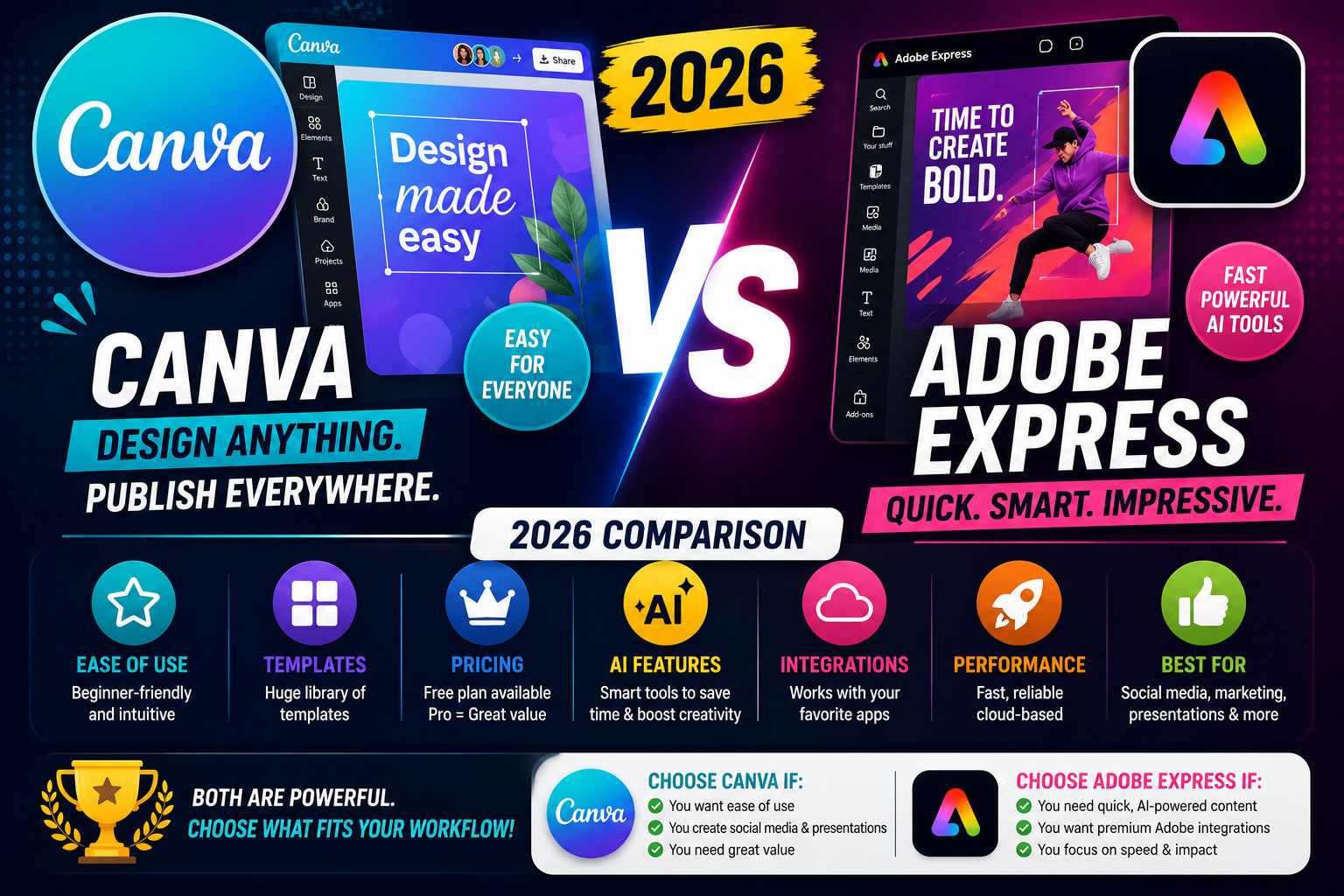
This comparison covers pricing, feature parity, AI capabilities, template quality, team collaboration, and clear “pick this one if…” recommendations based on real use cases in 2026.
Quick verdict (if you only read one section)
- Pick Canva if: you make social media posts, presentations, or marketing graphics, and you value template variety and ease of use more than tight integration with pro Adobe tools.
- Pick Adobe Express if: you already use Photoshop, Illustrator, or Premiere; you need brand kit integration with Adobe Creative Cloud; or you want quick short-form video editing built in.
- Pick both: if you have Adobe Creative Cloud already, Adobe Express is free with your subscription. Canva Free is also always free. Use each for what it does best.
Pricing side by side (2026)
- Canva Free: unlimited designs, 250K+ free templates, 100 free Magic Studio uses per lifetime, 5GB cloud storage.
- Canva Pro: USD 15/month or USD 120/year, single user. Includes Magic Studio unlimited, 100M+ premium assets, Brand Kit, and background remover.
- Canva Teams: USD 10/user/month (5 users minimum). Everything in Pro plus team folders and role permissions.
- Adobe Express Free: thousands of free templates, basic photo editing, 2GB cloud storage.
- Adobe Express Premium: USD 10/month or USD 100/year. Includes 100+ million premium assets from Adobe Stock and full Firefly AI credits.
- Adobe Express with Creative Cloud: included at no extra cost with any Creative Cloud subscription (Photography plan USD 10/month, All Apps USD 60/month).
Adobe Express is cheaper per month than Canva Pro (USD 10 vs 15), but Canva Pro has more Magic Studio AI credits and more design templates. If you already pay for Photoshop, Adobe Express costs you nothing extra.
Feature comparison
How they compare feature by feature:
- Design templates: Canva wins on volume (250K+ vs Adobe Express 175K+). Adobe’s tend to be more polished and less generic, but there are fewer of them.
- Stock photos and videos: Adobe Express has full Adobe Stock library (75M+ assets). Canva has 100M+ but many are lower quality. Adobe wins on quality per asset.
- Font library: Canva has 3,000+ fonts, mostly free. Adobe Express has the full Adobe Fonts library (25,000+) if you have Creative Cloud, or a curated selection if you have Express alone.
- Video editing: Adobe Express has stronger built-in video editing with Premiere Pro-lite features. Canva has basic video editing sufficient for social media clips.
- Photo editing: Both have background remover, magic eraser, and AI enhancement. Adobe Express edges ahead on photo retouching precision because it uses Photoshop’s engine.
- Presentations: Canva wins clearly. Its presentation tool competes directly with PowerPoint and Google Slides. Adobe Express presentations are more basic.
- Brand kit: Both support brand colors, fonts, and logos. Canva Pro’s Brand Kit is more flexible with multiple brand profiles. Adobe Express Brand Kit syncs to Creative Cloud if you also use Photoshop or Illustrator.
- Team collaboration: Canva Teams has better folder and role management. Adobe Express relies on Creative Cloud team features.
- Mobile app quality: Canva mobile is more polished and feature-complete. Adobe Express mobile is functional but a step behind.
AI features: Magic Studio vs Adobe Firefly
AI is where both tools are investing heavily. As of 2026, the comparison looks like this:
Canva Magic Studio includes:
- Magic Design (generate a full design from a text prompt or uploaded photo)
- Text to Image (generate images from prompts)
- Magic Write (AI text generation for captions and headlines)
- Magic Edit (edit part of an image with a prompt)
- Magic Expand (extend an image beyond its edges)
- Magic Grab (isolate objects from a photo)
Adobe Express + Firefly includes:
- Text to Image (Firefly Image 3 model)
- Generative Fill (mask an area and describe what to add)
- Text Effects (turn text into designed graphics with a prompt)
- Generative Recolor (change color schemes with AI)
- Video generation from text (in beta as of 2026)
Quality is close for most tasks. Firefly slightly edges ahead on image quality because Adobe trained it on their own licensed stock library. Canva’s Magic Studio is broader (more tools available) but individual tool quality varies. For pure “generate an image” tasks, we lean toward Firefly. For “generate a full designed template”, Canva wins.
Best use cases for each tool
Canva is our pick for:
- Instagram and Facebook posts (huge template library, mobile-first workflow)
- School presentations and pitch decks (best presentation tool of the two)
- Marketing graphics for small businesses (fast to produce, easy for non-designers)
- Merch designs (t-shirts, mugs, stickers via Canva Print integration)
- Beginner design work where the goal is speed over perfection
Adobe Express is our pick for:
- Adobe Creative Cloud users who want quick edits without opening Photoshop
- Short-form video content (TikTok, Reels, YouTube Shorts) with better built-in editing
- Print-focused designers who need CMYK color accuracy
- Brand-consistent work where you need exact Adobe Font matching across print and digital
- Photo-heavy graphics where retouching quality matters
Learning curve and ease of use
Both are drag-and-drop friendly, but Canva feels more forgiving for absolute beginners. The template gallery is the first thing you see, so you can start editing a finished design instead of staring at a blank canvas. Adobe Express opens to a more traditional design workspace, which feels familiar if you have used any Adobe product but slightly intimidating if you have not.
Time to first finished design, based on user testing:
- Canva: about 3-5 minutes for a first Instagram post using a template
- Adobe Express: about 5-8 minutes for the same task
Difference narrows to zero after a week of regular use. Both are equally fast once you learn the interface.
Which one should you actually pick?
Three straightforward decision paths:
- Already pay for Adobe Photography or All Apps? Use Adobe Express (comes free) and stop paying for Canva Pro if you have it. Save USD 15/month.
- Not using Adobe products, doing mostly social media and presentations? Canva Pro. USD 15/month is worth it if you make 5+ designs per week. Otherwise Canva Free is enough.
- Doing occasional design work under 5 pieces per month? Free tiers of either tool. Try both for a week and pick whichever feels more natural.
We are hoping this comparison helped you skip the trial-and-error phase. Both tools are legitimately good in 2026, and neither is a bad choice.
Official documentation
Learn design faster with these courses
The links below are affiliate links. We may earn a commission at no extra cost to you if you enroll. See our affiliate disclosure.
Frequently asked questions
Is Adobe Express really free with Creative Cloud?
Yes. Any Adobe Creative Cloud subscription (Photography Plan, Single App, or All Apps) includes Adobe Express Premium at no extra cost. If you already pay for Photoshop or Lightroom, you have full Adobe Express access without a separate purchase.
Can I use my Canva designs commercially?
Yes, both Free and Pro plans allow commercial use of your finished designs. Restrictions apply to reselling raw Canva assets (templates, stock images) as standalone products. You can absolutely use Canva designs for client work, product mockups, marketing, and paid content. Same commercial rights apply to Adobe Express.
Which has better AI image generation, Canva or Adobe Express?
Adobe Firefly (used in Adobe Express) produces higher-quality images on average because it was trained on Adobe’s licensed Stock library. Canva Magic Studio has more AI tools overall, but individual image quality is a step behind Firefly. For pure image generation, Firefly wins. For end-to-end designed graphics with AI-generated elements inside a template, Canva wins.
Can I open Canva designs in Adobe apps or vice versa?
Not directly. Canva files (.canva) do not open in Adobe apps. Adobe Express files can be exported to Photoshop and Illustrator if you use Creative Cloud, but Canva does not read those exports. To move a design between them, export as PDF or PNG and reimport as a static asset.
Which tool has better team collaboration?
Canva Teams has more polished folder management, role-based permissions, and comment threads on designs. Adobe Express relies on Creative Cloud’s team features which are powerful but built for larger creative departments. For small teams (2-10 people), Canva Teams is easier to set up and manage.
Do I need both Canva and Adobe Express?
Probably not. Most users get by with one. If you have Creative Cloud already, Adobe Express is a no-brainer (free with your subscription). If you do not use Adobe products, Canva Free covers 80 percent of casual design needs. Only advanced users who genuinely need both feature sets (bulk social media plus print-quality photo retouching) benefit from paying for both.
Both Canva and Adobe Express are strong choices in 2026. The right pick is less about “which is better” and more about what you already use and what you make most often. If in doubt, start with the free tier of Canva, and switch only if you hit a specific limit that Adobe Express solves better.

Caren Bautista
Technical Writer at PIES IT Solution
Responsible for crafting clear, well-structured, and beginner-friendly content across the platform.
Expertise: Technical Writing · Content Creation · Documentation · Editorial Writing · JavaScript · TypeScript · Python · Python Errors · HTTP Errors · MS Excel · View all posts by Caren Bautista →