
Canva Pro costs USD 14.99/month or USD 119.99/year in 2026. That’s roughly PHP 840/month or PHP 6,720/year for Filipino users. The question everyone asks: is it worth it? The answer depends on how you use Canva. This review breaks down every feature difference between Free and Pro, tells you exactly when Pro pays off, and shows you the free workarounds that cover 60-70% of what Pro offers.
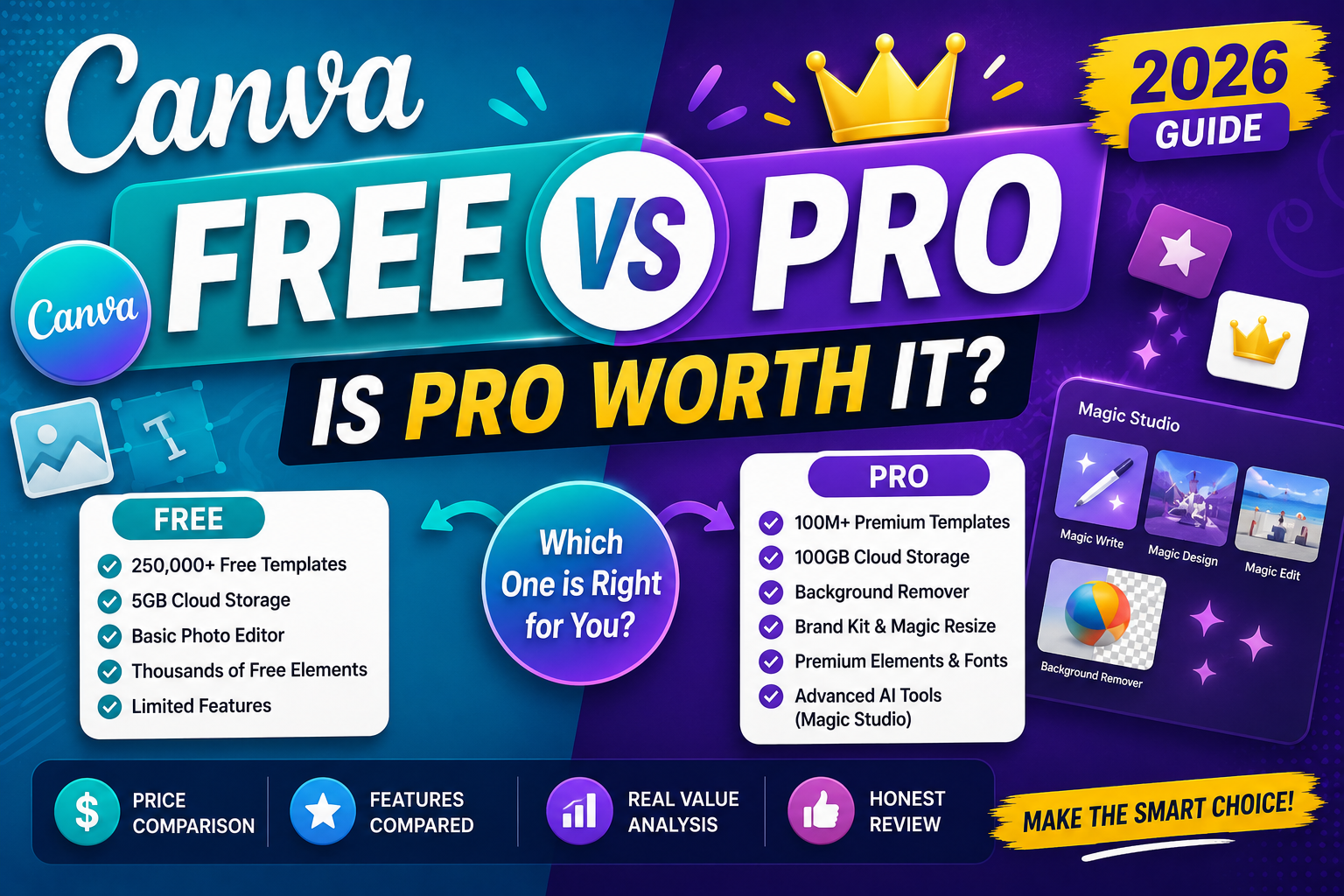
Canva Free vs Pro at a glance (2026)
| Feature | Free | Pro |
|---|---|---|
| Templates | 250,000+ | 610,000+ |
| Stock photos/videos | 1M free | 100M+ premium |
| Cloud storage | 5 GB | 1 TB |
| Magic Studio AI (Text to Image, Magic Design, Magic Write) | Limited credits | Higher limits |
| Background remover | ❌ | ✅ unlimited |
| Brand Kit (fonts, colors, logos) | 1 basic kit | Unlimited |
| Magic Resize (auto-resize designs) | ❌ | ✅ |
| Canva Sheets + Magic Charts (2026) | Limited | Full access |
| Team members | Solo only | Up to 5 seats |
| Price | Free | USD 14.99/mo |
The 5 Pro features that actually justify the upgrade
1. Background Remover (one-click). Removes the background from any photo in one click with almost perfect edge detection. This alone saves 15-30 minutes vs doing it in a free tool like Remove.bg (which limits you to 3 images/month free) or Photoshop. If you edit photos weekly, this feature pays for Pro on its own.
2. Brand Kit (unlimited). Upload your logo, brand colors (HEX codes), and brand fonts once. Every new design starts with them ready. Free version gives you one basic kit; Pro gives unlimited kits for multiple brands. Essential for freelancers who design for multiple clients.
3. Magic Studio AI Tools with higher limits. Free users get very limited AI credits per month. Pro users get much more, enough for daily use of Magic Write (AI copy), Magic Design (AI templates), and Text to Image (AI graphics). The Apr 2026 Canva AI 2.0 update made these tools noticeably better.
4. Magic Resize. Design once, resize to 30+ formats in one click (Instagram post, Story, YouTube thumbnail, Facebook cover, etc.). Free users have to manually recreate each size. Huge time saver for social media managers.
5. 1 TB storage + unlimited folders. If you use Canva for real work (not just occasional designs), 5 GB fills up fast. Pro’s 1 TB is essentially unlimited for most people.
When Canva Pro is worth USD 15/month
- You design at least 4-5 things per week (social posts, presentations, thumbnails).
- You freelance and bill clients for design work (Pro pays for itself with 1 hour of billed work).
- You run a small business or side hustle needing consistent branding.
- You edit photos and need Background Remover regularly.
- You create content for multiple social platforms (Magic Resize is a lifesaver).
- You work with a small team (Pro allows up to 5 seats collaborating).
- You use Magic Write or Magic Design AI features daily.
When Canva Free is enough
- You design a handful of things per month (birthday cards, event invites, occasional social post).
- You are a student making school presentations or reports.
- You do not need Background Remover often (use Remove.bg’s free tier for 3 images/month).
- You design for one brand and don’t need multiple Brand Kits.
- You are OK with limited AI credits (Free gives enough for occasional Magic Write use).
- You use other tools (Figma, Adobe Express) alongside Canva.
Free alternatives that replace Pro features
- Background Remover: Remove.bg (3 free/month), Photoscissors (free with watermark), Adobe Express (free tier has one-click BG removal).
- Brand Kit: Manually paste your brand color HEX codes into each design (annoying but doable). Save your logo as a Canva element.
- Magic Resize: Manually resize by clicking Resize > custom dimensions. Slower but free.
- Stock photos: Unsplash, Pexels, and Pixabay all offer free commercial-use photos better than most Canva Pro stock.
- Premium templates: Search “free Canva templates 2026” on YouTube and Google for community-shared premium-quality templates.
- Storage: Download completed designs to Google Drive or Dropbox to free up Canva storage.
What’s new in 2026 (Canva AI 2.0)
Canva shipped a major update in April 2026 that changed the Pro value math:
- Magic Studio consolidation: Text to Image, Magic Design, Magic Write, and Magic Layers now live in one integrated console instead of separate tools. Faster workflow.
- Canva AI 2.0 with gpt-image-2: Better text rendering inside AI-generated images. Old Magic Studio struggled with legible text; the new version handles it well.
- Canva Sheets: Spreadsheet product integrated into Canva. Compete with Google Sheets and Excel for simple data work + built-in visualization.
- Magic Charts: AI generates chart designs from your data. Paste numbers, describe what you want, get a polished chart.
- Enhanced team collaboration: Real-time cursor tracking, comment threads with resolution, and version history.
These 2026 features favor Pro users because Free gets very limited AI credits and no Sheets access beyond a basic preview.
Canva Pro pricing in the Philippines (2026)
- Monthly: USD 14.99 or roughly PHP 840/month.
- Annual: USD 119.99 or roughly PHP 6,720/year (saves USD 60 vs monthly, ~33% off).
- Teams (up to 5 users): USD 29.99/month or USD 300/year.
- Canva Enterprise: Custom pricing for larger teams.
Filipino users can pay via GCash-linked credit card, PayPal, or debit card. Some banks (BPI, UnionBank) offer USD-denominated cards with lower foreign transaction fees, which saves 2-3% on the subscription cost.
Try Canva Pro free for 30 days
- Go to canva.com/pro.
- Click “Start your free trial”.
- Enter payment details (they charge automatically after 30 days).
- Set a calendar reminder for day 25 to decide whether to keep or cancel.
- Use the 30 days aggressively: try Background Remover, set up your Brand Kit, use Magic Design 20+ times, and see if you can live without Pro at the end.
To cancel: Settings > Billing & Team > Cancel subscription. You keep Pro features for the rest of the paid period.
Verdict
For active designers, small business owners, freelancers, and content creators, Canva Pro at USD 15/month is worth it. The time saved by Background Remover, Brand Kit, and Magic Resize alone justifies the cost after 2-3 designs per week.
For occasional users, students, and personal use, Canva Free is genuinely enough. The free tier is more generous than most competitors’ free tiers, and the workarounds above close most of the gap.
Take the 30-day free trial to test it against your actual use. That tells you more than any review.
Official documentation
Try Canva Pro and alternatives
The links below are affiliate links. We may earn a commission at no extra cost to you. See our affiliate disclosure.
Frequently asked questions
How much does Canva Pro cost in 2026?
USD 14.99/month or USD 119.99/year (saves ~33%). In pesos: roughly PHP 840/month or PHP 6,720/year. Canva Teams (5 users) is USD 29.99/month. All plans include a 30-day free trial for new users.
Can students get Canva Pro free?
Yes if your school participates in Canva for Education. Ask your teacher or IT admin. This gives full Pro features free for students and educators. Also, non-profit organizations qualify for Canva for Nonprofits (free Pro access).
Is Background Remover in Canva as good as Remove.bg?
Comparable quality. Canva’s BG remover handles most photos well, especially portraits and product shots. Remove.bg has slightly better edge detection on fine details like hair. But Canva Pro gives unlimited use while Remove.bg free is 3 images/month.
Do I lose my designs if I cancel Canva Pro?
No. Your designs stay in your account forever. But if a design uses Pro elements (premium templates, stock photos, Magic Studio AI images), those elements get watermarked when you downgrade to Free. Download your Pro designs as PDF/PNG before canceling if you want clean copies.
Can I use Canva Pro on multiple devices?
Yes. Canva Pro follows your account, not your device. Log in on laptop, desktop, iPad, iPhone, and Android with the same Pro subscription. Simultaneous sessions are allowed, so you can leave Canva open on your desktop and edit from your phone at the same time.
Is Canva Pro or Adobe Express better?
Canva has more templates (610k+ vs Adobe’s 175k+) and a friendlier interface. Adobe Express has stronger photo editing (integrates with Photoshop features) and slightly better AI. Pick Canva if templates matter most; Adobe Express if you also do heavy photo work. Both are USD 10-15/month.

Caren Bautista
Technical Writer at PIES IT Solution
Responsible for crafting clear, well-structured, and beginner-friendly content across the platform. Handles the writing, proofreading, and editorial review of tutorials, guides, and documentation to ensure every article is accurate, readable, and easy to follow.
Expertise: Technical Writing · Content Creation · Documentation · Editorial Writing · JavaScript · TypeScript · Python · Python Errors · HTTP Errors · MS Excel · View all posts by Caren Bautista →