
CompTIA Security+ SY0-701 is the most popular entry-level cybersecurity certification in the world. Job listings for SOC Analyst, IT Auditor, Junior Penetration Tester, and Security Engineer roles routinely list it as required or preferred. In the Philippines, holding Security+ typically adds PHP 15,000-30,000 per month to a starting cybersecurity salary. In the US, the average premium is closer to $10,000-15,000 per year over an equivalent role without the cert.
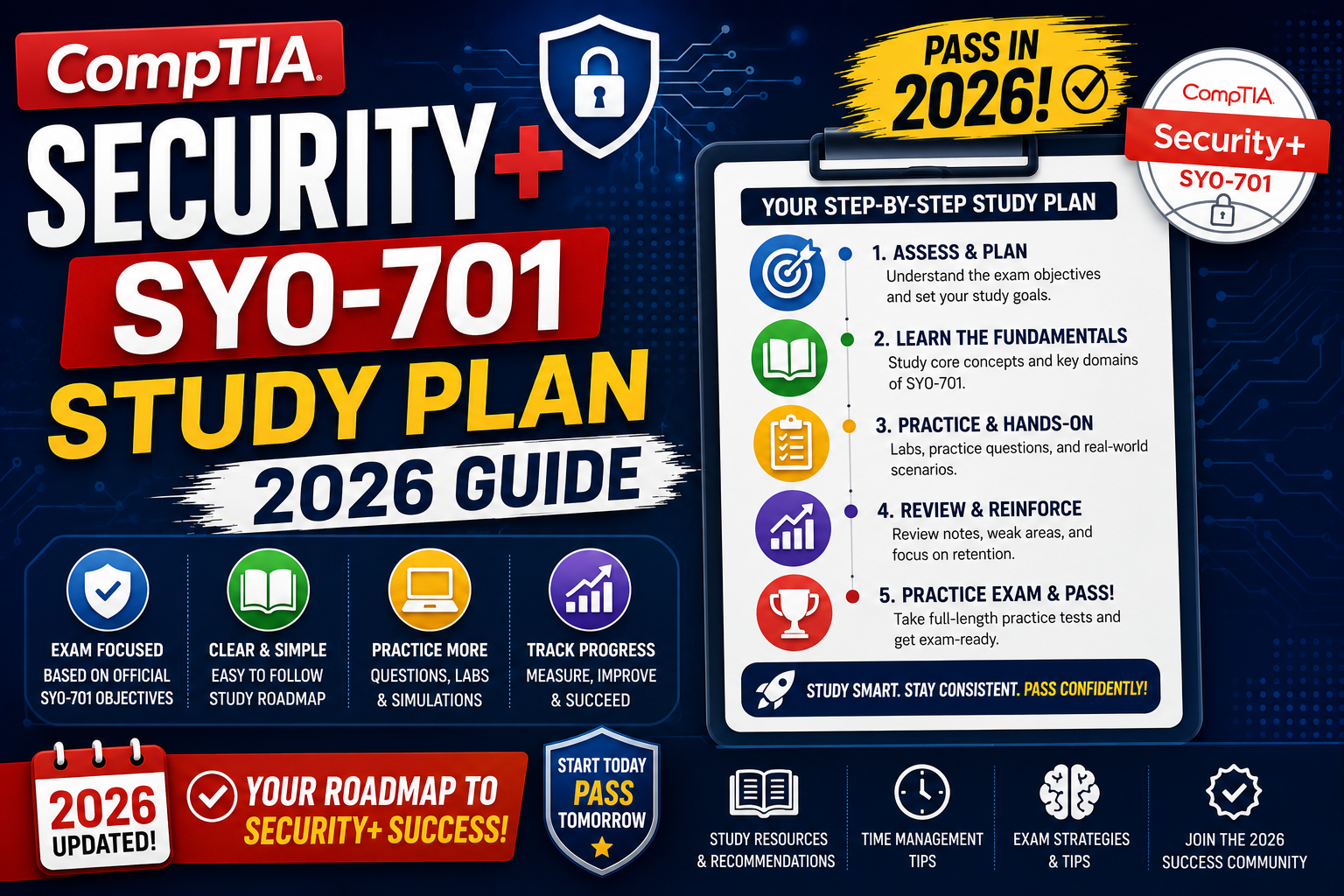
The SY0-701 version launched in November 2023 and is the current exam through 2027. This guide covers what to expect on the exam, a realistic 8-week study plan, the resources that actually work, and the test-day strategy that helps you pass without over-studying.
What CompTIA Security+ SY0-701 covers
SY0-701 is 90 questions in 90 minutes. Question types are multiple choice, drag-and-drop, and performance-based (PBQs) where you configure a simulated firewall or interpret a log file. Passing score is 750 out of 900.
The 5 exam domains and their weights:
- Domain 1: General Security Concepts (12%): CIA triad, control types, zero trust, cryptographic basics.
- Domain 2: Threats, Vulnerabilities, and Mitigations (22%): attack types, threat actors, vulnerability analysis, incident response basics.
- Domain 3: Security Architecture (18%): network segmentation, cloud security, IAM, endpoint hardening.
- Domain 4: Security Operations (28%): SIEM, monitoring, digital forensics, secure baselines. Largest domain, focus most of your study time here.
- Domain 5: Security Program Management and Oversight (20%): governance, risk management, compliance frameworks, security awareness training.
Note that Domain 4 (Security Operations) is the biggest chunk at 28 percent. If you have limited study time, weight your prep toward that domain plus Domain 2 (Threats). Together those two make up 50 percent of the exam.
Who should take Security+ (and who should skip it)
Security+ is a good fit if:
- You are transitioning into cybersecurity from a non-technical role (customer support, admin, teaching, business analyst)
- You are already in general IT (network admin, help desk) and want to shift toward security roles
- You are targeting government or defense contractor jobs (US DoD 8140 baseline requirement)
- You are a computer science or IT student looking to strengthen your entry-level resume
- You want an internationally recognized security cert that is not vendor-specific
You can probably skip Security+ if:
- You already have 3+ years of security work experience (go straight to CySA+, CISSP, or OSCP)
- You want to specialize immediately in a specific area (cloud security, pentesting, appsec) and there is a better-fit cert for that path
- Your employer specifically wants a different cert (CISM, CISA, GSEC) for their compliance requirements
Realistic 8-week study plan
The plan below assumes 10-12 study hours per week (about 1.5 hours per weekday plus 4-5 hours on weekends). Total study time: ~80-100 hours. Some people pass with less, some need more depending on background.
- Weeks 1-2: Domain 1 + fundamentals. Read chapters 1-4 of your main study book. Focus on CIA, cryptography basics, control types. Take domain-level practice quizzes at the end of each week.
- Weeks 3-4: Domain 2 (Threats, Vulnerabilities, Mitigations). This is heavy content. Add hands-on: use TryHackMe or HackTheBox to see real attack patterns. Attack types stick better when you have seen one live.
- Week 5: Domain 3 (Security Architecture). Read your book chapters plus watch cloud security videos (AWS, Azure basics). Draw the OSI model and network segmentation diagrams from memory.
- Weeks 6-7: Domain 4 (Security Operations). Biggest domain. Do a full-length practice exam at the end of Week 6 to identify weak areas. Spend Week 7 on the weaknesses.
- Week 8: Domain 5 + full-length practice tests. Read Domain 5 chapters, then do 2-3 full-length timed practice exams. Aim for 80%+ on practice tests before scheduling the real one.
Take the actual exam 3-5 days after your final practice test. Not the same day (you will be tired), not two weeks later (you will start forgetting).
Study resources that actually work
Not every study resource is worth your time. The combination below is what most passers use:
- Main book: Mike Meyers’ CompTIA Security+ Certification Guide (SY0-701) or Darril Gibson’s Get Certified Get Ahead: SY0-701. Pick one, not both. Both are complete and accurate.
- Video course: Professor Messer’s free Security+ series on YouTube is the community standard. Every domain covered, no cost.
- Practice exams: Jason Dion’s practice test packs on Udemy. His exam style closely matches CompTIA’s real question format.
- PBQ practice: CertMaster Labs from CompTIA directly. Costs extra but the only way to practice the drag-and-drop and simulator questions.
- Community: r/CompTIA subreddit for exam experience reports and last-minute questions.
Skip: multiple books at the same time (redundant), YouTube crash-course videos that promise “pass in 3 days” (they oversimplify), and free brain dumps (unreliable and often violate CompTIA’s non-disclosure agreement).
Cost breakdown and how to reduce it
Standard costs in 2026:
- Exam voucher: $404 USD (~PHP 22,000) at Pearson VUE. This is the biggest single cost.
- Book: $30-50 USD (~PHP 1,700-2,800) new, or free from a library
- Video course: $0 (Professor Messer) or $10-15 (Udemy sales on Jason Dion courses)
- Practice exams: $10-15 USD (Jason Dion Udemy pack)
- CertMaster Labs (optional): $200 USD
- Retake voucher (if needed): $200 USD (50 percent off with CompTIA’s Second Shot program if bought together)
Ways to reduce cost:
- Buy an exam voucher bundle from Udemy during a Black Friday or Cyber Monday sale (up to 40 percent off)
- Check if your employer offers professional development reimbursement, since many IT teams cover certification costs
- Use CompTIA’s academic pricing if you are a university student (up to 30 percent off)
- Use free study materials (Professor Messer + library book + free r/CompTIA study groups) and pay only for the exam
Test day strategy
Practical tips from people who have passed:
- Attempt PBQs last. PBQs appear at the start of the exam but you can flag them, skip, and return. Do the multiple-choice questions first (faster and higher confidence) to secure points, then use remaining time on the PBQs.
- Never leave a question blank. Wrong answers cost the same as blank answers (zero points). Always guess when unsure.
- Read carefully for “BEST” and “MOST”. Many Security+ questions have multiple technically-correct answers; CompTIA wants the best or most likely one.
- Watch time on PBQs. Cap yourself at 5 minutes per PBQ. If you are stuck, flag it and move on.
- Take the exam in-person if possible. The online proctored version is convenient but has strict rules about your workspace, and violations end the exam. In-person Pearson VUE centers are less stressful.
Official documentation
Study material recommendations
The links below are affiliate links. We may earn a commission at no extra cost to you if you enroll. See our affiliate disclosure.
Frequently asked questions
Is Security+ SY0-701 harder than the previous version SY0-601?
Slightly harder. SY0-701 added more content on zero-trust architecture, cloud security, and modern threat types like AI-driven attacks. If you have SY0-601 study materials from a friend, the core concepts still transfer but you need to supplement with SY0-701-specific content for the new topics.
Do I need work experience to take Security+?
CompTIA recommends 2 years of IT experience with a security focus, but this is a recommendation not a requirement. Anyone can register and take the exam. Many people pass with no formal IT job experience by combining textbook study with hands-on lab practice on TryHackMe or HackTheBox.
How long is the Security+ certification valid?
3 years from the date you pass. To renew, you can retake the current exam OR earn 50 Continuing Education Units (CEUs) through approved activities (higher CompTIA certs, industry conferences, training courses). Most people who continue in security earn CEUs naturally through their job.
What if I fail the first attempt?
You can retake immediately (no waiting period for the first retake). Third and subsequent retakes require a 14-day waiting period. If you buy the Second Shot voucher upfront, the second attempt costs 50 percent less than a full-price retake. Most people who fail pass on the second attempt with 3-4 more weeks of focused study on their weak domains.
Can I take Security+ online from home?
Yes, via Pearson VUE OnVUE. Requirements: quiet private room, valid photo ID, webcam, microphone, stable internet, no other people or devices in view during the exam. The room and desk are inspected by the proctor before the exam starts. Many test-takers prefer the in-person Pearson VUE center for less stress.
Which is better for a cybersecurity career: Security+ or the Google Cybersecurity Certificate?
Different purposes. Security+ is a formal certification recognized by employers and required for some government roles (US DoD 8140). Google Cybersecurity Certificate is a hands-on training program that teaches practical SOC skills but is not a certification. The strongest resume for entry-level cybersecurity has both: Google Cert for skills, Security+ for the certification credential.
Security+ is one of the highest-return certifications you can earn early in a cybersecurity career. Budget 8 weeks of consistent study, follow the resource stack above, and treat the practice exams as your true progress indicator. The passing score is 750 out of 900; hitting 80 percent on Jason Dion’s practice tests reliably predicts a real-exam pass.

Leah Whynett Dela Pena
Technology Writer at PIES IT Solution
Leah Whynett Dela Pena is a technology writer at PIES IT Solution, author of 93 career and IT education guides at itsourcecode.com.
Expertise: Tech Careers · IT Education · Web Development Careers · Software Engineering Careers · Cybersecurity Careers · IT Certifications · Career Guidance · View all posts by Leah Whynett Dela Pena →