
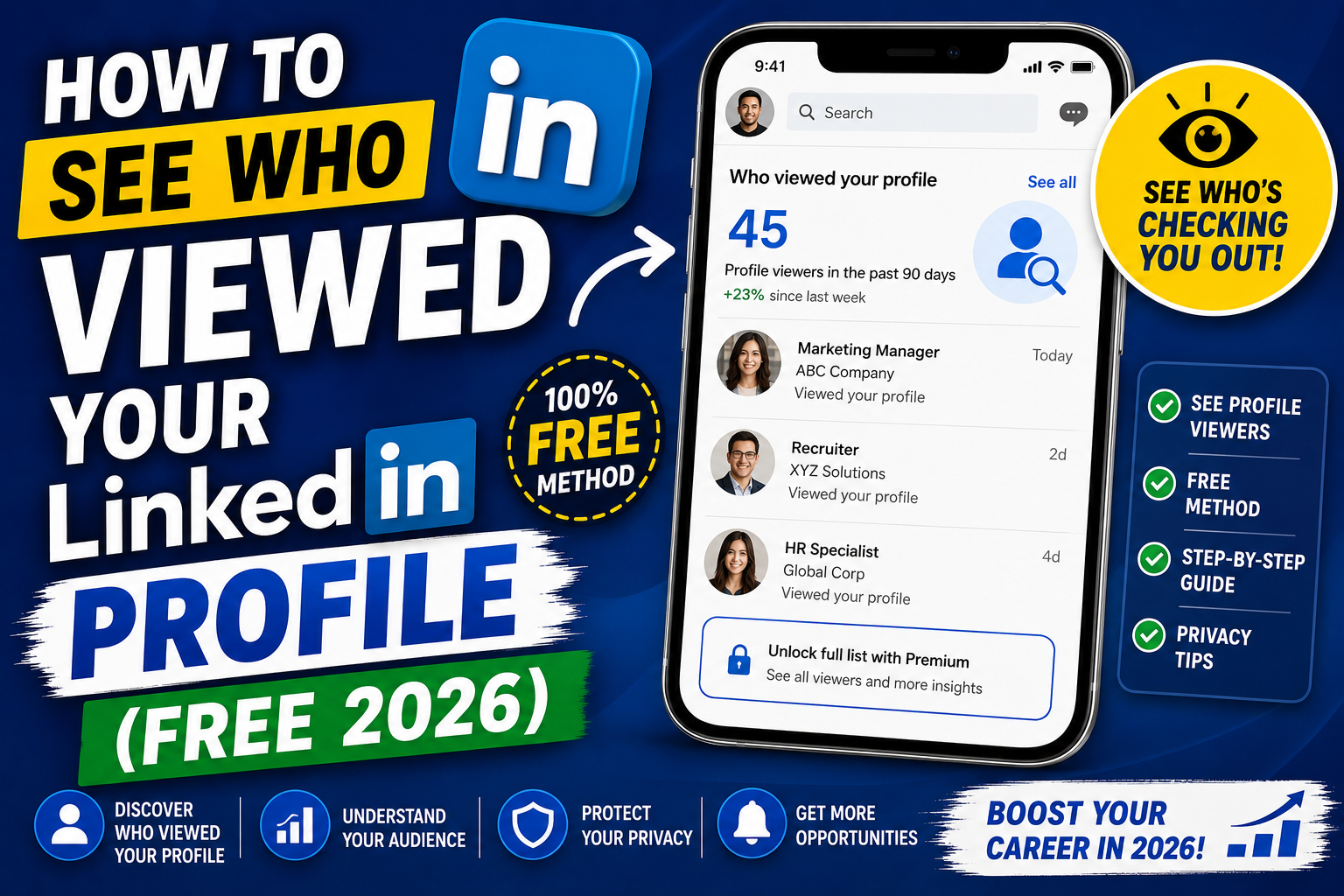
Seeing who viewed your LinkedIn profile is a top feature for both networking and job hunting. Recruiters, hiring managers, prospects, and old colleagues often check profiles before reaching out. LinkedIn’s free tier gives you limited visibility; Premium unlocks the full picture. This 2026 tutorial covers everything.
Method 1: Check on the free tier
- Sign into LinkedIn.
- Click on your profile picture (top right).
- Click Me > Analytics > Profile views.
- See list of recent viewers (last 5 identified).
- Some may appear “Anonymous” if they set privacy.
What the free tier shows
- Total profile views (last 90 days count).
- Trend graph (views over time).
- Last 5 identified viewers (visible names, titles, companies).
- Anonymous viewers (count, no names).
- Where views came from (LinkedIn search, external, recruiter searches).
Method 2: LinkedIn Premium (see everyone)
Premium unlocks the full list:
- Sign up for LinkedIn Premium (starts at $30/month).
- Free 1-month trial usually available.
- Now you see the last 90 days of ALL viewers, including anonymous ones (still shown as “Anonymous LinkedIn Member” if they set that privacy).
- Additional insights: viewer demographics, search terms that surfaced you.
Understand “Anonymous” viewers
Some viewers appear as:
- Anonymous LinkedIn Member: someone with an active LinkedIn account but with strict privacy settings.
- Anonymous / Private Mode: user chose to browse in private mode.
- Someone at Company X: partial anonymity, only company visible.
- Someone in Industry Y: even more anonymized.
Change your visibility (browse as anonymous)
- Click your profile picture > Settings & Privacy.
- Click Visibility tab.
- Click Profile viewing options.
- Pick:
- Your name and headline: they see who you are.
- Private mode characteristics: they see general info (industry, location).
- Private mode: completely anonymous.
- Warning: choosing Private mode disables your view of others’ profile views history.
Trade-off: privacy vs visibility
- Fully anonymous: you’re anonymous when viewing others AND you can’t see who viewed you.
- Fully visible: you see who viewed you AND they see you when you view them.
- Private mode characteristics: middle ground, partial info both ways.
How to interpret profile views
- Recruiter view: hidden titled recruiter, or a name from a staffing/recruiting company.
- Hiring manager view: from a company that’s actively hiring.
- Sales rep view: from a B2B tool vendor (they’re prospecting you).
- Old colleague view: someone you used to work with.
- Coincidental view: your name appeared in a mutual connection’s feed.
When to reach out
- Recruiter viewed you: reply if role is interesting; ignore if not.
- Hiring manager at target company: send connection request with note.
- Sales rep: usually not worth engaging.
- Old colleague: quick “hi, remembered you” if genuine.
Turn off notifications for profile views
- Settings & Privacy > Notifications tab.
- Toggle Profile view notifications off.
- You can still check manually via Analytics.
Analytics tab: dig deeper
- Me > Analytics.
- See:
- Profile views (with breakdown by source).
- Post impressions.
- Search appearances (how often you appear in searches).
- Search keywords (what search terms brought people to you).
- Analytics guides you what’s working on your profile.
Common profile views issues
- All viewers are anonymous: your target audience is on private mode. Common with executives.
- Very few views: profile isn’t visible in searches. Update headline with keywords, add skills, ensure profile is public.
- Weekly count dropped suddenly: LinkedIn algorithm change or your posting activity dropped.
- Can’t see who viewed in mobile: use desktop for full analytics.
- Someone views but doesn’t connect: you can proactively send a connection request with a note.
Official documentation
Recommended LinkedIn career resources
The links below are affiliate links. We may earn a commission at no extra cost to you when you buy or sign up. See our affiliate disclosure.
What LinkedIn profile views actually mean for your career
Everyone loves seeing their profile view count go up. But most people never stop to think about what those views actually signal. Views are more than a vanity metric. They tell you real things about how your profile is performing in LinkedIn’s ecosystem. Here is how to read the signal.
Recruiter views
When a recruiter views your profile, LinkedIn logs it under a specific icon (a small briefcase or a “Recruiter” label). These views are the highest-value signal you can get. Even if the recruiter never messages you, they saw enough on your profile to click through. Something in your headline or keywords worked. If recruiter views trend up over weeks, your profile is getting more discoverable.
Search appearances
LinkedIn also shows you how many times you appeared in someone’s search results (not just how many people clicked). A gap between search appearances and profile views is diagnostic. If you appear 500 times but get 5 clicks, your headline or photo is not compelling enough. If you appear 50 times but get 20 clicks, your snippet is strong but you need more keyword coverage in your headline and title.
Views from your industry or company
Filter your profile views by industry and company. If most of your views come from your current company, that is a sign your profile is circulating internally. That could be positive (you are being considered for a promotion or internal transfer) or a warning (your manager is checking your activity). Views from competing companies often mean you are being scouted for external roles.
How to increase your LinkedIn profile views
Profile views are not passive. You can influence how often your profile shows up in searches and how often people click. Here are five actions that reliably push your view count higher.
- Post at least once a week. LinkedIn’s algorithm rewards active profiles. Every time you post, comment, or share, your name appears in more feeds. This drives passive profile views from your network and beyond.
- Fill every profile section. Complete profiles rank higher in search. Add every skill, certification, project, and volunteer experience you have. LinkedIn shows a “Profile Strength” indicator: aim for All-Star or 100%.
- Use industry keywords in your headline. If recruiters search for “Full Stack Developer” and your headline says “Software Engineer,” you will not appear. Match the actual titles used in your industry.
- Connect with people in your target industry. Every connection makes you visible to their network too. Prioritize connections at companies you want to work for. Even second-degree connections increase your visibility in search results.
- Refresh your profile photo yearly. An outdated photo is a subtle signal that your profile is stale. A recent professional headshot signals you are active and current. Combined with a good headline, it doubles your click-through rate on search impressions.
By the way, do not obsess over daily view numbers. Views fluctuate based on the day of the week, whether you posted recently, and even LinkedIn algorithm updates. Track your 30-day trend instead. If your rolling 30-day view count is climbing, your profile is working. If it is flat or dropping, something needs adjustment.
Quick step-by-step summary (click to expand)
- Sign in to LinkedIn. Open LinkedIn in your browser or mobile app and sign in with your account.
- Click your profile photo. In the top navigation, click your profile photo to open the Me menu.
- Click Who viewed your profile. Under the analytics section of your dashboard, click “Who viewed your profile” to see recent viewers.
- Review recent viewers. Free users see the 5 most recent viewers. Premium users see the full 90-day list with filtering options.
- Filter by industry or company (Premium). Use the filters to sort by industry, company, or date range if you have LinkedIn Premium.
Frequently Asked Questions
Can I see who viewed my profile without Premium?
Only the last 5 identified viewers on free tier. Premium unlocks all viewers from last 90 days. Anonymous viewers stay anonymous regardless of your plan.
Will someone know I viewed their profile?
Depends on YOUR privacy setting. Fully visible: they know. Private mode: they see “Anonymous LinkedIn Member”. Private mode characteristics: they see partial info.
Does browsing in Private mode disable my view tracking?
Yes. If you’re in Private mode, you cannot see who viewed you. Trade-off is real: privacy for you = privacy for others viewing you.
How far back does history go?
90 days for Premium members. Free tier shows recent 5 viewers. History resets after 90 days.
Can I see when someone viewed my profile?
Yes. Analytics shows date/time of each view. On free tier, you see it for last 5 identified viewers. Premium shows for all viewers.

Leah Whynett Dela Pena
Technology Writer at PIES IT Solution
Leah Whynett Dela Pena is a technology writer at PIES IT Solution, author of 93 career and IT education guides at itsourcecode.com. Specializes in tech career paths (software engineering, web development, cybersecurity, IT analyst roles), degree and certification guidance, and IT industry how-to content for students and career changers.
Expertise: Tech Careers, IT Education, Web Development Careers, Software Engineering Careers, Cybersecurity Careers, IT Certifications, Career Guidance · View all posts by Leah Whynett Dela Pena →