Python deque index out of range: collections.deque Fix (2026)
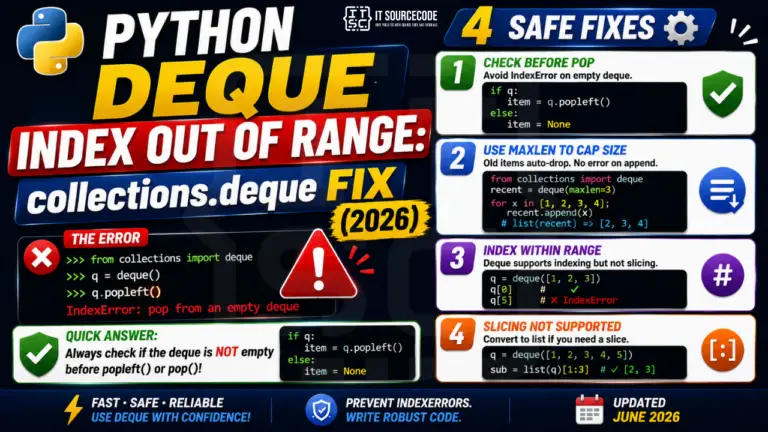
You used collections.deque as a fast queue, called q.popleft(), and at some point got IndexError: pop from an empty deque. deque has the same empty-on-pop trap as list, with a …
Python IndexError is one of the most common runtime errors Python developers encounter, typically thrown when you try to access a list, tuple, or string element using an index that’s out of range. This hub collects fixes for the most common IndexError scenarios across base Python, pandas, NumPy, and common third-party libraries.
Common IndexError causes covered here
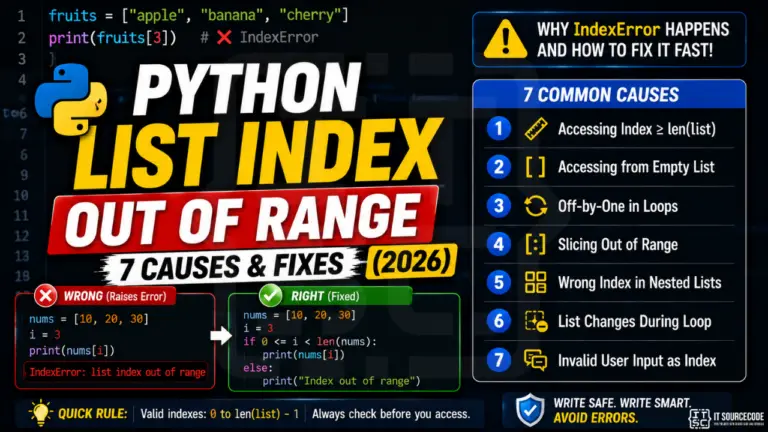
list index out of range: when you access lst[n] where n ≥ len(lst)
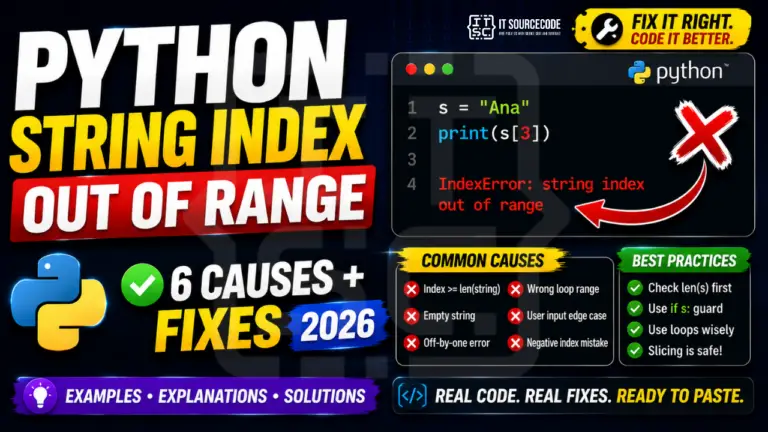
string index out of range: same issue but with str slicing
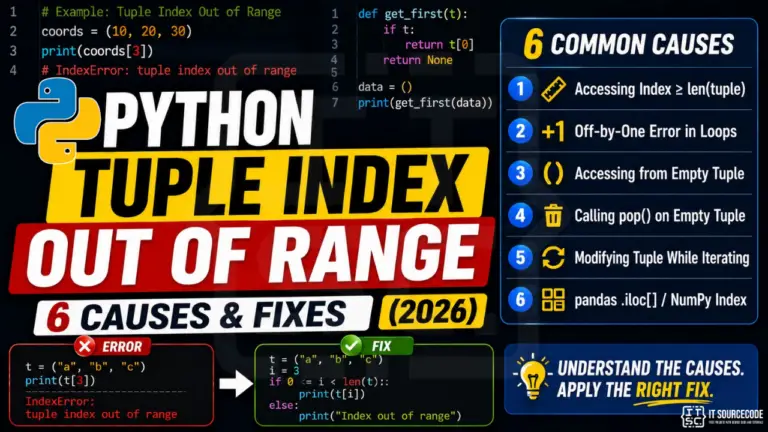
tuple index out of range: accessing tuple elements past the end
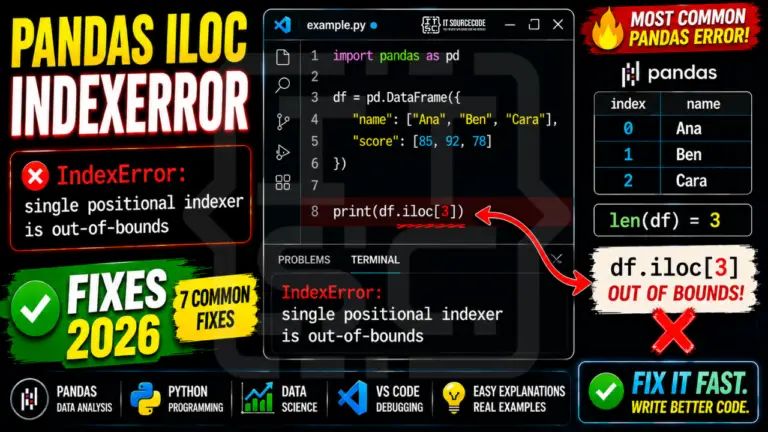
pandas IndexError: .iloc[] going past DataFrame rows
NumPy array IndexError: array slicing with wrong dimensions
Negative index issues: when negative indexing wraps incorrectly
How to prevent IndexError
Best practices: use len() checks before indexing, use try/except IndexError for unsafe access, use .get()-style safe accessors when available, prefer iteration over indexed access where possible. Most IndexError bugs are caught early with proper boundary checks.
Related Python error references
Python KeyError, dictionary missing keys (related but different)
Python TypeError, wrong type passed to operation
Python ValueError, right type but bad value
Python Tutorial Hub, broader Python learning resources
More IndexError solutions are being added. Bookmark this page or browse our other Python error references for similar troubleshooting guides.
You used collections.deque as a fast queue, called q.popleft(), and at some point got IndexError: pop from an empty deque. deque has the same empty-on-pop trap as list, with a …
You ran elements = soup.find_all(“div”, class_=”price”) and then elements[0].text, but the page returned no matching divs, so the list was empty and you got IndexError. Web scraping is full of …
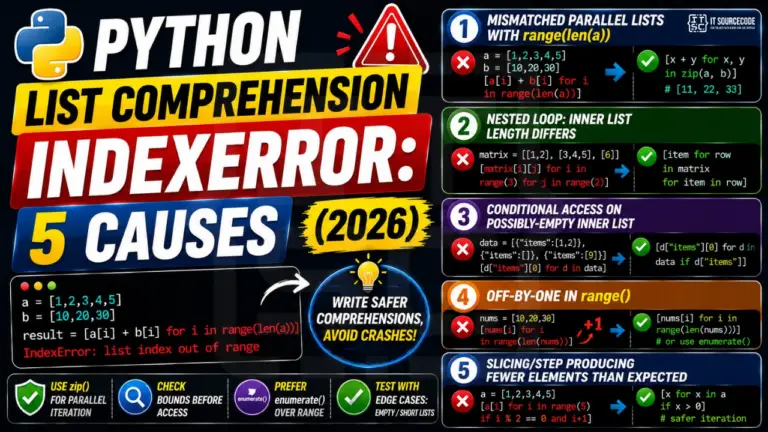
You wrote [a[i] + b[i] for i in range(len(a))] and got IndexError because list b is shorter than a. Or you nested loops and the inner list had a different …
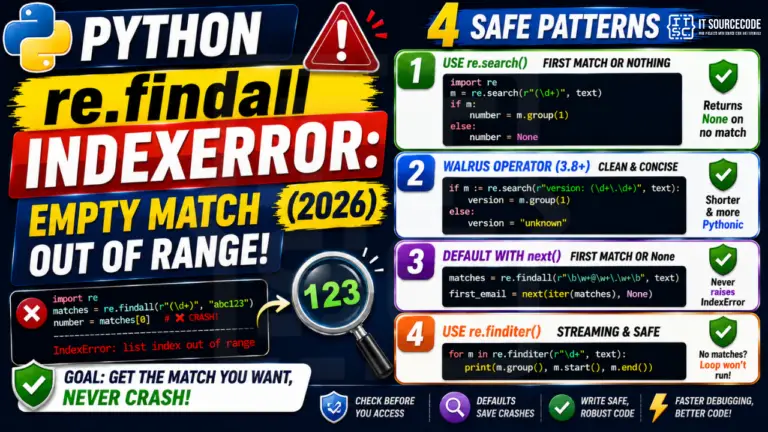
You wrote matches = re.findall(pattern, text) then matches[0] and crashed with IndexError because the pattern didn’t match. re.findall returns an empty list when nothing matches, and indexing into an empty …
You’re calling a function that returns a tuple, you grab the third value with result[2], and Python throws IndexError: tuple index out of range. Sound familiar? This is the most …
If you’ve written more than 50 lines of Python, you’ve hit it: IndexError: list index out of range. It’s the second-most-Googled Python error after SyntaxError, and almost every BSIT student …
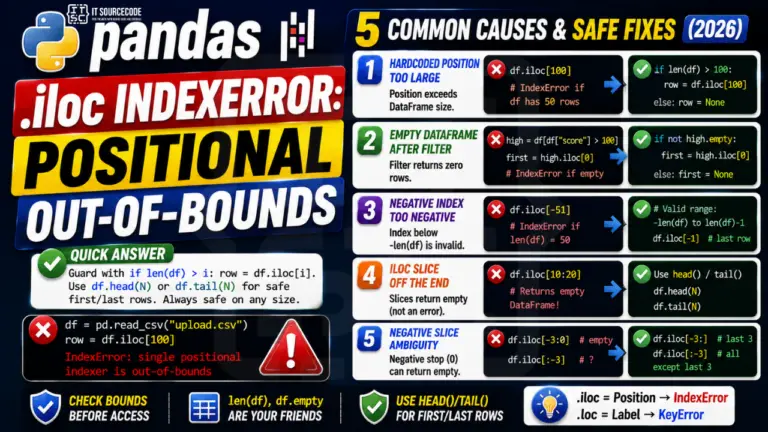
If you’ve spent any time wrangling data in Python, you’ve seen it: IndexError: single positional indexer is out-of-bounds. It’s the pandas equivalent of the classic Python list index out of …
If you’ve written more than 50 lines of Python, you’ve hit it: IndexError: list index out of range. It’s the second-most-Googled Python error after SyntaxError, and almost every BSIT student …
my_list[3] raises IndexError: list index out of range. The same applies to negative indexes: my_list[-4] on a 3-item list also raises IndexError. The fix is always either (1) check the length before accessing with if i < len(my_list) or (2) iterate with for item in my_list instead of indexing.my_data[2] and got IndexError, you are indexing a sequence. If you wrote my_data["name"] and got KeyError, you are looking up a mapping.for i in range(1, len(my_list) + 1) when you meant for i in range(len(my_list)). The first loop tries to access my_list[len(my_list)] on the last iteration, which is one past the last valid index and raises IndexError. The defensive fix is to always use for item in my_list when you do not need the index, or for i, item in enumerate(my_list) when you do.if i < len(my_list): value = my_list[i] for explicit bounds checks. (2) value = my_list[i] if i < len(my_list) else default for one-liner default fallback. (3) try: value = my_list[i]\nexcept IndexError: value = default when you need to log the failure or handle it differently. Avoid my_list[i] if i in my_list because in checks for value membership, not index validity..iloc[] is positional indexing, so it raises IndexError when the position is out of range, just like a regular list. df.iloc[1000] on a 500-row DataFrame raises IndexError. .loc[] on the other hand is label-based and raises KeyError when the label is missing. Watch out: after filtering or dropping rows, the integer positions shift while the labels stay the same. df_filtered.iloc[5] may now point to a different row than df.iloc[5]."list index out of range", strings say "string index out of range". For strings, this often happens when you assume a string has at least N characters: name[0] on an empty string from user input raises IndexError. Defensive fix: name[0] if name else '' or check if len(name) > 0 first.if i < len(my_list)) for normal control flow. The check is cheaper than raising and catching an exception, and the intent reads more clearly. Catch IndexError with try/except when the out-of-range access represents a genuine error you want to log or handle distinctly from the happy path (parsing untrusted input, deserializing data with unknown shape, defensive coding around third-party return values). Use both together when defensive: validate length, log the unexpected case, then continue.