
The short answer
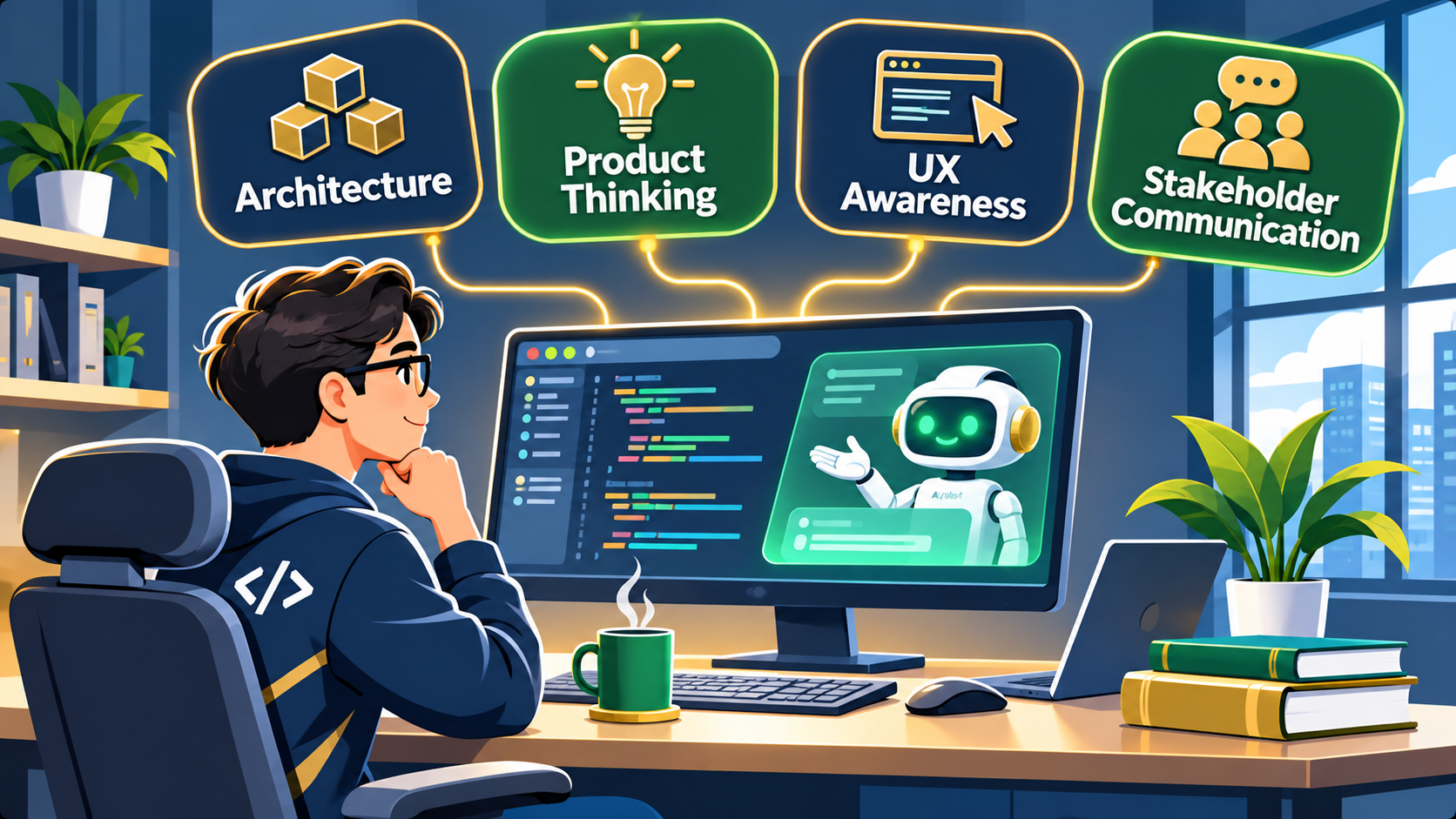
AI coding tools handle the syntax part of programming well now. What separates strong developers from junior ones is judgment: software architecture, product thinking, UX awareness, and stakeholder communication. Verifying AI-generated code is a new daily task on top of all four. Syntax fluency is still the floor, not the ceiling.
Guest contribution
This article is a guest contribution by Noriel Dizon of Full Scale, a software engineering staffing company. The views and examples are the author’s.
For years, “learning to code” meant learning syntax. Get comfortable with loops and conditionals. Learn how a language handles memory or types. Grind through enough algorithm problems to pass a technical interview. That was the job, and tutorials were built around it: step-by-step guides to a language feature, a framework method, or a specific error message.
That kind of tutorial is not going away, and for good reason. Whoever ships code to production is still responsible for what it does. A developer who cannot read a stack trace or work out why a query is running slow is going to struggle, no matter how much of the code an AI tool wrote for them. Syntax fluency is still the floor.
But it stopped being the ceiling a while ago, and the ceiling is where most of the value moved.
What AI actually changed
Modern AI coding assistants are genuinely good at the part of programming that used to take the most practice: translating a clear requirement into working syntax. Ask for a REST endpoint that validates input and returns paginated results, and a capable model will produce something close to correct in seconds. Ask it to refactor a function, write test cases, or convert code between languages, and it will usually get most of the way there.
What it is not good at, at least not reliably, is knowing what to build in the first place. It also struggles to judge whether an approach fits the rest of the system or whether the result actually solves the user’s problem. Those decisions still require a human who understands the bigger picture, and that part of the job keeps expanding while staying largely invisible in a typical programming curriculum.
Some teams are moving fast enough down this road that they are already rethinking what “training a developer” means in practice. Full Scale, a software engineering staffing company, recently restructured its internal training catalog so that 41 of its 75 courses are now tagged as AI-related, with a two-hour AI course mandatory for every engineer on staff. The shift tracks where the real skill gaps actually showed up once AI started handling more of the routine coding work.
The skills rising in value
Software architecture
Writing a function is different from deciding where that function belongs, how it should talk to the rest of the system, and what happens when ten more features get added around it six months later. AI tools can generate a class or a module on request. They are much weaker at judging whether that module should exist at all, or whether it will make the codebase harder to change later. Architectural judgment, the kind that comes from seeing systems grow and break over time, is becoming one of the clearest ways a developer adds value that a prompt cannot replace.
Product thinking
Product thinking means asking why a feature is being built before asking how. It is the habit of checking whether a request actually solves the user’s problem, or whether it just satisfies the literal wording of a ticket. A developer with strong product instincts will catch a bad requirement before writing a single line of code. Without that instinct, it is easy to ship exactly what was asked for and still miss the point entirely, something AI tools have no way to catch, since they only work with the instructions they are given.
UX awareness
Most computer science coursework treats the user interface as a formality: build the backend logic first, then wire up whatever front end makes the demo work. In practice, a technically correct feature that confuses or frustrates the person using it is a failure, regardless of how clean the code behind it is. Developers who understand basic UX principles, like reducing the number of steps to complete a task or making error states clear instead of cryptic, ship features that actually get used.
Talking to stakeholders
A large share of software problems start with a misunderstood requirement long before any code gets written. Being able to ask a clarifying question and explain a technical tradeoff in plain language to someone non-technical matters more to whether a project succeeds than any syntax rule does. It is also one of the hardest skills to pick up from a textbook, since it only really develops through practice with real stakeholders and real ambiguity.
The new tutorials developers need
The tutorial format itself does not need to change, just what it covers. The same step-by-step, example-driven approach that works for teaching a language feature works just as well for these skills:
- Walkthroughs of real architecture decisions. Not just design pattern definitions, but case studies of why a team chose one structure over another, and what broke when they didn’t.
- Practice writing and critiquing requirements. Turning a vague feature request into a clear specification works the same way a syntax tutorial turns a vague problem into working code.
- Basic UX heuristics developers can apply without design training. A handful of principles cover most of the usability mistakes that show up in software built by engineers.
- Scripted practice for stakeholder conversations. How to ask about a requirement without sounding difficult, how to explain a delay, how to push back on scope.
- Reading and evaluating AI-generated code. Verifying a suggestion is correct and fits the codebase is now a more common task than writing the equivalent code from scratch.
None of this replaces learning to code. It sits on top of it. A developer who can write clean, working syntax but has no sense of architecture, product, UX, or communication will still struggle to grow past a junior role. A developer who has both is set up for the part of the job that AI is not going to take over anytime soon.
What this means for BSIT and CSE students specifically
If you are about to start a capstone, the four skills above map almost directly onto how that project gets built and judged.
Start with product thinking. Before choosing a framework, spend time on the problem itself. Talk to the people who would actually use the system, whether that is a barangay office, a school registrar, or a small business owner, and write down what they need in their own words. Those interviews double as stakeholder practice: you will run into vague requests, shifting priorities, and terms you have to translate in both directions.
Then treat architecture as a deliverable, not a side effect. Sketch the system before you code it, and keep a short decision log explaining why you picked one database, structure, or API design over another. Panelists ask “why” far more often than “how,” and a decision log gives you real answers when they do.
For UX, test early with people who did not build the system, not classmates who already know where every button is. Watch where they get stuck and fix that before your defense.
The portfolio shift follows from all of this. A repository of working code used to be enough to stand out. Now that AI tools can produce a working CRUD app in an afternoon, hiring managers look for evidence of judgment: the problem statement, the tradeoffs you weighed, what you changed after user testing, and how you checked the AI-generated parts. Put those in your README, not just the install steps.
Further reading
Frequently asked questions
Does this mean coding fundamentals are less important?
How can students build these skills outside of a capstone?
Will AI eventually handle architecture and product decisions too?

Leah Whynett Dela Pena
Technology Writer at PIES IT Solution
Leah Whynett Dela Pena is a technology writer at PIES IT Solution, author of 93 career and IT education guides at itsourcecode.com. Specializes in tech career paths (software engineering, web development, cybersecurity, IT analyst roles), degree and certification guidance, and IT industry how-to content for students and career changers.
Expertise: Tech Careers · IT Education · Web Development Careers · Software Engineering Careers · Cybersecurity Careers · IT Certifications · Career Guidance · View all posts by Leah Whynett Dela Pena →