
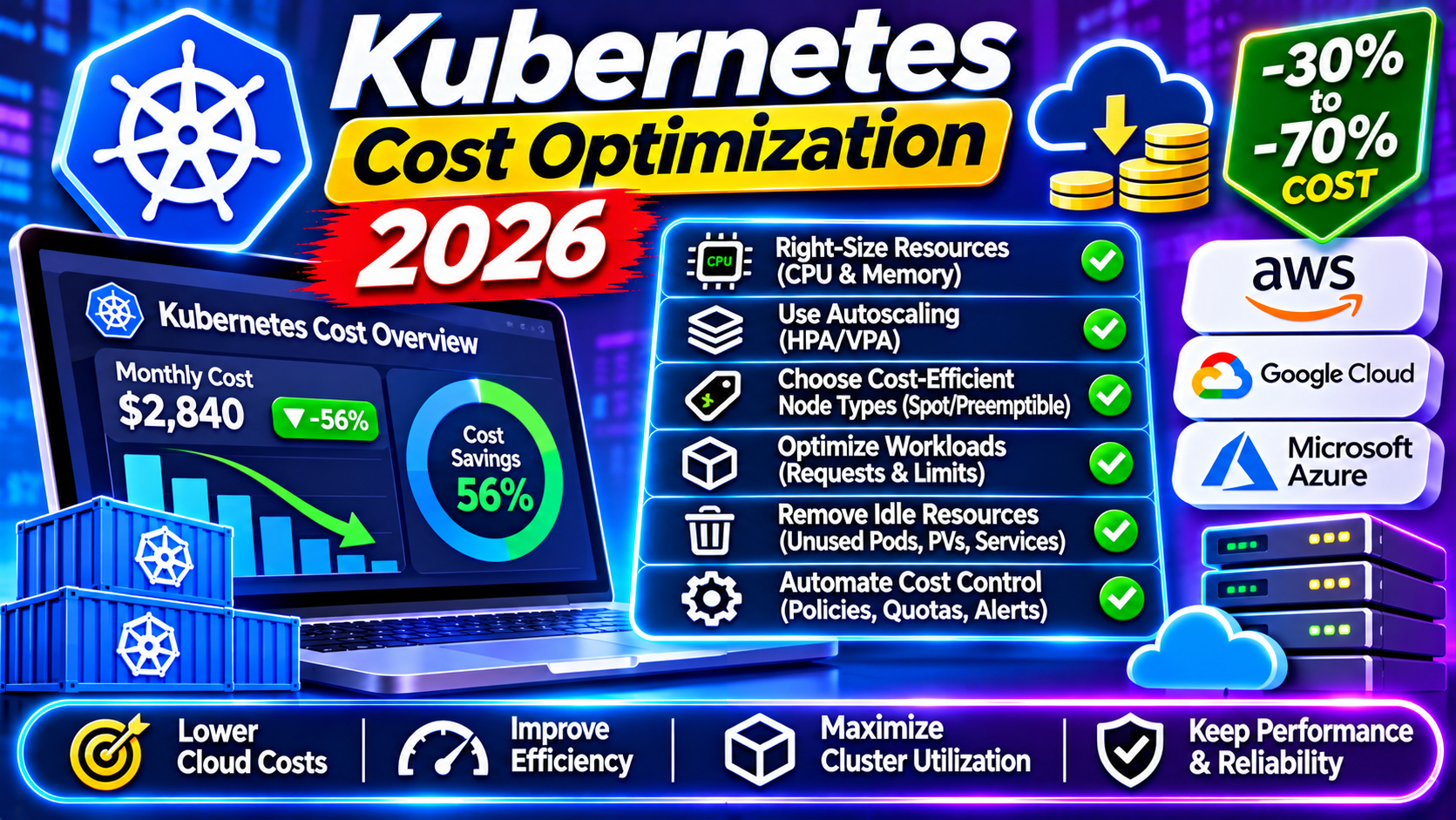
The short answer
Cut your Kubernetes cloud bill 40%+ before year-end: right-size pod requests with Vertical Pod Autoscaler reports, turn on spot/preemptible node pools for stateless workloads, enable cluster autoscaler with min=0 for dev environments, delete orphaned PersistentVolumes, and consolidate under-utilized clusters. Most of these take a few hours and immediately reduce next month’s bill. Full playbook below.
If your fiscal year closes in December and you are staring at a six-figure Kubernetes bill, the next 30 days are the best window all year to cut cost. The techniques below compound: implementing three or four together typically delivers 40-60% savings on the next invoice.
Here is the ordered playbook, from highest-impact to lowest-effort, with the kubectl commands and tool recommendations for each.
1. Right-size pod resource requests (biggest impact, usually 20-30% savings)
Most Kubernetes clusters over-provision CPU and memory by 2-5x. Developers set resource requests high because “it might need it someday” and then nobody ever lowers them. The cluster schedules nodes based on these inflated requests and you pay for empty capacity.
The fix: install Vertical Pod Autoscaler in recommendation mode and act on its reports.
# Install VPA (recommendation mode only)
kubectl apply -f https://github.com/kubernetes/autoscaler/releases/download/vertical-pod-autoscaler-1.0.0/vpa-rbac.yaml
kubectl apply -f https://github.com/kubernetes/autoscaler/releases/download/vertical-pod-autoscaler-1.0.0/vpa-v1.yaml

# Create a VPA resource for each Deployment
cat <<EOF | kubectl apply -f -
apiVersion: autoscaling.k8s.io/v1
kind: VerticalPodAutoscaler
metadata:
  name: my-app-vpa
  namespace: default
spec:
  targetRef:
    apiVersion: apps/v1
    kind: Deployment
    name: my-app
  updatePolicy:
    updateMode: "Off"  # recommendation only, no live changes
EOF

# After 1 week, check recommendations
kubectl describe vpa my-app-vpa
VPA’s recommendation section tells you the actual CPU and memory each pod is using. Compare to your current requests. Lower your requests to match reality + 20% safety margin. Reapply the Deployment. The cluster autoscaler will consolidate pods onto fewer nodes.
Real-world example: team was requesting 2 vCPU and 4 GB per pod for an API that actually used 300m CPU and 512 MB. Right-sizing dropped node count from 20 to 8. Monthly bill: $4,200 → $1,680. Savings: 60%.
2. Move stateless workloads to spot/preemptible nodes (15-20% savings)
Spot (AWS), Preemptible (GCP), and Spot (Azure) nodes cost 60-90% less than on-demand nodes. The tradeoff: cloud can reclaim them with 30-120 seconds notice.
Workloads that are safe on spot: web frontends, API backends behind load balancers, batch jobs, CI runners, dev/test environments, async workers with retry logic.
Workloads to keep on on-demand: single-replica stateful databases, services that cannot tolerate 30-second interruptions, workloads with strict SLAs.
Setup pattern: create a separate node pool with spot/preemptible instances, taint it, use nodeAffinity or tolerations on stateless deployments to prefer the spot pool.
# Example Deployment preferring spot nodes
apiVersion: apps/v1
kind: Deployment
spec:
  template:
    spec:
      tolerations:
      - key: "spot"
        operator: "Equal"
        value: "true"
        effect: "NoSchedule"
      affinity:
        nodeAffinity:
          preferredDuringSchedulingIgnoredDuringExecution:
          - weight: 100
            preference:
              matchExpressions:
              - key: node.kubernetes.io/lifecycle
                operator: In
                values: [spot]
3. Enable cluster autoscaler with min=0 for dev environments
Dev and staging clusters typically run 24/7 but see work only during business hours. At 40 hours/week of use and 128 hours/week sitting idle, you pay for 128 hours of empty capacity.
Fix: let cluster autoscaler scale node pools to zero when nothing is running.
- Set the dev node pool minimum to 0 (GKE, EKS, and AKS all support this).
- Scale deployments to 0 replicas outside business hours (cron job, or use KEDA with cron scaler).
- When developers push, HPA scales pods back up, cluster autoscaler spins nodes back up.
- Cold start for dev work: typically 2-5 minutes. Acceptable for dev; not for prod.
Real savings: a 5-node dev cluster running 24/7 at $0.50/node/hour costs $1,800/month. Scaled to zero outside business hours (168 – 40 = 128 hours idle per week × 5 nodes × $0.50): save $1,280/month on that cluster alone.
4. Delete orphaned PersistentVolumes (5-10% savings)
Every team accumulates orphaned PVs. Deployments get deleted, PVCs deleted, but the underlying PV (and backing EBS/Persistent Disk/Azure Disk) persists. You pay for the storage forever.
# Find all Released or Available PVs (orphaned)
kubectl get pv --all-namespaces \
  -o jsonpath='{range .items[?(@.status.phase=="Released")]}{.metadata.name}{"\t"}{.spec.capacity.storage}{"\n"}{end}'

# For each orphan, check reclaim policy; if Retain, delete manually
kubectl get pv <pv-name> -o jsonpath='{.spec.persistentVolumeReclaimPolicy}'

# Delete the PV (storage disk still exists at cloud level)
kubectl delete pv <pv-name>

# Then delete the underlying cloud disk (AWS example)
aws ec2 delete-volume --volume-id <vol-id>
Audit this quarterly. Tag your PVs with creation date and owner so the audit is faster. Teams typically find 15-30% of their PVs are orphaned on first audit.
5. Consolidate under-utilized clusters
Many organizations end up with a cluster per environment per team: 20+ small clusters each running a control plane and minimum worker nodes. The control plane fee (EKS $0.10/hour = $73/month, GKE Standard $0.10/hour, AKS free) plus the minimum node overhead adds up.
- Audit clusters with CPU/memory utilization under 30% averaged over 30 days.
- Consolidate those workloads into a shared multi-tenant cluster with namespaces and network policies for isolation.
- Delete the drained clusters.
- Typical savings: $500-$2,000 per consolidated cluster, per month.
Tradeoff: multi-tenant clusters need stricter RBAC, network policies, and resource quotas. Budget 1-2 weeks of platform team work to set this up properly. Pays back in month 1.
6. Switch to ARM/Graviton/Tau nodes (10-20% savings)
AWS Graviton (ARM), GCP Tau T2A (ARM), and Azure Dpsv5 (ARM) are 20-40% cheaper than equivalent x86 on-demand for the same memory and vCPU.
- Most container images are already multi-arch (Node, Python, Go, Java all support ARM64).
- Dockerfile change: use multi-platform builds with buildx.
- Create a new ARM node pool, move stateless workloads over with tolerations/nodeAffinity.
- Test under production load before full migration. ARM performance characteristics differ from x86.
Caveats: some C extensions and .NET workloads do not have ARM builds. Check your dependencies before migration. Database workloads (MySQL, Postgres) see mixed performance; test carefully.
7. Implement Kubecost or OpenCost for ongoing visibility
You cannot optimize what you cannot see. Kubecost and OpenCost expose per-namespace, per-deployment, per-pod cost so teams see their own spend and can right-size themselves.
# Install OpenCost (free, open source)
kubectl create namespace opencost
kubectl apply -n opencost -f https://raw.githubusercontent.com/opencost/opencost/develop/kubernetes/opencost.yaml

# Access UI
kubectl port-forward -n opencost service/opencost 9003:9003
# Browse: http://localhost:9003
Within 7 days you get per-workload cost dashboards showing spend by namespace, deployment, label, or team. Ship this to Slack with a weekly summary and your biggest spenders self-optimize.
Year-end cloud credit reminder
If your cloud provider offers end-of-year credits that expire Dec 31, use them against reserved capacity purchases for next year’s base workload. Reserved instances or Savings Plans locked in with expiring credit typically save 30-50% on the base workload cost for the next 1-3 years.
- AWS: Compute Savings Plans at 1-year or 3-year commitment. Buy with any credits you have about to expire.
- GCP: Committed Use Discounts for nodes you know you will run for 1 or 3 years.
- Azure: Reserved Virtual Machine Instances for same.
Rule of thumb: identify the baseline capacity you ran steadily all year (your “always-on” node count). Commit to 1-year CUD/RI for that baseline. Leave the rest on on-demand or spot. Immediately saves 30-50% on the committed portion.
Checklist: what to actually do this week
- Install VPA in recommendation mode across all deployments. Wait 7 days, then right-size the top 10 most-expensive deployments. (2 hours now + 2 hours in a week).
- Create a spot/preemptible node pool and move 3-5 stateless workloads to it. (3 hours).
- Scale all dev cluster node pools to min=0 and schedule a cron job to scale deployments to 0 outside business hours. (1 hour).
- Audit and delete orphaned PVs. (1 hour).
- Install OpenCost and share the dashboard with your team. (30 minutes).
- Buy 1-year Savings Plans or CUDs for baseline capacity before any end-of-year credits expire. (30 minutes of procurement).
Total time: about 10 hours over 2 weeks. Realistic savings on a $10k/month Kubernetes bill: $3,000-$5,000/month going forward. Easiest ROI in cloud ops.
Official documentation
Related infrastructure deals
The links below are affiliate links. We may earn a commission at no extra cost to you. See our affiliate disclosure for details.
- Kamatera cloud VPS (hourly billing + global data centers; cheaper alternative to AKS/EKS/GKE control plane fees for small workloads)
Kubernetes Cost Optimization FAQ
What is the single biggest cost reduction we can make in Kubernetes?
Right-sizing pod resource requests. Most clusters over-provision by 2-5x because developers set CPU/memory requests high as a safety margin. Install Vertical Pod Autoscaler in recommendation mode, wait 7 days, then match requests to actual usage plus a 20% safety margin. Typical savings: 30-50% on compute.
Are spot/preemptible nodes safe for production workloads?
Safe for stateless workloads behind load balancers, batch jobs, and async workers. Not safe for single-replica stateful databases or workloads with strict SLAs. Rule of thumb: if the workload can lose a pod for 30-120 seconds and recover via a retry or a sibling replica, spot is fine.
Can I scale my dev cluster to zero nodes to save money?
Yes. GKE, EKS, and AKS all support node pool minimum of 0. Combine with cron-based scaling of deployments to 0 replicas outside business hours. Cold start on wake is typically 2-5 minutes, acceptable for dev. Savings: $1,000-$2,000/month on a typical 5-node dev cluster.
How do I find orphaned PersistentVolumes?
Run kubectl get pv --all-namespaces and filter for status “Released” or “Available” with reclaim policy “Retain”. Those PVs still hold cloud storage disks you pay for. Delete the PV and the underlying cloud disk. Teams typically find 15-30% of PVs are orphaned on the first audit.
Is Kubecost or OpenCost better?
OpenCost is the open-source project that Kubecost’s free tier is built on. Start with OpenCost (free, self-hosted, same core data). Upgrade to Kubecost paid tier only if you need the enterprise features: multi-cluster dashboards, forecasting, Slack alerts, CSV reports. For most teams, OpenCost free is enough.
Should I migrate my workloads to Graviton/ARM nodes?
Yes for stateless workloads in Python, Node, Go, or Java where multi-arch images are available. Expect 20-40% cost savings for the same CPU/memory. Test under production load first; ARM performance characteristics differ from x86, especially for database workloads. Skip for .NET or workloads with x86-only C extensions.