
CrewAI is a Python framework for orchestrating role-based AI agents that collaborate on tasks. It is one of the hottest multi-agent frameworks in 2026 alongside LangGraph. If you see ModuleNotFoundError: No module named ‘crewai’, install with one pip command.
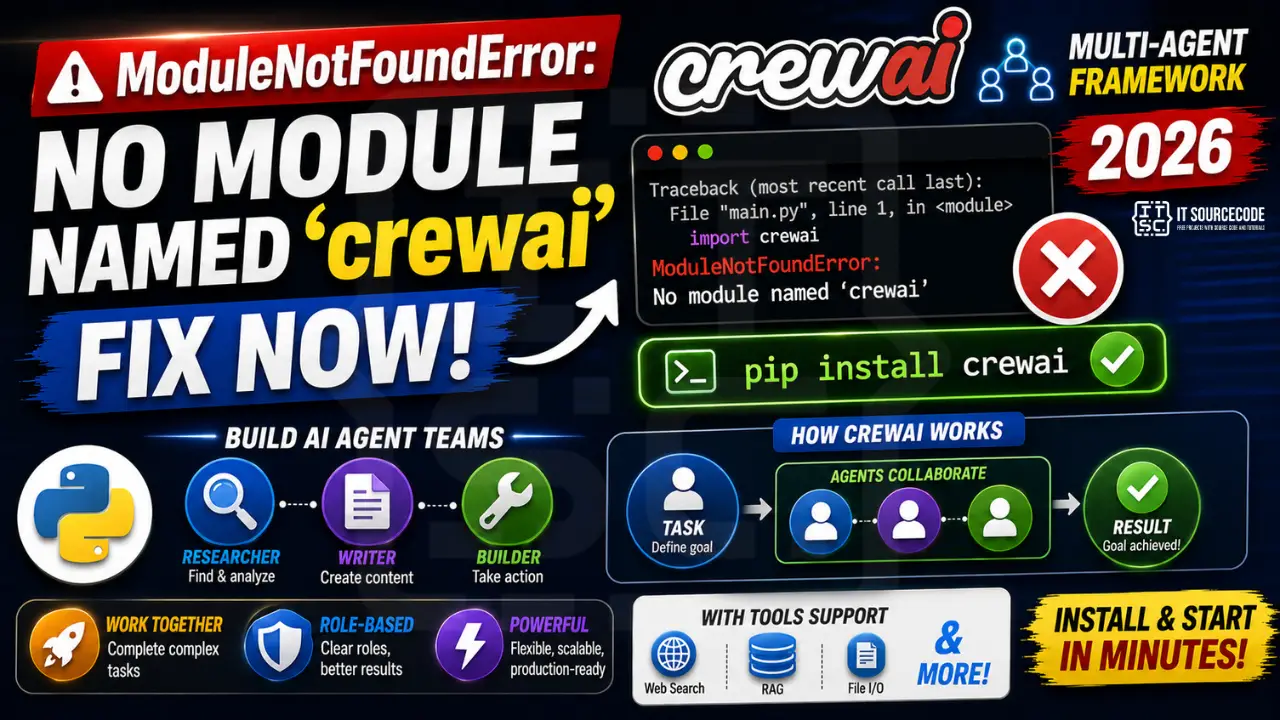
Step 1: Install crewai
# Base install:
pip install crewai

# With tool integrations (RAG, file I/O, web search):
pip install 'crewai[tools]'

# Specific Python version (CrewAI needs 3.10+, 3.13 not yet stable):
python3.11 -m pip install crewai
Step 2: Minimal crew example
from crewai import Agent, Task, Crew, Process

researcher = Agent(
    role='Research Analyst',
    goal='Find recent AI breakthroughs',
    backstory='Expert at scanning technical papers and summarizing key findings.',
    verbose=True
)

writer = Agent(
    role='Tech Writer',
    goal='Turn research into clear blog posts',
    backstory='Award-winning explainer of complex tech.',
    verbose=True
)

research_task = Task(
    description='Find 3 recent advances in multimodal LLMs',
    agent=researcher,
    expected_output='3 bullet points with sources'
)

write_task = Task(
    description='Write a 500-word blog from the research',
    agent=writer,
    expected_output='Final blog post in markdown'
)

crew = Crew(
    agents=[researcher, writer],
    tasks=[research_task, write_task],
    process=Process.sequential,
    verbose=True
)

result = crew.kickoff()
print(result)
Step 3: Use a local Ollama model (no API cost)
from crewai import Agent, LLM

local_llm = LLM(
    model="ollama/llama3.1",
    base_url="http://localhost:11434"
)

agent = Agent(role='Analyst', goal='...', backstory='...', llm=local_llm)
Why this error happens
| Cause | Fix |
|---|---|
| Not installed | pip install crewai |
| Python under 3.10 | CrewAI requires 3.10-3.12; install correct Python |
| Pinned ancient version | pip install -U crewai |
| No tools, need integrations | pip install ‘crewai[tools]’ |
Debugging checklist for MNFE: crewai
- Confirm which Python is running:
which pythonandpython --version. - CrewAI requires Python 3.10+. Older versions cannot install it.
- Confirm pip install worked:
python -m pip show crewai. - If Jupyter, install into the running kernel:
%pip install crewai. Restart kernel after.
Correct install for common setups
# Standard venv
python -m pip install crewai

# With tools included
python -m pip install "crewai[tools]"

# uv (fastest 2026 workflow)
uv add crewai
uv add "crewai[tools]"

# Poetry
poetry add crewai

# Jupyter notebook (auto-picks correct kernel)
%pip install crewai
Verify install + smoke test
import crewai
print(crewai.__version__)

from crewai import Agent, Task, Crew
agent = Agent(role="Researcher", goal="Find facts", backstory="Analyst")
print(agent.role)
Real-world example: minimal CrewAI agent
from crewai import Agent, Task, Crew

researcher = Agent(
    role="Researcher",
    goal="Find current AI trends in 2026",
    backstory="AI industry analyst",
)

writer = Agent(
    role="Writer",
    goal="Summarize findings in 3 bullet points",
    backstory="Technical content editor",
)

research = Task(
    description="Research AI agent frameworks",
    expected_output="Comparison of top 3 frameworks",
    agent=researcher,
)

write = Task(
    description="Write 3-bullet summary",
    expected_output="3 bullet points",
    agent=writer,
    context=[research],
)

crew = Crew(agents=[researcher, writer], tasks=[research, write])
result = crew.kickoff()
print(result)
CrewAI vs LangChain agents: when to pick which
Both frameworks build agents. Different strengths:
- CrewAI: role-play framework. Best when your agents are distinct personas (Researcher + Writer + Editor) working sequentially or in parallel. Simpler mental model.
- LangGraph: state-machine framework. Best when your workflow has branches, loops, or human-in-the-loop steps. More powerful but steeper learning curve.
- Anthropic Claude Agent SDK: lowest-level. Best when you want fine control over tool calling, permissions, and streaming.
Common install issues on M1 Mac and Windows
- M1 Mac: some CrewAI tool dependencies need Rosetta. Use
arch -x86_64 pip install crewaiif you hit compilation errors. - Windows: Long path names sometimes break pip install. Enable long paths in Registry or use
uv add crewaiwhich handles this automatically. - Corporate proxy: set
HTTPS_PROXYenvironment variable before running pip install.
Quick reference summary
ModuleNotFoundError: crewai almost always means the package installed into a different Python than the one running your script. The single most reliable fix is uv add crewai plus uv run python your_script.py. This forces both sides to use the same interpreter.
CrewAI in production
CrewAI works well for prototyping but needs guardrails in production. Set a max iteration cap on your Crew to prevent runaway loops. Add token-usage callbacks so you can bill correctly. Use LangSmith or Braintrust to trace agent decisions when things go wrong. For long-running crews, checkpoint state to Postgres so a crash does not lose hours of work.
Choosing between crewai[tools] and crewai plain
The base crewai package gives you agents, tasks, and crews. The crewai[tools] extras add file readers, web scrapers, code interpreters, and other pre-built tools. Install the base for maximum lightness, add extras when you know which tools you need. Never install extras you do not use because each one pulls in more dependencies and increases the surface for version conflicts.
Diagnostic checklist for “No module named ‘crewai'”
- Verify pip install target. Run
pip show crewai— if not installed, runpip install crewai. - Check the active Python interpreter.
which python(mac/Linux) orwhere python(Windows). Both pip and python must point to the same environment. - Check virtual environment activation. If you use venv/conda, activate before installing:
source .venv/bin/activate. - Rule out uppercase/lowercase. Python imports are case-sensitive:
import PyPDF2notimport pypdf2. - Rule out the pip-vs-package-name mismatch. Some packages install under a different name than you import (e.g.
pip install beautifulsoup4→import bs4).
Modern install for LLM frameworks
# 2026 recommended workflow — uv is fastest
pip install uv
uv pip install crewai

# Or classic pip
pip install crewai

# With extras for LLM providers
pip install "crewai[openai,anthropic]"
Common “No module named ‘crewai'” causes
- Version pinning conflict. LLM libraries update fast —
pip install --upgrade crewaiif you saw the module before. - Multiple Python versions. LLM tutorials often use Python 3.11 or 3.12. Verify
python --versionmatches. - Notebook kernel. Jupyter picks a different kernel than pip installs to. Use
%pip install crewaiinside the notebook. - WSL / Docker paths. Install in the same environment as your Python — not on the host if you run Python inside WSL.
Working code example
# Verify install
import crewai
print(crewai.__version__)

# Basic usage skeleton
# (adapt to your specific crewai version)
Best practices
- Use a virtual environment for every LLM project. Dependencies overlap and pin conflicts are common.
- Pin your versions in
requirements.txtorpyproject.toml. LLM libraries move fast. - Consider uv or Poetry. Modern package managers handle dep resolution far better than pip alone.
Official documentation
Quick step-by-step summary (click to expand)
- Verify Python version is 3.10 or newer. Run python –version. CrewAI requires Python 3.10+ due to newer typing features.
- Install crewai. Run uv pip install crewai. This will pull in langchain and other dependencies.
- Install tools extras for common agent tools. For search and web browsing tools, run uv pip install “crewai[tools]”.
- Verify with import test. Run python -c “from crewai import Agent” to confirm the module loads.
Frequently Asked Questions
CrewAI vs LangGraph: which should I use?
CrewAI uses a high-level role-based mental model (give each agent a role, goal, backstory). LangGraph is lower-level with explicit state graphs and edges. CrewAI is faster to prototype; LangGraph gives you more control for production deployments with checkpoints and time-travel debugging.
Does CrewAI need OpenAI?
No. CrewAI uses LiteLLM under the hood and supports OpenAI, Anthropic, Gemini, Ollama, Groq, Mistral, Azure, Bedrock, Vertex, and 100+ providers. Set OPENAI_API_KEY or pass an LLM object directly to each Agent.
Is CrewAI free and open-source?
The framework is free (MIT). CrewAI Enterprise (managed hosting + observability + SLA) is a paid product. The library itself works for any project, including commercial.
Can agents use custom tools?
Yes. Define a tool with @tool decorator or BaseTool subclass, then pass it in tools=[] to an Agent. Built-in tools cover file I/O, web search (Serper), CSV/PDF read, RAG over directories, code execution.
What processes does CrewAI support?
Process.sequential runs tasks in order. Process.hierarchical adds a manager agent that delegates to crew members and reviews their output. Both can run with verbose=True for full traces.

Adrian Mercurio
Full-Stack Developer at PIES IT Solution
Specializes in building complete capstone projects with full documentation. Strong background in PHP/MySQL development and database design. Has personally built and tested over 30 capstone-ready projects with ER diagrams, DFDs, and chapter-by-chapter thesis documentation.
Expertise: PHP · Laravel · Database Design · Capstone Projects · C# · C · C++ · Python · AI Projects
· View all posts by Adrian Mercurio →