
A hacked GCash account is one of the most stressful things a Filipino user can face. The scammer may have already drained your wallet, changed your MPIN, and used your GCash to send money to their own accounts. Fast action in the first 15 minutes gives you the best chance of freezing the account before more transactions clear, and it starts the paper trail you need for BSP escalation and possible refund.
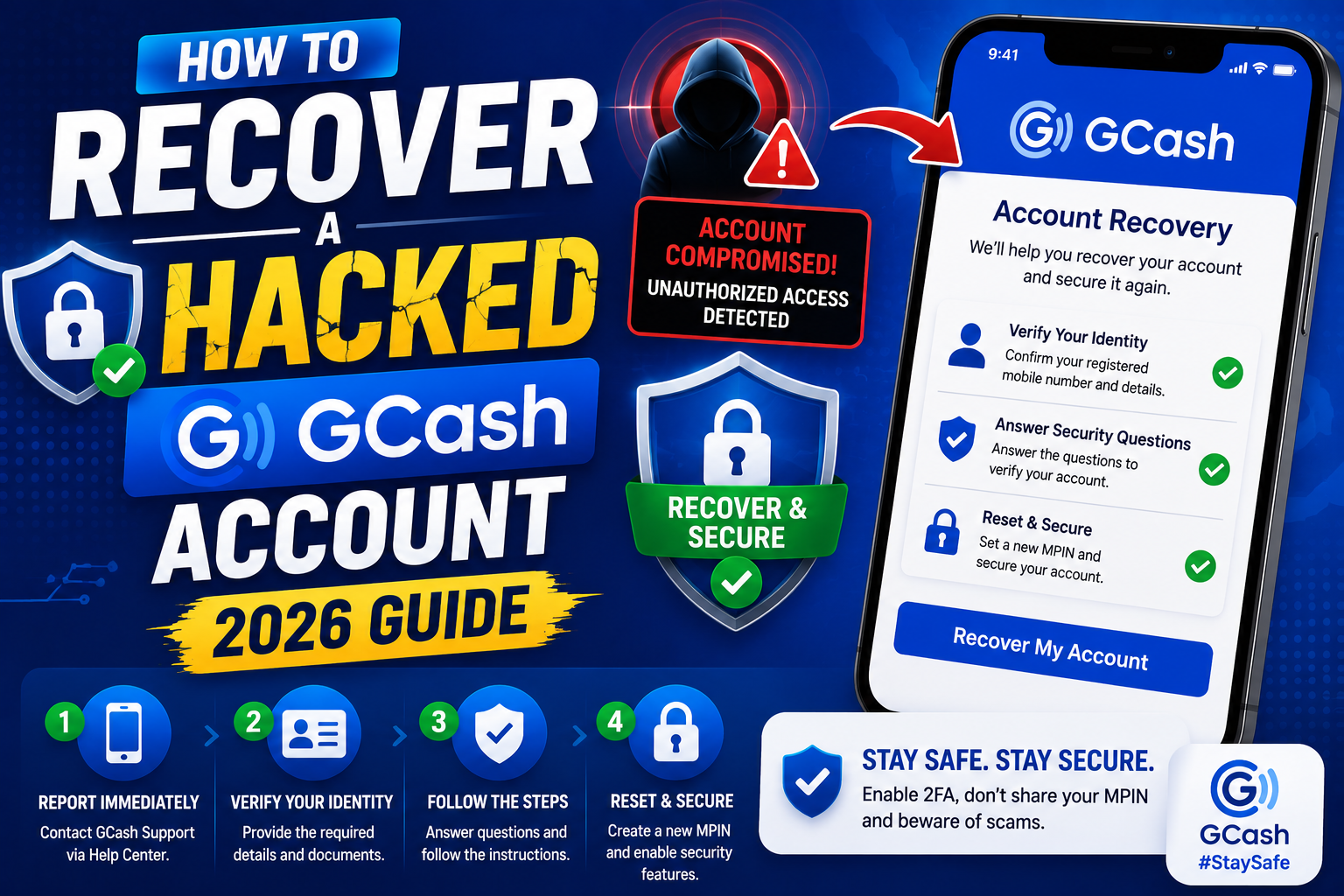
We put this guide together as a step-by-step response plan. Follow the steps in order and do not skip ahead. Every step builds the case GCash needs to help you.
Quick step-by-step summary (click to expand)
- Call the GCash hotline immediately. 2882 (mobile) or 8-395-3299 (landline). Freezes the account in minutes.
- Screenshot everything now. Suspicious transactions, unfamiliar login notifications, phishing messages. You need these later.
- Report through GCash Help center. In-app or via help.gcash.com. Create an official ticket.
- Reset your MPIN and password. Once GCash confirms your identity, change both MPIN and email password.
- File a BSP complaint if not resolved in 15 days. Bangko Sentral ng Pilipinas has jurisdiction over GCash.
- Enable extra security. Face ID, MPIN change every 90 days, and never share OTPs going forward.
Step 1: Call the GCash hotline right now
The single most time-sensitive action. GCash’s fraud team can freeze your account within minutes, which stops any transactions the scammer has queued but not yet cleared.
- From mobile: dial 2882 (free)
- From landline: (02) 8-395-3299 (Metro Manila landline rates apply)
- Overseas: +63-2-8395-3299 (international call rates)
Say clearly: “My GCash account is compromised. I need to freeze it immediately.” Give your registered mobile number and full name. GCash will verify your identity through security questions, then freeze the wallet.
Write down or screenshot the reference number the agent gives you. You will need this for every follow-up.
Step 2: Screenshot every piece of evidence
Before the scammer or GCash deletes anything, capture:
- Unfamiliar transactions in your GCash transaction history (open each one, screenshot the full detail page)
- Login notification messages from GCash showing when the scammer accessed the account
- SMS or email OTPs you did not request (proves you did not authorize the change)
- Phishing messages the scammer sent you (fake GCash email, Viber, Messenger, or SMS)
- Bank statements if the scammer transferred out via Cash Out
- Any communication with the scammer if you were social-engineered
Save these screenshots to Google Drive or email them to yourself immediately. Do NOT rely on the screenshots staying on your phone, since if the scammer regains control, they can delete them.
Step 3: File an official Help Center ticket
Hotline calls freeze the account, but only a Help Center ticket creates the paperwork trail GCash needs to investigate and potentially refund.
- Open help.gcash.com in a browser (not the GCash app, since your account is compromised).
- Click Report an Issue.
- Select the category “Account Concerns” and the sub-category “Unauthorized Transaction” or “Compromised Account”.
- Fill in the form with:
- Your GCash-registered mobile number
- The hotline reference number from Step 1
- Date and time of first noticed suspicious activity
- List of all unauthorized transactions (dates, amounts, reference numbers)
- Description of how you think the account was compromised (phishing, shared OTP, lost phone)
- Attach all screenshots from Step 2.
- Submit and save the ticket number.
GCash typically responds within 3-5 business days. Their investigation can take 15-45 days depending on how many parties are involved (source bank, recipient bank, GCash internal, BSP if escalated).
Step 4: Reset your MPIN and email password
Once GCash confirms your identity and unfreezes the account for you:
- Open GCash and log in with your new MPIN (GCash will guide you to reset).
- Go to Profile, then Settings, then Change MPIN. Pick a 4-digit PIN that is NOT your birthday, phone number, or repeated digits.
- Log out completely.
- Go to your email (Gmail, Yahoo, etc.) and change that account’s password too. Scammers often gain email access first, then use email to reset the GCash account. Assume compromise of your email if the GCash breach is unexplained.
- Enable email 2FA (Google Authenticator or SMS backup code).
- Log back into GCash on your primary phone only.
Step 5: Escalate to BSP if GCash does not resolve within 15 days
Bangko Sentral ng Pilipinas (BSP) has regulatory authority over GCash. If GCash has not responded meaningfully within 15 business days, or if their proposed resolution does not refund unauthorized transactions you did not initiate, escalate to BSP.
How to file:
- BSP Online Consumer Assistance: https://www.bsp.gov.ph/SitePages/Default.aspx (click Consumer Protection)
- Email: consumeraffairs@bsp.gov.ph
- Hotline: (02) 8-708-7087
Include: GCash ticket number, hotline reference number, all screenshots, timeline of events, and what resolution you are asking for. BSP typically takes 30-45 days to review and can order GCash to refund if fault is proven.
Step 6: Harden your account against future attacks
- Enable Face ID or biometric login in GCash Settings if your phone supports it
- Change MPIN every 90 days at minimum (calendar reminder)
- Never share OTPs with anyone, including anyone claiming to be from GCash. GCash NEVER asks for your OTP.
- Uninstall GCash from any device you do not primarily use (old phones, tablets)
- Set a low daily Cash Out limit in GCash Settings to cap potential damage if breached again
- Do not click GCash links from Viber, SMS, or email. Always open the app directly.
- Check Login Sessions weekly (Profile, Settings, Security, Active Sessions). Log out any device you do not recognize.
Also update your Google/Apple ID password (whichever ecosystem your phone uses) and enable 2FA on it. Many GCash compromises actually start with a compromised primary email or phone account.
Official documentation
Frequently asked questions
Will GCash refund the stolen money?
Sometimes. GCash refunds unauthorized transactions when their investigation proves the account was compromised through no fault of yours (phishing, SIM swap, breach of GCash systems). They typically will NOT refund transactions where you willingly shared your MPIN or OTP with the scammer, even if you were tricked. Filing the Help Center ticket + BSP escalation gives you the best chance of recovering funds.
How long does GCash account recovery take?
Account freeze happens within minutes of the hotline call. Full identity re-verification and restored access typically takes 3-7 business days. Investigation of unauthorized transactions and any refund decision takes 15-45 days. BSP escalation adds another 30-45 days.
Can I still use GCash while the account is frozen?
No. A frozen account cannot Send Money, Cash In, Cash Out, or pay merchants. This is intentional and protects you from further unauthorized transactions. Once GCash verifies your identity and completes their initial review (usually within a week), full access is restored while investigation continues.
Should I report the hack to the police too?
Yes if the amount is significant (PHP 10,000+) or if the scammer used your identity for other crimes. File a report at your local PNP-ACG (Anti-Cybercrime Group) office or online at https://acg.pnp.gov.ph/. Bring copies of all GCash screenshots, ticket numbers, and correspondence. A police report strengthens your BSP complaint.
What if the scammer already Cashed Out the money to a bank?
Include the receiving bank name and account number (visible in the transaction detail screenshot from Step 2) in your GCash ticket. GCash will coordinate with the receiving bank to freeze that account. If done within 24-48 hours, the money may still be recoverable. After that, funds are usually withdrawn or transferred out of the destination account and become much harder to recover.
How did the hacker get in if I never shared my MPIN?
Most common vectors: (1) Phishing SMS with a fake GCash link that captured your OTP, (2) SIM swap fraud where the scammer transferred your phone number to their SIM, (3) Malware on your phone that stole session tokens, (4) Compromised email account used to trigger MPIN reset. Review your recent SMS and app installs; if you did not do a specific security-sensitive action recently, SIM swap or email compromise is likely.
Speed matters most in the first 15 minutes. Save the GCash hotline (2882) in your phone contacts right now, before you ever need it, so you can call in a panic without hunting for the number. And take the security-hardening steps in Step 6 today even if your account is fine, since prevention is 100x easier than recovery.

Adones Evangelista
Programmer & Technical Writer at PIES IT Solution
Adones Evangelista is a programmer and writer at PIES IT Solution, author of over 900 tutorials and error-fix guides at itsourcecode.com.
Expertise: JavaScript · Python · Django · Laravel · Error Debugging · C/C++ · View all posts by Adones Evangelista →