
Disclosure: Affiliate links, purchases support itsourcecode.com at no cost to you.
Adding an external monitor to your laptop is the single highest-ROI upgrade you can make as a programmer. Two displays let you keep documentation, error logs, and your editor visible simultaneously, eliminating constant tab-switching that drains focus and time. Studies show developers with dual displays are 25-30% more productive than single-monitor coders.
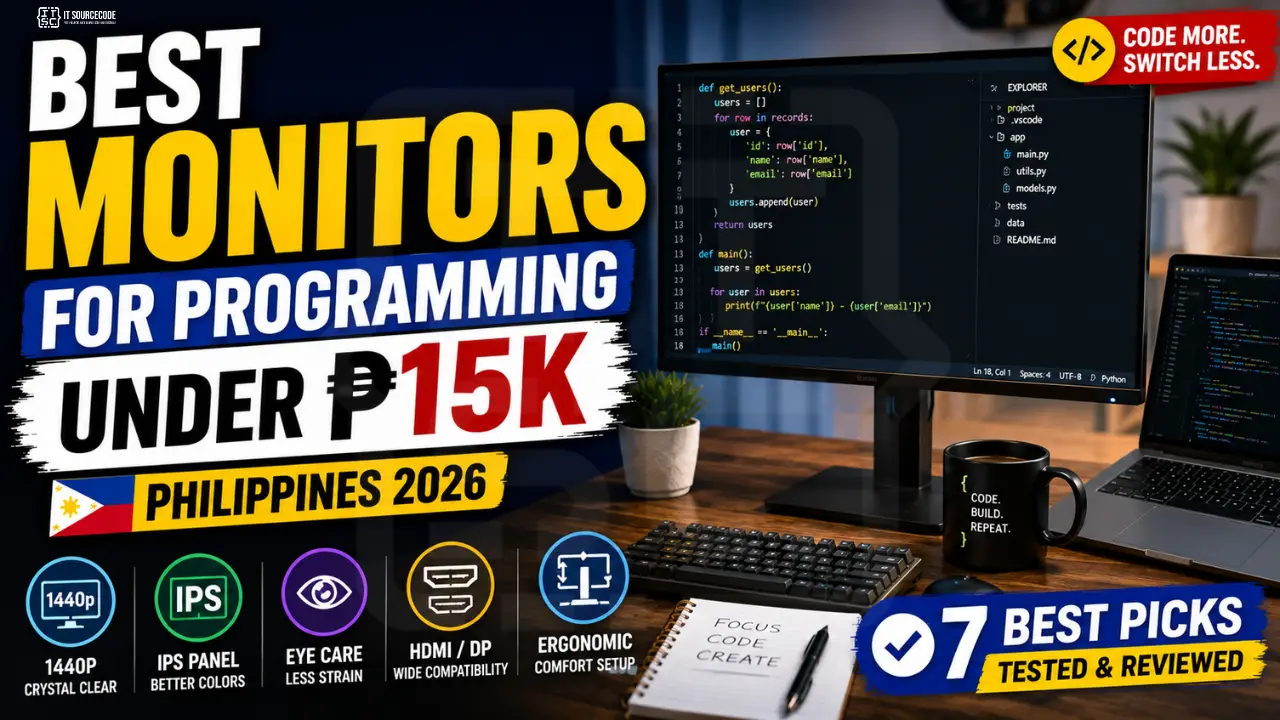
This guide reviews the 7 best monitors for programming work available in the Philippines under ₱15,000 in 2026, with the specs that actually matter for coding (spoiler: it’s not refresh rate).
What Specs Matter for Programming Monitors
Resolution: Get 1440p if possible
For coding, 1440p (2560×1440) is the sweet spot, fits 2-3 vertical code panels side-by-side comfortably. Full HD (1920×1080) works but feels cramped on 27″ screens. 4K is overkill for code and forces Windows scaling at 150%, which loses the screen real estate advantage.
Size: 24-27″ is the sweet spot
- 24″ 1080p: Comfortable text size, fits on small desks
- 27″ 1440p: Sweet spot for productivity, more code visible
- 32″+: Too big without ultra-wide curve, neck strain
Panel type: IPS is mandatory
IPS (In-Plane Switching) panels have accurate colors and consistent brightness when viewed at angles. Avoid TN panels (cheap gaming monitors), they wash out at slight angle changes. VA panels are OK but slower text rendering.
Refresh rate: 60Hz is enough
Gaming monitors push 144Hz+, but for programming you’ll never notice above 60Hz. Don’t pay extra for 144Hz unless you also game competitively.
Connectivity
Must have HDMI (works with all laptops). Bonus features: DisplayPort, USB-C with power delivery (charge laptop through monitor cable), height adjustment.
Top 7 Monitors for Programming Under ₱15K (PH 2026)
#1: Xiaomi Mi 27″ 1440p (RMMNT27NF), Best Overall
Price: ₱9,500-12,000
Specs: 27″ IPS • 2560×1440 (1440p) • 75Hz • HDMI + DisplayPort • Built-in speakers • Slim bezel
Why it wins: Best price-to-performance for 1440p in 2026. Color accuracy out-of-box is excellent. Slim bezels look professional. Bonus: 75Hz refresh rate is smoother than 60Hz for general use.
Watch out: Stand only tilts, doesn’t height-adjust. Pair with monitor arm (₱1,500-2,500) if you need ergonomic positioning.
#2: LG 24MP400 (24″ 1080p), Best Budget Pick
Price: ₱5,500-7,500
Specs: 24″ IPS • 1920×1080 • 75Hz • HDMI + VGA • FreeSync
Why we recommend: Cheapest IPS monitor that doesn’t compromise quality. Reliable LG brand with PH warranty. Perfect first external monitor for BSIT students.
Best for: First-year students on tight budget.
#3: Dell SE2422HX (24″ 1080p), Best Build Quality at Entry Level
Price: ₱6,800-8,500
Specs: 24″ VA panel • 1920×1080 • 75Hz • HDMI + VGA • 3-year warranty
Why we recommend: Dell’s enterprise-grade build at consumer price. 3-year on-site warranty in PH is class-leading. VA panel has deeper blacks than IPS for nighttime coding.
#4: ASUS ProArt PA248CRV (24″ 1920×1200), Best Color Accuracy
Price: ₱13,500-15,000
Specs: 24″ IPS • 1920×1200 (16:10 aspect, more vertical space!) • USB-C with 90W power delivery • Full height/swivel/pivot adjust • Pantone validated
Why we recommend: The 16:10 aspect ratio gives you 11% more vertical space, perfect for viewing more code lines. USB-C charges laptop through the same cable that carries video. Pivots 90° to vertical orientation (ideal for reading long docs).
Best for: Students who’ll also do design/UI work or want premium ergonomics.
#5: AOC Q27G2U (27″ 1440p Gaming), Best Multi-Purpose
Price: ₱12,500-14,500
Specs: 27″ IPS • 2560×1440 • 144Hz • HDMI + DisplayPort + USB hub • FreeSync
Why we recommend: 27″ 1440p at 144Hz for under ₱15K is rare. Great if you game on weekends. Built-in USB hub adds 4 ports.
Watch out: Larger desk footprint. Stand is decent but limited adjustment.
#6: Samsung S24A310 (24″ 1080p), Best for Eye Strain
Price: ₱7,500-9,000
Specs: 24″ IPS • 1920×1080 • Flicker-free certified • Eye Saver mode • Low blue light
Why we recommend: Best built-in eye protection features for 8+ hour coding sessions. Eye Saver mode is genuinely useful for late-night work.
#7: Refurbished Dell U2719D (27″ 1440p), Best Value at Refurb Price
Price: ₱8,500-12,000 refurbished from Carousell PH or Lazada
Specs: 27″ IPS • 2560×1440 • USB-C + USB hub • Full ergonomic stand • Premium build
Why we recommend: Originally a ₱25K+ business monitor. Refurbished units come with 6-month seller warranties typically. Build quality vastly exceeds any consumer monitor.
Watch out: Verify pixel count and condition in person.
Single Monitor vs Dual Monitor vs Ultrawide
Single 27″ 1440p (Recommended for BSIT students)
Best starting point. ₱10K-15K budget. Fits on small dorm desks. Enough screen for split-pane editing.
Dual 24″ 1080p (Power user setup)
Two ₱6K-8K monitors = ₱12K-16K total. More flexibility than one large monitor, dedicate one to code, other to docs/Slack/browser. Requires bigger desk + dual HDMI ports (most laptops have only one). Solution: USB-C dock with multiple HDMI (₱2,500-4,000).
Ultrawide 34″ (Premium, over budget)
₱20K+ but spectacular for coding. Acts like dual 24″ without the bezel gap. Save for after graduation when you have professional income.
Don’t Forget: Essential Accessories
- HDMI cable: most monitors include one. If not, ₱200-400 will do.
- Monitor arm (₱1,500-2,500), adjustable height/tilt. Major ergonomic upgrade.
- USB-C hub (₱1,200-2,500), if laptop has limited ports. Adds HDMI + USB-A + SD card + Ethernet from a single USB-C.
- Anti-glare screen film (₱500-800), if your monitor faces a window, eliminates reflections.
Where to Buy in PH
- Lazada / Shopee: best prices, watch for sales
- SM Cyberzone / Abenson: physical, test before buying
- Carousell PH: for refurbished premium monitors
- Direct from brand stores: LG, Dell, Samsung have official PH online stores with warranty
FAQ
Is 1080p or 1440p better for programming?
Do I need 144Hz refresh rate for programming?
IPS vs VA vs OLED, which panel for coding?
Can my laptop drive a 1440p external monitor?
Should I get a curved monitor for coding?
Final Recommendation
If you’re a BSIT student adding your first external monitor in 2026: buy the Xiaomi Mi 27″ 1440p for ₱9,500-12,000. Best value 1440p monitor on the PH market, and the productivity boost from extra screen real estate is immediate.
If budget is strictly under ₱8K: LG 24MP400 (24″ 1080p IPS) at ₱5,500-7,500. Excellent first monitor; upgrade to 1440p later.
🎯 Build your complete BSIT setup:
- Best Laptops Under ₱30K (the foundation)
- This guide → add a monitor for split-screen productivity
- Best Mechanical Keyboards Under ₱5K (typing comfort)
- Best Free Code Editors (software to run on your setup)

Angel Jude Suarez
Full-Stack Developer at PIES IT Solution
Focuses on Python development, machine learning, and AI integration. Has built production AI systems including OpenAI Whisper integration for medical transcription and GPT-4o-powered diagnosis assistance. Strong background in pandas, scikit-learn, and TensorFlow.
Expertise: Python · PHP · Java · VB.NET · ASP.NET · Machine Learning · AI Integration · OpenCV · Django · CodeIgniter · View all posts by Angel Jude Suarez →