
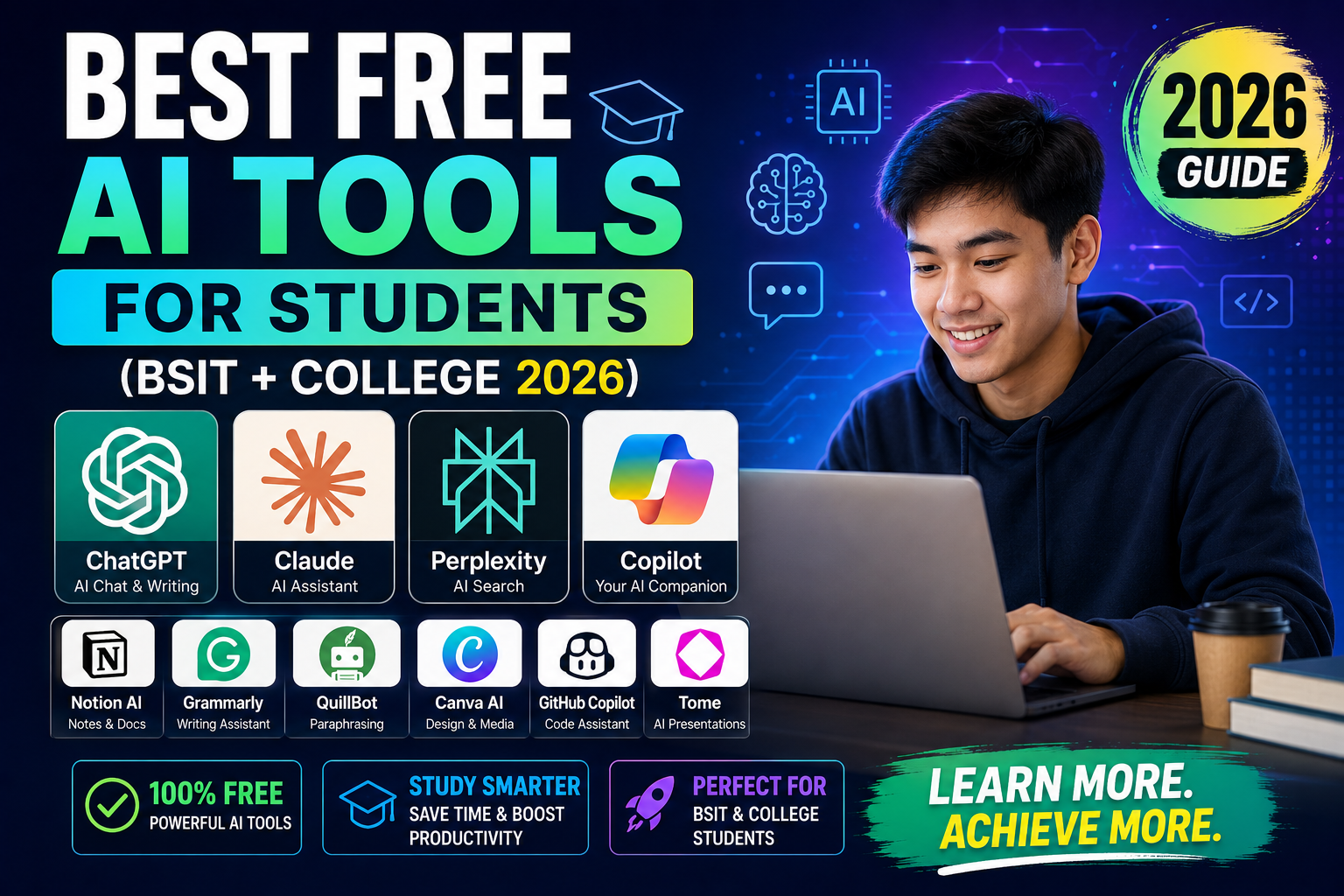
As a BSIT student in 2026, you can access powerful AI tools completely free. This list covers the tools that make the biggest difference for BSIT students, coding, research, writing, and study, all free tier or with student discounts. Here’s what I recommend based on 3 years of using these in real production work.
1. ChatGPT Free (chatgpt.com)
- What it does: general AI assistant, coding help, essay writing, brainstorming.
- Free tier: GPT-4o with daily message limits.
- Best for: general questions, explaining concepts, generating code drafts.
- Sign up: chatgpt.com > email or Google.
2. Claude AI Free (claude.ai)
- What it does: AI assistant focused on reasoning, coding, and long-document work.
- Free tier: Sonnet model with daily limits.
- Best for: coding help, reviewing long papers, understanding complex topics.
- Sign up: claude.ai > email or Google.
3. Perplexity AI Free (perplexity.ai)
- What it does: AI search engine with cited sources.
- Free tier: standard search + 5 Pro searches per day.
- Best for: research, fact-checking, finding citations for essays.
- Sign up: perplexity.ai > email or Google.
4. GitHub Copilot (FREE for students)
- What it does: AI code completion in VS Code.
- Student cost: FREE via GitHub Student Developer Pack.
- Best for: writing code faster, learning new APIs.
- Sign up: education.github.com/pack > verify with student email.
5. Google Gemini (free at gemini.google.com)
- What it does: Google’s AI assistant. Integrated with Gmail, Docs, Sheets.
- Free tier: unlimited use.
- Best for: research using Google Search, Workspace productivity.
- Sign up: gemini.google.com > sign in with Gmail.
6. NotebookLM (notebooklm.google.com)
- What it does: AI notebook that reads your uploaded documents (PDF, notes, articles).
- Free tier: fully free.
- Best for: creating study guides from textbook PDFs, converting to audio podcasts (Deep Dive feature).
- Sign up: notebooklm.google.com > sign in.
7. Grammarly (free web)
- What it does: grammar + spell check + writing suggestions.
- Free tier: essential grammar and spell check.
- Best for: essays, thesis chapters, cover letters.
- Sign up: grammarly.com > browser extension.
8. Codeium (free forever)
- What it does: alternative to Copilot for code completion.
- Free tier: unlimited (unlike Copilot free).
- Best for: coding students without GitHub Student Pack verification.
- Sign up: codeium.com > install extension.
9. Microsoft Copilot (free at copilot.microsoft.com)
- What it does: Microsoft’s AI. Similar to ChatGPT (uses GPT-4).
- Free tier: unlimited use with a Microsoft account.
- Best for: image generation, integrated with Bing search.
- Sign up: copilot.microsoft.com > sign in.
10. QuillBot (free tier)
- What it does: paraphrasing, summarizing, grammar tool.
- Free tier: 125 words per paraphrase, basic modes.
- Best for: rewording essays, avoiding accidental self-plagiarism.
- Sign up: quillbot.com > email.
Recommended AI stack for BSIT students
Daily driver:
- ChatGPT free (general questions, coding help)
- Claude free (long documents, coding reasoning)
- GitHub Copilot (free via Student Pack), code completion

Research:
- Perplexity free (cited answers)
- NotebookLM (study your textbooks)

Writing:
- Grammarly free (grammar check)
- QuillBot free (paraphrasing)

Setup time: 30 minutes to sign up for all.
Cost: $0 (with Student Pack verification for Copilot).
Rules for using AI as a student
- Use AI to learn, not to skip learning. Ask “why” and “how”, not just “give me the answer”.
- Verify facts. AI hallucinates. Especially bad for citations.
- Don’t submit AI-only work. Universities have AI detection. If you don’t understand your own submission, professors will notice.
- Cite AI assistance if required. Some professors want acknowledgment of AI tool use.
- For capstone defense: understand every line of code and every claim. Panels will grill you.
Best use cases per subject
- Programming courses: Copilot inline, ChatGPT for concepts, Claude for architecture.
- Math: ChatGPT with o1 model for step-by-step solutions. Verify with Wolfram Alpha.
- Writing / English: Grammarly + Claude for editing.
- Research papers: Perplexity for sources + Claude to synthesize.
- Studying textbooks: NotebookLM to convert to study guides + audio.
- Debugging: paste error into ChatGPT/Claude, get step-by-step fix.
Paid upgrades worth considering
When free tiers run out, prioritize (in order):
- GitHub Copilot (already free for students).
- Claude Pro $20/mo, best all-around AI.
- ChatGPT Plus $20/mo, image gen + voice.
- Perplexity Pro $20/mo, unlimited Pro searches.
- Grammarly Premium $12/mo, advanced writing.
Comparison at a glance
- General-purpose chat: ChatGPT Plus ($20/mo), Claude Pro ($20/mo), Gemini Advanced ($20/mo). All similar quality; personality differs.
- Coding assistance: GitHub Copilot ($10/mo), Cursor ($20/mo), Codeium (free tier). Copilot integrates deepest with VS Code.
- Search + citation: Perplexity ($20/mo Pro) is search-first with source citations.
- Free tiers: All major tools have free tiers good enough for casual use. Start free, upgrade when limits become blockers.
Common mistakes when adopting AI tools
- Trusting first-draft output blindly. Every AI hallucinates. Verify facts, test code, check dates. Treat AI output as strong first draft.
- Paying for multiple overlapping tools. Do not subscribe to ChatGPT Team, Claude Pro, and Gemini Advanced simultaneously. Pick one primary, use free tiers for others.
- Ignoring privacy. Free tier prompts may be used for training. Use paid tiers with data-usage guarantees for sensitive work.
- Overusing AI for simple tasks. Sometimes Google Search or docs are faster than prompt engineering.
- Not learning prompt engineering. The gap between beginner and expert AI users is prompt quality.
Practical adoption path
Week 1: Pick one general-purpose chat tool. Use free tier for 5-10 real tasks. Track which tasks it accelerates vs slows down.
Week 2: Add a coding tool if you code. Evaluate the same way.
Week 3: Decide. If a tool saves 30+ minutes daily, subscribe. If it only helps occasionally, stay on free tier.
Ongoing: Reassess quarterly. AI moves fast. What was best in Q1 may be surpassed by Q3.
Best practices for AI-assisted work
- Verify before shipping. Test code, fact-check claims, review generated content.
- Version your prompts. Keep a library of prompts that work. Reuse and iterate.
- Combine tools. Different tools have different strengths. Use each where it excels.
- Learn continuously. Follow one credible newsletter (Ben’s Bites, TLDR AI, The Batch) to stay current.
- Set boundaries. AI is a tool, not a replacement for thinking. Some tasks deserve human focus.
Official documentation
Recommended student productivity resources
The links below are affiliate links. We may earn a commission at no extra cost to you when you buy or sign up. See our affiliate disclosure.
Our first complete capstone bundle is live: PHP + MySQL e-commerce with full Chapter 1-5 documentation, 6 UML diagrams, ERD, installation guide, user manual, and defense presentation template. More bundles (Library, POS, Hospital) coming soon. Save 3 to 4 weeks of capstone work.
Sold via Gumroad. See our affiliate disclosure.
Frequently Asked Questions
Can I use AI for my BSIT capstone?
Yes for coding help, learning, and debugging. Do NOT submit AI-generated code without understanding it. Panel questions during defense will expose you if you can’t explain your own code.
How do I verify as a student for GitHub Student Pack?
Use your school email (.edu.ph if enrolled), or upload student ID as proof. Approval takes 1-7 days. Once verified, you get Copilot + Notion + JetBrains + many others free.
Which AI is best for BSIT students?
Claude free + ChatGPT free + GitHub Copilot (Student Pack) covers everything. Add Perplexity for research. All free.
Will professors know I used AI?
AI detection tools exist but are unreliable. What professors DO detect: work you can’t explain, work above your usual level, and generic AI phrasing. Understand what you submit.
Is it cheating to use AI?
Depends on the assignment. Using AI to LEARN is fine. Using AI to REPLACE your work is cheating. Follow your professor’s rules. When unclear, ask.

Angel Jude Suarez
Full-Stack Developer at PIES IT Solution
Focuses on Python development, machine learning, and AI integration. Has built production AI systems including OpenAI Whisper integration for medical transcription and GPT-4o-powered diagnosis assistance. Strong background in pandas, scikit-learn, and TensorFlow.
Expertise: Python · PHP · Java · VB.NET · ASP.NET · Machine Learning · AI Integration · OpenCV · Django · CodeIgniter · View all posts by Angel Jude Suarez →