
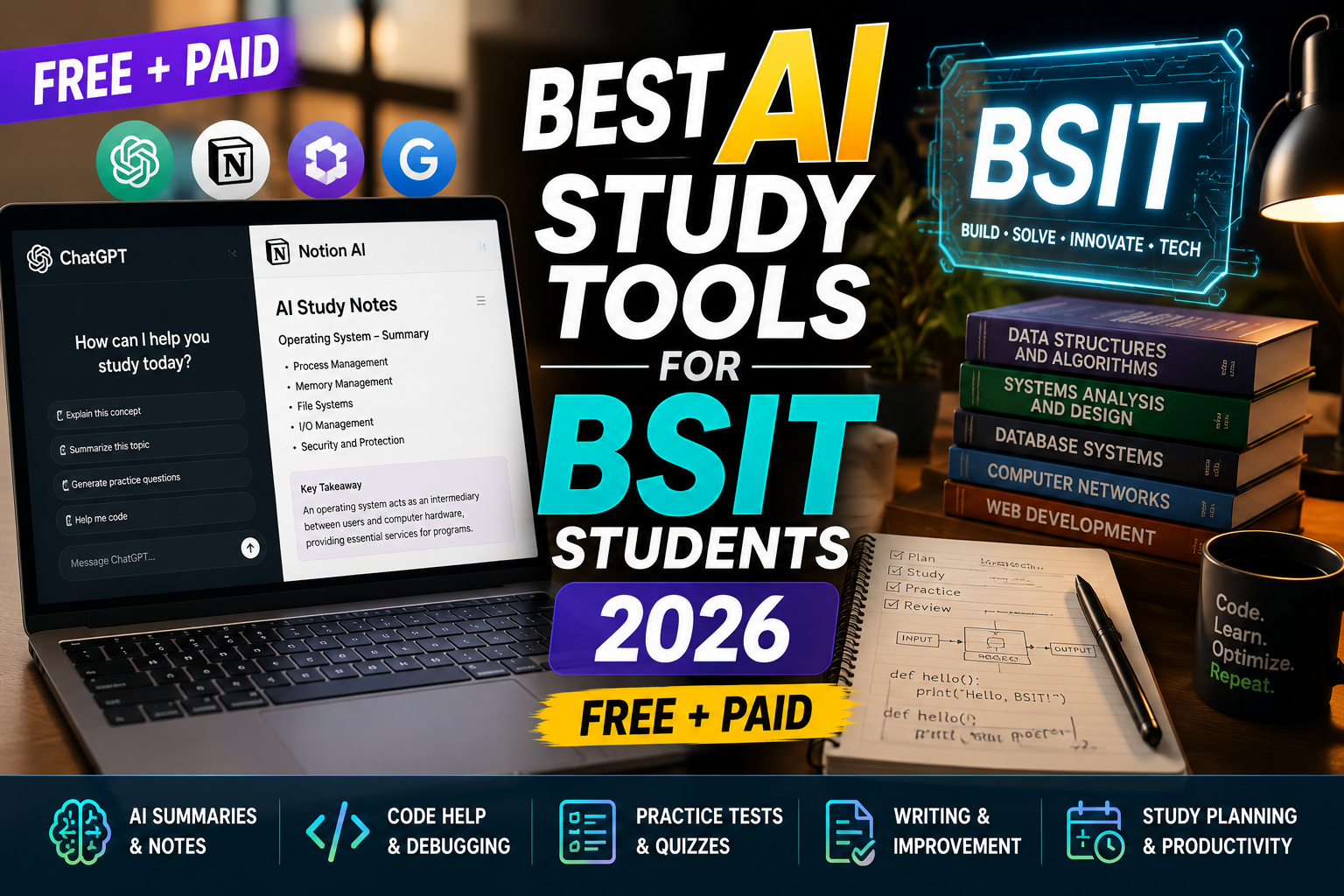
Filipino BSIT students in 2026 use AI study tools to summarize lectures, generate flashcards, and prep for exams and capstone defense. Four tools stand out: Google NotebookLM (best for lecture PDFs), Notion AI (best all-in-one), Obsidian AI (best for offline note graphs), and ChatGPT Study Mode (best for quiz drills). Here is the honest comparison plus which is worth ₱1,000+/month vs free.
Comparison table (2026)
| Tool | Best for | Free tier | Paid tier (USD/mo) |
|---|---|---|---|
| NotebookLM | PDF/textbook summaries + Q&A | Yes (generous) | Free (Plus $20 for higher limits) |
| Notion AI | All-in-one notes + tasks + wiki | Trial only | $10 (with Notion sub) |
| Obsidian + Copilot plugin | Offline-first knowledge graph | Yes (Obsidian free) | Bring your own API key |
| ChatGPT Study Mode | Quiz drills + spaced repetition | Yes (limited) | $20 Plus |
Which tool for which BSIT task
- Summarizing a 200-slide database systems lecture: NotebookLM. Upload the PDF, ask questions, get citation-linked answers.
- Building a personal study wiki for OOP, DSA, Networking, and OS: Notion AI. Cross-page links + AI summarization.
- Weekly review of your own hand-written notes: Obsidian + Copilot plugin. Graph view shows how concepts link.
- Cramming for a final exam next week: ChatGPT Study Mode. Generate flashcards, quiz yourself, spaced repetition.
- Capstone defense prep: NotebookLM to load your own thesis PDF, then quiz yourself with defense-panel questions.
- Free budget only: NotebookLM + Obsidian. Both handle most workflows without paying.
Filipino BSIT student workflow (proven)
- Class → NotebookLM: upload lecture PDFs the same day. Ask “explain topic X in simple terms” to consolidate understanding.
- Weekly review → Notion AI: build a topic-by-topic notes page. Use AI to summarize past week and highlight gaps.
- Pre-exam → ChatGPT Study Mode: generate 50 quiz questions on covered topics. Drill until 90% accuracy.
- Capstone → NotebookLM + Cursor/Claude Code: NotebookLM for docs review, coding assistant for source code work.
PH pricing reality (2026)
- NotebookLM (Google account required): free, no subscription needed for most students
- Notion AI: $10/month ≈ ₱580/month (with Notion Personal Pro sub)
- Obsidian + Copilot plugin with OpenAI/Anthropic API key: ~$5-15/month depending on usage
- ChatGPT Plus: $20/month ≈ ₱1,160/month, worth it during exam season
Common mistakes with AI study tools
- Copy-pasting AI summaries into your notes without processing. You do not learn what you do not process. Rewrite the summary in your own words.
- Trusting AI for exact facts. Hallucinations happen. Always cross-check numbers, dates, formulas against your textbook.
- Skipping the free tier and jumping to $20. NotebookLM free tier alone handles 80% of typical BSIT study needs.
- Using ChatGPT for capstone code without reading the output. Defense panel will ask why you wrote it that way. Understand your code.
Official product pages
How to combine AI study tools without crossing academic integrity lines
Using AI to study is not the same as cheating. But the line between the two matters, especially in 2026 as universities crack down on undisclosed AI use. Here is how to use AI tools ethically and effectively as a BSIT student.
- Use AI to explain concepts, not do assignments. Ask ChatGPT to explain what a linked list is or why hash tables have O(1) lookup. Do not ask it to write your code assignment. Explanation builds understanding, generation replaces it.
- Use AI to generate practice questions. Feed AI a topic and ask for 20 practice problems. Then solve them yourself. This is the fastest way to prepare for exams and is completely fair game.
- Use AI to review your work. After writing a program yourself, ask AI to review it for bugs or style issues. Learn from the feedback, apply the corrections yourself. This is the same as showing your code to a senior developer.
- Do not use AI to write essays or reports. Any content you submit as your own must be your writing. AI writing detection is now built into most Philippine university plagiarism checkers in 2026.
- Cite AI use when required. Some professors require you to disclose AI assistance. Do it. Undisclosed AI use is a bigger integrity violation than the use itself.
Free tier limits and pricing for BSIT budgets
Being a BSIT student in the Philippines does not leave much budget for AI subscriptions. Here is what actually works on a student budget in 2026, including free-tier tricks I use myself.
- ChatGPT free tier. Enough for most study needs. Rate limits kick in after heavy use but reset every few hours. For students, this is often enough.
- Claude free tier. Better than ChatGPT for long documents (bigger context window). Use it when you need to feed in a whole chapter or long code file for review.
- GitHub Copilot Free via Student Pack. If you have a .edu email, sign up for the GitHub Student Pack. You get Copilot free during your studies. This alone saves PHP 500+ per month.
- Google Gemini free tier. Comes with your Google account. Best for research and quick fact-checks. Integrates with your Google Docs and Drive so it can read your notes.
- Perplexity free tier. Better than ChatGPT for research because it cites sources. Use when you need to check facts for your Chapter 2 literature review.
My recommendation for Filipino BSIT students in 2026: use ChatGPT + Claude + Perplexity free tiers together. Each has different strengths and free tier limits reset independently. This gives you effectively unlimited AI study help without paying anything. Only upgrade to paid tiers when you are working on capstone and need higher rate limits during defense preparation.
The AI tool landscape shifts every 3 to 6 months in 2026. What is free today may be paid tomorrow, and new tools appear constantly. Stay flexible, try new tools when they launch, but keep your primary workflow on the 2 or 3 tools that consistently work for your needs. Chasing every new AI tool wastes time you could spend actually studying.
Our first complete capstone bundle is live: PHP + MySQL e-commerce with full Chapter 1-5 documentation, 6 UML diagrams, ERD, installation guide, user manual, and defense presentation template. More bundles (Library, POS, Hospital) coming soon. Save 3 to 4 weeks of capstone work.
Sold via Gumroad. See our affiliate disclosure.
Frequently Asked Questions
Which is best for BSIT capstone documentation?
NotebookLM. Upload your Chapter 1-5 draft, ask questions like a defense panel would, iterate. Free tier is enough for most students.
Do professors detect AI-generated content?
Detection tools have high false-positive rates and are unreliable. Bigger risk is turning in unedited AI text that reads generic. Always rewrite AI output in your own voice before submitting.
Is ChatGPT Plus worth ₱1,160/month for students?
Worth it during exam and capstone season. Skip it otherwise. Free tier + NotebookLM covers baseline study needs.
Any completely free option for capstone panel prep?
Yes. NotebookLM free + Google Docs. Upload thesis + related papers to NotebookLM, then use Google Docs for actual writing. Zero peso cost.
Should I share NotebookLM notebooks with my group?
Yes. NotebookLM supports sharing. Each groupmate can upload lecture PDFs and query the shared source. Better than passing PDFs around Messenger.

Angel Jude Suarez
Full-Stack Developer at PIES IT Solution
Angel Jude Suarez is a full-stack developer at PIES IT Solution. Focuses on Python development, machine learning, and AI integration. Has built production AI systems including OpenAI Whisper integration for medical transcription and GPT-4o-powered diagnosis assistance. Strong background in pandas, scikit-learn, and TensorFlow.
Expertise: Python, PHP, Java, VB.NET, ASP.NET, Machine Learning, AI Integration, OpenCV, Django, CodeIgniter · View all posts by Angel Jude Suarez →