
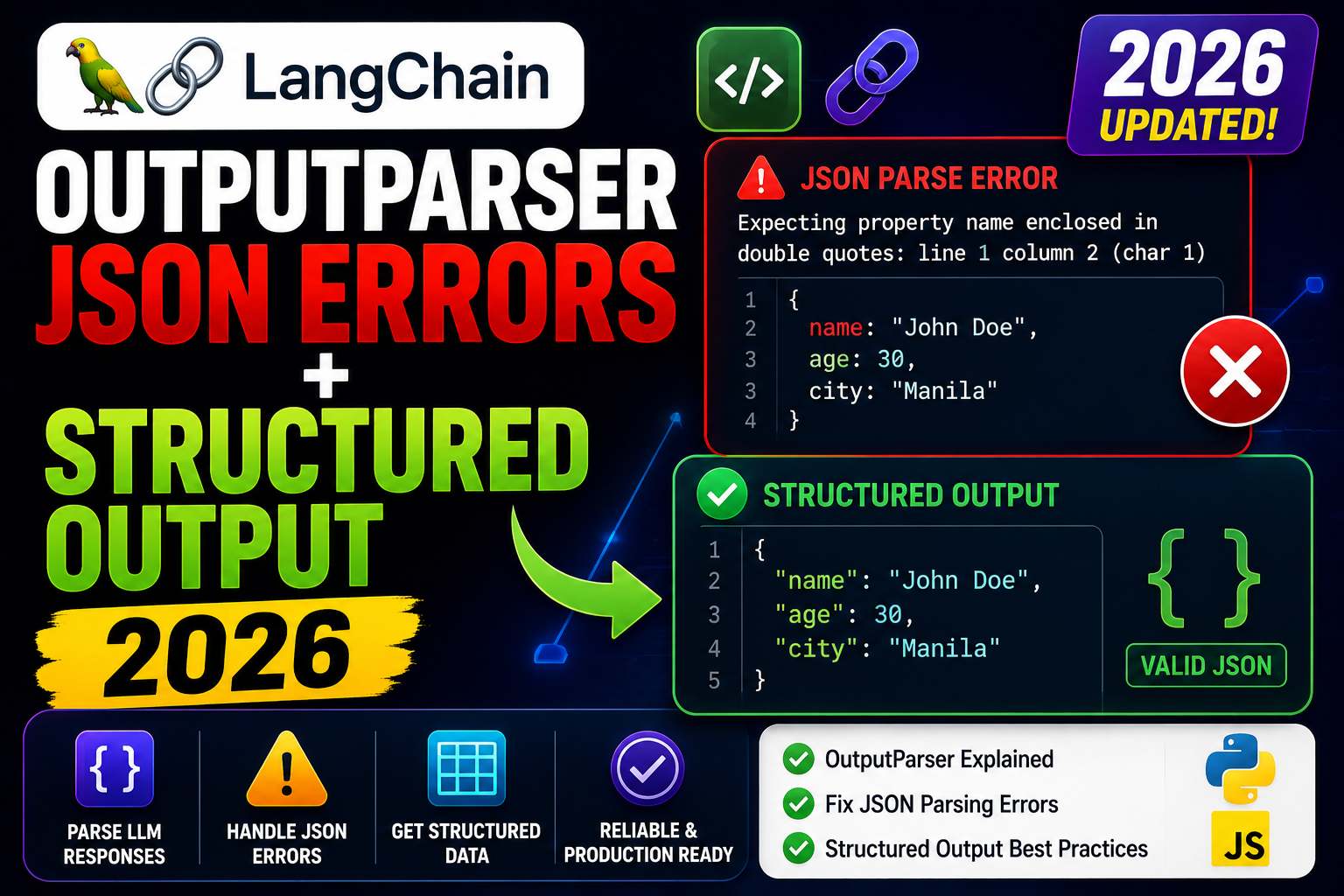
LangChain’s OutputParserException: Failed to parse JSON is the top-reported RAG error in production. Root cause: the LLM returns valid-looking but not-quite-valid JSON, and the naive parser explodes. In 2026 the fix is with_structured_output() and Pydantic schemas which guarantee valid JSON server-side. Here is the complete migration guide.
Why parsers fail
- Extra prose around JSON. Model returns “Sure, here is the JSON: {…}”. Parser cannot find the opening brace.
- Trailing commas. Valid JavaScript, invalid JSON.
- Unquoted keys. Model outputs Python dict syntax with single quotes.
- Markdown fences. JSON wrapped in
```json ... ```blocks. - Truncated output. max_tokens hit mid-JSON.
Fix 1: use with_structured_output() (2026 recommended)
from langchain_anthropic import ChatAnthropic
from pydantic import BaseModel, Field

class ExtractedInvoice(BaseModel):
    invoice_number: str = Field(description="The invoice ID like INV-2026-001")
    total_amount: float = Field(description="Total amount in USD")
    line_items: list[str] = Field(description="List of item descriptions")

llm = ChatAnthropic(model="claude-opus-4-8")

# with_structured_output uses tool calling under the hood
# to guarantee valid JSON matching the schema
structured_llm = llm.with_structured_output(ExtractedInvoice)

result = structured_llm.invoke("Extract from: INV-2026-001, $342.50, 2 items: coffee, sandwich")
print(result.invoice_number)   # "INV-2026-001"
print(result.total_amount)     # 342.50
print(result.line_items)       # ["coffee", "sandwich"]
This is the safest pattern in 2026. Anthropic returns structured tool_use blocks that always validate against your Pydantic schema. No manual parsing needed.
Fix 2: PydanticOutputParser for older chains
from langchain_core.output_parsers import PydanticOutputParser
from langchain_core.prompts import ChatPromptTemplate
from langchain_anthropic import ChatAnthropic
from pydantic import BaseModel

class Answer(BaseModel):
    thought: str
    answer: str

parser = PydanticOutputParser(pydantic_object=Answer)

prompt = ChatPromptTemplate.from_messages([
    ("system", "Respond in JSON matching: {format_instructions}"),
    ("user", "{question}"),
]).partial(format_instructions=parser.get_format_instructions())

llm = ChatAnthropic(model="claude-opus-4-8")
chain = prompt | llm | parser

result = chain.invoke({"question": "What is 2+2?"})
print(result.thought, result.answer)
Fix 3: OutputFixingParser as safety net
from langchain.output_parsers import OutputFixingParser
from langchain_core.output_parsers import PydanticOutputParser
from langchain_anthropic import ChatAnthropic

parser = PydanticOutputParser(pydantic_object=Answer)

# Wraps the base parser. On parse failure, retries with a fixer LLM call
# that rewrites the bad JSON to valid JSON
fixing_parser = OutputFixingParser.from_llm(
    parser=parser,
    llm=ChatAnthropic(model="claude-opus-4-8"),
)

# Now robust to markdown fences, trailing commas, etc.
result = fixing_parser.parse(bad_llm_output)
Debugging checklist
- Log the raw LLM output before parsing. Almost every parse failure is visible in the raw text.
- Verify max_tokens is large enough for the expected JSON. Truncated JSON is the top invisible bug.
- Check the model actually supports tool calling.
with_structured_outputuses tools under the hood. - If migrating from legacy parsers, prefer
with_structured_outputoverPydanticOutputParserfor new code.
Common mistakes with output parsers
- Manual JSON.parse on raw LLM output. Fragile. Use structured output or a wrapping fixer.
- Not including format instructions in the prompt. Old-style parsers need explicit schema in the prompt or the model returns freeform.
- Prompt-injection via
{{escaped}}. Curly braces in your prompt get interpreted as template variables. Escape or use ChatPromptTemplate with named vars only. - Skipping validation after parse. Even parsed JSON can contain unexpected values. Pydantic validators enforce runtime constraints.
Debugging checklist for the SDK/library error
Before diving into fixes, run through this diagnostic checklist. Nine times out of ten the answer surfaces here.
- Read the full traceback, not just the error message. The stack trace shows exactly which line and which call chain triggered the error. The last line names the immediate cause; earlier lines show how you got there.
- Add print or debug statements just before the failing line. Print the variable, its type, and its value. Nine out of ten error surprises come from the value being different from what you assumed.
- Check Python version compatibility. Errors sometimes result from APIs that changed between versions. Run your interpreter version check and compare against the library documentation for that version.
- Isolate the failing call in a minimal reproducer. Copy the failing line into a small standalone script with hardcoded inputs. If it fails there too, the bug is in your code. If not, something in your surrounding context is contributing.
- Search the exact error message. Include the class name and the specific text in your search. Chances are someone else hit the same issue and the fix is documented on Stack Overflow or the library’s GitHub issues.
Common causes for the SDK/library error
Most instances of this error trace back to one of these root causes:
- Uninitialized or missing input. A variable was not populated before use, or the input source (file, API response, database row) did not contain the expected key or value.
- Type mismatch. The code expected a specific type (dict, list, string) but received something different. Python’s dynamic typing means this often surfaces at runtime, not at compile time.
- Version drift. The library API changed and your code assumes the old signature. Check the library’s changelog for breaking changes since the version you last used.
- Race condition or ordering issue. Async or concurrent code sometimes tries to access data before it is ready. Add awaits, locks, or explicit ordering to fix.
- Copy-paste from stale tutorial. Older tutorials may use APIs that no longer exist. Always check the official docs for the current version.
Testing and prevention
Preventing this class of error from recurring is more valuable than fixing it once. Build these habits into your workflow:
- Write tests that trigger the error path. If your test suite hits the error scenario, catch and assert it. A well-written test prevents the same bug from returning.
- Validate inputs at API boundaries. When data enters your code from external sources (HTTP requests, file uploads, database queries), validate structure and types immediately.
- Use type hints and static analysis. Tools like mypy for Python or TypeScript for JavaScript catch many type mismatches before you run the code.
- Log important state. Structured logging with context helps you debug production issues faster. Include enough context to reconstruct what happened.
- Read the library changelog. Before upgrading a dependency, skim the changelog for breaking changes. Two minutes of reading saves an hour of debugging.
When to ask for help
Some errors are worth solving yourself for the learning. Others are worth asking about early. Ask for help when: the error blocks a customer-facing feature, you have spent an hour without progress, the error involves security or data integrity, or you are unsure whether your fix will introduce new bugs. Post to Stack Overflow with a minimal reproducer, or ask a senior developer on your team. Time boxes are your friend.
Official documentation
Frequently Asked Questions
Should I still use PydanticOutputParser?
Only for older LangChain versions or providers without tool calling. Anywhere with_structured_output works, use it instead.
Does with_structured_output add latency?
Slightly, because tool calling requires an additional round trip in some providers. For Anthropic, the overhead is negligible.
Which providers support with_structured_output?
Anthropic, OpenAI, Google (Gemini), Groq, and most modern providers. Ollama support depends on the specific model.
Can I use Zod schemas instead of Pydantic?
In LangChain JS/TS yes. Python LangChain uses Pydantic. The concept is the same: schema-first output with runtime validation.
How to handle streaming with structured output?
Structured output typically completes before final delivery. If you need partial parsing, use raw tool_use streaming and parse incrementally with a partial-JSON library.

Adrian Mercurio
Full-Stack Developer at PIES IT Solution
Specializes in building complete capstone projects with full documentation. Strong background in PHP/MySQL development and database design.
Expertise: PHP · Laravel · Database Design · Capstone Projects · C# · C · View all posts by Adrian Mercurio →