
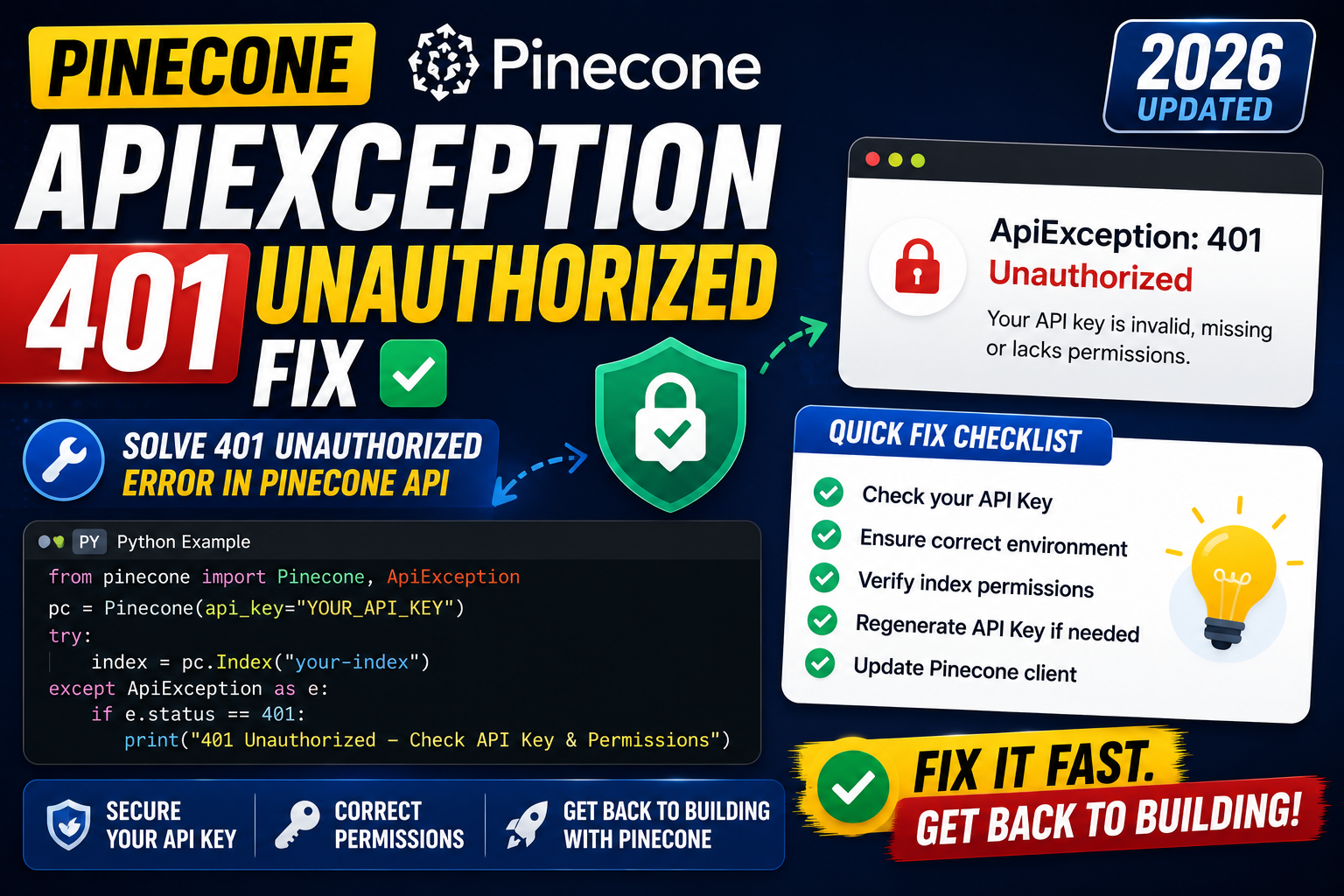
pinecone.ApiException: (401) unauthorized means Pinecone rejected your API key. Root causes: wrong key, expired key, key from wrong project, missing environment variable, or wrong client version reading the key. Here is the complete 2026 debug guide.
Where 401 comes from
- Wrong API key format. Pinecone API keys are UUIDs. Missing dashes or extra characters fail auth immediately.
- Key from a different project. Each Pinecone project has its own keys. Using project-A key against project-B’s index fails.
- Expired or deleted key. Console → API Keys → check status.
- Environment variable not loaded. Common in Docker, cron jobs, systemd services that do not inherit shell env.
- Old v2 client mixed with v3 API. The old
pinecone.init(environment=...)path uses a different auth flow.
Fix 1: correct v3 auth pattern
import os
from pinecone import Pinecone

# CORRECT: pass API key to constructor
pc = Pinecone(api_key=os.environ["PINECONE_API_KEY"])

# Verify auth works BEFORE trying real ops
try:
    indexes = pc.list_indexes()
    print(f"Auth OK, found {len(indexes.names())} indexes")
except Exception as e:
    print(f"Auth failed: {e}")
Fix 2: verify env var is actually loaded
import os

# Check the variable is set
key = os.environ.get("PINECONE_API_KEY")

if not key:
    raise RuntimeError(
        "PINECONE_API_KEY is empty. "
        "Check .env file, docker env, or systemd EnvironmentFile."
    )

# Sanity check format (Pinecone keys are UUIDs)
if not (36 <= len(key) <= 40):
    print(f"WARNING: PINECONE_API_KEY looks wrong. Got {len(key)} chars.")

print(f"Key prefix: {key[:8]}...   length: {len(key)}")
Fix 3: Docker env passthrough
# WRONG: shell env not passed to Docker
# docker run mypython python app.py

# CORRECT: pass env var explicitly
docker run \
  -e PINECONE_API_KEY="$PINECONE_API_KEY" \
  mypython python app.py

# Or with env file
docker run --env-file .env mypython python app.py

# Or in docker-compose.yml
# services:
#   app:
#     environment:
#       PINECONE_API_KEY: "${PINECONE_API_KEY}"
Fix 4: systemd service env
# /etc/systemd/system/myapp.service
[Unit]
Description=RAG app with Pinecone
After=network.target

[Service]
Type=simple
User=app
WorkingDirectory=/opt/myapp
# Path to env file that contains PINECONE_API_KEY=xxx
EnvironmentFile=/etc/myapp/secrets.env
ExecStart=/usr/bin/uv run python app.py

[Install]
WantedBy=multi-user.target

# Then
sudo systemctl daemon-reload
sudo systemctl restart myapp
sudo journalctl -u myapp -f   # check for 401 or auth success
Debugging checklist
- Print the key length and first 4 chars right before auth. Confirm not empty and looks right.
- Verify the key belongs to the same project as the index you are querying. Check via Pinecone console.
- Check API key status in Pinecone console. Delete + regenerate if uncertain.
- If using dotenv, confirm the .env file is loaded before Pinecone init:
from dotenv import load_dotenv; load_dotenv(). - For Vercel, Railway, Fly.io: verify env vars in the deployment dashboard, not just local .env.
Real-world example: robust Pinecone client init
import os
import logging
from pinecone import Pinecone
from pinecone.exceptions import UnauthorizedException

logger = logging.getLogger(__name__)

def get_pinecone() -> Pinecone:
    """Init and verify Pinecone client. Fails fast on auth errors."""
    key = os.environ.get("PINECONE_API_KEY")
    if not key:
        raise RuntimeError(
            "PINECONE_API_KEY missing. Check env file, deployment dashboard, "
            "or docker env passthrough."
        )

    pc = Pinecone(api_key=key)

    try:
        pc.list_indexes()
    except UnauthorizedException:
        raise RuntimeError(
            "Pinecone 401. Key may be: (1) wrong project, (2) deleted, "
            "(3) expired. Check https://app.pinecone.io/keys"
        )

    logger.info("Pinecone auth verified")
    return pc

pc = get_pinecone()
index = pc.Index("docs")
Common mistakes with Pinecone auth
- Mixing v2
pinecone.init()with v3Pinecone(api_key=...). Only one should exist in your codebase. - Committing API key to git. Rotate immediately if committed. Even private repos leak to CI logs.
- Using project name as API key. Pinecone project name and API key are different values. Copy the key value, not the label.
- Not testing auth before production deploy. Add a smoke test that runs at startup and fails fast on 401.
Debugging checklist for the SDK/library error
Before diving into fixes, run through this diagnostic checklist. Nine times out of ten the answer surfaces here.
- Read the full traceback, not just the error message. The stack trace shows exactly which line and which call chain triggered the error. The last line names the immediate cause; earlier lines show how you got there.
- Add print or debug statements just before the failing line. Print the variable, its type, and its value. Nine out of ten error surprises come from the value being different from what you assumed.
- Check Python version compatibility. Errors sometimes result from APIs that changed between versions. Run your interpreter version check and compare against the library documentation for that version.
- Isolate the failing call in a minimal reproducer. Copy the failing line into a small standalone script with hardcoded inputs. If it fails there too, the bug is in your code. If not, something in your surrounding context is contributing.
- Search the exact error message. Include the class name and the specific text in your search. Chances are someone else hit the same issue and the fix is documented on Stack Overflow or the library’s GitHub issues.
Common causes for the SDK/library error
Most instances of this error trace back to one of these root causes:
- Uninitialized or missing input. A variable was not populated before use, or the input source (file, API response, database row) did not contain the expected key or value.
- Type mismatch. The code expected a specific type (dict, list, string) but received something different. Python’s dynamic typing means this often surfaces at runtime, not at compile time.
- Version drift. The library API changed and your code assumes the old signature. Check the library’s changelog for breaking changes since the version you last used.
- Race condition or ordering issue. Async or concurrent code sometimes tries to access data before it is ready. Add awaits, locks, or explicit ordering to fix.
- Copy-paste from stale tutorial. Older tutorials may use APIs that no longer exist. Always check the official docs for the current version.
Testing and prevention
Preventing this class of error from recurring is more valuable than fixing it once. Build these habits into your workflow:
- Write tests that trigger the error path. If your test suite hits the error scenario, catch and assert it. A well-written test prevents the same bug from returning.
- Validate inputs at API boundaries. When data enters your code from external sources (HTTP requests, file uploads, database queries), validate structure and types immediately.
- Use type hints and static analysis. Tools like mypy for Python or TypeScript for JavaScript catch many type mismatches before you run the code.
- Log important state. Structured logging with context helps you debug production issues faster. Include enough context to reconstruct what happened.
- Read the library changelog. Before upgrading a dependency, skim the changelog for breaking changes. Two minutes of reading saves an hour of debugging.
When to ask for help
Some errors are worth solving yourself for the learning. Others are worth asking about early. Ask for help when: the error blocks a customer-facing feature, you have spent an hour without progress, the error involves security or data integrity, or you are unsure whether your fix will introduce new bugs. Post to Stack Overflow with a minimal reproducer, or ask a senior developer on your team. Time boxes are your friend.
Common patterns that cause a 401 from Pinecone
- Expired or rotated API key. Pinecone lets you rotate keys from the console. If the key you are using was rotated, you get a 401 on every call.
- Environment variable not loaded. If
PINECONE_API_KEYis empty at runtime, the client sends no auth header and Pinecone returns 401. Check withecho $PINECONE_API_KEYbefore starting your app. - Wrong project or organization. Pinecone keys are scoped to a project. If your key is from project A but your index lives in project B, you get 401.
- Trailing whitespace in the key. Copy-paste from a .env file can leave a trailing newline. Use
PINECONE_API_KEY=$(echo -n "$PINECONE_API_KEY" | tr -d '\n')in your shell to strip it. - Using an old serverless key on a pod-based index. Pinecone had a key format migration in 2024. Old keys still work but only for pod-based indexes. Serverless requires the newer key format.
Verification steps after applying the fix
# 1. Confirm your key is set correctly (last 4 chars only, for safety)
python3 -c "import os; k=os.getenv('PINECONE_API_KEY',''); print(f'Key ends: ...{k[-4:]} len={len(k)}')"

# 2. Test the key with a minimal API call
from pinecone import Pinecone
pc = Pinecone(api_key="your-key-here")
print(pc.list_indexes())

# 3. If step 2 works but your app still fails, print the key value your
#    app actually loads. Missing os.environ.get is a common bug.
import os
print(f"Loaded key: {os.environ.get('PINECONE_API_KEY', 'NOT_SET')[:8]}...")

# 4. Rotate the key in the Pinecone console and update all deploy targets
#    at once (dev, staging, prod) to avoid stale-key errors.
Official documentation
Frequently Asked Questions
Is 401 always an auth key issue?
Almost always. Rare exception: Pinecone service outage returning 401 briefly. Check status.pinecone.io before assuming key is broken.
Can I use a single key across multiple projects?
No. Each project has its own keys. You need one key per project.
Should I use API keys or service accounts?
Pinecone uses API keys as of 2026. No separate service account concept. Rotate keys quarterly and delete unused ones.
Does the key work for both control plane and data plane?
Yes. One key covers list/create/delete indexes AND upsert/query/delete vectors. Scoped keys are not currently offered.
How to safely store keys in production?
Use platform secrets: AWS Secrets Manager, GCP Secret Manager, Vercel/Fly.io environment variables, Kubernetes Secrets. Never commit to git.

Adrian Mercurio
Full-Stack Developer at PIES IT Solution
Specializes in building complete capstone projects with full documentation. Strong background in PHP/MySQL development and database design.
Expertise: PHP · Laravel · Database Design · Capstone Projects · C# · C · View all posts by Adrian Mercurio →