
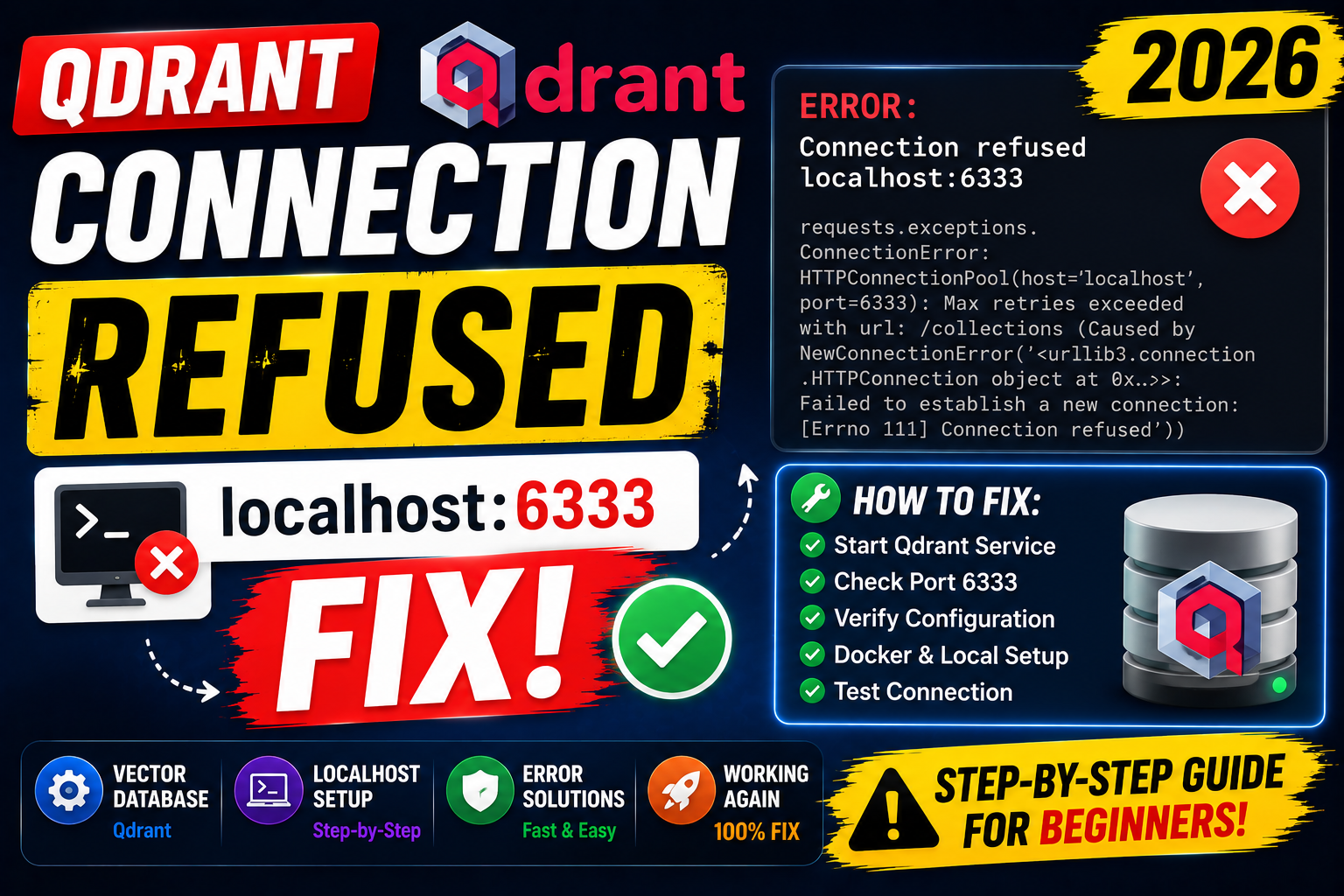
httpx.ConnectError: [Errno 111] Connection refused on port 6333 is the top setup error for Qdrant. Cause is almost always one of five: Docker container not started, wrong port mapping, network host misconfiguration, firewall blocking, or client pointing at localhost instead of Qdrant Cloud URL. Here is the complete 2026 fix guide.
Fix 1: start Qdrant with Docker
# Quickest start (in-memory, resets on restart)
docker run -p 6333:6333 qdrant/qdrant

# Production start (persistent storage)
docker run -d \
  -p 6333:6333 -p 6334:6334 \
  -v $(pwd)/qdrant_storage:/qdrant/storage \
  --name qdrant \
  qdrant/qdrant

# Verify it is running
docker ps | grep qdrant

# Test the health endpoint
curl http://localhost:6333/healthz
Fix 2: correct Python client for local dev
from qdrant_client import QdrantClient
from qdrant_client.models import VectorParams, Distance

# Local Docker
client = QdrantClient(host="localhost", port=6333)

# Alternative URL form (works if Qdrant is behind reverse proxy)
client = QdrantClient(url="http://localhost:6333")

# Quick smoke test
client.recreate_collection(
    collection_name="docs",
    vectors_config=VectorParams(size=1536, distance=Distance.COSINE),
)
print("Collection created")
print(client.get_collection("docs"))
Fix 3: point at Qdrant Cloud instead of localhost
import os
from qdrant_client import QdrantClient

# Qdrant Cloud (get URL + API key from console)
client = QdrantClient(
    url=os.environ["QDRANT_URL"],   # https://xxxxx.us-east-0.aws.cloud.qdrant.io
    api_key=os.environ["QDRANT_API_KEY"],
    https=True,
    timeout=30.0,
)

# Verify connection
print(client.get_collections())
Fix 4: in-memory client for tests
from qdrant_client import QdrantClient

# Zero-config, no Docker needed. Data lives only in the process.
client = QdrantClient(":memory:")

# Alternative: local file storage
client = QdrantClient(path="./qdrant_local")

# Both work with the same API as remote Qdrant
client.recreate_collection(
    collection_name="test",
    vectors_config=VectorParams(size=384, distance=Distance.COSINE),
)
Fix 5: Docker Compose with correct networking
# docker-compose.yml
version: "3.9"
services:
  qdrant:
    image: qdrant/qdrant:latest
    ports:
      - "6333:6333"
      - "6334:6334"
    volumes:
      - qdrant_storage:/qdrant/storage
    healthcheck:
      test: ["CMD", "curl", "-f", "http://localhost:6333/healthz"]
      interval: 10s
      timeout: 5s
      retries: 3

  app:
    image: mypython:latest
    environment:
      QDRANT_HOST: qdrant   # NOT localhost - use service name inside Compose network
      QDRANT_PORT: 6333
    depends_on:
      qdrant:
        condition: service_healthy

volumes:
  qdrant_storage:
Key insight: inside a Compose network, use the service name (qdrant) not localhost. localhost resolves to the app container itself, which has no Qdrant listening.
Debugging checklist
- Is Qdrant actually running?
docker ps | grep qdrant. - Is port 6333 reachable?
curl http://localhost:6333/healthz. - Is your client pointing at the correct host? Inside Docker: use service name. Outside Docker: localhost.
- Firewall blocking? Check
sudo ufw statusor your cloud provider’s security group. - Wrong port in cloud config? Cloud endpoints are typically 6333 (REST) and 6334 (gRPC).
Common mistakes when connecting to Qdrant
- Using
localhostinside Docker Compose. Use service names. localhost points at the container itself. - Skipping the
https=Trueflag for Qdrant Cloud. Cloud endpoints require TLS. Missing this causes connection refused. - Not persisting storage volume. Docker container without volume mount loses data on restart. Always mount a volume for production.
- Confusing gRPC vs REST ports. 6333 is REST (default). 6334 is gRPC. Client libraries pick automatically but manual settings can drift.
Debugging checklist for the SDK/library error
Before diving into fixes, run through this diagnostic checklist. Nine times out of ten the answer surfaces here.
- Read the full traceback, not just the error message. The stack trace shows exactly which line and which call chain triggered the error. The last line names the immediate cause; earlier lines show how you got there.
- Add print or debug statements just before the failing line. Print the variable, its type, and its value. Nine out of ten error surprises come from the value being different from what you assumed.
- Check Python version compatibility. Errors sometimes result from APIs that changed between versions. Run your interpreter version check and compare against the library documentation for that version.
- Isolate the failing call in a minimal reproducer. Copy the failing line into a small standalone script with hardcoded inputs. If it fails there too, the bug is in your code. If not, something in your surrounding context is contributing.
- Search the exact error message. Include the class name and the specific text in your search. Chances are someone else hit the same issue and the fix is documented on Stack Overflow or the library’s GitHub issues.
Common causes for the SDK/library error
Most instances of this error trace back to one of these root causes:
- Uninitialized or missing input. A variable was not populated before use, or the input source (file, API response, database row) did not contain the expected key or value.
- Type mismatch. The code expected a specific type (dict, list, string) but received something different. Python’s dynamic typing means this often surfaces at runtime, not at compile time.
- Version drift. The library API changed and your code assumes the old signature. Check the library’s changelog for breaking changes since the version you last used.
- Race condition or ordering issue. Async or concurrent code sometimes tries to access data before it is ready. Add awaits, locks, or explicit ordering to fix.
- Copy-paste from stale tutorial. Older tutorials may use APIs that no longer exist. Always check the official docs for the current version.
Testing and prevention
Preventing this class of error from recurring is more valuable than fixing it once. Build these habits into your workflow:
- Write tests that trigger the error path. If your test suite hits the error scenario, catch and assert it. A well-written test prevents the same bug from returning.
- Validate inputs at API boundaries. When data enters your code from external sources (HTTP requests, file uploads, database queries), validate structure and types immediately.
- Use type hints and static analysis. Tools like mypy for Python or TypeScript for JavaScript catch many type mismatches before you run the code.
- Log important state. Structured logging with context helps you debug production issues faster. Include enough context to reconstruct what happened.
- Read the library changelog. Before upgrading a dependency, skim the changelog for breaking changes. Two minutes of reading saves an hour of debugging.
When to ask for help
Some errors are worth solving yourself for the learning. Others are worth asking about early. Ask for help when: the error blocks a customer-facing feature, you have spent an hour without progress, the error involves security or data integrity, or you are unsure whether your fix will introduce new bugs. Post to Stack Overflow with a minimal reproducer, or ask a senior developer on your team. Time boxes are your friend.
Common gotchas beyond the basic connection error
The “Connection refused” message on port 6333 usually means Qdrant is not accepting TCP on that port from your client’s location. Beyond the checklist above, there are three more scenarios that trip up developers regularly.
WSL2 to Windows host mismatch. If you run Qdrant in Docker Desktop on Windows but call it from a WSL2 Ubuntu shell, the loopback address behaves differently. WSL2 sees the Windows host through host.docker.internal or the WSL gateway IP, not through 127.0.0.1. Point your client at the gateway IP if you hit this pattern.
Cloud VM security groups. Running Qdrant on an EC2, GCP, or Azure VM and hitting it from your laptop? Port 6333 must be explicitly opened in the security group. The instance-local Qdrant works fine, but external clients hit the same “Connection refused” wall because the cloud firewall drops the packet before it reaches the container.
Kubernetes service pointing at the wrong port. If you deploy Qdrant via Helm chart or a custom StatefulSet, the Service resource may map external port 80 to internal port 6333 (or vice versa). Match your client URL to whatever port the Service exposes, not what Qdrant listens on internally.
When “Connection refused” is not really the bug
If Qdrant is running and reachable but your Python client still errors, the message may be misleading. Two cases to check: (1) the client hit a request timeout that got surfaced as a connection error, not a true refused connection; (2) Qdrant is running but has not finished startup, especially with a large existing dataset that takes 30 to 60 seconds to load. Wait a minute and retry before assuming the server is down.
Official documentation
Frequently Asked Questions
Can I run Qdrant without Docker?
Yes. Download the pre-built binary from GitHub releases and run it. Also use QdrantClient(":memory:") for tests and QdrantClient(path="./local") for file-backed local storage without a server.
Qdrant Cloud free tier limits?
Yes as of 2026: 1 free 1GB cluster. Enough for small RAG projects. Upgrade to paid for production scale.
Should I use REST or gRPC?
gRPC is faster for high-throughput ingest. REST is simpler for debugging. Python client uses gRPC by default. Explicitly opt into REST with prefer_grpc=False if you hit issues.
Kubernetes deployment options?
Official Helm chart at qdrant/qdrant-helm. Includes StatefulSet, PVC, and service. Use for production self-hosted clusters.
Migration from ChromaDB to Qdrant?
Export vectors and metadata from Chroma, re-embed if changing embedding model, upsert to Qdrant. Not automatic. See Qdrant docs for migration examples.

Adrian Mercurio
Full-Stack Developer at PIES IT Solution
Specializes in building complete capstone projects with full documentation. Strong background in PHP/MySQL development and database design.
Expertise: PHP · Laravel · Database Design · Capstone Projects · C# · C · View all posts by Adrian Mercurio →