
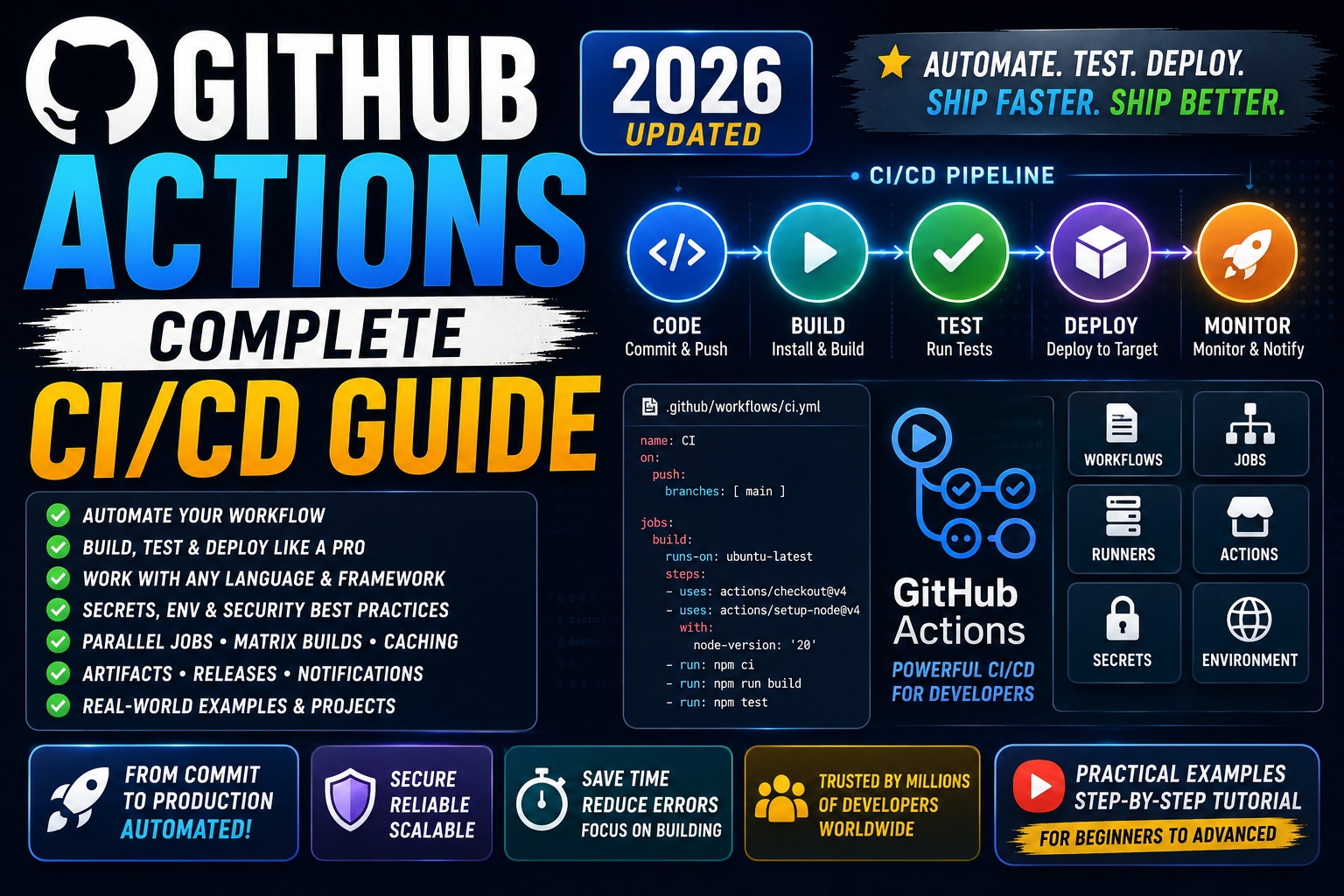
GitHub Actions is the CI/CD platform built into GitHub. Every push, pull request, tag, or scheduled cron can trigger automated workflows: run tests, build Docker images, deploy to production, notify Slack, publish npm packages, and more. This 2026 guide walks you through your first workflow, the trigger patterns you’ll use daily, secrets management, matrix builds, and a real deployment example to a cloud environment.
Quick 2026 verdict
GitHub Actions is the CI/CD default for GitHub-hosted repos in 2026. Workflows live in .github/workflows/*.yml. Free tier covers 2,000 minutes/month for private repos + unlimited for public repos. Learn 4 things: triggers (on push/PR), jobs (units of work), steps (commands or reusable actions), and secrets (encrypted env vars). Everything else builds on those.
What GitHub Actions actually does
Every time something happens in your GitHub repo (push, PR, comment, tag, release, star, schedule), GitHub Actions can fire an automated workflow. Workflows run on GitHub-provided runners (free virtual machines: Ubuntu, Windows, macOS) or your self-hosted runners. Common patterns:
- Push to any branch → run tests → block merge if tests fail
- Push to main → build Docker image → push to registry → deploy to Kubernetes
- Open a PR → run linter + security scan → post results as PR comment
- Tag a release → build binaries for Windows/Mac/Linux → upload to GitHub Releases
- Daily cron → run integration test suite → notify on failure
Your first workflow: run tests on every push
Create .github/workflows/test.yml in your repo:
name: Run Tests

on:
  push:
    branches: [main, develop]
  pull_request:
    branches: [main]

jobs:
  test:
    runs-on: ubuntu-latest
    steps:
      - uses: actions/checkout@v4
      - uses: actions/setup-python@v5
        with:
          python-version: '3.12'
      - run: pip install -r requirements.txt
      - run: pytest --verbose
Commit and push. Visit the Actions tab in your GitHub repo, you’ll see the workflow running. Any push to main or develop, or any PR against main, will now trigger this workflow. Tests fail = red X on the commit + PR gets a “Some checks failed” warning.
Triggers: when workflows fire
The on: key at the top of your YAML defines what triggers the workflow. Common patterns:
on:
  push:                              # any push
    branches: [main]                 # limit to main branch
    paths: ['src/**', 'tests/**']    # only if these paths changed
  pull_request:                      # any PR
    types: [opened, synchronize]     # only when opened or updated
  schedule:
    - cron: '0 3 * * *'              # daily at 3 AM UTC
  workflow_dispatch:                 # manual trigger via UI or API
  release:
    types: [published]               # when a release is published
You can combine multiple triggers. Each workflow file can respond to different events. Use paths filters to avoid firing tests when only docs change.
Secrets: safely store API keys and credentials
Never commit secrets to your repo. Store them in GitHub Secrets: repo → Settings → Secrets and variables → Actions → New repository secret. Reference in workflow:
- name: Deploy
  env:
    AWS_ACCESS_KEY_ID: ${{ secrets.AWS_ACCESS_KEY_ID }}
    AWS_SECRET_ACCESS_KEY: ${{ secrets.AWS_SECRET_ACCESS_KEY }}
    DATABASE_URL: ${{ secrets.DATABASE_URL }}
  run: |
    ./deploy.sh
Secrets are encrypted at rest, redacted from logs (if a secret would appear in log output, GitHub replaces it with ***), and not exposed to workflows triggered by forks. For long-term credentials, use OpenID Connect (OIDC) to authenticate to AWS/GCP/Azure without storing static keys at all, the 2026 best practice.
Matrix builds: test across multiple versions in parallel
Testing your library against Python 3.10, 3.11, 3.12 on both Ubuntu and macOS? Matrix builds fan out the same job into 6 parallel runs:
jobs:
  test:
    runs-on: ${{ matrix.os }}
    strategy:
      matrix:
        os: [ubuntu-latest, macos-latest]
        python: ['3.10', '3.11', '3.12']
    steps:
      - uses: actions/checkout@v4
      - uses: actions/setup-python@v5
        with:
          python-version: ${{ matrix.python }}
      - run: pip install -r requirements.txt
      - run: pytest
Six parallel jobs run automatically. Any single failure blocks the PR. Massively faster than sequential local testing.
Real deployment example: build Docker image + push to registry + deploy to Kubernetes
name: Build and Deploy

on:
  push:
    branches: [main]
    paths: ['src/**', 'Dockerfile']

jobs:
  build-and-deploy:
    runs-on: ubuntu-latest
    steps:
      - uses: actions/checkout@v4

      - name: Log in to GitHub Container Registry
        uses: docker/login-action@v3
        with:
          registry: ghcr.io
          username: ${{ github.actor }}
          password: ${{ secrets.GITHUB_TOKEN }}

      - name: Build and push image
        uses: docker/build-push-action@v6
        with:
          push: true
          tags: ghcr.io/${{ github.repository }}:${{ github.sha }}

      - name: Configure kubectl
        uses: azure/setup-kubectl@v4

      - name: Set K8s context
        run: echo "${{ secrets.KUBE_CONFIG }}" | base64 -d > $HOME/.kube/config

      - name: Deploy to Kubernetes
        run: |
          kubectl set image deployment/myapp \
            myapp=ghcr.io/${{ github.repository }}:${{ github.sha }}
          kubectl rollout status deployment/myapp
Push to main → image builds → pushes to GitHub Container Registry → K8s deployment updates → waits for rollout to succeed. Fully automated CI/CD pipeline in one YAML file.
Common GitHub Actions pitfalls in 2026
- Workflow not triggering. The file must be in
.github/workflows/(exact path) and be valid YAML. Check the Actions tab for a red error banner on the workflow file. - Secret shows as empty in workflow. Secrets are not passed to workflows triggered by forked-repo PRs (security). Also check secret name matches exactly (case-sensitive).
- Running out of free minutes. Public repos = unlimited free. Private repos = 2,000 minutes/mo on free plan. Watch usage in Settings → Billing → Actions. Cache dependencies to reduce build time.
- Cache not restoring. The cache key must match exactly between runs. Use
hashFiles('**/requirements.txt')orhashFiles('**/package-lock.json')to auto-invalidate when dependencies change. - Matrix job failure blocks others. By default, one matrix job failing does NOT cancel siblings. Add
fail-fast: falseunder strategy if you want ALL matrix results even after a failure. - Action pinning security. Third-party actions can be compromised. Pin to specific commit SHA (not tag) for security-critical actions:
uses: actions/checkout@11bd71901bbe5b1630ceea73d27597364c9af683.
Free vs paid runners in 2026
- GitHub-hosted (free tier for private repos): 2,000 min/mo Ubuntu, 500 min/mo Windows, 200 min/mo macOS. Public repos = unlimited.
- GitHub-hosted (Team plan, $4/user/mo): 3,000 min/mo Ubuntu equivalent.
- GitHub-hosted (Enterprise, $21/user/mo): 50,000 min/mo Ubuntu equivalent.
- Self-hosted runners: Free. Run on your own hardware (dedicated server, VM, on-premise machine). Trade admin overhead for unlimited minutes. Good for heavy build shops.
- Larger runners (2026 tier): paid opt-in for beefier hardware (16-core, 64GB RAM machines), faster builds for expensive tests.
Try these hosting + tool partners for your GitHub Actions workflows
The links below are affiliate links. We may earn a commission at no extra cost to you when you sign up through them. See our affiliate disclosure for details.
- Cloudways, managed hosting perfect as GitHub Actions deployment target. Add SSH keys to Cloudways + deploy via scp/rsync from your workflow.
- Kamatera, spin up a self-hosted GitHub Actions runner on a Kamatera VM for unlimited build minutes.
- Network Solutions, domain + DNS for your deployed apps.
Official documentation
Quick step-by-step summary (click to expand)
- Confirm Actions is enabled on your repo. Settings tab of your GitHub repository, Actions section on the left sidebar. Ensure “Allow all actions and reusable workflows” is selected.
- Create the workflow file at .github/workflows/ci.yml. GitHub reads any YAML file in that directory as a workflow. Start with a plain “on: [push, pull_request]” trigger.
- Add a job that runs your tests. Under jobs, define a “test” job with runs-on: ubuntu-latest, then steps: checkout, setup language, install deps, run tests. The runner spins up automatically on every push.
- Store secrets under Settings > Secrets and variables > Actions. Reference them in the workflow as ${{ secrets.API_KEY }}. Never hardcode credentials in the YAML.
- Add a deploy job that runs only on the main branch. Add “if: github.ref == ‘refs/heads/main'” to the deploy job. Combine with “needs: test” so deploy only runs when tests pass.
- Push a commit and watch the run in the Actions tab. Every push triggers the workflow. Click a run to see per-step logs, timings, and green/red status. Iterate until it passes.
Frequently Asked Questions
Is GitHub Actions free?
Free for public repos (unlimited minutes on Linux runners). Private repos get 2,000 Linux minutes/mo free on the personal plan, plus 500 Windows and 200 macOS minutes.
GitHub Actions vs Jenkins vs GitLab CI: which is best?
GitHub Actions is best if your code lives on GitHub (zero setup). GitLab CI is best if your code lives on GitLab. Jenkins is best for on-premise or air-gapped enterprises with existing Jenkins infrastructure. For most 2026 teams starting fresh on GitHub, GitHub Actions wins on simplicity.
How do I test my GitHub Actions workflow locally?
Use act (github.com/nektos/act), runs GitHub Actions workflows locally in Docker containers. Great for iterating without pushing commits to trigger runs. Install via brew or curl on Linux/Mac.
Can I use GitHub Actions with a self-hosted runner?
Yes. Repo → Settings → Actions → Runners → New self-hosted runner. GitHub gives you a token + installer script. Run on any VM or physical machine. Unlimited minutes but you manage the hardware.
How do I share workflows across multiple repos?
Use reusable workflows. Publish a workflow in one central repo (e.g., .github/workflows/build.yml). Reference from other repos with uses: your-org/central/.github/workflows/build.yml@main. One update propagates to all consumer repos.
What is OIDC and why should I use it for AWS/GCP deployments?
OpenID Connect (OIDC) lets GitHub Actions authenticate to AWS/GCP/Azure without storing static access keys. GitHub issues a short-lived token per workflow run that the cloud provider verifies + trades for a temporary IAM role. More secure than long-lived credentials + industry best practice in 2026.
Related Docker + DevOps tutorials
- Docker Complete Beginner Guide 2026 (Mon this week)
- Kubernetes for Beginners 2026 (Mon this week)
- Terraform vs Pulumi 2026 IaC comparison (Tue this week)
Official documentation
- GitHub Actions: official documentation
- GitHub Marketplace: reusable actions
- OIDC: secure cloud deployments guide

Adrian Mercurio
Full-Stack Developer at PIES IT Solution
Specializes in building complete capstone projects with full documentation. Strong background in PHP/MySQL development and database design. Has personally built and tested over 30 capstone-ready projects with ER diagrams, DFDs, and chapter-by-chapter thesis documentation.
Expertise: PHP · Laravel · Database Design · Capstone Projects · C# · C · C++ · Python · AI Projects · View all posts by Adrian Mercurio →