
The Azure OpenAI 429 insufficient_quota error confuses developers because it looks like a billing problem but usually isn’t. Azure has a two-layer limit system that most tutorials don’t explain clearly: your subscription’s credits (billing) and your deployment’s TPM (rate limit). This 2026 guide walks you through diagnosing which one you’re hitting and how to fix each in 5 minutes.
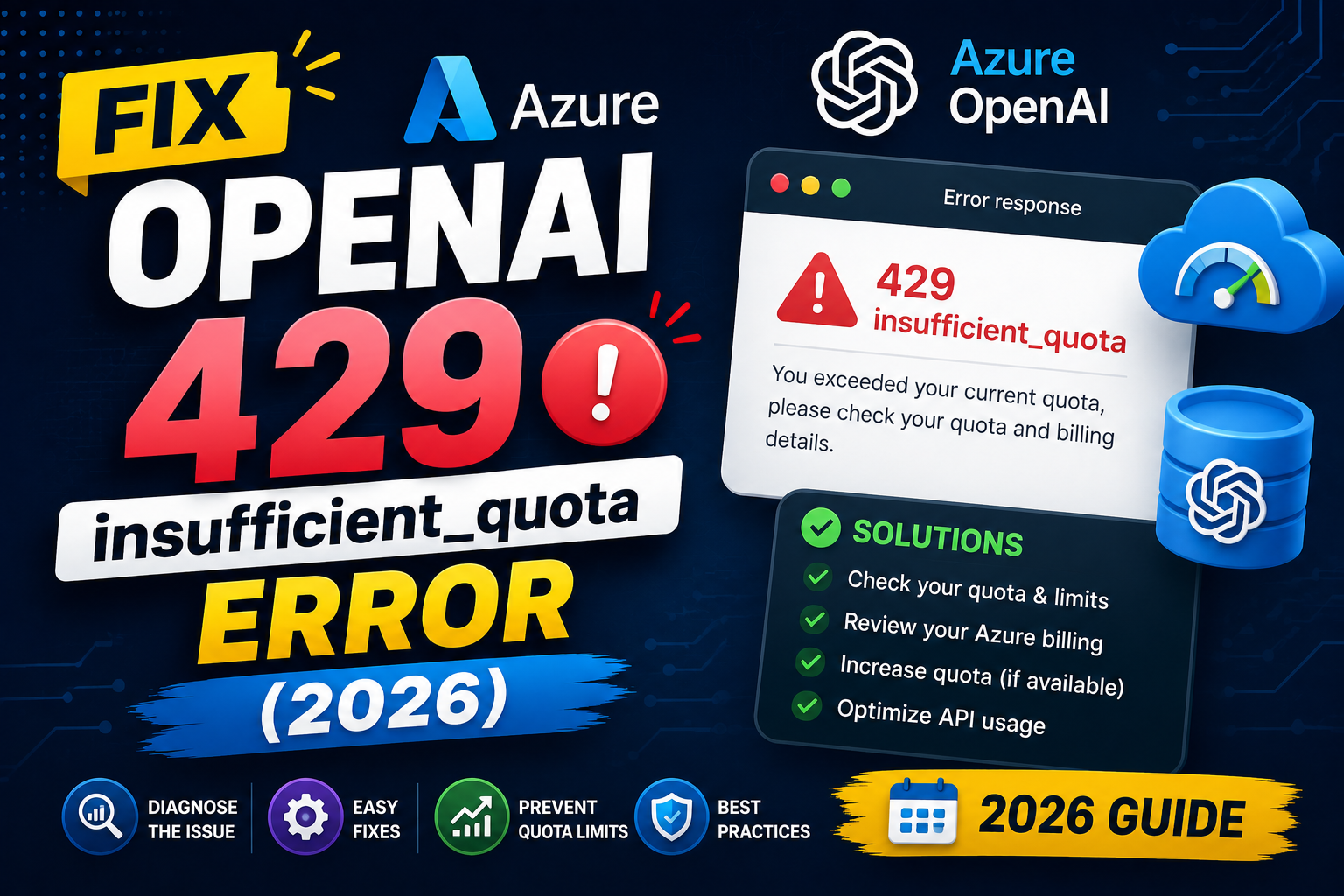
The exact error you’re seeing
openai.RateLimitError: Error code: 429
{
  "error": {
    "code": "insufficient_quota",
    "message": "You exceeded your current quota, please check your plan and billing details."
  }
}
This message is misleading. It almost never means “you ran out of money.” It usually means one of three things: your deployment’s TPM (tokens per minute) rate limit was hit, your Azure subscription has no OpenAI access yet, or your API key is pointing at OpenAI’s public API instead of Azure OpenAI.
Cause 1: You’re hitting TPM (tokens per minute) rate limit
Every Azure OpenAI deployment has a TPM quota. Default new deployments get 30k-120k TPM depending on model. If your app sends bursts of requests faster than the quota allows, you get 429.
Check your current TPM in Azure Portal:
- Go to portal.azure.com.
- Open your Azure OpenAI resource.
- Click “Resource Management” > “Model deployments”.
- Click on your specific deployment (e.g., “gpt-4o-mini-prod”).
- The TPM limit shows at the top. Default is often 30k for gpt-4o-mini and 120k for gpt-4o.
To increase it:
- In the same deployment view, click “Edit deployment”.
- Under “Tokens per Minute Rate Limit (thousands)”, raise the slider to your subscription’s cap.
- Click “Save and close”.
# Verify TPM via Azure CLI
az cognitiveservices account deployment show \
  --name your-openai-resource \
  --resource-group your-rg \
  --deployment-name gpt-4o-mini-prod \
  --query "sku"
Cause 2: Your subscription has no OpenAI access yet
Azure OpenAI requires approval for each subscription. If your subscription is new, you may not have OpenAI access even though the resource looks provisioned.
Check access:
- In Azure Portal > your Azure OpenAI resource > Overview.
- Look at the “Endpoint” URL. It should look like
https://your-resource.openai.azure.com/. - Click “Model deployments”, if the list is empty, you have not deployed a model yet.
- Click “Create new deployment”. If the model dropdown is empty or greyed out, your subscription lacks OpenAI access.
To request access: fill out Microsoft’s Azure OpenAI Limited Access application. Approval takes 1-3 business days for Enterprise Agreement subscriptions and 3-7 days for Pay-as-you-go.
Cause 3: Wrong endpoint or API key
The Azure OpenAI SDK uses different parameters than the public OpenAI SDK. If you’re calling openai.OpenAI with an OpenAI-style API key instead of openai.AzureOpenAI, you get 429 from OpenAI’s public API (not Azure).
Correct Azure OpenAI setup in Python:
from openai import AzureOpenAI
import os

client = AzureOpenAI(
    api_key=os.environ["AZURE_OPENAI_KEY"],
    api_version="2024-10-21",
    azure_endpoint="https://your-resource.openai.azure.com/"
)

response = client.chat.completions.create(
    model="gpt-4o-mini-prod",  # your deployment name, NOT the model name
    messages=[{"role": "user", "content": "Hello"}]
)
Common mistakes: (a) using openai.OpenAI instead of openai.AzureOpenAI, (b) passing the model name like “gpt-4o-mini” instead of your deployment name, (c) missing api_version.
Cause 4: You genuinely ran out of credits (rare)
If your Azure subscription is a free trial or pay-as-you-go without a payment method, you can exhaust credits. Check billing:
- Azure Portal > Cost Management + Billing.
- Look at “Cost analysis” for your subscription.
- If the current spend is at or above your budget alert threshold, add a payment method or raise the budget.
For most Enterprise Agreement customers, this is not the cause. For personal accounts with USD 200 free credit, it can be.
Add retry logic to handle 429s gracefully
Even after raising TPM, bursty workloads will hit 429s occasionally. Handle them with exponential backoff:
import time
from openai import AzureOpenAI, RateLimitError

client = AzureOpenAI(api_key="...", api_version="2024-10-21", azure_endpoint="...")

def call_with_retry(messages, max_retries=5):
    for attempt in range(max_retries):
        try:
            return client.chat.completions.create(
                model="gpt-4o-mini-prod",
                messages=messages
            )
        except RateLimitError as e:
            wait = 2 ** attempt  # 1, 2, 4, 8, 16 seconds
            print(f"429 hit, retry {attempt+1} in {wait}s")
            time.sleep(wait)
    raise Exception("Max retries exceeded")
For production: consider Provisioned Throughput Units (PTU)
If your app consistently sends high volume, buy PTUs instead of relying on shared quota. PTUs give you dedicated capacity with predictable latency.
- In Azure Portal > your Azure OpenAI resource > “Deployment types”.
- Choose “Provisioned” instead of “Standard”.
- Select model + PTU count (each PTU = ~50 TPS for GPT-4o).
- Commit for 1 month or 1 year (annual commitment gets ~40% discount).
PTUs cost significantly more than pay-as-you-go but eliminate rate limit unpredictability. Suitable for production RAG systems, agent workflows, or customer-facing apps with SLA requirements.
Verification checklist
# 1. Confirm your deployment endpoint is Azure (not OpenAI public)
python -c "
from openai import AzureOpenAI
c = AzureOpenAI(api_key='...', api_version='2024-10-21',
                azure_endpoint='https://your-resource.openai.azure.com/')
print(c.chat.completions.create(model='your-deployment-name',
      messages=[{'role':'user','content':'test'}]).choices[0].message.content)
"

# 2. Check TPM usage vs quota via Azure Monitor
az monitor metrics list \
  --resource "/subscriptions/YOUR-SUB/resourceGroups/YOUR-RG/providers/Microsoft.CognitiveServices/accounts/YOUR-RESOURCE" \
  --metric "ProcessedPromptTokens,ProcessedCompletionTokens" \
  --interval PT1M
Official documentation
Try the tools
The links below are affiliate links. We may earn a commission at no extra cost to you. Read our affiliate disclosure.
- OnSpace AI for building AI-powered apps and prototypes without wrestling with raw Azure OpenAI SDK calls yourself.
- Thunderbit for extracting structured data from any webpage using AI, useful when feeding real-world data into your AI pipeline.
Frequently asked questions
Does Azure OpenAI’s 429 error mean I ran out of credits?
Usually no. The message says “quota” but almost always refers to TPM (tokens per minute) rate limits, not billing. Check your deployment’s TPM limit first. Actual credit exhaustion shows as a different error on Azure billing dashboards.
What is the default TPM for Azure OpenAI deployments in 2026?
gpt-4o-mini defaults to 30k TPM. gpt-4o defaults to 30k-120k depending on subscription. o1-mini defaults to 5k TPM. Your subscription’s absolute cap varies (Enterprise Agreement often gets 500k+ TPM per model).
How do I request higher TPM than my subscription allows?
Fill out Microsoft’s Azure OpenAI Quota Increase form at aka.ms/oai/quotaincrease. Approval takes 5-10 business days. Provide use-case details and projected daily volume to speed the review.
Should I use retry logic or upgrade to PTUs?
Retry logic first (free and easy). If you consistently hit 429s even after raising TPM to the max, consider PTUs. PTUs cost significantly more but give predictable capacity with no rate limit surprises.
Why does my code work locally but fail in production?
Two common causes: (1) production sends much more concurrent traffic that hits TPM ceiling, or (2) production uses a different Azure subscription with lower quota. Check both. Add retry logic and monitor TPM usage in Azure Monitor.
Can I use OpenAI’s Python SDK with Azure OpenAI?
Yes but you MUST use openai.AzureOpenAI class (not openai.OpenAI). Set azure_endpoint, api_version, and pass your deployment name as the model parameter (not the base model name). Mixing them up is the top cause of 429 errors in fresh Azure OpenAI code.

Angel Jude Suarez
Full-Stack Developer at PIES IT Solution
Focuses on Python development, machine learning, and AI integration. Has built production AI systems including OpenAI Whisper integration for medical transcription and GPT-4o-powered diagnosis assistance. Strong background in pandas, scikit-learn, and TensorFlow.
Expertise: Python · PHP · Java · VB.NET · ASP.NET · Machine Learning · AI Integration · OpenCV · Django · CodeIgniter · View all posts by Angel Jude Suarez →