
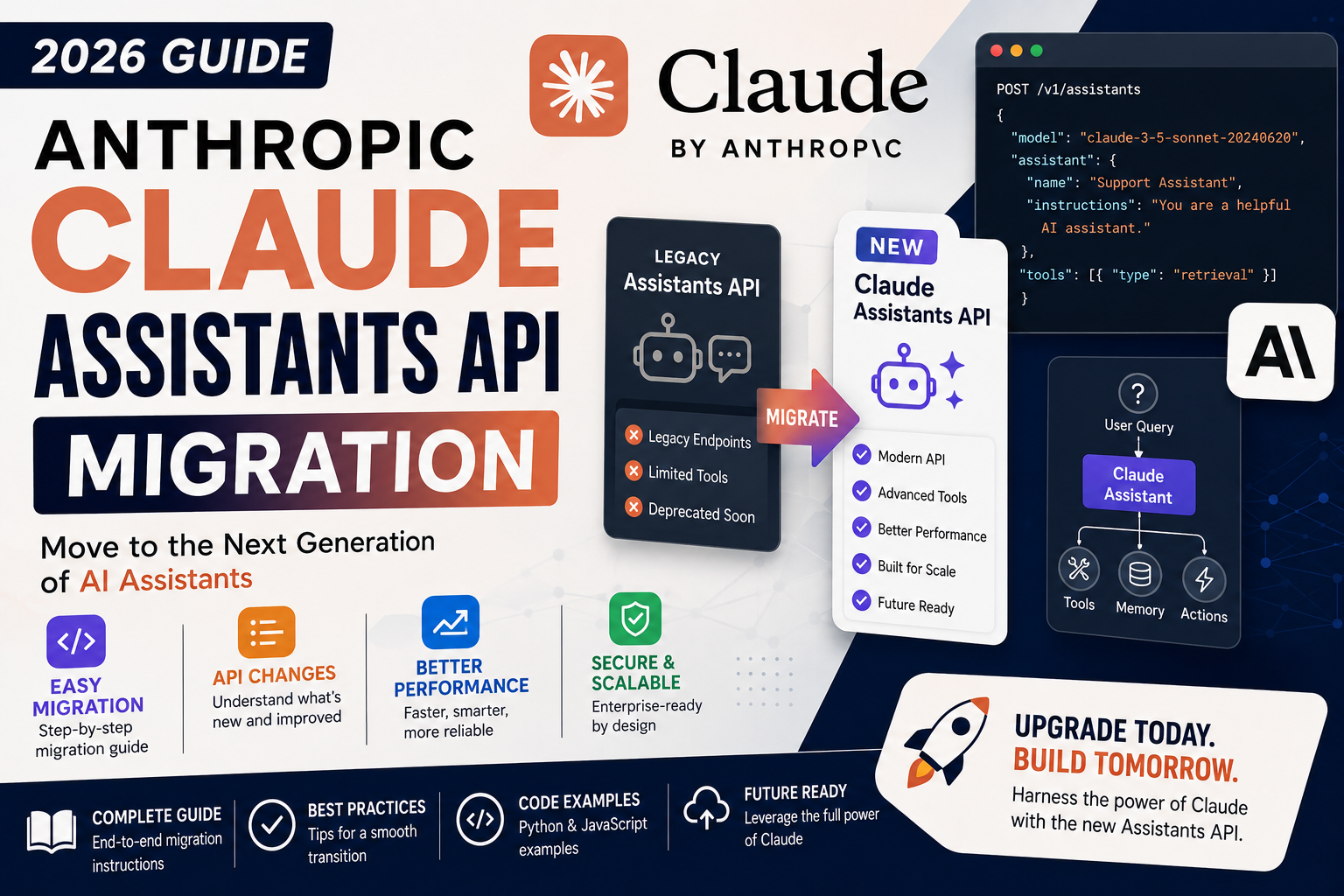
If your app runs on the OpenAI Assistants API and you want to move to Anthropic Claude, the good news is that most of your logic ports over cleanly. The bad news is that Anthropic does not have a one-to-one Assistants API replacement. You will use the standard messages.create endpoint plus a small amount of state-management code you write yourself. This guide walks you through the full migration path with real code.
What is different between the two APIs
The OpenAI Assistants API is stateful. You create an assistant, create a thread, add messages to the thread, and OpenAI stores everything for you. The Anthropic messages API is stateless. You pass the full message history on every call. This is the biggest conceptual shift.
Here is a quick side-by-side of the concepts:
- Assistant (OpenAI) becomes a system prompt plus a model choice (Anthropic)
- Thread (OpenAI) becomes a list of messages you manage yourself (Anthropic)
- Run (OpenAI) becomes a single messages.create call (Anthropic)
- Tools (OpenAI function calling) becomes tools (Anthropic tool use) with a very similar schema
- File search (OpenAI) becomes bring-your-own retrieval: you run the retrieval step and pass results in the prompt
Install and set up the Anthropic SDK
pip install anthropic
Set your API key in an environment variable (get one from console.anthropic.com):
export ANTHROPIC_API_KEY="sk-ant-..."
Migrate a basic assistant to Claude
Here is a simple OpenAI Assistants API call:
from openai import OpenAI
client = OpenAI()

assistant = client.beta.assistants.create(
    name="Medical Records Assistant",
    instructions="You help doctors extract key info from patient notes.",
    model="gpt-4o",
)

thread = client.beta.threads.create()
client.beta.threads.messages.create(
    thread_id=thread.id, role="user", content="Summarize this note: ...")
run = client.beta.threads.runs.create_and_poll(
    thread_id=thread.id, assistant_id=assistant.id)
The equivalent with Anthropic:
from anthropic import Anthropic
client = Anthropic()

response = client.messages.create(
    model="claude-opus-4-8",
    max_tokens=1024,
    system="You help doctors extract key info from patient notes.",
    messages=[
        {"role": "user", "content": "Summarize this note: ..."}
    ],
)
print(response.content[0].text)
Notice that there is no assistant object, no thread object, and no polling. One call, one response. The system prompt replaces the OpenAI “instructions” field.
Manage conversation history yourself
Since Anthropic does not store threads, you keep the message history in your app. The pattern is a simple list that grows with each turn:
history = []

def chat(user_message):
    history.append({"role": "user", "content": user_message})
    response = client.messages.create(
        model="claude-opus-4-8",
        max_tokens=1024,
        system="You are a helpful assistant.",
        messages=history,
    )
    assistant_text = response.content[0].text
    history.append({"role": "assistant", "content": assistant_text})
    return assistant_text
Store the history wherever fits your app: an in-memory dict keyed by session ID, a Redis cache, or a Postgres table. Anthropic’s max context window on Claude Opus 4.8 is 200K tokens so you can hold long conversations.
Migrate tool use (function calling)
Tool schemas are almost identical between the two APIs. Here is the OpenAI version:
tools = [{
  "type": "function",
  "function": {
    "name": "get_weather",
    "description": "Get current weather for a city",
    "parameters": {
      "type": "object",
      "properties": {"city": {"type": "string"}},
      "required": ["city"],
    },
  },
}]
The Anthropic equivalent flattens the wrapper:
tools = [{
  "name": "get_weather",
  "description": "Get current weather for a city",
  "input_schema": {
    "type": "object",
    "properties": {"city": {"type": "string"}},
    "required": ["city"],
  },
}]
Two differences to remember: no type: function wrapper, and parameters renames to input_schema. Everything else, including the JSON Schema syntax, is the same.
Handle a tool-use response
When Claude wants to call your tool, the response has stop_reason equal to "tool_use". Loop through the content blocks and run your tool:
response = client.messages.create(
    model="claude-opus-4-8",
    max_tokens=1024,
    tools=tools,
    messages=history,
)

if response.stop_reason == "tool_use":
    for block in response.content:
        if block.type == "tool_use":
            result = get_weather(**block.input)
            history.append({"role": "assistant", "content": response.content})
            history.append({
                "role": "user",
                "content": [{
                    "type": "tool_result",
                    "tool_use_id": block.id,
                    "content": str(result),
                }],
            })
    # Loop and call messages.create again to get the final answer
This tool-use loop replaces OpenAI’s required-action polling loop. It is simpler because everything is synchronous.
Replace file search with your own retrieval
OpenAI’s Assistants API can search files you upload. Anthropic does not offer a built-in equivalent, so you handle retrieval yourself. Two common patterns:
- Small knowledge base (under 100 pages): Put the whole content in the system prompt or the first user message. Claude’s 200K context makes this practical.
- Large knowledge base: Set up a vector store (Chroma, Weaviate, or Pinecone), embed your docs, and run a similarity search before each Claude call. Pass the top 3-5 matches as context in the user message.
The tradeoff is you write more retrieval code, but you gain full control over which docs get pulled and can swap vector stores whenever you want.
Streaming responses
Both APIs support streaming, but the Anthropic pattern is cleaner:
with client.messages.stream(
    model="claude-opus-4-8",
    max_tokens=1024,
    messages=history,
) as stream:
    for text in stream.text_stream:
        print(text, end="", flush=True)
The stream context manager handles connection cleanup for you. If your OpenAI code used the streaming Assistants API, the equivalent code above is shorter and easier to reason about.
Cost differences to plan for
Claude and OpenAI models are priced by input and output tokens. As of 2026 the rough comparison for premium models:
- Claude Opus 4.8: USD 15 per million input tokens, USD 75 per million output tokens
- GPT-4o (Assistants API): USD 5 per million input, USD 20 per million output
- Claude Sonnet 5: USD 3 per million input, USD 15 per million output (best price/quality balance)
- Claude Haiku 4.5: USD 1 per million input, USD 5 per million output (cheapest)
If your workload is cost-sensitive, start with Claude Sonnet 5 and only upgrade to Opus for the requests that need it. You can also use Anthropic’s prompt caching to cache the system prompt and long context, which cuts input costs by up to 90% on cached tokens.
Official documentation
Frequently asked questions
Does Anthropic have a direct Assistants API equivalent?
No. Anthropic uses a stateless messages API. You manage the conversation history in your app instead of having Anthropic store it. This is simpler in most ways but requires a small amount of state-management code you did not need before.
Which Claude model matches GPT-4o best?
Claude Sonnet 5 is the closest analog on price and general quality. For heavy reasoning tasks or agentic workflows, upgrade to Claude Opus 4.8. For high-volume simple tasks (classification, extraction), use Claude Haiku 4.5 which is cheaper than GPT-4o-mini.
How do I migrate the OpenAI file search feature?
Set up your own retrieval pipeline with a vector store like Chroma, Weaviate, or Pinecone. Embed your documents, run a similarity search before each Claude call, and pass the top matches in the user message. This gives you more control but adds initial setup work.
Can I keep both APIs in the same app during migration?
Yes, and this is a smart way to migrate. Route new features to Anthropic first, keep old flows on OpenAI, and switch traffic over gradually once you are confident. Both SDKs coexist in Python without conflict since they use different client objects.
What is Anthropic’s rate limit for new accounts?
New accounts start at Tier 1: 50 requests per minute and 40,000 tokens per minute for Opus. You move to higher tiers automatically as you use the API and pay for usage. Add a payment method to move past Tier 1 within 7 days of your first successful payment.
Does prompt caching reduce cost for long conversations?
Yes, significantly. Add cache_control markers to the system prompt or long context blocks. Cached input tokens cost 10% of the normal price on cache hit. For a long-running chatbot with a big system prompt, this often cuts monthly cost by 40-60%.