
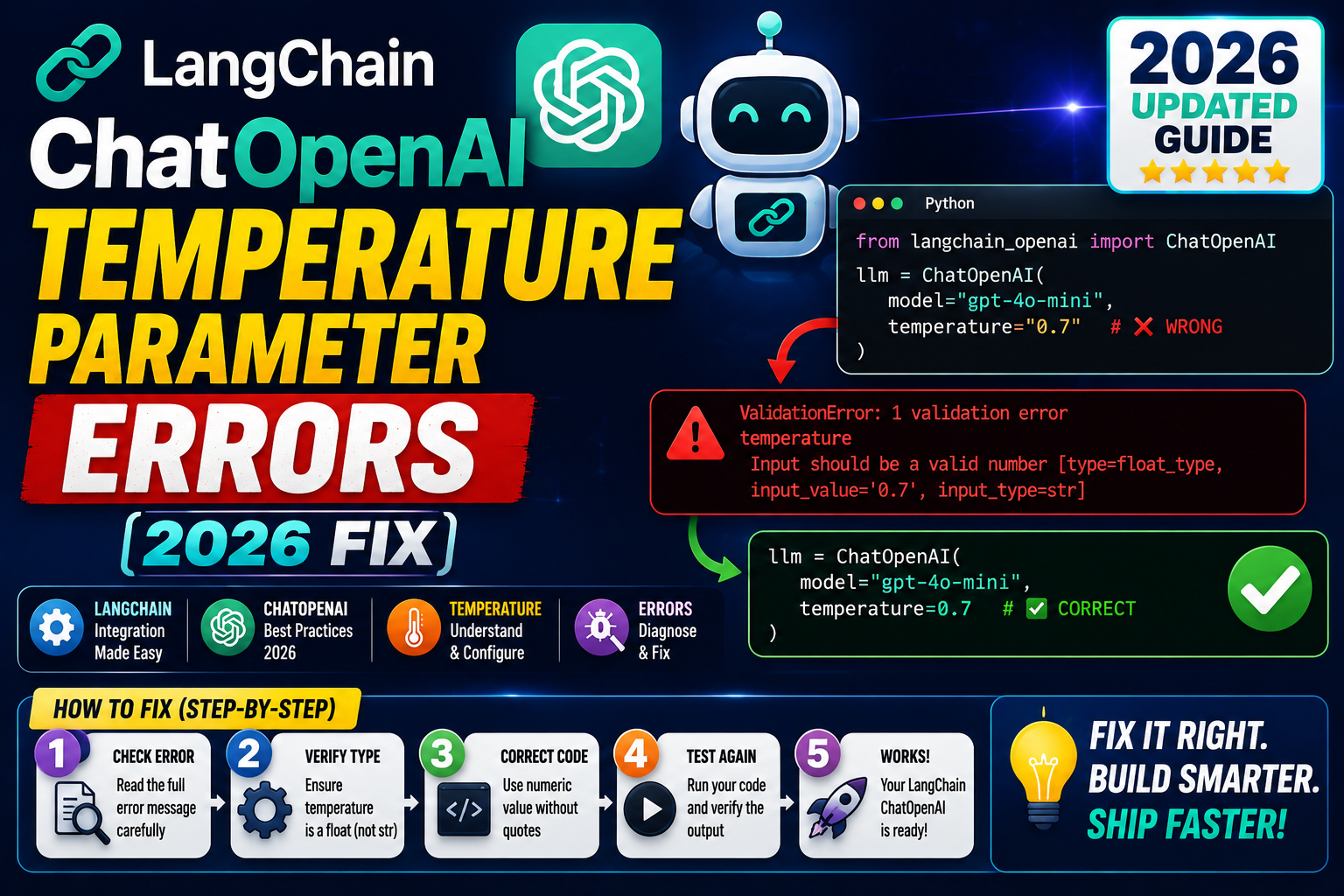
If you just updated LangChain or switched to a new OpenAI model, you may hit a temperature parameter error the moment you call ChatOpenAI. The error is one of three: a Pydantic ValidationError that says temperature must be between 0 and 2, a plain TypeError about invalid types, or the newer “temperature is not supported with this model” rejection that shows up on the o1 family.
Each of these has a specific cause. I will show you what triggers each one and the exact fix.
What the temperature parameter actually does
Temperature controls how random the model’s next-token pick is. A lower value pushes the model toward the most likely token, so answers get more predictable. A higher value spreads the probability across more tokens, so answers get more varied.
OpenAI accepts values from 0 to 2. LangChain passes your value straight through, so if you send anything outside that range you get an API rejection wrapped in a Pydantic validation error.
Error 1: ValidationError, “temperature must be between 0 and 2”
This is the most common one. It happens when you pass a value like 2.5 or a negative number.
from langchain_openai import ChatOpenAI

llm = ChatOpenAI(model="gpt-4o", temperature=2.5)
# pydantic.ValidationError: 1 validation error for ChatOpenAI
# temperature
#   Input should be less than or equal to 2
The fix is to clamp your value to the accepted range. If you are pulling temperature from user input or a config file, add a guard before passing it in:
def safe_temperature(value):
    try:
        v = float(value)
    except (TypeError, ValueError):
        return 0.7
    return max(0.0, min(2.0, v))

llm = ChatOpenAI(model="gpt-4o", temperature=safe_temperature(user_temp))
For most production use cases 0.7 is a good default. If you need deterministic answers for testing, use 0.
Error 2: TypeError, temperature is not a float
This one shows up when you accidentally pass a string. It happens a lot when reading from environment variables or JSON config files, because those values arrive as strings.
import os
from langchain_openai import ChatOpenAI

# .env file contains: TEMPERATURE=0.7
temp = os.getenv("TEMPERATURE")   # this is the string "0.7", not the float 0.7
llm = ChatOpenAI(model="gpt-4o", temperature=temp)
# TypeError: '<=' not supported between instances of 'str' and 'float'
Cast to float when you read it:
temp = float(os.getenv("TEMPERATURE", "0.7"))
llm = ChatOpenAI(model="gpt-4o", temperature=temp)
The default value in the second argument to os.getenv is also a string, so passing “0.7” (not 0.7) is intentional here.
Error 3: “temperature is not supported with this model” (o1 family)
OpenAI’s o1 and o1-mini models are reasoning models. They ignore temperature entirely because their sampling is different. If you pass temperature to ChatOpenAI with an o1 model, the API returns a 400 error and LangChain surfaces it like this:
openai.BadRequestError: Error code: 400
{'error': {'message': "Unsupported parameter: 'temperature' is not supported with this model.",
'type': 'invalid_request_error'}}
The fix is to skip the parameter entirely for o1 models:
O1_MODELS = {"o1", "o1-mini", "o1-preview", "o3", "o3-mini"}

def build_llm(model_name, temperature=0.7):
    if model_name in O1_MODELS:
        return ChatOpenAI(model=model_name)
    return ChatOpenAI(model=model_name, temperature=temperature)
If your app lets users switch models on the fly, this helper keeps you from crashing when they pick a reasoning model.
Common pitfalls that cause this error
- Pulling from Pydantic Settings. If your BaseSettings class types the field as
str, the value stays a string. Type it asfloatand Pydantic converts for you. - Docker environment defaults. A blank env var read via
os.getenv("TEMPERATURE")returnsNone, and passing None triggers the same TypeError. Always provide a default. - Reading YAML with PyYAML. If temperature is written as
temperature: "0.7"in your config, it stays a string. Write it astemperature: 0.7without quotes. - Old LangChain version. LangChain 0.1 accepted values up to 2.0 without complaint. LangChain 0.3+ enforces the range at the schema level. Upgrade path may surface this bug.
- Bind method overrides. If you call
llm.bind(temperature=1.5)on an o1 model, you get the same rejection. The check applies at API call time, not at object creation.
Recommended temperature values by task
Once the error is fixed, pick the right value for your task:
- 0.0: Test cases, deterministic classification, structured data extraction where you need the same answer every time.
- 0.3: Code generation, technical Q&A where accuracy matters more than variety.
- 0.7: General chat, most RAG applications, tutoring bots. This is a good default.
- 1.0-1.2: Creative writing, brainstorming, marketing copy.
- 1.5-2.0: Poetry, experimental fiction, cases where you want surprising results.
Higher is not always better. Above 1.5 the model may lose coherence or produce broken formatting.
Verifying your fix
After applying the fix, run this quick check:
from langchain_openai import ChatOpenAI

llm = ChatOpenAI(model="gpt-4o", temperature=0.7)
response = llm.invoke("Say hello in one word.")
print(response.content)
If you get a one-word answer back, the parameter is accepted and your fix worked. If you still see a ValidationError, print the type of your temperature value with print(type(temp)) to confirm it is a float and not a string or None.
Common patterns that trigger temperature errors
The temperature parameter accepts a float between 0.0 and 2.0. Errors usually come from four specific patterns:
- Passing a string instead of a float: LangChain accepts “0.7” without complaint in some versions but silently ignores it in others. Always pass a Python float.
- Using temperature with o1 or o3 reasoning models: OpenAI reasoning models do not accept temperature at all. Passing it produces an unsupported_parameter error at runtime.
- Setting temperature above 2.0: most models cap at 2.0. Some LangChain versions clamp silently, others raise ValueError.
- Combining temperature with top_p in unusual ways: OpenAI docs recommend using one or the other, not both. Extreme combinations produce incoherent output rather than an explicit error.
from langchain_openai import ChatOpenAI

# Correct: float, in-range, standard model
llm = ChatOpenAI(model="gpt-4o", temperature=0.7)

# Wrong: string will silently break in newer LangChain
llm = ChatOpenAI(model="gpt-4o", temperature="0.7")

# Wrong: o1 reasoning model does not accept temperature
llm = ChatOpenAI(model="o1-preview", temperature=0.5)
# raises: unsupported_parameter error

# Wrong: above the 2.0 cap
llm = ChatOpenAI(model="gpt-4o", temperature=2.5)
# raises ValueError in strict mode or clamps silently in loose mode
Temperature values that work for common use cases
Picking the right temperature is a shortcut for tuning output quality without touching the prompt:
- 0.0 to 0.3: deterministic tasks. Data extraction, classification, structured output where you need the same answer every time.
- 0.4 to 0.7: balanced. General chat, Q&A, code explanation, summarization.
- 0.8 to 1.2: creative. Brainstorming, marketing copy, ideation, character dialogue.
- Above 1.5: rarely useful. Output becomes incoherent for most models. Reserved for experimental generation tasks.
# Deterministic extraction: same output every time
extractor = ChatOpenAI(model="gpt-4o-mini", temperature=0.0)

# Balanced chat assistant
chat = ChatOpenAI(model="gpt-4o", temperature=0.5)

# Creative marketing copy
copywriter = ChatOpenAI(model="gpt-4o", temperature=0.9)
Official documentation
Frequently asked questions
What is the valid range for temperature in LangChain ChatOpenAI?
The valid range is 0.0 to 2.0. Values outside this range trigger a Pydantic ValidationError. LangChain enforces this at the schema level since version 0.3, so older code that used 2.5 or higher will break on upgrade.
Why does o1 reject the temperature parameter?
o1 and o3 are reasoning models. They use internal chain-of-thought sampling that does not respond to temperature the same way standard chat models do. OpenAI decided to reject the parameter rather than silently ignore it, so you always know when a setting has no effect.
Can I set temperature after creating the ChatOpenAI object?
Yes, use the bind method: llm.bind(temperature=0.5). This returns a new runnable with the parameter overridden. Note that bind still hits the same validation rules, so o1 models will reject it at invoke time.
What is a good default temperature for RAG applications?
0.3 to 0.5 works well for most RAG systems. RAG relies on the model to stay grounded in the retrieved context, so a lower temperature keeps it from wandering. Set it to 0 if you need identical answers for the same query across runs.
Does the fix work for AzureChatOpenAI too?
Yes. AzureChatOpenAI shares the same validation logic as ChatOpenAI. The o1 rejection also applies when using Azure OpenAI’s o1 deployments. The same helper function pattern works without changes.
How do I test temperature settings without spending API credits?
Use LangChain’s FakeListLLM or FakeChatModel for unit tests. They ignore temperature but let you verify your surrounding logic. For real behavior testing with minimal cost, use gpt-4o-mini which is significantly cheaper than gpt-4o.