
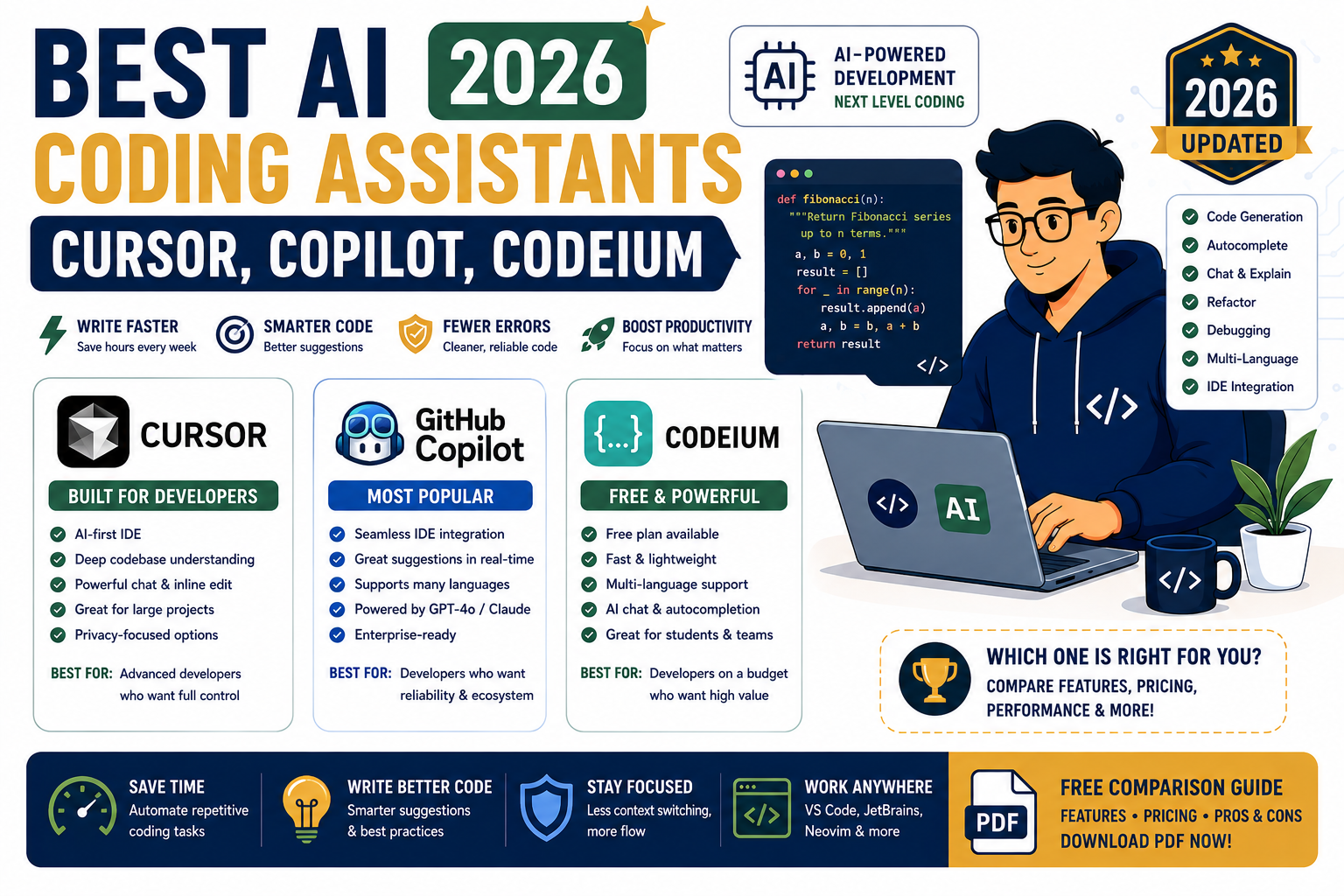
AI coding assistants stopped being optional in 2026. Every serious development team runs at least one, and most run two together. The question is no longer whether to use them, but which combination fits your language, workflow, and budget. This is the honest side-by-side after shipping real projects with all four.
Quick answer for 2026
Cursor if you want the best day-to-day IDE experience and can pay $20/month. GitHub Copilot if you already live in VS Code, JetBrains, or Visual Studio and want the safest enterprise pick. Codeium (Windsurf) if you want a serious free tier or an agent-first workflow. Claude Code if you work from the terminal on multi-file refactors and want the strongest agentic model in the loop.
What AI coding assistants actually do in 2026
All four tools cover the same core surface: inline autocomplete, chat-based code generation, multi-file edits, and codebase-aware Q&A. The differences are in how they surface these features, which model they use behind the scenes, and how well they handle large repos.
The 2026 baseline every one of them delivers:
- Inline autocomplete as you type
- Chat window that can read your open files
- Cross-file edits with a diff preview
- Terminal command generation
- Git commit message and PR description drafting
- Agent mode that can run tasks end to end
Where they diverge is model quality, editor integration depth, agent reliability, and pricing philosophy.
Cursor in 2026
Cursor is a fork of VS Code with AI woven into the editor at a level no plugin can match. In 2026 it uses a mix of GPT-5, Claude Sonnet 4.7, and its own fine-tuned models. Users route requests to whichever model fits the task.
What Cursor does best:
- Fast, accurate inline completions that feel native
- Composer mode for multi-file edits with clear diffs
- Codebase indexing that actually finds the right files across large monorepos
- Model routing so you pay less for autocomplete and more for hard reasoning
Pricing in 2026: Free tier includes 2,000 completions and 50 slow requests per month. Pro is $20/month with unlimited fast completions and 500 fast requests. Business is $40/month per user with SOC 2 and privacy mode.
Where Cursor falls short: JetBrains users must switch IDEs. Enterprise procurement is slower than GitHub Copilot because Cursor is a smaller vendor.
GitHub Copilot in 2026
Copilot remains the safe enterprise pick. Microsoft ownership plus GitHub integration means procurement teams already have the paperwork ready. In 2026 Copilot supports VS Code, Visual Studio, JetBrains, Neovim, Xcode, and the Copilot CLI. The underlying model is GPT-4.1 by default, with GPT-5 and Claude Sonnet 4.7 available on Pro+ and Business tiers.
What Copilot does best:
- Cross-editor consistency (same experience in VS Code and JetBrains)
- Copilot Workspace for spec-to-PR agent workflows
- Deep GitHub integration (PR reviews, Actions, Issues)
- Enterprise-grade admin controls, audit logs, and IP indemnification
Pricing in 2026: Free tier gives 2,000 completions and 50 chat messages per month. Pro is $10/month. Pro+ is $39/month with premium models. Business is $19 per user per month with policy controls.
Where Copilot falls short: inline completions still feel a step slower than Cursor in casual head-to-head tests. Agent mode is improving quickly but is not yet as polished as Cursor Composer or Claude Code.
Codeium and Windsurf in 2026
Codeium made two big moves. First, it kept the free individual tier alive when everyone else moved to paid. Second, it launched Windsurf, a standalone IDE with an agent-first workflow that competes directly with Cursor.
What the Codeium stack does best:
- Truly usable free tier for individual developers (unlimited autocomplete, chat included)
- Cascade agent in Windsurf reads and edits across many files in one turn
- Wide editor support (VS Code, JetBrains, Vim, Emacs, Sublime, Xcode)
- On-premises and air-gapped deployment for regulated industries
Pricing in 2026: Codeium Individual is free forever. Codeium Teams is $12 per user per month. Windsurf Pro is $15/month. Enterprise pricing is custom.
Where the Codeium stack falls short: the free tier uses a smaller model than paid tiers, so completion quality trails Cursor and Copilot on complex logic. The brand split between “Codeium” and “Windsurf” confuses first-time users.
Claude Code in 2026
Claude Code from Anthropic is the terminal-first entry. Instead of living in your editor, it runs as a CLI that reads your codebase, plans changes, and applies them. In 2026 it powers a growing share of professional refactor and migration work.
What Claude Code does best:
- Strongest agentic model in the market for multi-step engineering work
- Terminal-native workflow that fits DevOps and infrastructure engineers
- Handles large repos and long-context refactors better than editor plugins
- Model Context Protocol (MCP) support for connecting your own tools
Pricing in 2026: Free tier bundled with a Claude account gives limited daily usage. Pro is $20/month. Max is $100/month for heavy users. Team is $30 per user per month. Usage is metered by tokens for API-key installs.
Where Claude Code falls short: no inline autocomplete (it is not an editor plugin). Developers who live in the editor prefer Cursor or Copilot for typing-time suggestions.
Feature and pricing comparison
Feature              Cursor        Copilot       Codeium/Windsurf   Claude Code
--------------------------------------------------------------------------------
Free tier            Limited       Limited       Best in class      Limited
Paid entry           $20/mo        $10/mo        $12-15/mo          $20/mo
Inline autocomplete  Excellent     Very good     Very good          None
Multi-file edits     Excellent     Good          Excellent          Excellent
Agent workflow       Composer      Workspace     Cascade            Native CLI
Editors supported    Cursor IDE    All majors    All majors         Terminal
Model options        GPT-5,Claude  GPT-5,Claude  Own + open         Claude Opus
Enterprise ready     Yes           Best in class Yes                Growing
Best for             Solo devs+SMB Enterprise    Free tier + agent  Refactors,DevOps
When to pick each one in 2026
Pick Cursor if you are a solo developer or small team, you can switch IDEs, and you want the fastest polished editor experience with strong model choice.
Pick GitHub Copilot if your team already uses GitHub or is inside a Microsoft shop, you need cross-editor consistency (mixed VS Code and JetBrains teams), or your procurement team requires an established enterprise vendor with IP indemnification.
Pick Codeium (or Windsurf) if budget matters, you want the strongest free tier, or you need on-premises deployment for regulated data.
Pick Claude Code if you are a senior engineer working on multi-file refactors, migrations, or DevOps tasks, or you prefer terminal-first workflows over editor plugins.
Most professional teams end up running two: a fast in-editor completer (Cursor or Copilot) for typing-time suggestions, plus Claude Code for hard multi-file work. That combination costs $30 to $40 per developer per month and reliably pays back in productivity.
Real workflow: how developers actually use these tools
The pattern that shows up across teams shipping real code in 2026:
- Spec drafting. Open Cursor Composer or Claude Code. Describe the feature. Let the agent draft a plan and a file list before writing any code.
- Skeleton generation. Approve the plan. Let the assistant scaffold the files, imports, and function signatures.
- Fill-in typing. Switch to inline autocomplete (Cursor or Copilot). Type normally. Accept suggestions that match your style, reject the ones that do not.
- Test writing. Ask the assistant to generate tests for each new function. Run them. Fix failures manually or ask the assistant to fix them.
- Refactor and cleanup. Use Claude Code from the terminal for cross-file refactors that touch 5+ files. Editor plugins struggle at this size.
- Commit and PR. Let the assistant draft the commit message and PR description. Review and edit before pushing.
The single biggest mistake teams make in 2026 is trusting suggestions without reading them. AI assistants still hallucinate function signatures, invent library APIs that do not exist, and miss subtle logic errors. Every accepted suggestion should still be reviewed like a junior developer wrote it.
Official documentation
Where developers deploy the code they write
The links below are affiliate links. We may earn a commission at no extra cost to you if you purchase through them. See our affiliate disclosure for details.
- Cloudways managed hosting for shipping web apps and APIs
- Kamatera cloud VPS for running your own dev servers and GPU workloads
- OnSpace AI for hosting AI apps and inference endpoints
Frequently asked questions
Which AI coding assistant is best for beginners in 2026?
GitHub Copilot inside VS Code is the smoothest first-time experience. The free tier is enough to learn on, and VS Code plus Copilot is the most common setup you will see in tutorials, YouTube videos, and BSIT course material. Cursor is a close second and often preferred by developers who want more polish from day one.
Is Cursor worth $20 a month if I already have Copilot?
For solo developers, yes. Cursor’s Composer and codebase indexing pull ahead once your project grows past a single file. If you are inside a large enterprise on Copilot Business, the cost of switching workflows usually outweighs the incremental gain. Many senior developers pay for both and use each for what it does best.
Can I use these tools on a BSIT capstone project without breaking academic rules?
Check your school’s policy first. In 2026 most Philippine BSIT programs allow AI coding assistants for capstone work as long as you disclose usage in your documentation. Treat AI-generated code the same way you would treat a Stack Overflow answer: read it, understand it, adapt it, cite it. Panels will ask you to explain any code line, so never accept suggestions you cannot defend.
Which tool is best for JavaScript and React development?
Cursor and Copilot tie for JavaScript and React. Both handle JSX, hooks, TypeScript, and modern React patterns well. Claude Code excels at multi-file component refactors and prop-type migrations. Codeium’s free tier is a solid choice for students who cannot pay for Cursor or Copilot Pro yet.
Do AI coding assistants send my private code to third parties?
On free and personal tiers, yes. Your prompts and often your code files are sent to the vendor’s servers and may be used to improve future models. On paid Business and Enterprise tiers, all four vendors offer privacy mode: your code is not stored, not used for training, and often SOC 2 audited. For regulated data (health, legal, financial), use Codeium on-premises or Copilot Enterprise with content exclusions.
Should I still learn to code without AI help?
Yes. Fundamentals matter more than ever because the developers who can read, debug, and correct AI-generated code are far more valuable than the ones who just accept whatever the tool suggests. Turn AI off during algorithm practice, data structure work, and any topic you have never learned. Turn it back on for real project work once you understand the basics.
For teams that live in JetBrains IDEs (PyCharm, WebStorm, IntelliJ), JetBrains AI Assistant is a native option that competes directly with the tools above. To learn any of these more effectively, hands-on courses on Frontend Masters and Udemy walk through real workflows in Python, TypeScript, and Go.
Bottom line for 2026 developers
There is no single winner in AI coding assistants for 2026. The right pick depends on your editor, your team size, your budget, and how much of your work is refactor versus greenfield. Cursor and Copilot own the day-to-day editor experience. Claude Code owns the agentic terminal workflow. Codeium owns the free tier and on-premises niches.
Start with the free tier of whichever tool lives inside your current editor. Add a second tool once you know what your workflow actually needs. Skip the tools that do not fit your language, editor, or budget, no matter how much hype they get.

Adrian Mercurio
Full-Stack Developer at PIES IT Solution
Specializes in building complete capstone projects with full documentation. Strong background in PHP/MySQL development and database design. Has personally built and tested over 30 capstone-ready projects with ER diagrams, DFDs, and chapter-by-chapter thesis documentation.
Expertise: PHP · Laravel · Database Design · Capstone Projects · C# · Python · AI Projects · View all posts by Adrian Mercurio →