
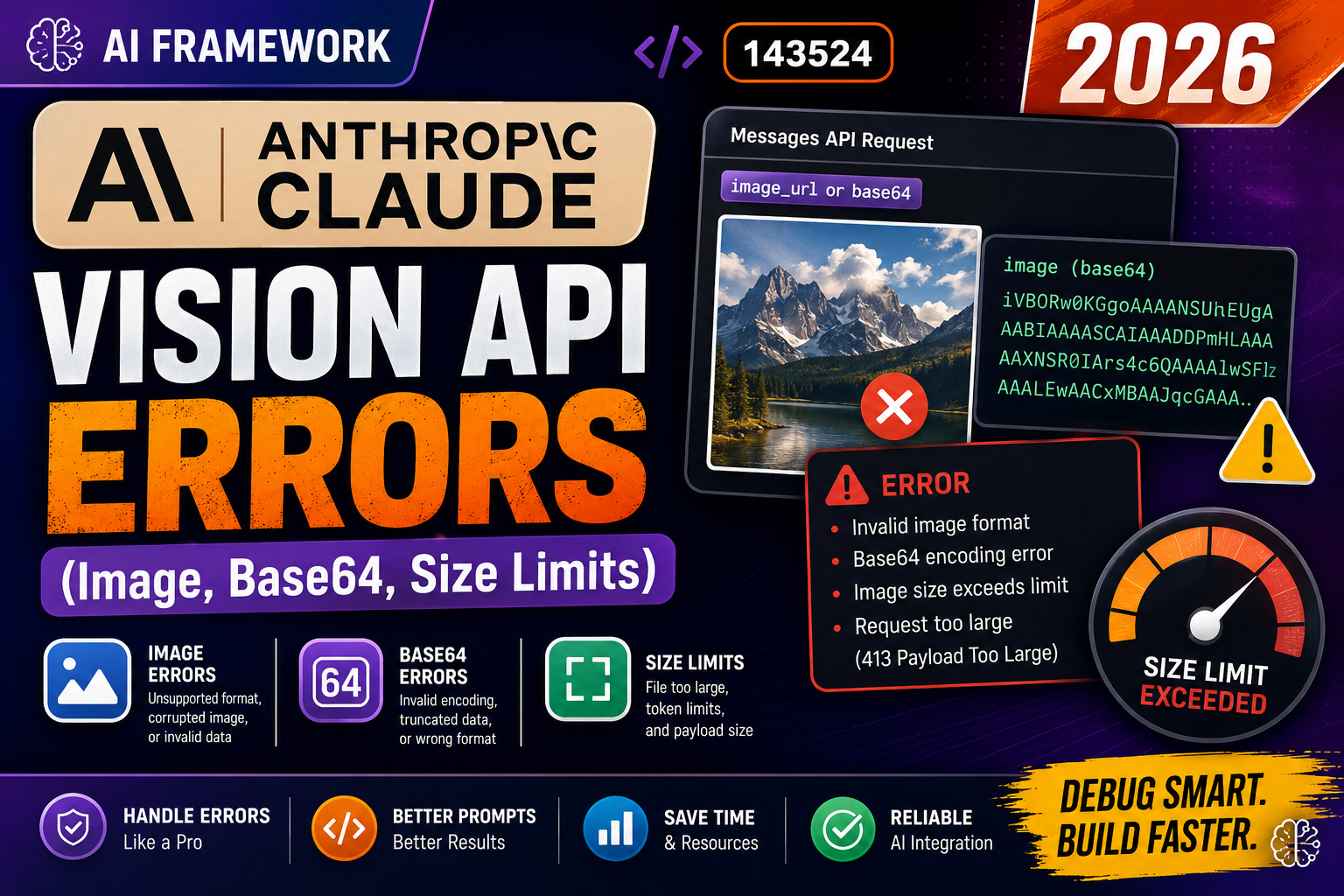
Anthropic’s Claude vision API accepts images in every Messages call. Common errors: 400 invalid media_type, image exceeds max size, and base64 decode failed. Root causes are always the same: wrong image encoding, unsupported format, or missing MIME type. Here is the working pattern for URL, base64, and file paths in 2026.
Supported image formats and limits (2026)
- Formats: JPEG, PNG, GIF (non-animated), WebP
- Max file size: 5 MB per image (base64-encoded is larger than raw)
- Max dimensions: 8000 x 8000 px, resized to 1568 x 1568 max internally
- Images per request: up to 20 images
Pattern 1: image from URL (simplest)
import anthropic

client = anthropic.Anthropic()

response = client.messages.create(
    model="claude-opus-4-8",
    max_tokens=1024,
    messages=[{
        "role": "user",
        "content": [
            {
                "type": "image",
                "source": {
                    "type": "url",
                    "url": "https://example.com/photo.jpg",
                },
            },
            {"type": "text", "text": "Describe this image"},
        ],
    }],
)

print(response.content[0].text)
Pattern 2: image from local file (base64)
import anthropic
import base64
from pathlib import Path

def encode_image(path: str) -> tuple[str, str]:
    """Return (media_type, base64_data) for an image file."""
    p = Path(path)
    ext = p.suffix.lower()

    MEDIA_TYPES = {
        ".jpg": "image/jpeg",
        ".jpeg": "image/jpeg",
        ".png": "image/png",
        ".gif": "image/gif",
        ".webp": "image/webp",
    }
    media_type = MEDIA_TYPES.get(ext)
    if not media_type:
        raise ValueError(f"Unsupported format: {ext}")

    data = base64.standard_b64encode(p.read_bytes()).decode("utf-8")
    return media_type, data

client = anthropic.Anthropic()
media_type, data = encode_image("./receipt.jpg")

response = client.messages.create(
    model="claude-opus-4-8",
    max_tokens=1024,
    messages=[{
        "role": "user",
        "content": [
            {
                "type": "image",
                "source": {
                    "type": "base64",
                    "media_type": media_type,
                    "data": data,
                },
            },
            {"type": "text", "text": "Extract line items from this receipt"},
        ],
    }],
)

print(response.content[0].text)
Fix 1: 400 invalid media_type
# WRONG: media_type does not match actual image bytes
# source: {"type": "base64", "media_type": "image/jpeg", "data": png_base64}
# Anthropic returns 400: invalid media_type

# FIX: detect the actual format from file bytes
import magic   # pip install python-magic

def detect_media_type(image_bytes: bytes) -> str:
    m = magic.Magic(mime=True)
    return m.from_buffer(image_bytes)

# Now media_type always matches the actual bytes
img_bytes = Path("./photo.dat").read_bytes()
media_type = detect_media_type(img_bytes)   # e.g. "image/png" even if extension is wrong
Fix 2: image too large (5 MB limit)
from PIL import Image
from io import BytesIO
import base64

def resize_if_needed(path: str, max_bytes: int = 5_000_000) -> bytes:
    """Return image bytes, downscaling if needed to fit under max_bytes."""
    img = Image.open(path)
    quality = 90

    while True:
        buf = BytesIO()
        # Save as JPEG for smaller size
        rgb = img.convert("RGB")
        rgb.save(buf, format="JPEG", quality=quality, optimize=True)
        data = buf.getvalue()

        if len(data) <= max_bytes:
            return data
        if quality > 20:
            quality -= 10
            continue
        # Downscale
        w, h = img.size
        img = img.resize((w // 2, h // 2))
        quality = 90

image_bytes = resize_if_needed("./big_photo.jpg")
media_type = "image/jpeg"
data_b64 = base64.standard_b64encode(image_bytes).decode("utf-8")
Debugging checklist
- Check the actual bytes of the image match the declared media_type. Use
python-magicor PIL to detect. - Verify file size under 5 MB. Use PIL to resize if bigger.
- For URLs, verify the URL is publicly reachable. Anthropic fetches server-side and cannot use signed-in URLs.
- Base64 encoding must be standard base64, not URL-safe base64. Use
base64.standard_b64encode, notbase64.urlsafe_b64encode.
Common mistakes with Claude Vision
- Passing raw bytes instead of base64. The
datafield expects a base64 string, not raw bytes. - Wrong media_type from file extension. Files can be renamed. Detect from bytes to avoid 400 errors.
- Streaming images over WebSocket then passing to Claude. Anthropic wants the full image at request time. Buffer first.
- Sending PDFs as images. Claude has a separate PDF path via document type. Do not encode a PDF page as PNG unless you rendered it.
Comparison at a glance
Different AI tools serve different purposes. Match the tool to your workflow before committing to any single vendor.
- General-purpose chat: ChatGPT (Plus tier for GPT-4), Claude (Pro tier), Gemini Advanced. All cost $20/month with similar quality but different personalities.
- Coding assistance: GitHub Copilot ($10/month), Cursor ($20/month), Codeium (free tier). Copilot integrates deepest with VS Code; Cursor is a purpose-built AI editor.
- Search + citation: Perplexity is the search-first alternative. Better for research where sources matter than for open-ended conversation.
- Image generation: DALL-E (in ChatGPT Plus), Midjourney ($10/month), Stable Diffusion (free, self-hosted). Midjourney has the strongest artistic quality; DALL-E is best for realistic photos.
- Free tiers matter: Every major tool has a free tier good enough for casual use. Start free, upgrade only when you hit limits.
Common mistakes when adopting AI tools
- Trusting first-draft output blindly. Every AI hallucinates. Verify factual claims, code correctness, and dates. Treat AI output as a strong first draft, not final work.
- Paying for tools without a use case. Do not subscribe to Copilot Plus, ChatGPT Team, and Claude Pro simultaneously if you rarely use them. Pick one primary tool and use free tiers of the others.
- Ignoring privacy. Free tiers of most AI tools use your prompts for training. If you handle sensitive data, use paid tiers with data-usage guarantees or self-hosted models.
- Overusing AI for simple tasks. Sometimes a quick Google search or a look at the docs is faster than crafting a prompt. Match tool to task complexity.
- Not learning prompt engineering. The gap between beginner and expert AI users is prompt quality. Invest 2-3 hours learning prompt patterns; it multiplies your output.
Practical adoption path
How to add AI tools to your workflow without disrupting what works:
Week 1: Pick one general-purpose chat tool (ChatGPT, Claude, or Gemini). Use free tier for 5-10 real tasks: writing emails, summarizing documents, drafting code, brainstorming ideas. Track which tasks it accelerates versus where it slows you down.
Week 2: Add a coding tool if you code (Copilot or Cursor). Same evaluation: which tasks does it accelerate? Which does it distract from?
Week 3: Assess. If a tool consistently saves you 30+ minutes per day, subscribe. If it only helps occasionally, stay on the free tier.
Ongoing: Reassess quarterly. AI tools evolve fast. A tool that was great in Q1 may have been surpassed by Q3.
Best practices for AI-assisted work
- Verify before shipping. AI output looks confident even when wrong. Always test code, fact-check claims, and review generated content before it goes out.
- Version your prompts. Keep a library of prompts that work well. Reuse and iterate rather than starting from scratch each time.
- Combine tools. Use one for brainstorming, another for polishing. Different tools have different strengths.
- Learn continuously. The AI space changes weekly. Follow one credible newsletter (Ben’s Bites, TLDR AI, The Batch) to stay current without drowning in noise.
Official documentation
Quick step-by-step summary (click to expand)
- Verify image size. Claude Vision supports images up to 5MB. Compress larger images with Pillow or Sharp before uploading.
- Check image format. Supported: JPEG, PNG, GIF, WebP. Convert other formats before sending.
- Correctly base64-encode. Read the file as bytes then base64.b64encode(bytes).decode(). Do NOT include the data:image/png;base64, prefix.
- Structure the message correctly. Use role=user with content array containing {type: image, source: {type: base64, media_type: image/png, data: BASE64_STRING}}.
- Handle common errors. InvalidRequest usually means wrong media_type or corrupted base64. APIError 413 means too large. RateLimitError means slow down or upgrade plan.
Frequently Asked Questions
Does Claude Haiku 4.5 support vision?
Yes. All Claude 4+ models support vision. Older Claude 3 Sonnet and 3 Haiku also support vision. Verify model support at Anthropic docs before shipping.
Are images billed by size?
Yes. Anthropic bills images as input tokens based on final resized dimensions. A 1568×1568 image is roughly 1600 tokens. Small images cost less.
Can I send screenshots for UI debugging?
Yes and this is a common workflow. Claude reads the screenshot and suggests fixes. Pair with text describing the expected vs actual behavior.
Does animated GIF work?
Only the first frame. For video use PDF or extract frames yourself and send as separate images.
Can I OCR receipts and forms?
Yes. Claude vision reliably extracts structured data from receipts, invoices, and forms. Pair with a prompt asking for JSON output for downstream processing.

Adrian Mercurio
Full-Stack Developer at PIES IT Solution
Specializes in building complete capstone projects with full documentation. Strong background in PHP/MySQL development and database design. Has personally built and tested over 30 capstone-ready projects with ER diagrams, DFDs, and chapter-by-chapter thesis documentation.
Expertise: PHP · Laravel · Database Design · Capstone Projects · C# · C · View all posts by Adrian Mercurio →