
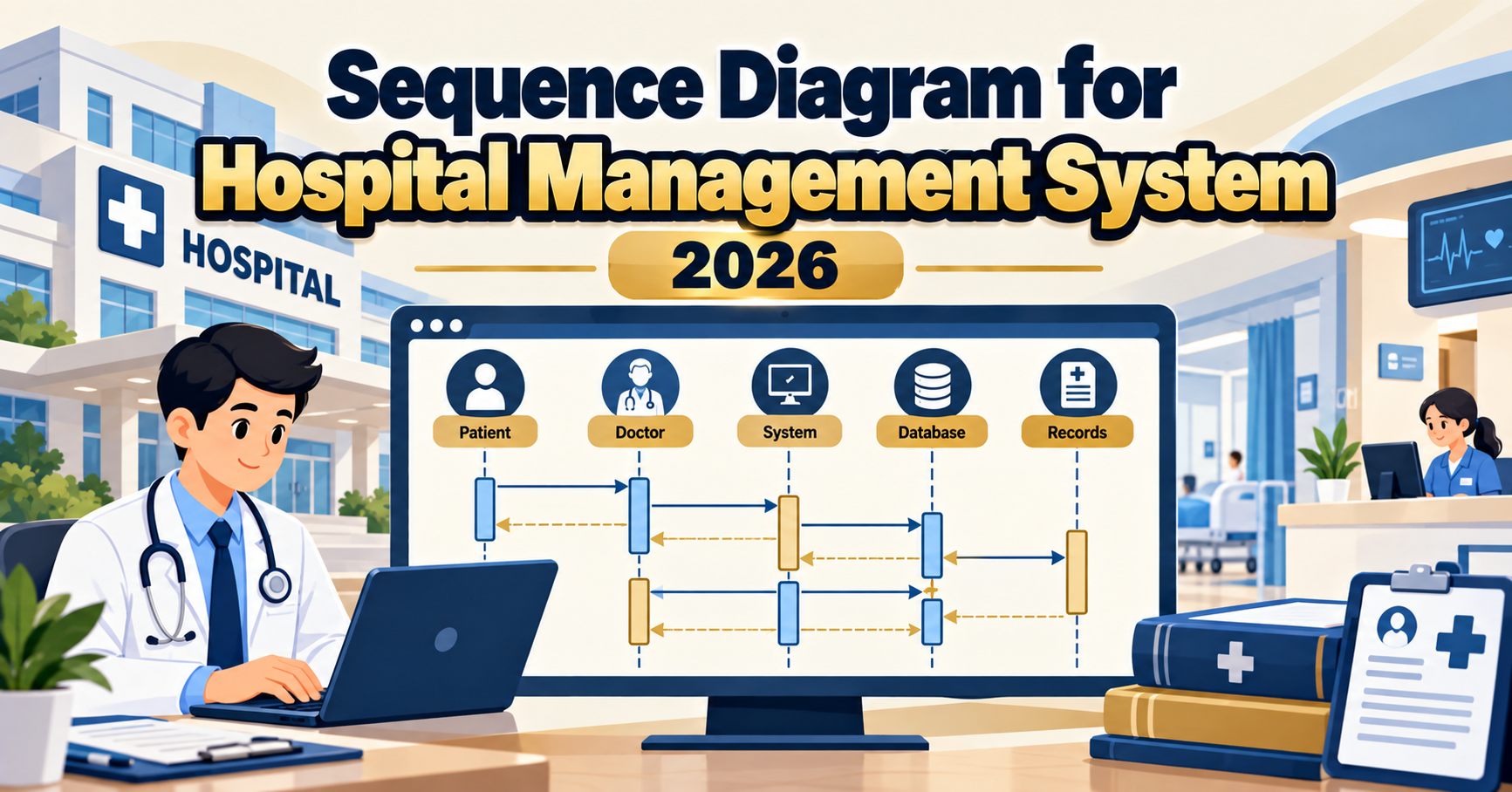
A sequence diagram for a hospital management system shows the ordered exchange of messages between patients, doctors, nurses, admin staff, and system components when a patient is registered, an appointment is booked, a consultation happens, a lab test is ordered, or a bill is settled with PhilHealth. Where the DFD shows data flow, the sequence diagram shows message ordering. Panels in 2026 expect at least 3-4 scenarios with proper alt fragments and current-year features like telemedicine and e-prescription. This guide walks through the diagrams with defense-ready detail.
Quick 2026 verdict
A defensible hospital sequence diagram covers 4-5 scenarios: register patient, book appointment, consult with doctor + write prescription, order lab test + receive result, and process billing + PhilHealth claim. Each scenario needs an Actor (Patient, Doctor, or Nurse), UI object, Service or Controller object, and Repository / external system objects. Show activation bars, alt fragments for branching, and current-year features like telemedicine video link and e-prescription QR.
Sequence diagram basics for a hospital context
A hospital sequence diagram has more actors than most capstone systems because healthcare is a team activity. Standard actors:
Want to customize this sequence diagram for your capstone?
Open the Hospital Management System template in CapstoneUML. Drag, rename, add relationships, then export as PNG, SVG, PowerPoint, or PDF for your Chapter 3 documentation.
- Patient: registers, books, receives services and pays
- Doctor: consults, diagnoses, orders lab tests, writes prescriptions
- Nurse: vitals capture, medication administration, triage
- Admin / Billing: registration, appointment scheduling, invoicing, claim submission
- Pharmacist: prescription dispensing (may be internal object or external)
- Lab Technician: test order fulfillment, result reporting
- PhilHealth / HMO: external system that receives claims and returns approval or denial
Panels grade hospital sequence diagrams on scenario completeness, alt fragment usage for branching (walk-in vs online, PhilHealth-covered vs cash), and 2026 relevance (telemedicine, e-prescription).
Scenario 1: Patient registration
Patient -> RegistrationUI: submitForm(name, birthdate, contact, PhilHealthNumber)
RegistrationUI -> PatientService: registerPatient(formData)
PatientService -> PhilHealthAPI: verifyMember(PhilHealthNumber)

alt PhilHealth number valid:
  PhilHealthAPI --> PatientService: memberStatus(active, contribution)
  PatientService -> PatientRepository: createPatient(patientData, PhilHealthActive=true)
else invalid or no PhilHealth:
  PatientService -> PatientRepository: createPatient(patientData, PhilHealthActive=false)
end

PatientRepository --> PatientService: patientId
PatientService -> NotificationService: sendWelcomeSMS(patientId)
PatientService --> RegistrationUI: registered(patientId)
RegistrationUI --> Patient: display ID card + QR code
Scenario 2: Book appointment
Patient -> AppointmentUI: bookAppointment(doctorId, preferredDate)
AppointmentUI -> AppointmentController: requestBooking(patientId, doctorId, preferredDate)
AppointmentController -> ScheduleRepository: getAvailableSlots(doctorId, preferredDate)
ScheduleRepository --> AppointmentController: availableSlots

alt slots available on preferred date:
  AppointmentController -> AppointmentRepository: createAppointment(patientId, doctorId, selectedSlot)
  AppointmentRepository --> AppointmentController: appointmentId
  AppointmentController -> NotificationService: sendConfirmation(patientId, doctorId, slot)
else no slots on preferred date:
  AppointmentController --> AppointmentUI: alternativeDates(nearbyOptions)
  AppointmentUI --> Patient: propose alternative dates
end

opt appointment is telemedicine:
  AppointmentController -> TelemedicineService: generateVideoLink(appointmentId)
  TelemedicineService --> AppointmentController: meetingURL
  NotificationService: sendVideoLink(patientId, meetingURL)
end

AppointmentController --> AppointmentUI: booked(appointmentId, date, telemedicineLink)
Scenario 3: Consultation and prescription
Doctor -> ConsultationUI: startConsultation(appointmentId)
ConsultationUI -> ConsultationController: loadPatientContext(appointmentId)
ConsultationController -> PatientRepository: getMedicalHistory(patientId)
PatientRepository --> ConsultationController: medicalHistory
ConsultationController --> ConsultationUI: patientContext
ConsultationUI --> Doctor: display history + vitals

Doctor -> ConsultationUI: recordDiagnosis(diagnosisText, icdCode)
ConsultationUI -> ConsultationController: saveDiagnosis(consultationId, data)
ConsultationController -> ConsultationRepository: writeDiagnosis(data)

Doctor -> ConsultationUI: writePrescription(medications[])
ConsultationUI -> PrescriptionService: createPrescription(consultationId, medications)
PrescriptionService -> PrescriptionRepository: writePrescription(items)
PrescriptionRepository --> PrescriptionService: prescriptionId + QRcode
PrescriptionService --> ConsultationUI: prescription(id, QRcode)
ConsultationUI --> Doctor: display prescription
ConsultationUI --> Patient (via email or SMS): eRxDelivered(prescriptionQR)
Scenario 4: Lab test order and result
Doctor -> LabOrderUI: orderTest(patientId, testType[])
LabOrderUI -> LabController: createOrder(consultationId, tests)
LabController -> LabOrderRepository: writeOrder(orderId, patientId, tests, priority)
LabController -> NotificationService: notifyLabTech(orderId)

... (patient goes to lab, sample collected)

LabTechnician -> LabResultUI: enterResult(orderId, results, referenceRanges)
LabResultUI -> LabController: saveResults(orderId, resultData)
LabController -> LabResultRepository: writeResults(orderId, values, flags)

alt any result is critical (outside reference range):
  LabController -> NotificationService: alertDoctor(orderId, criticalValue)
  LabController -> NotificationService: alertPatient(orderId, "please contact doctor")
else results normal:
  LabController -> NotificationService: notifyResultReady(patientId, orderId)
end

Patient -> PatientPortal: viewResults(orderId)
PatientPortal -> LabResultRepository: getResults(orderId)
LabResultRepository --> PatientPortal: results
PatientPortal --> Patient: display results + doctor's comment
Scenario 5: Billing and PhilHealth claim
Cashier -> BillingUI: generateBill(patientId, dischargeId)
BillingUI -> BillingController: computeBill(patientId, services[])
BillingController -> ServiceCatalogRepository: getPrices(serviceIds)
ServiceCatalogRepository --> BillingController: prices

alt patient has active PhilHealth:
  BillingController -> PhilHealthAPI: submitClaim(patientId, diagnosis, services)
  PhilHealthAPI --> BillingController: approvedAmount, balance
  BillingController -> BillingRepository: writeBill(totalAmount, PhilHealthPortion, patientPortion)
else no PhilHealth or claim denied:
  BillingController -> BillingRepository: writeBill(totalAmount, PhilHealthPortion=0, patientPortion=totalAmount)
end

BillingController --> BillingUI: bill(patientAmountDue)
Patient -> BillingUI: submitPayment(method, amount)
BillingUI -> PaymentGateway: processPayment(amount, method)

alt payment successful:
  PaymentGateway --> BillingUI: paymentApproved(txId)
  BillingUI -> BillingRepository: markPaid(billId, txId)
  BillingUI --> Patient: display official receipt + eOR via email
else payment failed:
  BillingUI --> Patient: display error + retry option
end
2026 features every hospital sequence diagram should include
- Telemedicine video link. Appointment booking may generate a video meeting URL via TelemedicineService object. Show this as opt fragment.
- E-prescription with QR code. Prescription is not just printed paper; system generates a QR code the patient scans at the partner pharmacy for dispensing.
- PhilHealth CARES / eClaim integration. Show PhilHealthAPI external object with claim submission and approval flow.
- Patient portal / mobile app. Patient views results and prescriptions via PatientPortal object, not just at reception.
- SMS notifications throughout. Appointment confirmation, lab result ready, prescription QR, billing statement. NotificationService object appears repeatedly.
- Critical result alerting. Show alt fragment for critical lab values triggering direct doctor and patient alerts.
- Data Privacy Act notation. Add a note on the diagram: “Medical records access logged. Governed under RA 10173.”
Common panel deductions on hospital sequence diagrams
- Missing PhilHealth flow entirely (major deduction for a Philippine hospital capstone)
- No alt fragment for PhilHealth-covered vs cash patient (billing looks incomplete)
- Prescription written but no dispensing flow to pharmacy (loose thread)
- Lab result flow does not distinguish critical vs normal values
- Doctor writes to PatientRepository directly, skipping the Controller (breaks layered architecture)
- Telemedicine option shown at Level 0 but no sequence variant for video appointment
- No PatientPortal object for self-service viewing
- All flows shown for admin path; missing patient-initiated flows (booking, viewing results)
Frequently Asked Questions
Do I need to show real PhilHealth API integration?
Real API integration requires accreditation from PhilHealth. For BSIT capstone, simulate the PhilHealthAPI external system with a mock service. Show the interaction pattern in the sequence diagram; panels care about the design, not the actual API credentials.
How do I show telemedicine without over-complicating?
Add an opt fragment in the Book Appointment scenario for “if appointment type is telemedicine”. Inside the fragment, TelemedicineService generates a video meeting link (Zoom, Google Meet, Whereby) and NotificationService delivers it to the patient. That is sufficient for capstone defense.
Should I include the nurse as a separate actor?
Yes if the system supports vitals capture, triage, or medication administration by nurses. Add nurse as a separate actor in scenarios 3 (pre-consultation vitals) and 5 (medication administration). Skipping the nurse looks unrealistic for a hospital.
How does the sequence diagram differ from the DFD for the same hospital?
The DFD shows what data flows between which processes and stores at a scoping level. The sequence diagram shows the time-ordered exchange of messages between specific objects for a specific scenario. Both belong in Chapter 3 of a BSIT capstone; each answers different panel questions.
Do I need a separate diagram for each specialty (OB, pediatrics, etc.)?
No. The consultation flow is nearly identical across specialties. Show one generic Consultation scenario. If your system has a specialty-specific workflow (like OB with prenatal record tracking), add one more scenario for that. Do not multiply scenarios by specialty count.
Should the sequence diagram show the payment gateway (GCash, PayMongo)?
Yes, in the Billing scenario. PaymentGateway is an external object with processPayment call and paymentApproved or paymentFailed return. Show alt fragment for successful vs failed payment. Panels appreciate seeing 2026 payment methods (GCash QR, credit card, cash).
Related UML tutorials
- DFD for Hospital Management System Data Flow Diagram
- ER Diagram for Hospital Management System (with SQL Schema)
- Sequence Diagram for Library Management System
- DFD for E-commerce Website (Levels 0, 1, 2)
Official documentation
Official documentation

Angel Jude Suarez
Full-Stack Developer at PIES IT Solution
Focuses on Python development, machine learning, and AI integration. Has built production AI systems including OpenAI Whisper integration for medical transcription and GPT-4o-powered diagnosis assistance. Strong background in pandas, scikit-learn, and TensorFlow.
Expertise: Python, PHP, Java, VB.NET, ASP.NET, Machine Learning, AI Integration, OpenCV, Django, CodeIgniter · View all posts by Angel Jude Suarez →
Skip the redraw: grab the Hospital Management System template
Class, Use Case, ER, DFD, Activity, and Sequence diagrams already filled in with capstone-ready entities and flows. Free preview, no card required.