
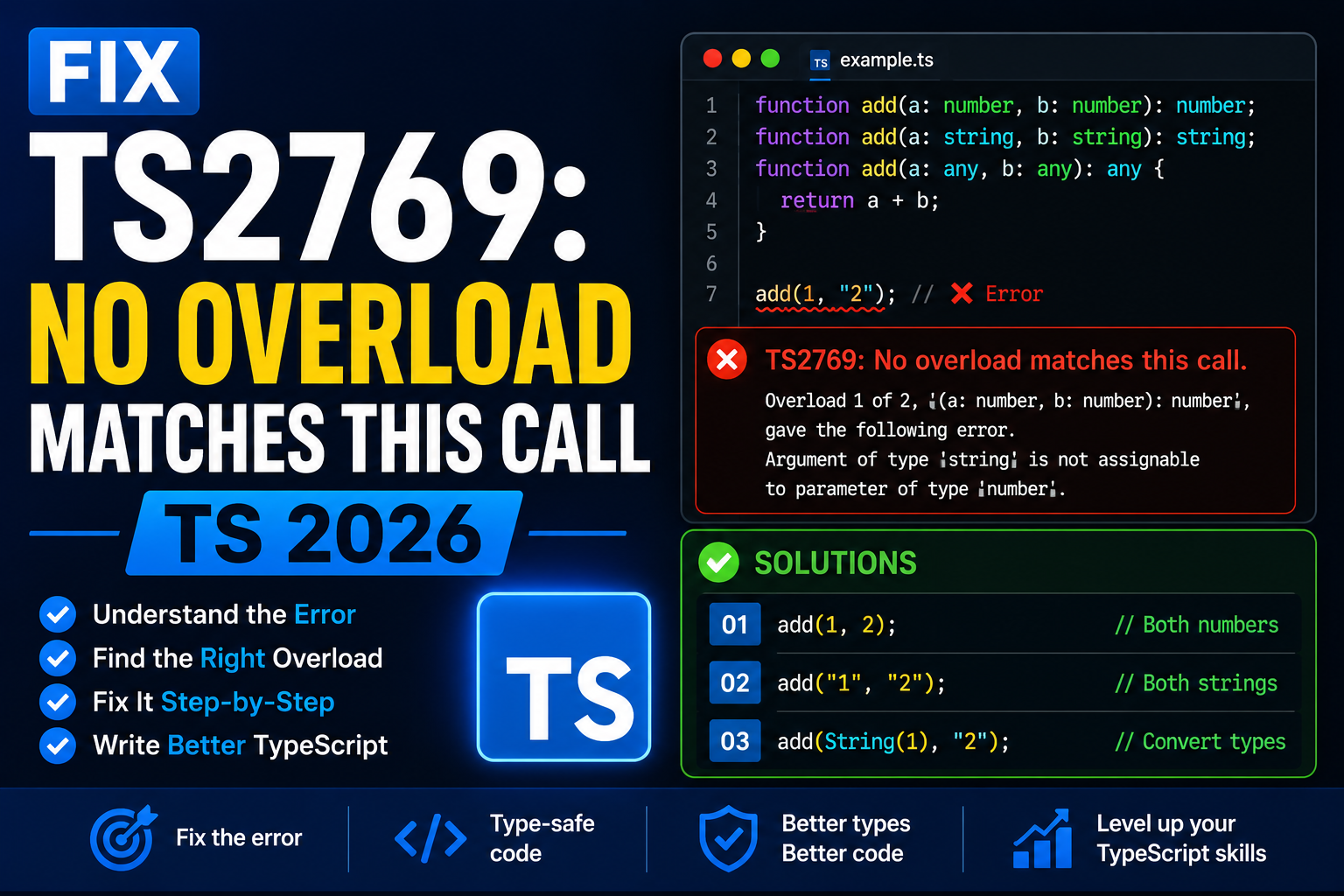
TS2769: No overload matches this call fires when you call a function with arguments that do not match any of its declared overloads. Very common in React with useState setter, event handlers, and addEventListener across event types. Here is the complete 2026 fix guide with the real-world patterns.
Why TS2769 happens
Many TypeScript functions have multiple overload signatures. When you call one with arguments that fit none of the signatures, TypeScript lists every overload attempt and shows why each failed. Read the full error – it tells you exactly what shape the compiler expected.
Fix 1: React useState setter
import { useState } from "react";

// WRONG: TypeScript infers number from 0
const [count, setCount] = useState(0);
setCount("five");
// TS2769: No overload matches. Argument of type 'string' not assignable to 'SetStateAction<number>'.

// FIX 1: use the correct type
setCount(5);

// FIX 2: annotate the state type explicitly
const [value, setValue] = useState<number | string>(0);
setValue("five");   // works now

// FIX 3: use the updater form when depending on previous state
setCount(prev => prev + 1);
Fix 2: addEventListener overloads
// WRONG: click handler expects MouseEvent, not KeyboardEvent
button.addEventListener("click", (e: KeyboardEvent) => {
  console.log(e.key);
});
// TS2769: No overload matches this call.

// FIX: match the event type to the event name
button.addEventListener("click", (e: MouseEvent) => {
  console.log(e.button);
});

button.addEventListener("keydown", (e: KeyboardEvent) => {
  console.log(e.key);
});
Fix 3: React JSX prop mismatch
// Custom component that expects specific props
type ButtonProps = {
  onClick: (e: React.MouseEvent<HTMLButtonElement>) => void;
  label: string;
};

function Button(props: ButtonProps) {
  return <button onClick={props.onClick}>{props.label}</button>;
}

// WRONG: passing keyboard handler
<Button
  onClick={(e: React.KeyboardEvent) => console.log(e.key)}
  label="Save"
/>
// TS2769: no overload matches (KeyboardEvent vs MouseEvent)

// FIX: match the event type
<Button
  onClick={(e) => console.log(e.button)}
  label="Save"
/>
Fix 4: Number.parseInt strictness
// WRONG: parseInt with a possibly-undefined value
const raw: string | undefined = process.env.PORT;
const port = parseInt(raw, 10);
// TS2769: Argument of type 'string | undefined' is not assignable to parameter of type 'string'.

// FIX 1: guard first
const raw = process.env.PORT;
const port = raw ? parseInt(raw, 10) : 3000;

// FIX 2: nullish coalescing
const port = parseInt(process.env.PORT ?? "3000", 10);
Debugging checklist
- Read the FULL error text. TS2769 lists every overload it tried and why each failed. The clue is in there.
- Check that your argument types match the function signature exactly. Nullable arguments are the top cause.
- For React, verify that state annotations match what you plan to store. Add explicit generics to
useStateif you plan to store multiple types. - For addEventListener, remember event names map to specific event types (click → MouseEvent, keydown → KeyboardEvent, etc.).
Common mistakes when fixing TS2769
- Reading only the first line of the error. TS2769 shows all failed overloads. The last one often has the useful message.
- Casting the wrong argument. Cast bypasses the type check. If the runtime value does not fit, you crash silently.
- Adding wrong generic to
useState. Widening the type just to silence the error hides real bugs downstream. - Copying event handlers between different event types. KeyboardEvent has
.key, MouseEvent has.button. Not interchangeable.
Debugging TypeScript errors systematically
TypeScript errors follow a predictable pattern once you understand the compiler’s logic. Before jumping to fixes, run through this diagnostic checklist.
- Read the FULL error message. The compiler tells you both the actual type it sees and the expected type. Match them side by side to spot the mismatch.
- Check strictNullChecks and strict mode. Many errors trace back to
strict: truein tsconfig.json. If you inherited a codebase with strict mode on, expect more errors than in loose mode. - Look at inferred types with hover. VS Code shows inferred types on hover. Compare what TypeScript sees vs what you assumed.
- Use // @ts-expect-error strategically. When you know better than the compiler temporarily, mark the line. TypeScript flags the annotation when the underlying issue is fixed.
- Isolate the failing line in a minimal reproducer. A standalone
.tsfile with hardcoded inputs often surfaces the root cause faster than debugging in place.
Common TypeScript configuration issues
Many “why does this not compile” issues trace back to tsconfig.json, not your code.
- strict flag toggles many checks at once.
strict: trueenables strictNullChecks, noImplicitAny, strictFunctionTypes, and more. Turning on strict without preparing your code produces hundreds of errors. - Version mismatch between global and project TypeScript. Different TypeScript versions produce different errors. Pin the version in package.json for consistency.
- skipLibCheck can hide real issues. Setting
skipLibCheck: truespeeds up compilation but hides type mismatches in dependencies. Fine for CI but keep it off during development. - Path aliases and moduleResolution mismatches. The
pathsconfig in tsconfig only works with the right moduleResolution setting. Match “bundler” for Vite, “node16” for Node. - Ambient declarations vs modules. Files with imports are modules; files without imports are ambient scripts. Some errors happen because a file is treated as one when you expected the other.
Production TypeScript best practices
Once you get past errors and ship code, keep these habits to prevent recurring problems.
- Enable strict mode from day 1 on new projects. Migrating to strict later is 10x more work.
- Never use
anywithout a good reason.unknownis safer and forces you to narrow before use. - Avoid type assertions (
as) except at API boundaries. Assertions bypass the type system. Use them sparingly at edges (JSON parsing, DOM, external APIs). - Prefer type over interface for new code. Type aliases work everywhere interfaces do, plus support unions, intersections, and mapped types.
- Test type-level logic. Tools like
expect-typeortsdlet you write tests for your type definitions.
Learning resources for TypeScript
Beyond fixing the current error, deeper TypeScript knowledge pays dividends for years. Recommended starting points:
- Official Handbook. typescriptlang.org/docs/handbook. The canonical reference, well-written and up-to-date.
- Total TypeScript by Matt Pocock. Free tutorials and paid courses. Best for going from junior to advanced TypeScript.
- Type Challenges GitHub repo. Interactive problems that build type-level programming skills.
- TypeScript Deep Dive. Free online book, especially good for the “why” behind features.
- Try in the playground. typescriptlang.org/play lets you experiment with types and see errors immediately.
Official documentation
Frequently Asked Questions
Why does the error list multiple overloads?
The function has more than one valid call signature. TS2769 tells you which each one expects vs what you provided. Read them all to find your closest match.
Can I create my own overloaded function?
Yes. Declare multiple function signatures above the implementation. But often a single generic function is cleaner than overloads.
Should I use useState with generic or not?
Add generic when the state can hold values wider than the initial value (like null before load, or union of types). Skip generic when the initial value is representative.
Why do React event types matter?
Different DOM events expose different properties. MouseEvent has button and clientX. KeyboardEvent has key and code. TypeScript enforces this to prevent runtime “property does not exist” bugs.
Is TS2769 always fixable without casting?
Almost always. Casting means you know something the compiler does not. Prove it with a guard or fix the actual type mismatch instead.

Caren Bautista
Technical Writer at PIES IT Solution
Responsible for crafting clear, well-structured, and beginner-friendly content across the platform. Handles the writing, proofreading, and editorial review of tutorials, guides, and documentation to ensure every article is accurate, readable, and easy to follow.
Expertise: Technical Writing · Content Creation · Documentation · Editorial Writing · JavaScript · TypeScript · View all posts by Caren Bautista →