
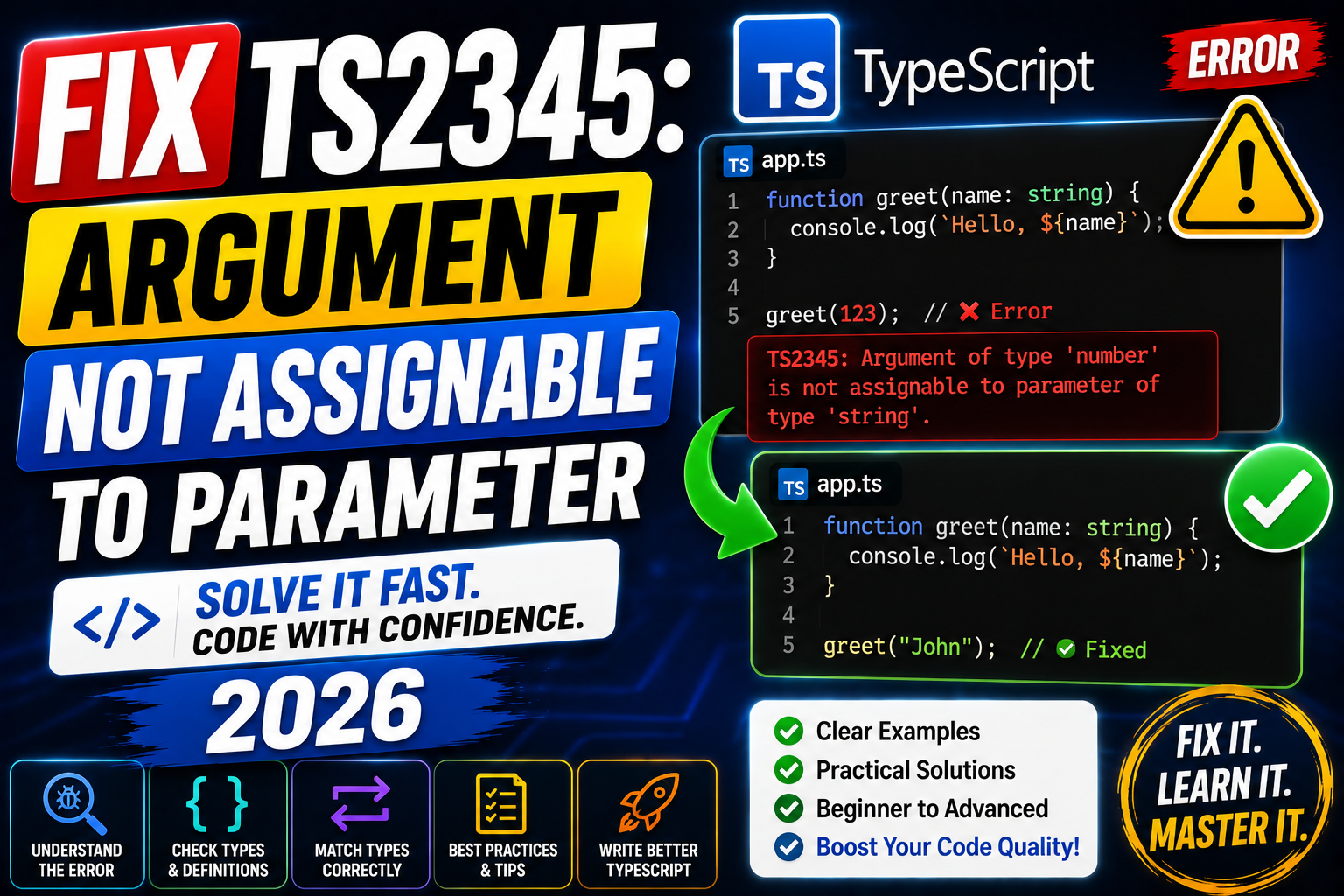
TS2345: Argument of type 'X' is not assignable to parameter of type 'Y' is the cousin of TS2322. Fires when you pass a value to a function that does not match the expected parameter type. Common triggers: React props, fetch responses, callback shape mismatch, and nullable arguments. Here is the complete 2026 fix guide.
Why TS2345 happens
TypeScript checks every function call for type compatibility. When your argument’s type does not fit the parameter’s type, TS2345 fires with both types spelled out. Fix by narrowing the argument, updating the parameter type, or providing a type-safe converter.
Fix 1: nullable argument to non-nullable parameter
function shout(msg: string) {
  return msg.toUpperCase();
}

const optional: string | undefined = getSomeValue();

// WRONG
shout(optional);
// TS2345: Argument of type 'string | undefined' is not assignable to parameter of type 'string'.

// FIX 1: guard
if (optional !== undefined) shout(optional);

// FIX 2: nullish coalescing default
shout(optional ?? "");

// FIX 3: update the function signature
function shout(msg?: string) {
  return (msg ?? "").toUpperCase();
}
Fix 2: object shape mismatch
type User = { id: number; email: string; verified: boolean };

function sendEmail(u: User) {
  console.log(u.email);
}

const partial = { id: 1, email: "a@b.com" };

// WRONG: missing 'verified'
sendEmail(partial);
// TS2345: missing property 'verified'.

// FIX 1: add the missing property
sendEmail({ ...partial, verified: false });

// FIX 2: update parameter type to accept partial
function sendEmail(u: Pick<User, "id" | "email">) {
  console.log(u.email);
}

// FIX 3: use Partial when caller wants flexibility
function sendEmail(u: Partial<User> & { email: string }) {
  console.log(u.email);
}
Fix 3: callback signature mismatch
function subscribe(cb: (value: string) => void) {}

// WRONG: callback returns string not void
subscribe(v => v.toUpperCase());
// May TS2345 depending on strict mode

// FIX 1: void the return
subscribe(v => { v.toUpperCase(); });

// FIX 2: update the parameter type if you want returns
function subscribe(cb: (value: string) => unknown) {}
Fix 4: React prop type mismatch
type ButtonProps = {
  label: string;
  onClick: (e: React.MouseEvent<HTMLButtonElement>) => void;
};

// WRONG: passing keyboard handler as onClick prop
const handler = (e: React.KeyboardEvent) => console.log(e.key);

<Button label="Go" onClick={handler} />
// TS2345: KeyboardEvent not assignable to MouseEvent parameter

// FIX: use the correct event type
const handler = (e: React.MouseEvent<HTMLButtonElement>) => console.log(e.button);
<Button label="Go" onClick={handler} />
Debugging checklist
- Read both types in the error. TS2345 spells out source and target types explicitly.
- Hover the argument in VS Code. Compare to parameter type declared on the function.
- For object arguments, check every missing/extra property. TypeScript names the first mismatch.
- For callbacks, verify parameter types AND return type.
Common mistakes when fixing TS2345
- Casting the argument with
as. If the runtime shape does not match, downstream code crashes on missing properties. - Widening parameter type with
any. Loses safety for the entire function body. - Ignoring extra properties. TypeScript allows extra properties when the value is not an object literal. Explicit type-annotations trigger stricter excess-property checks.
- Fixing at call site when function signature is wrong. If every caller shows the same mismatch, update the function instead.
Debugging TypeScript errors systematically
TypeScript errors follow a predictable pattern once you understand the compiler’s logic. Before jumping to fixes, run through this diagnostic checklist.
- Read the FULL error message. The compiler tells you both the actual type it sees and the expected type. Match them side by side to spot the mismatch.
- Check strictNullChecks and strict mode. Many errors trace back to
strict: truein tsconfig.json. If you inherited a codebase with strict mode on, expect more errors than in loose mode. - Look at inferred types with hover. VS Code shows inferred types on hover. Compare what TypeScript sees vs what you assumed.
- Use // @ts-expect-error strategically. When you know better than the compiler temporarily, mark the line. TypeScript flags the annotation when the underlying issue is fixed.
- Isolate the failing line in a minimal reproducer. A standalone
.tsfile with hardcoded inputs often surfaces the root cause faster than debugging in place.
Common TypeScript configuration issues
Many “why does this not compile” issues trace back to tsconfig.json, not your code.
- strict flag toggles many checks at once.
strict: trueenables strictNullChecks, noImplicitAny, strictFunctionTypes, and more. Turning on strict without preparing your code produces hundreds of errors. - Version mismatch between global and project TypeScript. Different TypeScript versions produce different errors. Pin the version in package.json for consistency.
- skipLibCheck can hide real issues. Setting
skipLibCheck: truespeeds up compilation but hides type mismatches in dependencies. Fine for CI but keep it off during development. - Path aliases and moduleResolution mismatches. The
pathsconfig in tsconfig only works with the right moduleResolution setting. Match “bundler” for Vite, “node16” for Node. - Ambient declarations vs modules. Files with imports are modules; files without imports are ambient scripts. Some errors happen because a file is treated as one when you expected the other.
Production TypeScript best practices
Once you get past errors and ship code, keep these habits to prevent recurring problems.
- Enable strict mode from day 1 on new projects. Migrating to strict later is 10x more work.
- Never use
anywithout a good reason.unknownis safer and forces you to narrow before use. - Avoid type assertions (
as) except at API boundaries. Assertions bypass the type system. Use them sparingly at edges (JSON parsing, DOM, external APIs). - Prefer type over interface for new code. Type aliases work everywhere interfaces do, plus support unions, intersections, and mapped types.
- Test type-level logic. Tools like
expect-typeortsdlet you write tests for your type definitions.
Learning resources for TypeScript
Beyond fixing the current error, deeper TypeScript knowledge pays dividends for years. Recommended starting points:
- Official Handbook. typescriptlang.org/docs/handbook. The canonical reference, well-written and up-to-date.
- Total TypeScript by Matt Pocock. Free tutorials and paid courses. Best for going from junior to advanced TypeScript.
- Type Challenges GitHub repo. Interactive problems that build type-level programming skills.
- TypeScript Deep Dive. Free online book, especially good for the “why” behind features.
- Try in the playground. typescriptlang.org/play lets you experiment with types and see errors immediately.
TypeScript version considerations
Compiler errors can change slightly between TypeScript versions. TypeScript 5.0+ introduced better error messages for many common issues. If you are on 4.x, upgrading may automatically improve diagnostic quality without any code change. Check your package.json for the pinned typescript version, then compare against the release notes at github.com/microsoft/TypeScript/releases before upgrading in production.
Official documentation
Frequently Asked Questions
TS2345 vs TS2322?
TS2345 is on function calls (arg vs param). TS2322 is on assignments (value vs target). Same underlying idea, different context.
When are excess properties allowed?
When the argument is a variable pre-typed as a superset. Direct object literals get excess-property checked strictly. This surprises many devs.
Should I use Partial or a new type?
Partial for progressive building or updates. New type for fixed shape. If only 2-3 properties needed, Pick is often cleaner than Partial.
Can I make a parameter accept any of two types?
Yes with a union type: (v: string | number) => .... Then narrow inside the function with typeof.
Does React’s ComponentProps help?
Yes. React.ComponentProps<typeof Button> gives you the exact prop types of a component. Great for wrapping or extending third-party components.

Caren Bautista
Technical Writer at PIES IT Solution
Responsible for crafting clear, well-structured, and beginner-friendly content across the platform.
Expertise: Technical Writing · Content Creation · Documentation · Editorial Writing · JavaScript · TypeScript · View all posts by Caren Bautista →