
Local SEO is where most Philippine SMBs get the fastest revenue lift from search. When someone in Cebu searches “dental clinic near me” or a Manila office worker searches “pizza delivery BGC”, Google shows a Map Pack of 3 local businesses at the top. Ranking in that Map Pack is often the single highest-ROI SEO move a Filipino business can make.
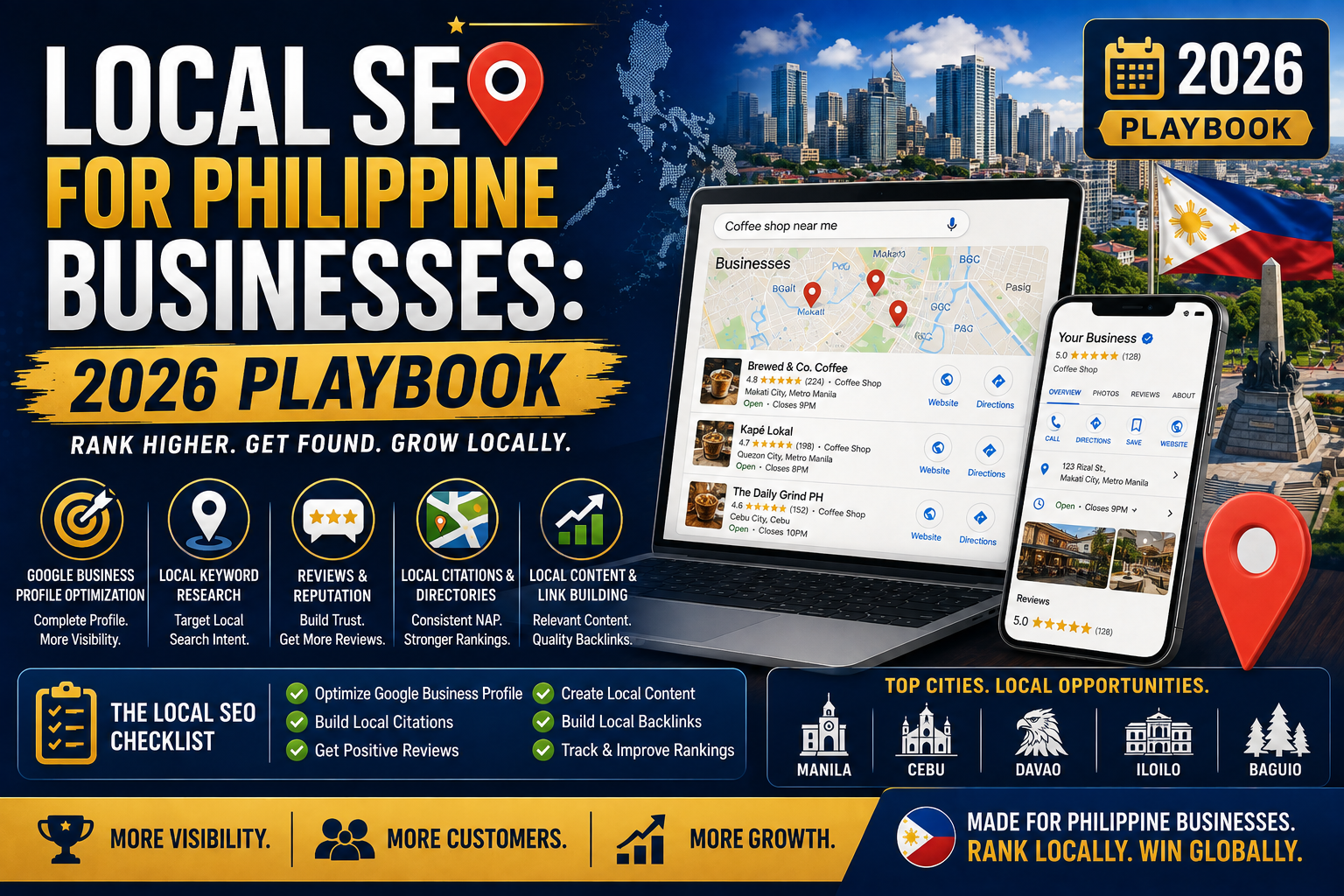
By the way, I have set this up for our own PIES office and for a few Filipino SMB friends who asked. Here is the exact 2026 playbook that consistently gets Philippine businesses into the Map Pack within 60 to 120 days.
What local SEO actually means for a Philippine business
Local SEO is about ranking for “near me” and location-based queries specific to your service area. For a Filipino business, that usually means:
- Ranking in the Google Map Pack (top 3 map results) for your primary service in your city
- Ranking well on regular Google organic results for “[service] in [city]” queries
- Building a Google Business Profile that converts search views into calls, directions, and store visits
Local SEO differs from national SEO because Google gives significant ranking boost based on physical proximity, PH-specific citations, and review activity. A national SEO tool like Moz Pro alone is not enough. You also need Moz Local or a similar Philippine-focused local SEO tool.
Step 1: Claim and verify your Google Business Profile
This is non-negotiable. If your business does not have a claimed Google Business Profile (GBP), nothing else in this playbook works.
- Go to business.google.com
- Click Manage now
- Search for your business name; if it appears, click Claim this business
- If not, click Add your business to Google
- Enter business name, category (see Step 2 for picking the right one), and address
- Verify via postcard (Google mails a code to your business address, takes 5 to 14 days in the Philippines)
- Or verify by video call (available for some categories, faster than postcard)
Postcard verification is standard for PH businesses. Make sure your business address on GBP exactly matches your actual physical address including barangay and city format.
Step 2: Pick the right primary category
Category selection is the single biggest ranking factor in the Map Pack. Rules:
- Pick the MOST SPECIFIC category that fits your primary revenue-generating service
- Wrong: “Restaurant” if you specifically serve pizza. Right: “Pizza restaurant”
- Wrong: “Beauty salon” if you specialize in nails. Right: “Nail salon”
- Add 2 to 4 secondary categories for related services
- Update category if you pivot your business focus (Google respects category changes)
Filipino businesses often pick generic categories to “capture more searches” but this backfires. Specific categories rank better for the queries that actually convert.
Step 3: Fill out every profile field completely
Google rewards profile completeness. Fill in:
- Business hours (including special hours for Filipino holidays)
- Business description (750 characters, keyword-natural)
- Phone number (mobile 09xx format for PH)
- Website URL
- Attributes (women-owned, LGBTQ+ friendly, wheelchair accessible, wifi, parking, etc.)
- Services or menu items (with descriptions and prices where possible)
- Payment methods accepted (GCash, cash, card, PayMaya)
- Photos: exterior, interior, staff, products or services (aim for 20 to 40 high-quality photos)
- Products list (for retail or e-commerce)
By the way, incomplete profiles almost never rank in Map Pack. This step alone takes 2 to 3 hours the first time but pays off for years.
Step 4: Build PH-specific citations (NAP consistency)
Citations are mentions of your business Name, Address, and Phone (NAP) on other websites. Google uses citation consistency as a trust signal.
Priority PH citation sites to submit your business to:
- Yellow Pages Philippines (yellow-pages-philippines.com)
- PH Directory (ph-directory.com)
- Trip Advisor (for restaurants, hotels, activities)
- Facebook Business Page (with exact matching NAP)
- Instagram Business Profile
- Foursquare
- Zomato (for food businesses)
- LinkedIn Company Page
- Yelp Philippines
- Local Chamber of Commerce websites (Manila Chamber, Cebu Chamber, etc.)
Critical rule: use the EXACT SAME name, address format, and phone number across every citation. “PIES IT Solutions” and “PIES Information Technology Solutions” count as DIFFERENT businesses to Google.
Step 5: Generate consistent Google reviews
Review volume and recency are top-3 Map Pack ranking factors. Playbook:
- Get your Google review link from Google Business Profile (Info > Get more reviews)
- Create a short review request template you can text or email to customers after a purchase or service
- Ask for reviews within 24 hours of service completion (recency = higher response rate)
- Print a QR code linking to your review URL and display at your storefront
- Respond to EVERY review (positive and negative) within 24 to 48 hours
Target: 10 to 20 new reviews per month for a small business. 30+ per month for a busy restaurant or clinic. Businesses that maintain 4.5+ star average with 50+ reviews consistently rank higher in Map Pack.
Step 6: Post weekly Google Business Profile updates
Google gives ranking boost to actively-maintained profiles.
- Post 1 to 2 updates per week (product highlights, offers, events, announcements)
- Add photos with every update
- Use the “Offer” post type for promotions (highest CTR)
- Use “Event” for scheduled activities with a date range
- Rotate content types (offer, product, event, general update)
By the way, weekly posting is what separates businesses that rank consistently from those that dropped off after month 2.
Step 7: Optimize your website for local queries
Your business website supports the Google Business Profile:
- Include your city and barangay in title tags for service pages
- Publish local content (blog posts about your neighborhood, city events, local case studies)
- Include a location schema markup on your Contact page (LocalBusiness schema.org type)
- Ensure your NAP appears in the website footer, matching your citations exactly
- Add an embed of your Google Map on your Contact page
Step 8: Monitor and iterate with Moz Local
Moz Local tracks your local presence across dozens of PH citation sites automatically.
- Sign up for Moz Local (starts at USD 14 per month per location)
- Enter your business details once; Moz pushes to all major PH citation sites automatically
- Track review generation trends across Google, Facebook, TripAdvisor in one dashboard
- Get alerts when a citation goes inconsistent (name typo, wrong phone, etc.)
- Monitor Map Pack ranking for your top 5 target queries weekly
Common local SEO mistakes I see PH businesses make
- Using different business names across citations. Google treats each variant as a separate entity. Pick one exact name and use it everywhere.
- Skipping Google Business Profile verification. An unverified profile has near-zero ranking power.
- Never responding to negative reviews. Silent businesses look neglected. A calm, professional reply to a negative review often converts the customer AND signals to Google that you are active.
- Picking a generic primary category. “Restaurant” vs “Pizza restaurant” is the difference between ranking or not for a specific pizza search.
- Buying fake reviews. Google detects them, and businesses caught buying reviews get suspended. One suspension can take months to reverse.
I hope this playbook helps your business rank in the Google Map Pack. Local SEO is one of the highest-ROI moves any Filipino SMB can make. If you have any questions, feel free to comment below or message us on our Facebook page.
Quick step-by-step summary (click to expand)
- Claim Google Business Profile. business.google.com, verify via postcard (5-14 days PH) or video call.
- Pick specific primary category. “Pizza restaurant” beats “Restaurant”. Add 2-4 secondary categories.
- Fill every profile field. Hours, description, phone, website, attributes, services, payment methods, 20-40 photos.
- Build PH citations. Yellow Pages PH, PH Directory, Facebook, Foursquare, Trip Advisor, Zomato, LinkedIn, Yelp PH, Chamber of Commerce.
- Generate reviews consistently. Review request template, ask within 24 hours, QR code at storefront, respond to every review within 48 hours.
- Post weekly updates. Offer, event, product, general. Rotate content types with photos each time.
- Optimize website. City in titles, LocalBusiness schema, matching NAP in footer, embedded Google Map.
- Monitor with Moz Local. Auto-push to citation sites, track reviews across platforms, Map Pack ranking alerts.
Official documentation
Tools for local SEO (affiliate)
The links below are affiliate links. We may earn a commission at no extra cost to you when you sign up. See our affiliate disclosure.
- Moz Local + Moz Pro (30-day free trial), automate PH citation submissions and Map Pack tracking
- Google Digital Marketing Certificate (Coursera), foundational local marketing training
- Local SEO Complete Course (Udemy), tactical playbook for small business owners
- DataCamp Marketing Analytics track, measure local ranking ROI over time
Frequently asked questions
How long does it take to rank in the Google Map Pack in the Philippines?
Typically 60 to 120 days from setting up a fully optimized Google Business Profile with consistent citations and reviews. Fastest results come from businesses in less competitive PH markets (Cebu, Davao, provincial cities). Manila BGC or Makati local SEO can take 4 to 8 months due to higher competition.
Do I need Moz Local for Philippine local SEO?
Not required but very helpful. Moz Local automates citation submission to 50+ directories including Philippine-specific ones, tracks review activity across Google/Facebook/TripAdvisor in one dashboard, and alerts you when NAP goes inconsistent. Cost is USD 14 per month per location. For businesses managing 3+ locations, the time savings alone justify the cost.
Can I verify Google Business Profile without a physical address in the Philippines?
Service-area businesses (like a plumber or freelance photographer) can hide their address on Google Business Profile and specify service areas instead. But you still need a real address for verification (Google mails a postcard). Home offices work fine as long as you can receive mail there.
How many reviews do I need to rank in the Map Pack?
There is no fixed threshold, but businesses with 50+ reviews and 4.5+ star average consistently outrank businesses with fewer reviews in the same city. Reviews from the past 30 days weight more than older ones. Target 10 to 20 new reviews per month for a small business, 30+ for busy restaurants or clinics.
Is it worth paying for local SEO if I only have one location in one city?
Yes. Even a single-location Filipino business benefits from Map Pack ranking because customers actively search for local services on their phones daily. A well-optimized Google Business Profile can drive 50 to 200 free monthly leads for a small business at zero ongoing ad cost. The setup takes 3 to 5 hours the first time and pays off for years.
Should I respond to negative Google reviews?
Always yes, and quickly (within 24 to 48 hours). A calm, professional response to a negative review often converts the unhappy customer AND shows future prospects that you handle complaints professionally. Silent businesses look neglected. Never delete negative reviews (it looks worse) and never argue publicly (offer to take the discussion offline).

Joken E. Villanueva
Founder & Lead Developer at PIES IT Solution
Founder of PIES Information Technology Solutions. Over 8 years of hands-on full-stack development experience.
Expertise: PHP · MySQL · JavaScript · AI Integration · SaaS Architecture · VB.NET · Database Design · Capstone Documentation · Java · View all posts by Joken E. Villanueva →