
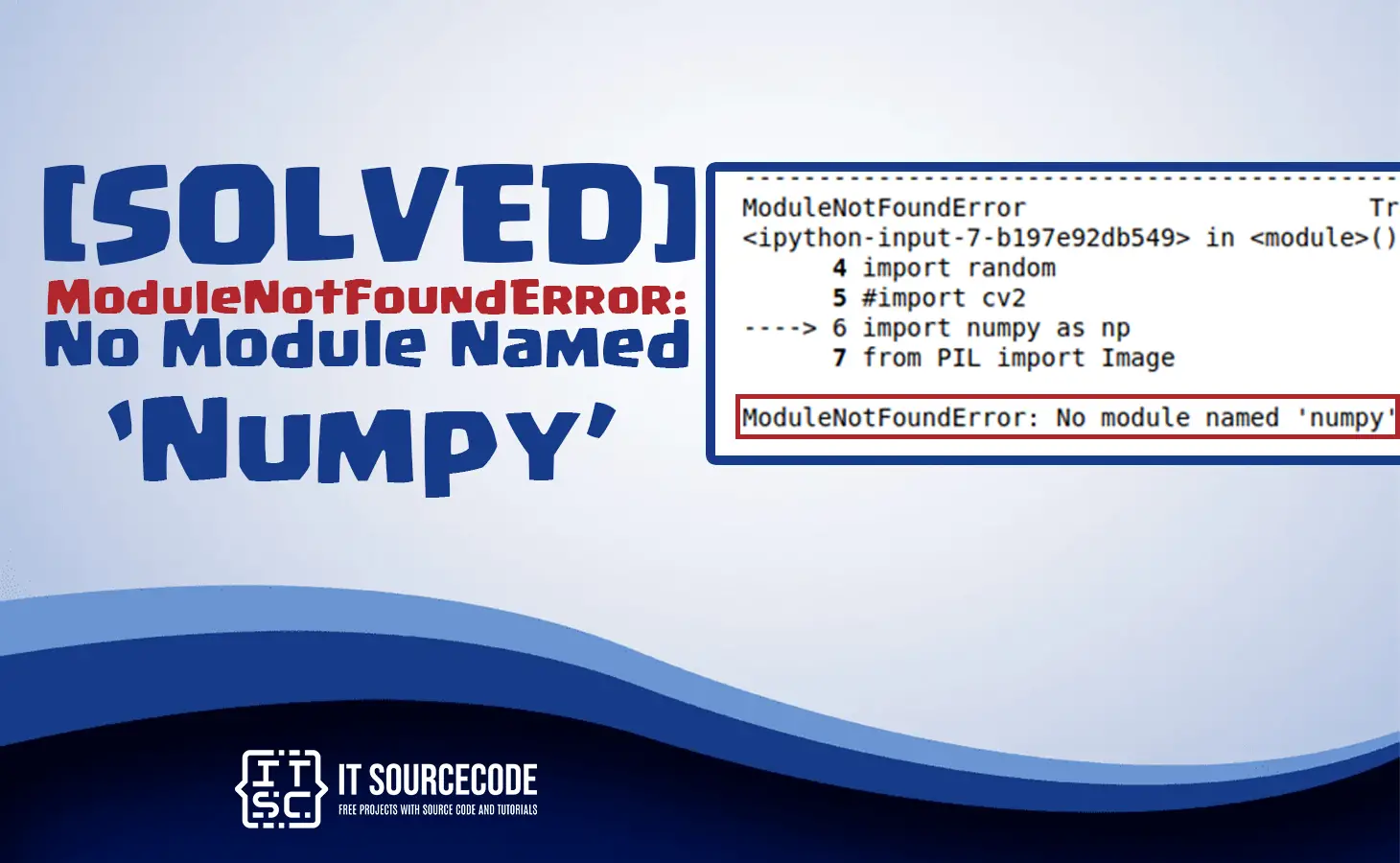
In this tutorial, we will learn how to solve the No module named numpy using Python.
A numpy is a python module used in processing array.
Why the error no module named numpy occur?
The error “no module named numpy” usually occur because there is no Numpy library installed in your environment.
Also, the Numpy module is whether not installed or in the certain features of the installation is insufficient due to some interruption.
We will discussed how to solved this error.
In a Python language, we must used a pip function to install any module packages.
Syntax Use
pip install module_name
For example:
We will install the numpy to fixed the Modulenotfounderror: No Module Named Numpy.
pip install numpy
Output:

We can double check again by typing the same command then the output will be:

In getting the numpy explanation which is related to the present version in the environment.
We will show the command like this.
Let’s look the other example: For getting the NumPy description
pip show numpy

The installation will remains the same for all other operating systems and software.
However, there will be a changes in a platform.
When the installation is successful and any NumPy code will work properly.
In order to look the cause of the error we will go through the following possible fixes:
- You need to Upgrade pip version
- You need to Upgrade or install numpy package
- You need to Check if you are activating the environment before running
- You need to Create a fresh environment
Diagnostic checklist for “No module named ‘numpy'”
- Verify pip install target. Run
pip show numpy— if not installed, runpip install numpy. - Check the active Python interpreter.
which python(mac/Linux) orwhere python(Windows). Both pip and python must point to the same environment. - Check virtual environment activation. If you use venv/conda, activate before installing:
source .venv/bin/activate. - Rule out uppercase/lowercase. Python imports are case-sensitive:
import PyPDF2notimport pypdf2. - Rule out the pip-vs-package-name mismatch. Some packages install under a different name than you import (e.g.
pip install beautifulsoup4→import bs4).
Installing numpy — Python data-analysis stack
# Standard pip install
pip install numpy

# For Anaconda / miniconda users
conda install -c conda-forge numpy

# For pandas + numpy stack — install both at once
pip install pandas numpy
Common causes for missing data-analysis modules
- Anaconda vs. system Python conflict. Anaconda installs a separate Python. Verify
which pythonbefore pip installing. - Wheel platform mismatch. Some pandas versions lack wheels for M1 Mac or ARM Linux. Try
pip install --upgrade pipfirst. - Notebook vs terminal Python. Jupyter runs a kernel that may be different from your active shell Python.
- polars vs pandas. Both exist and both must be installed separately.
Working code example
import numpy as pd  # or pl for polars
print(pd.__version__)

# Quick smoke test
df = pd.DataFrame({"x": [1, 2, 3], "y": [4, 5, 6]}) if 'pandas' in 'numpy' else None
if df is not None:
    print(df.describe())
Best practices
- Pin versions in requirements.txt. pandas/numpy compatibility matters — mismatched versions cause runtime errors.
- Use uv or Poetry for dependency resolution across pandas + numpy + sklearn.
- Consider polars for large data. Modern Rust-based alternative — often 10× faster than pandas.
Official documentation
Frequently Asked Questions
What is Python ModuleNotFoundError and what causes it?
ModuleNotFoundError (a subclass of ImportError) is raised when Python cannot find the module you tried to import. Common causes: the package isn’t installed (pip install missing), wrong virtual environment activated, typo in module name, or Python can’t find your local module on the import path. The error message names exactly which module is missing.
How do I fix ‘ModuleNotFoundError: No module named X’?
Run pip install X first. If that succeeds but you still get the error, check which Python you’re using (which python OR python –version) vs which pip (which pip OR pip –version), they must match. Common gotcha: pip points to system Python 3.9 but you’re running python3.11 in a venv. Inside the venv, use python -m pip install X to be sure pip matches the active Python.
Why does my code work in one environment but not another?
Different Python versions or different installed packages. To diagnose: pip freeze > requirements.txt on the working environment, then pip install -r requirements.txt on the broken one. Use virtualenv (python -m venv venv) or conda for every project to avoid system-wide package collisions.
Is ModuleNotFoundError the same as ImportError?
ModuleNotFoundError is a subclass of ImportError added in Python 3.6. It specifically means ‘no such module exists.’ Plain ImportError covers a wider set: module exists but a name inside it can’t be imported (e.g. ‘cannot import name X from Y’). except ImportError catches both; except ModuleNotFoundError catches only the missing-module case.
Where can I find more ModuleNotFoundError fixes?
Browse the ModuleNotFoundError reference hub for 198+ specific module fixes (TensorFlow, Flask, Django, pandas, numpy, etc.). For related issues see ImportError. For broader Python setup see Python Tutorial hub.
Conclusion
In conclusion, we already solve the Modulenotfounderror: No Module Named Numpy through typing a command like this: “pip install numpy“.

Adones Evangelista
Programmer & Technical Writer at PIES IT Solution
Adones Evangelista is a programmer and writer at PIES IT Solution, author of over 900 tutorials and error-fix guides at itsourcecode.com. Specializes in JavaScript, Django, Laravel, and Python error debugging covering ValueError, TypeError, AttributeError, ModuleNotFoundError, and RuntimeError, plus C/C++ and PHP capstone projects for BSIT students.
Expertise: JavaScript · Python · Django · Laravel · Error Debugging · C/C++
· View all posts by Adones Evangelista →