
Ruff is the Python linter and formatter that replaced Black + flake8 + isort + pyupgrade + pylint in most modern Python projects. Built by Astral (uv creators) in Rust, it’s 10-100x faster than the tools it replaces. This tutorial covers install, configuration, and daily use.
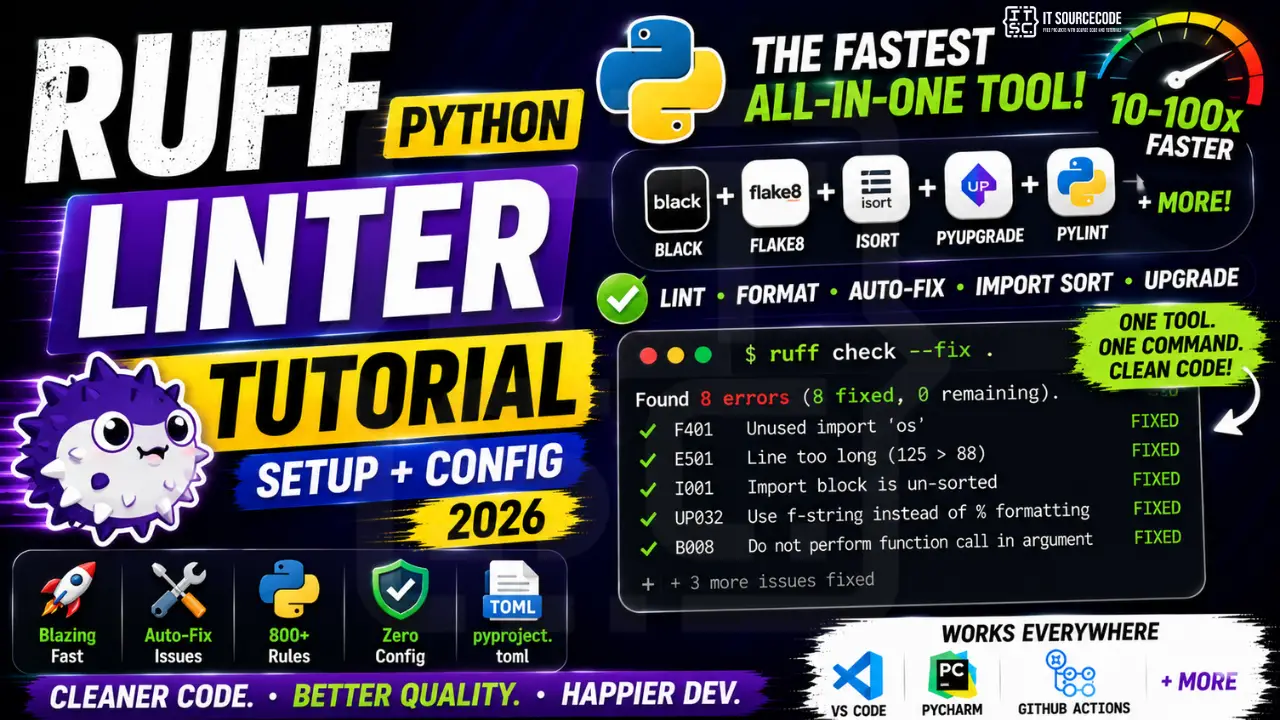
Why Ruff replaced everything else
- Speed: lints entire codebase in milliseconds.
- All-in-one: replaces Black, flake8, isort, pyupgrade, pylint, autoflake.
- 800+ built-in rules: from PEP 8 to security to typing.
- Auto-fix: fixes most issues automatically.
- Zero config: works out of the box.
- Compatible: reads pyproject.toml, works with legacy setups.
Install Ruff
# With uv
uv add --dev ruff

# With pip
pip install ruff

# Global install (recommended for CLI)
uv tool install ruff

# Verify
ruff --version
Basic usage
# Lint current directory
ruff check .

# Lint specific file
ruff check src/app.py

# Auto-fix issues
ruff check --fix .

# Show what would be fixed
ruff check --diff .

# Format code (like Black)
ruff format .

# Lint + format together
ruff check --fix && ruff format .
Configuration in pyproject.toml
[tool.ruff]
# Python version
target-version = "py312"

# Line length (match Black)
line-length = 88

# Exclude directories
exclude = ["migrations/", "build/", ".venv"]

[tool.ruff.lint]
# Rules to enable
select = [
    "E",     # pycodestyle errors
    "W",     # pycodestyle warnings
    "F",     # pyflakes
    "I",     # isort
    "N",     # naming (pep8-naming)
    "UP",    # pyupgrade
    "B",     # bugbear
    "S",     # security
    "SIM",   # simplify
    "TCH",   # type-checking
]

# Rules to disable
ignore = ["E501"]  # line too long

# Per-file rule overrides
[tool.ruff.lint.per-file-ignores]
"tests/*" = ["S101"]     # allow assert in tests
"__init__.py" = ["F401"]  # allow unused imports

[tool.ruff.format]
quote-style = "double"
indent-style = "space"
Key rule sets
| Prefix | Covers |
|---|---|
| E, W | pycodestyle (PEP 8) |
| F | pyflakes (unused imports, undefined names) |
| I | isort (import ordering) |
| N | Naming conventions |
| UP | pyupgrade (modern Python syntax) |
| B | bugbear (common bugs) |
| S | bandit (security) |
| SIM | flake8-simplify |
| TCH | Type-checking imports |
| PT | pytest-style |
| RUF | Ruff-specific rules |
VS Code integration
- Open VS Code Extensions.
- Search “Ruff” (by Astral Software).
- Install.
- Add to VS Code settings.json:
{
  "[python]": {
    "editor.defaultFormatter": "charliermarsh.ruff",
    "editor.formatOnSave": true,
    "editor.codeActionsOnSave": {
      "source.fixAll.ruff": "explicit",
      "source.organizeImports.ruff": "explicit"
    }
  }
}

# Now every save:
# 1. Ruff auto-fixes issues
# 2. Imports auto-sorted
# 3. Code auto-formatted
Pre-commit hook
# .pre-commit-config.yaml
repos:
  - repo: https://github.com/astral-sh/ruff-pre-commit
    rev: v0.6.0
    hooks:
      - id: ruff
        args: [--fix]
      - id: ruff-format

# Install:
uv add --dev pre-commit
uv run pre-commit install

# Now every git commit auto-runs Ruff.
GitHub Actions CI
# .github/workflows/lint.yml
name: Lint
on: [push, pull_request]

jobs:
  ruff:
    runs-on: ubuntu-latest
    steps:
      - uses: actions/checkout@v4
      - uses: astral-sh/ruff-action@v1
        with:
          version: latest
          args: check

# Runs on every PR, blocks merge if lint fails.
Migrate from Black + flake8 + isort
Step 1: Install Ruff.
Step 2: Add to pyproject.toml (select rules matching your old setup):

[tool.ruff.lint]
select = ["E", "W", "F", "I"]  # equivalent to flake8 + isort

Step 3: Delete old configs:
- .flake8
- setup.cfg [flake8] section
- pyproject.toml [tool.isort] section
- pyproject.toml [tool.black] section

Step 4: Remove old packages:
uv remove --dev black flake8 isort

Step 5: Update pre-commit hooks (remove old, add Ruff).

Done. Ruff replaces all in one tool.
Common Ruff commands
ruff check .                    # lint all
ruff check --fix .              # lint + auto-fix
ruff check --diff .             # preview changes
ruff format .                   # format all
ruff check --statistics         # rule stats

# Explain a rule
ruff rule E501

# List all rules
ruff linter

# Check specific rule
ruff check --select=E501 .

# Ignore a line
result = long_expression  # noqa: E501

# Ignore a rule for a file
# ruff: noqa: E501
Common issues and fixes
- “Too many errors”: start with fewer rules, add gradually.
- Ruff formats differently from Black: Ruff is a Black-compatible formatter; near-identical output.
- Some old flake8 plugins missing: check Ruff’s rule list, most are covered.
- Slow first run: Ruff caches. Second run is instant.
- Conflicts with legacy pylint config: gradually migrate rules to Ruff format.
Common ruff mistakes to avoid
- Skipping the “why” before adopting a new tool. Modern Python tools (uv, Ruff, Polars) are fast and clean. But adopting them without understanding what problem they solve wastes time. Read the tool’s motivation section first.
- Migrating everything at once. Legacy code bases have too many surprises. Migrate one module at a time and test after each step.
- Ignoring backwards compatibility. New Python tools sometimes break with older Python versions. Verify your target Python version supports the tool before committing.
- Trusting benchmarks blindly. “10x faster than X” often means “10x faster for one specific workload”. Test with YOUR data before assuming the benchmark generalizes.
- Not reading the CHANGELOG. Every dependency upgrade may break something. Skimming the changelog for breaking changes takes 2 minutes and saves hours.
Adoption path for ruff
- Read official docs cover-to-cover for the core concepts. Yes, cover-to-cover.
- Complete the official tutorial project. Follow along exactly, no shortcuts.
- Adapt one small piece of your existing project to the new tool. Ship it.
- If it survives 2 weeks in production, expand adoption.
- If it caused issues, rollback and reassess whether the tool fits your use case.
When to use vs when to stick with what you know
Modern Python tools offer real improvements over their predecessors, but “better” is not the same as “necessary for you.” Consider adopting when:
- Your current tool is slow enough to block productivity (uv/Ruff speedups matter here).
- You are starting a new project with no legacy constraints.
- Your team has bandwidth to learn and support the new tool.
- The tool has been stable and community-adopted for 12+ months.
Stick with your existing tools when: production stability is critical and you have working infrastructure; your team is small and cannot afford learning curves; the tool is early-stage and API may change.
Ecosystem integration considerations
Every new Python tool interacts with the broader ecosystem. Before committing, check:
- Does your CI/CD pipeline support it? Most tools have GitHub Actions and GitLab CI templates.
- Does your IDE support it? VS Code and PyCharm have first-class support for most modern tools. Older editors may lag.
- Do dependency scanners (Snyk, Dependabot) recognize it? Ensures security updates get flagged.
- Is there production monitoring integration? Datadog, Sentry, New Relic support matters for production.
For teams shipping production Python code, the ecosystem answer is often more important than the tool answer. A slightly-worse tool that plays well with your stack beats a slightly-better tool that fights it.
Best practices summary
- Read the docs before Stack Overflow. Official docs are cleaner and more accurate than forum answers.
- Pin versions in production. Locked dependencies prevent surprise breakage. Update deliberately, not accidentally.
- Test after every dependency upgrade. Run the full test suite. Catch regressions before deployment.
- Contribute back. Report bugs, submit fixes, write tutorials. The tools improve when users engage.
- Reassess yearly. The Python ecosystem moves fast. What was best last year may be second-best today.
Official documentation
Recommended Python code quality resources
The links below are affiliate links. We may earn a commission at no extra cost to you when you buy or sign up. See our affiliate disclosure.
Frequently Asked Questions
Is Ruff better than Black?
Ruff format matches Black’s output nearly identically but is faster. Ruff also does linting Black can’t. Recommended: use Ruff for both.
Does Ruff cover pylint rules?
Ruff covers many pylint rules but not all. If you rely on very specific pylint checks, verify Ruff has equivalent. Most common pylint rules are in Ruff.
How do I ignore a Ruff rule for one line?
Add # noqa: RULE at end of line. Example: x = 1 # noqa: E741. Or for whole file: add # ruff: noqa at top.
Can I use Ruff with older Python (3.7, 3.8)?
Yes. Ruff itself works on Python 3.7+. Set target-version in config to your Python version so upgrade suggestions match.
Does Ruff integrate with mypy?
They’re separate but complementary. Ruff for style/quality, mypy for type checking. Run both in CI. Ruff has TCH rules for optimizing type-check imports.

Angel Jude Suarez
Full-Stack Developer at PIES IT Solution
Focuses on Python development, machine learning, and AI integration. Has built production AI systems including OpenAI Whisper integration for medical transcription and GPT-4o-powered diagnosis assistance. Strong background in pandas, scikit-learn, and TensorFlow.
Expertise: Python · PHP · Java · VB.NET · ASP.NET · Machine Learning · View all posts by Angel Jude Suarez →