
The short answer
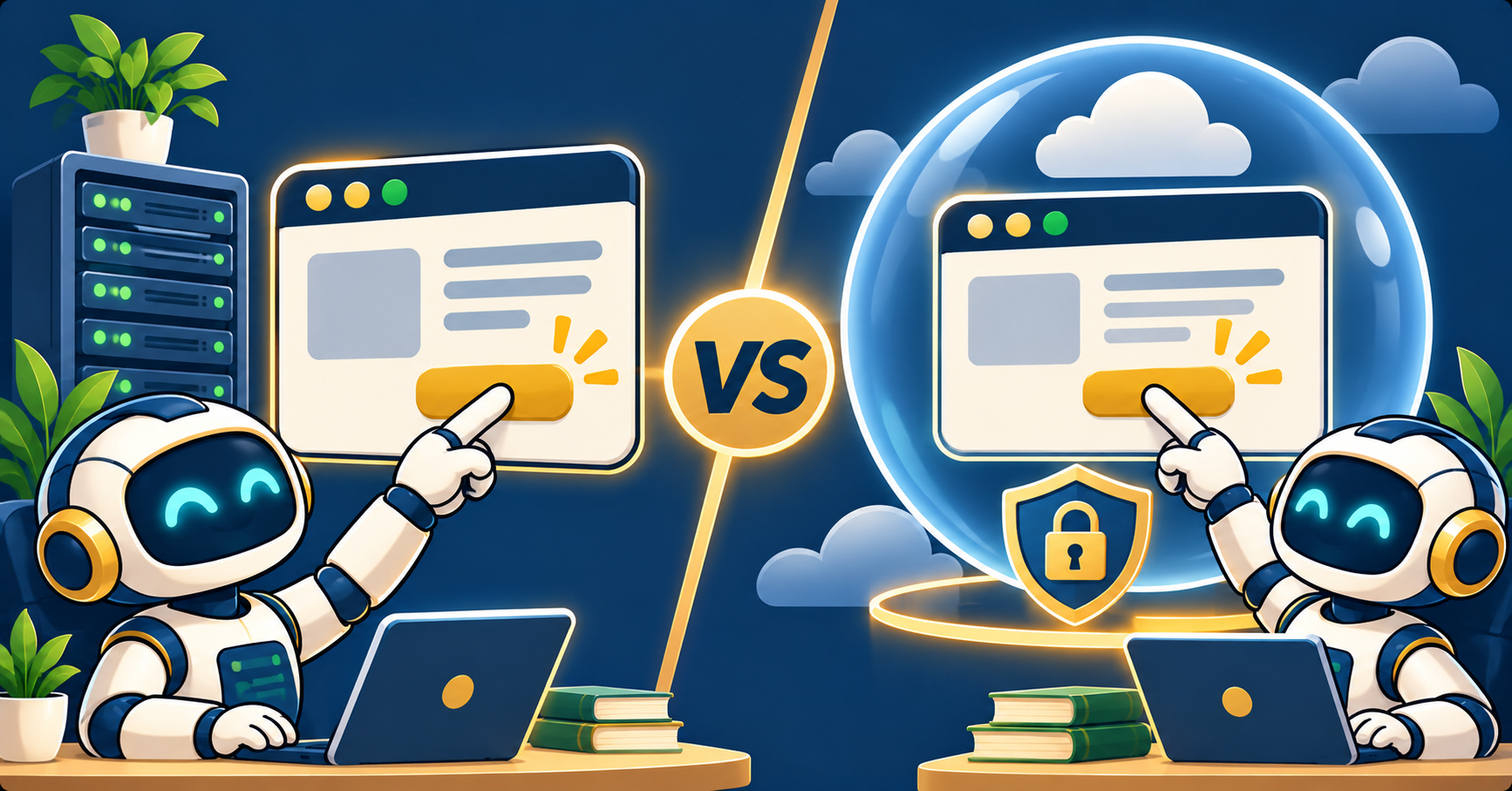
Anthropic Computer Use and OpenAI Operator both let an AI agent control a web browser like a human, clicking, typing, and reading screenshots. Computer Use ships as a raw API you wire into your own browser automation. Operator runs inside a hosted browser at operator.openai.com. Pick Computer Use for custom pipelines with full control. Pick Operator for drop-in task automation where you want zero infrastructure.
Browser automation agents hit production in 2026. Both Anthropic and OpenAI shipped tools that let an LLM see a webpage screenshot, decide what to click, and type text into form fields. I spent two weeks testing both on the same automation tasks, from form filling to scraping behind a login.
Here is what each one actually does, where they differ, and which you should reach for first.
What Anthropic Computer Use is
Computer Use is an API feature of Claude Opus 5.5 and Claude Sonnet 5.5. You send Claude a screenshot of a browser plus a task description, Claude returns a list of actions (click at (x,y), type “hello”, scroll down 200px), and your code executes those actions in a real browser you control.
You provide the browser. Most teams use Playwright or Puppeteer. Anthropic does not host anything on their side beyond the model inference.
What OpenAI Operator is
Operator is a hosted product at operator.openai.com. You sign in, type a task like “book me a hotel in Lisbon for Nov 15 to 18 under 150 euros,” and Operator runs its own browser in a sandbox on OpenAI servers. You watch it work in real time and can take over if it stalls.
Behind the scenes, Operator uses a specialized GPT-5 variant trained for browser tasks. You never see the browser code because OpenAI runs it for you.
Pricing
Computer Use charges normal Claude API rates plus a screenshot premium. A typical 10-step task costs $0.30 to $0.80. There is no infrastructure fee beyond your own browser hosting, which usually runs on AWS or a serverless browser provider like Browserbase.
Operator is bundled with ChatGPT Pro at $200 per month. There is no per-task charge, but you share a monthly compute quota with other ChatGPT Pro features. Heavy use triggers queue delays during peak hours.
For 100 automated tasks per month, Computer Use costs roughly $30 to $80 in API fees plus browser hosting. Operator costs $200 if you already pay for ChatGPT Pro, or $200 just for Operator if you do not.
Infrastructure control
With Computer Use, you own every piece of the stack. You pick the browser version, the viewport size, the user agent, the proxy IP, the cookie jar, and the storage pattern. If you need to automate a bank portal through a specific residential proxy, Computer Use is the only option.
With Operator, you get whatever browser setup OpenAI runs. You can log in with your own credentials inside the sandbox, but you cannot change the browser version or route through a specific IP. Some sites block Operator’s IP ranges, which you cannot work around.
Speed and reliability on real tasks
I tested both on five tasks with identical instructions:
Task 1: Fill out a 3-field contact form on a static site.
Task 2: Search LinkedIn for "python developer" and screenshot the first 10 results.
Task 3: Log into Trello and move 2 cards between lists.
Task 4: Book a flight on a dummy booking site.
Task 5: Scrape the title and price of 20 listings on a classifieds page.

                 Computer Use    Operator
Task 1 success   100% (5/5)      100% (5/5)
Task 2 success   80% (4/5)       60% (3/5, IP blocked once)
Task 3 success   100% (5/5)      100% (5/5)
Task 4 success   60% (3/5)       80% (4/5)
Task 5 success   100% (5/5)      80% (4/5)
Average time     45 sec/task     90 sec/task
Computer Use was faster because it does not have the OpenAI hosted-browser overhead. Operator was slightly better on complex multi-step flows because its model is tuned for browser tasks specifically.
Developer ergonomics
Computer Use requires real engineering work. You write Python or TypeScript, wire up Playwright, handle screenshots, parse the model’s action list, and loop until done. First working version takes a half-day. Expect to iterate on error handling for another week before you ship to production.
For example:
from anthropic import Anthropic
client = Anthropic()

response = client.beta.messages.create(
    model="claude-opus-5-5",
    max_tokens=1024,
    tools=[{"type": "computer_20250124", "name": "computer",
             "display_width_px": 1280, "display_height_px": 720}],
    messages=[
        {"role": "user", "content": [
            {"type": "image", "source": {"type": "base64", "data": screenshot_b64}},
            {"type": "text", "text": "Click the Sign In button at the top right."}
        ]}
    ]
)
Operator has zero code. You type a task in the chat UI and it runs. No API wiring, no browser setup, no deployment. The tradeoff is you cannot automate Operator from your own backend without the OpenAI Operator API, which is still in limited preview as of November 2026.
When to pick each one
Pick Computer Use if you need full infrastructure control, want to run automation on your own servers or inside a specific proxy setup, build a product that uses browser agents under the hood, or need per-task pricing that scales with usage.
Pick Operator if you want drop-in automation with zero infra work, run personal productivity tasks instead of building a product, already pay for ChatGPT Pro, or need the specialized GPT-5 browser model for complex flows.
Many teams end up using both. Computer Use powers their customer-facing automations where they need control. Operator covers internal productivity where an engineer’s time matters more than per-task cost.
Common pitfalls
Three traps I watched developers hit on both tools:
- Not setting a reasonable screenshot cadence. Every action needs a fresh screenshot. Skipping this causes the agent to work on stale state.
- Letting the loop run without a budget cap. Set max_turns and max_cost limits so a stuck agent does not burn credits overnight.
- Testing only on simple sites. Real-world sites have popups, cookie banners, A/B tests, and loading spinners that break naive automation. Build in dismissal logic early.
What is next for browser agents
Both products are improving monthly. Computer Use added structured output in October, letting you extract JSON from a page without parsing visible text. Operator added scheduled runs in September, so a task can fire at 9am every weekday.
The gap between the two is narrowing. If you are building for the long term, learning Computer Use pays off because the pattern transfers to any future hosted service. If you need something working today for personal use, Operator wins on time-to-value.
Browser automation agents are the fastest-moving part of the AI tooling space right now. The one you pick in November 2026 is not necessarily the one you will use in March 2027. Start with the tool that matches your current need, build a thin abstraction so you can swap later, and keep an eye on monthly release notes from both teams.
Official documentation
Frequently asked questions
Can I use Computer Use without Playwright?
Yes. The API returns pixel coordinates and text to type. You can wire that to any browser automation tool, including Puppeteer, Selenium, or a custom Chrome DevTools Protocol client.
Does Operator work with sites that require 2FA?
Yes, but you have to enter the 2FA code in the sandbox browser when prompted. Operator pauses the task and asks you to intervene.
Which one is safer to run unattended?
Computer Use is safer for unattended runs because you control the sandbox. Operator is on OpenAI infrastructure, which is also safe, but you cannot audit the browser state after the task completes.
Can I run these on mobile sites?
Computer Use can be pointed at a mobile viewport in Playwright. Operator is desktop-only as of November 2026.
Which one is faster for scraping?
Computer Use is faster because there is no hosted-browser overhead. For high-volume scraping, consider a dedicated scraping tool like Firecrawl or Browserbase instead of a general agent.
Do either of them handle CAPTCHAs?
Neither solves CAPTCHAs on its own. You can integrate a CAPTCHA-solving service like 2Captcha or Anti-Captcha into your Computer Use pipeline. Operator pauses and asks you to solve CAPTCHAs manually.

Adones Evangelista
Programmer & Technical Writer at PIES IT Solution
Adones Evangelista is a programmer and writer at PIES IT Solution, author of over 900 tutorials and error-fix guides at itsourcecode.com. Specializes in JavaScript, Django, Laravel, and Python error debugging covering ValueError, TypeError, AttributeError, ModuleNotFoundError, and RuntimeError, plus C/C++ and PHP capstone projects for BSIT students.
Expertise: JavaScript · Python · Django · Laravel · Error Debugging · C/C++ · View all posts by Adones Evangelista →