
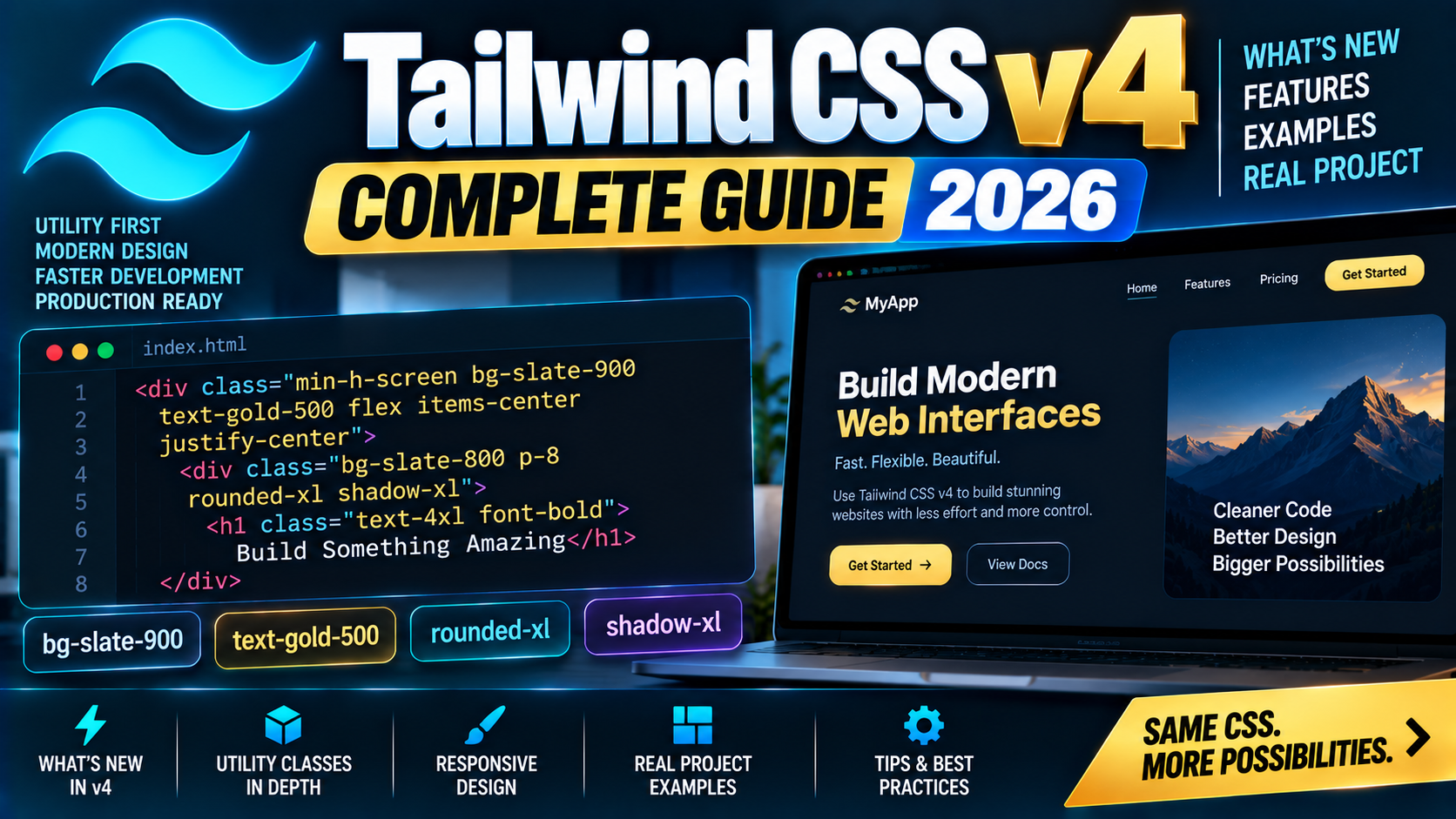
Tailwind CSS v4 landed in early 2025 with a rewritten engine (Oxide), a CSS-first config approach that removes tailwind.config.js for most projects, and a batch of new capabilities like native container queries and dynamic value syntax. This 2026 guide covers what actually changed, when to migrate from v3, and how to set up a fresh Tailwind v4 project.
Quick 2026 verdict
Tailwind v4 is the default for new projects in 2026. It compiles ~10x faster than v3, needs no JS config for most projects, and adds real 2026-native features (container queries, dynamic breakpoints, @starting-style). Existing v3 codebases can stay on v3, no urgency, but any new work should start on v4.
What actually changed in v4
- Oxide engine (Rust-based). Roughly 5-10x faster full builds, 100x faster incremental rebuilds. HMR is instantaneous even on large projects.
- CSS-first configuration. The
tailwind.config.jsfile is optional. Customize via@themedirective inside your CSS. - Automatic content detection. Tailwind now scans your entire project by default (respecting
.gitignore). Nocontent: ['./src/**/*.{html,js,ts,jsx,tsx,vue}']array to maintain. - Native container queries.
@containersupport built in, no plugin needed.@md:,@lg:variants target the nearest container instead of the viewport. - Dynamic values. Any spacing / color / opacity value works out of the box, no config needed:
w-[137px],text-[#abc123],opacity-73. - Modern CSS defaults. Uses
@property,color-mix(),@starting-style. Targets modern browsers (last 2 versions of Chrome, Safari, Firefox). - Simpler PostCSS setup. Single package:
@tailwindcss/postcss. Noautoprefixerneeded separately.
Install Tailwind v4 with Vite
npm create vite@latest my-app -- --template react-ts
cd my-app
npm install
npm install tailwindcss @tailwindcss/vite
Edit vite.config.ts:
import { defineConfig } from 'vite';
import react from '@vitejs/plugin-react';
import tailwindcss from '@tailwindcss/vite';

export default defineConfig({
  plugins: [react(), tailwindcss()],
});
Add to src/index.css:
@import "tailwindcss";
That is the entire setup. Run npm run dev and use utility classes in your components:
function App() {
  return (
    <div className="min-h-screen bg-slate-900 text-white flex items-center justify-center">
      <h1 className="text-4xl font-bold">Hello Tailwind v4</h1>
    </div>
  );
}
CSS-first configuration with @theme
Customize your design tokens directly in CSS:
/* src/index.css */
@import "tailwindcss";

@theme {
  /* Brand colors */
  --color-brand-500: #1F3A5F;
  --color-brand-600: #182f4d;
  --color-accent-500: #C9A961;

  /* Custom font family */
  --font-display: "Inter", "system-ui", sans-serif;

  /* Custom breakpoint */
  --breakpoint-3xl: 120rem;

  /* Custom spacing */
  --spacing-72: 18rem;
  --spacing-84: 21rem;
}
Now use them like any other utility: bg-brand-500, text-accent-500, font-display, 3xl:grid-cols-4, w-72. No tailwind.config.js needed.
Dynamic value syntax
In v3 you had to add every color, spacing, or size to config or use arbitrary-value brackets. In v4, most values work directly:
// v3 required brackets for anything not in config:
<div className="mt-[137px] w-[42rem] grid-cols-[5]">

// v4: dynamic values work without brackets
<div className="mt-137 w-42 grid-cols-5">

// Opacity as any integer 0-100
<div className="bg-black/73 opacity-42">
Container queries (built in)
<!-- Mark an element as a container -->
<div class="@container">
  <!-- Children respond to the CONTAINER width, not the viewport -->
  <div class="@md:grid-cols-2 @lg:grid-cols-3 grid gap-4">
    <div>Card 1</div>
    <div>Card 2</div>
    <div>Card 3</div>
  </div>
</div>
This makes truly modular components: a sidebar card looks right whether it is in a full-width layout or in a narrow column, because layout rules depend on its own width, not the viewport.
Migrate from v3 to v4
Tailwind ships an official upgrade tool that handles ~95% of the migration automatically:
npx @tailwindcss/upgrade@latest
What the tool does:
- Rewrites your
tailwind.config.jsinto a@themeblock in your main CSS file - Replaces
@tailwind base/components/utilitieswith@import "tailwindcss" - Migrates renamed utility classes:
shadow-sm→shadow-xs,shadow→shadow-sm,rounded→rounded-sm, etc. - Converts
ringdefaults (was 3px, now 1px in v4) - Replaces the PostCSS setup with
@tailwindcss/postcss
Manual review checklist after running the tool:
- Test your app in a browser. Ring and shadow visual differences are the most common surprises.
- If you had a JavaScript plugin (e.g.
tailwindcss-forms), reinstall the v4-compatible version and import via@plugindirective. - Check custom variants, v4 uses
@variantsyntax instead of the oldaddVariantplugin API. - If you used the JIT arbitrary properties like
[mask-image:linear-gradient(...)], most still work but a few need reformatting.
Browser support
Tailwind v4 targets modern browsers: Safari 16.4+, Chrome 111+, Firefox 128+. That means Safari on iOS 16.4+ and Android Chrome from late 2023. If your audience includes users on ancient browsers (typical enterprise IE-legacy environments), stay on v3.
Common pitfalls
- Trying to use v4 with an old PostCSS setup. The migration tool handles this; skipping it leaves you with confusing build errors.
- Expecting a
tailwind.config.jsto exist. Most v4 projects do not have one. Configuration lives in the@themeblock of your CSS. - Ring size changed. Default ring was 3px in v3, is 1px in v4. If your buttons look too subtle after upgrade, add
ring-3explicitly. - Shadow scale renamed. Old
shadow-smbecameshadow-xs. Migration tool renames automatically but manually-written class strings can trip you. - Custom plugin authors: rewrite for v4. The plugin API changed. Most popular plugins (forms, typography, aspect-ratio) already have v4-compatible versions on npm.
Frequently Asked Questions
Should I upgrade my existing v3 project to v4?
Not urgent. Tailwind v3 is still maintained through 2026. Upgrade when you have time for QA. New projects should start on v4 to get the faster builds and cleaner config.
Do I still need a tailwind.config.js file?
Not for most projects. Customize through the @theme directive in your CSS. A JavaScript config is still supported for advanced cases (custom plugins, complex conditional configs), just no longer required.
Is Tailwind v4 slower or faster?
Faster. The Rust-based Oxide engine builds full projects roughly 5-10x faster than v3, and incremental rebuilds are close to 100x faster. HMR feels instant even on large codebases.
What about DaisyUI, Flowbite, or shadcn/ui with v4?
All three released v4-compatible versions during 2025. shadcn/ui is now v4-first (its 2025 rewrite ships v4 by default). DaisyUI 5.x and Flowbite 3.x work with v4.
Does v4 work with Next.js, Nuxt, SvelteKit?
Yes. Next.js 15 uses Tailwind v4 by default in new project templates. Nuxt 3 and SvelteKit both have official v4 setups. Any framework with a Vite or PostCSS setup can use v4.
Does v4 support IE11 or old browsers?
No. Tailwind v4 uses modern CSS features (color-mix, @property, cascade layers) that IE11 and very old Safari do not support. If you need to support legacy browsers, stay on v3.
Related Modern Web Dev tutorials
- Next.js 15 Complete Beginner Guide 2026 (First App)
- React 19 vs React 18 Migration Guide 2026
- Vue 3 Complete Beginner Guide 2026 (Composition API)
- TypeScript Complete Beginner Tutorial 2026
Official documentation
- Tailwind CSS official installation docs
- Tailwind v3 to v4 upgrade guide
- Tailwind CSS blog (release notes)

Adrian Mercurio
Full-Stack Developer at PIES IT Solution
Specializes in building complete capstone projects with full documentation. Strong background in PHP/MySQL development and database design. Has personally built and tested over 30 capstone-ready projects with ER diagrams, DFDs, and chapter-by-chapter thesis documentation.
Expertise: PHP · Laravel · Database Design · Capstone Projects · C# · C · C++ · Python · AI Projects · View all posts by Adrian Mercurio →