
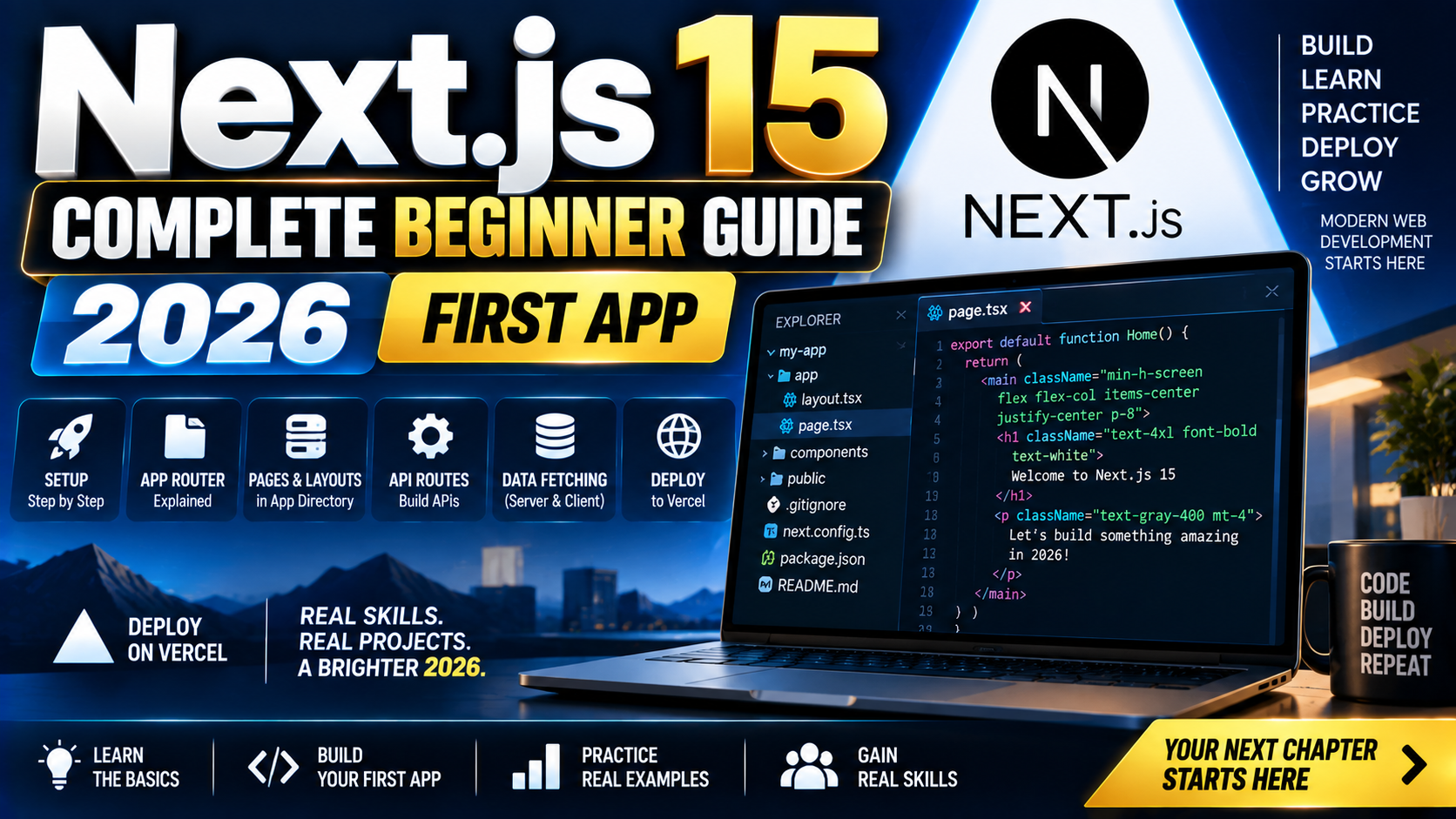
Next.js 15 is the React framework that powers the majority of production React apps in 2026. If you build web apps with React, sooner or later you meet Next.js. This 2026 beginner guide takes you from zero to a deployed Next.js 15 app: installation, the App Router folder structure, how to fetch data, Server Components vs Client Components, and one-click Vercel deployment. No prior Next.js experience required, just some React basics.
Quick 2026 verdict for beginners
Install with npx create-next-app@latest. Pick the App Router (default), TypeScript (recommended), and Tailwind CSS (recommended). Learn 5 concepts: pages via folder structure, Server Components (default), Client Components (mark with ‘use client’), data fetching in Server Components, and routing via Link. Deploy with one command via Vercel. That is 90 percent of daily Next.js work.
What Next.js is (and why every React developer uses it)
Next.js is a React framework that adds the pieces React itself does not: routing, server-side rendering, data fetching, image optimization, code splitting, and deployment. Vercel builds it and hosts it for free at scale. In 2026, roughly 60 percent of production React apps run on Next.js or a Next.js-derived platform (Vercel, Netlify, Cloudflare Pages).
The 2026 shift: Next.js 15 fully commits to the App Router (folder-based routing), Server Components (React components that run only on the server), and streaming (progressive HTML delivery). If you learned Next.js on the Pages Router years ago, App Router is the new default and worth learning fresh. If you are learning Next.js today, skip the Pages Router entirely.
Prerequisites (10 minutes of setup)
Before you install Next.js:
- Node.js 20 or later. Check with
node --version. If under 20, install from nodejs.org or use nvm. - A code editor. VS Code is the near-universal pick; JetBrains WebStorm is the paid alternative with better TypeScript refactoring.
- Basic React knowledge. You should know what a component, prop, and useState hook are. If you do not, spend 2 hours on the React tutorial at react.dev/learn first.
- A terminal. Any terminal works: macOS Terminal, Windows Terminal, or the built-in one in VS Code.
Install and run your first Next.js 15 app
npx create-next-app@latest my-app

# Answer the prompts:
# TypeScript?           Yes
# ESLint?               Yes
# Tailwind CSS?         Yes
# src/ directory?       No (default folder structure is fine)
# App Router?           Yes (default in 15)
# Turbopack for dev?    Yes (faster dev server)
# Import alias?         Default (@/)

cd my-app
npm run dev
Open http://localhost:3000. You see the Next.js starter page. That took under 2 minutes. Now you have a production-grade React setup: TypeScript, Tailwind, App Router, hot module reloading, code splitting, and image optimization. All working out of the box.
The App Router folder structure (folders = URLs)
Next.js 15 maps folders under app/ to URL paths. That is the whole routing system.
app/page.tsxrenders at/(the root URL).app/about/page.tsxrenders at/about.app/blog/[slug]/page.tsxrenders at/blog/whatever-slug. Brackets = dynamic segment.app/blog/layout.tsxwraps every page under/blog/*with shared UI (nav, footer, sidebar).app/blog/loading.tsxshows automatically while a page is loading.app/blog/error.tsxshows when a page throws.
Create app/about/page.tsx:
export default function AboutPage() {
  return <h1 className="text-3xl font-bold p-8">About us</h1>;
}
Visit http://localhost:3000/about. It renders. You just created a new page in 5 lines with zero routing config. That is why Next.js won the React ecosystem.
Server Components vs Client Components (the big 2026 concept)
Server Components (default in App Router): render on the server, ship zero JavaScript to the browser, can directly fetch from databases or APIs with async/await. Fast, no hydration cost.
Client Components (opt in with ‘use client’): render on both server and client, use React hooks (useState, useEffect), handle user interactions (onClick, onChange). Necessary any time you need interactivity.
Rule of thumb: keep Server Components as the default. Push interactive parts down to small Client Components. This gives you fast initial page loads with minimal JavaScript, plus interactivity where users need it.
// app/products/page.tsx (Server Component, no 'use client')
async function getProducts() {
  const res = await fetch('https://api.example.com/products');
  return res.json();
}

export default async function ProductsPage() {
  const products = await getProducts();
  return (
    <ul>
      {products.map((p: any) => (
        <li key={p.id}>{p.name}</li>
      ))}
    </ul>
  );
}
Fetch runs on the server before HTML is sent. No loading spinner, no client-side useEffect, no waterfalls. That is the App Router win.
Adding a Client Component for interactivity
// app/components/AddToCart.tsx
'use client';

import { useState } from 'react';

export default function AddToCart({ productId }: { productId: string }) {
  const [count, setCount] = useState(0);
  return (
    <button onClick={() => setCount(count + 1)} className="px-4 py-2 bg-blue-500 text-white rounded">
      Add to cart ({count})
    </button>
  );
}
The 'use client' directive at the top tells Next.js this component ships JavaScript to the browser. Use it wherever you need useState, event handlers, or browser-only APIs.
Navigation with the Link component
import Link from 'next/link';

export default function Header() {
  return (
    <nav className="p-4 border-b">
      <Link href="/" className="mr-4">Home</Link>
      <Link href="/about" className="mr-4">About</Link>
      <Link href="/products">Products</Link>
    </nav>
  );
}
Link gives you client-side navigation (no full page reload), automatic prefetching (the target page loads in the background before the user clicks), and route pattern matching. Use it instead of plain <a> for internal navigation.
Deploy to Vercel in one command
npx vercel
Signs you up with GitHub OAuth on first run, links your repo, deploys, gives you a public URL. Every subsequent git push auto-deploys. Free tier covers 100 GB bandwidth + unlimited requests per month, plenty for portfolio and side project traffic.
Alternatives if you do not want Vercel: Netlify (similar model), Cloudflare Pages (better free tier for static content), or self-hosted Node.js server (deploy the standalone output to a VPS). All work with Next.js 15.
Common Next.js 15 pitfalls in 2026
- Mixing Server and Client component boundaries wrong. A Server Component cannot import a hook-using Client Component’s internals. Wrap the interactive piece in a
'use client'file and import that. - Trying to use fetch options that only work on the client. Server Component fetch does not support cookies from the browser or window.localStorage. Pass what you need as props from a Client Component wrapper.
- Forgetting the App Router folder structure. A file named
index.tsxdoes nothing in App Router. It must bepage.tsx. Same for layouts (layout.tsx) and loading states. - Loading heavy libraries in Server Components. A charting library like Chart.js is a Client Component library. Wrap in a Client Component or use a server-friendly alternative.
- Overusing ‘use client’. Every ‘use client’ file ships JavaScript to the browser. Push it down the tree as much as possible. Keep page-level components as Server Components when you can.
Frequently Asked Questions
Should I learn Pages Router or App Router in 2026?
App Router only. Pages Router is still supported for existing codebases but is not the recommended path for new projects. Every Next.js 15 tutorial, doc, and hire-focused interview assumes App Router. Skip Pages Router unless you are joining a codebase that already uses it.
Do I need TypeScript for Next.js 15?
Not required but strongly recommended. Every real 2026 Next.js codebase uses TypeScript. The setup wizard defaults to yes. If you are new to TypeScript, the basic syntax is close enough to JavaScript that you can pick it up while building. Long term, TypeScript catches many small bugs that JavaScript hides.
Server Components or Client Components: which do I use?
Server Components by default. Only add ‘use client’ when you need React hooks (useState, useEffect), event handlers (onClick, onChange, onSubmit), or browser APIs (localStorage, window, document). Push Client Components as deep in the tree as possible so most of your app stays on the server.
Can I use Next.js without Vercel?
Yes. Netlify, Cloudflare Pages, AWS Amplify, and self-hosted Node servers all run Next.js 15. Vercel is optimized for Next.js because they build it, but there is no vendor lock. Use next build then next start on any Node.js host, or export as static if your app has no dynamic routes.
Is Next.js overkill for a simple website?
For a purely static site (portfolio, landing page, blog), Astro or plain HTML+CSS is lighter. Next.js earns its complexity when you have dynamic content, authenticated pages, API routes, or need Server Components’ data fetching. If your site is 5 static pages, use Astro. If it grows into an app, Next.js.
Where do I learn more after this guide?
Next.js official docs at nextjs.org/docs are excellent and up to date with 15. The App Router “Learn” tutorial walks you through building a full app. For React fundamentals, react.dev/learn is the canonical source. For deployment patterns, Vercel’s guides cover most production scenarios.
Related Modern Web Dev tutorials
- React 19 vs React 18 Migration Guide 2026 (coming this week)
- TypeScript Complete Beginner Tutorial 2026 (coming this week)
- Tailwind CSS v4 Complete 2026 Guide (coming this week)
- Astro vs Next.js vs Nuxt 2026 Comparison (coming this week)
Official documentation
- Next.js official documentation (App Router)
- React.dev: official React tutorial
- Vercel deployment platform documentation
Official documentation
Recommended hosting for Next.js apps
The links below are affiliate links. We may earn a commission at no extra cost to you. Full disclosure.
- Cloudways: managed cloud hosting with 1-click Node.js/Next.js/Vue deploys on DigitalOcean, Vultr, AWS, and Linode. Best for teams that want managed infrastructure without server admin.
- Kamatera: pay-per-hour cloud VPS starting at $4/month. Best for developers who want raw VPS control with quick provisioning.

Angel Jude Suarez
Full-Stack Developer at PIES IT Solution
Focuses on Python development, machine learning, and AI integration. Has built production AI systems including OpenAI Whisper integration for medical transcription and GPT-4o-powered diagnosis assistance. Strong background in pandas, scikit-learn, and TensorFlow.
Expertise: Python · PHP · Java · VB.NET · ASP.NET · Machine Learning · AI Integration · OpenCV · Django · CodeIgniter · View all posts by Angel Jude Suarez →