
Vue 3 is React’s most practical alternative in 2026: less ceremony, a friendlier learning curve, and the Composition API that makes state and side effects easy to reason about. This guide takes you from a blank folder to a working Vue 3 app using script setup, ref/reactive, computed, watch, Vue Router for pages, and Pinia for global state.
Quick 2026 verdict
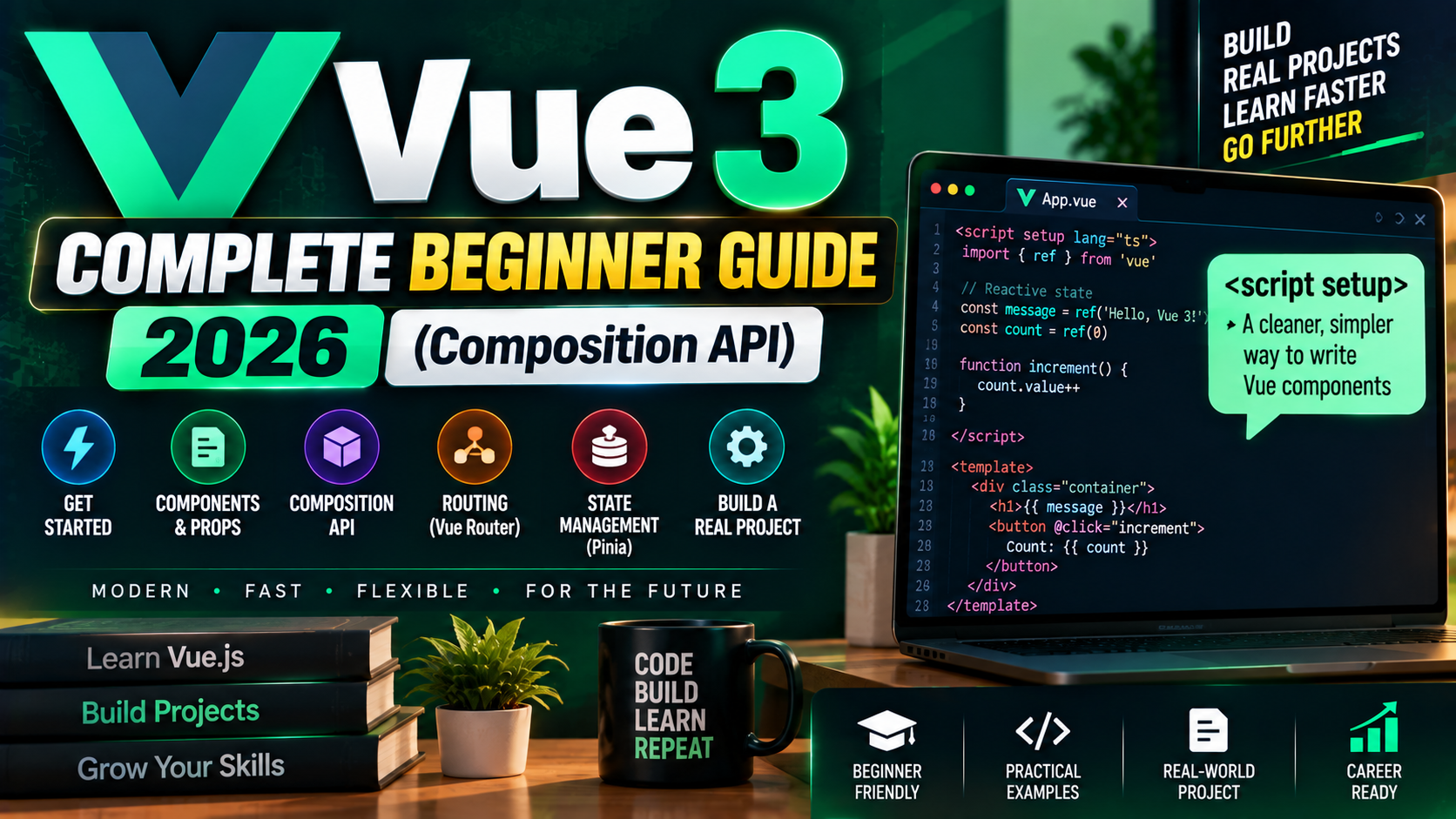
Vue 3 with the Composition API is the modern default in 2026. Vue 2 reached end-of-life on Dec 31, 2023 and should not be used for new projects. If you learned Vue 2 previously, the Options API still works in Vue 3, but every new tutorial (including this one) uses <script setup> because it produces less code and clearer components.
What Vue 3 is and why choose it
Vue 3 is a progressive JavaScript framework for building user interfaces. Compared to React and Angular:
- Simpler mental model than React. Templates use HTML syntax (not JSX). Reactivity is automatic; you rarely think about re-renders.
- Lighter than Angular. No decorators, no NgModules, no injection ceremony. Start writing components and move on.
- Full-stack meta-framework: Nuxt 3. Vue’s equivalent to Next.js, with server-side rendering, file-based routing, and auto-imports.
- Excellent DX in 2026. Volar (VS Code extension) gives full IntelliSense and template type checking. HMR is instantaneous.
Prerequisites
- Node.js 20.19+ or 22.12+ (Vue 3 CLI dropped Node 18 support in 2026)
- Basic HTML, CSS, JavaScript
- Terminal / command line familiarity
- VS Code with the Vue – Official (Volar) extension
Create a Vue 3 project
npm create vue@latest my-vue-app

# Answer prompts:
# TypeScript?     Yes (recommended)
# JSX Support?    No
# Vue Router?     Yes (we will use it below)
# Pinia?          Yes (we will use it below)
# Vitest?         No (add later if needed)
# ESLint?         Yes
# Prettier?       Yes

cd my-vue-app
npm install
npm run dev
Open the URL that Vite prints (usually http://localhost:5173). You should see the Vue starter page.
Anatomy of a Vue 3 Single-File Component
<!-- src/components/HelloWorld.vue -->
<script setup lang="ts">
import { ref } from 'vue';

const count = ref(0);
function increment() { count.value++; }
</script>

<template>
  <div>
    <h1>Count: {{ count }}</h1>
    <button @click="increment">+</button>
  </div>
</template>

<style scoped>
button { padding: 8px 16px; }
</style>
Three parts:
<script setup>: reactive state, functions, imports. Everything at the top level is auto-exposed to the template.<template>: HTML with Vue directives (@click,v-if,v-for,v-model).<style scoped>: CSS scoped to this component. No accidental global bleed.
Reactive state: ref vs reactive
ref: works on any value (primitives or objects). Access with .value in script, no .value in template.
const name = ref('Alice');
const items = ref<string[]>([]);

// In script:
name.value = 'Bob';
items.value.push('new item');

// In template (no .value needed):
// {{ name }}
// <li v-for="item in items">{{ item }}</li>reactive: works only on objects/arrays. No .value anywhere.
const user = reactive({ name: 'Alice', age: 25 });

user.name = 'Bob';    // triggers reactivity
user.age++;           // triggers reactivity

// Warning: destructuring breaks reactivity
const { name } = user;   // name is no longer reactive
// Use toRefs(user) to preserve reactivity when destructuring
Practical rule: use ref by default. Reach for reactive only when you have a truly object-shaped piece of state and never destructure it. Most 2026 Vue codebases use ref almost exclusively.
computed and watch
import { ref, computed, watch } from 'vue';

const firstName = ref('Ada');
const lastName = ref('Lovelace');

// computed: derived, cached, re-evaluates only when a dep changes
const fullName = computed(() => `${firstName.value} ${lastName.value}`);

// watch: runs a side effect when a specific dep changes
watch(fullName, (newValue, oldValue) => {
  console.log(`Name changed: ${oldValue} → ${newValue}`);
});

// watchEffect: runs immediately + when any dep read inside changes
watchEffect(() => {
  console.log(`Current: ${firstName.value} ${lastName.value}`);
});
Vue Router (pages)
The starter template already wired Vue Router. To add a new page:
// src/router/index.ts
const routes = [
  { path: '/', component: () => import('../views/HomeView.vue') },
  { path: '/about', component: () => import('../views/AboutView.vue') },
  { path: '/user/:id', component: () => import('../views/UserView.vue') },
];

// Link between pages in a template:
// <RouterLink to="/about">About</RouterLink>

// Read route params in a component:
import { useRoute } from 'vue-router';
const route = useRoute();
console.log(route.params.id);
Pinia (global state)
Pinia is Vue’s official state manager, replacing Vuex. Define a store:
// src/stores/counter.ts
import { defineStore } from 'pinia';
import { ref, computed } from 'vue';

export const useCounterStore = defineStore('counter', () => {
  const count = ref(0);
  const doubled = computed(() => count.value * 2);
  function increment() { count.value++; }
  return { count, doubled, increment };
});

// Use in any component:
// <script setup>
// import { useCounterStore } from '@/stores/counter';
// const counter = useCounterStore();
// </script>
// <template>{{ counter.count }}</template>
Common template directives
v-if/v-else-if/v-else: conditional render (removes from DOM)v-show: toggles CSSdisplay(stays in DOM)v-for="item in items" :key="item.id": list rendering, always add:keyv-model="value": two-way binding for form inputs@click,@submit.prevent,@keyup.enter: event handlers with modifiers:class="{ active: isActive }": conditional class binding
Deploy a Vue 3 app
Build:
npm run build
# Output goes to ./dist
Deploy the dist/ folder to Netlify, Vercel, Cloudflare Pages, or any static host. For SSR + API routes, use Nuxt 3 (the Vue equivalent of Next.js) instead of raw Vue.
Common beginner pitfalls
- Forgetting
.valuein script.const c = ref(0); c++;does not work. Writec.value++;. - Destructuring a reactive object. Breaks reactivity. Use
toRefs()or usereffrom the start. - Missing
:keyin v-for. Vue will warn in dev; production behaves unexpectedly on list updates. - Mixing Options API tutorials with Composition API code. Old Vue 2 tutorials (2018-2022) use
data(),methods,computedas object properties. That still works in Vue 3 but is not the pattern you want to learn in 2026. - Trying to use JSX without opting in. Vue supports JSX but the ecosystem heavily favors SFCs (Single-File Components with
.vueextension). Stick to SFCs unless you have a specific reason.
Frequently Asked Questions
Should I learn Vue 2 or Vue 3 in 2026?
Vue 3, exclusively. Vue 2 reached end-of-life on December 31, 2023. Any new project should use Vue 3. Older codebases running Vue 2 need migration to Vue 3 or a compatible LTS provider like HeroDevs NES.
Composition API or Options API?
Composition API with <script setup> for new work. It scales better, has cleaner TypeScript support, and produces less boilerplate. The Options API still works and is fine for maintaining older codebases, but no new tutorial recommends it in 2026.
Is Vue easier than React?
For most beginners, yes. Templates use HTML syntax (not JSX), reactivity is automatic (no useState/useEffect dance), and the framework makes more decisions for you (project structure, styling, state). React gives you more control at the cost of more decisions.
When to use Vue vs Nuxt?
Use raw Vue for client-side single-page apps (dashboards, admin panels, internal tools). Use Nuxt 3 for anything that needs SEO, SSR, API routes, or file-based routing (marketing sites, blogs, e-commerce). Nuxt is Vue’s Next.js equivalent.
Do I need TypeScript?
Strongly recommended for new projects. Vue 3 + Volar gives excellent template type checking. Runtime errors caught at compile time. Almost every 2026 Vue tutorial and job posting assumes TypeScript.
What UI component library works best with Vue 3?
Top picks in 2026: PrimeVue (largest set of components), Vuetify 3 (Material Design), Element Plus (mature, huge ecosystem), or shadcn-vue (unstyled primitives you copy into your project, popular in 2026 for full design control).
Related Modern Web Dev tutorials
- Next.js 15 Complete Beginner Guide 2026 (First App)
- React 19 vs React 18 Migration Guide 2026
- TypeScript Complete Beginner Tutorial 2026 (coming this week)
- Astro vs Next.js vs Nuxt 2026 Comparison (coming this week)
Official documentation
Official documentation
Recommended hosting for Vue 3 apps
The links below are affiliate links. We may earn a commission at no extra cost to you. Full disclosure.
- Cloudways: managed cloud hosting with 1-click Node.js/Next.js/Vue deploys on DigitalOcean, Vultr, AWS, and Linode. Best for teams that want managed infrastructure without server admin.
- Kamatera: pay-per-hour cloud VPS starting at $4/month. Best for developers who want raw VPS control with quick provisioning.

Glay Eliver
Programmer & Technical Writer at PIES IT Solution
Glay Eliver is a programmer and writer at PIES IT Solution, author of over 600 tutorials at itsourcecode.com. Specializes in JavaScript tutorials, Microsoft Office how-tos (Excel, Word, PowerPoint), and Python error debugging covering ImportError, TypeError, AttributeError, ModuleNotFoundError, and JavaScript ReferenceError.
Expertise: JavaScript · MS Excel · MS Word · MS PowerPoint · Python · ModuleNotFoundError · JavaScript ReferenceError · Pygame · View all posts by Glay Eliver →