
LinkedIn Learning has 21,000+ courses on tech, business, and creative skills. Normal price is USD 39.99/month as part of LinkedIn Premium. But there are five legitimate ways to access it free, some for a month and some for years. This guide walks you through each option, what qualifies, and which combination gets you the most free access.
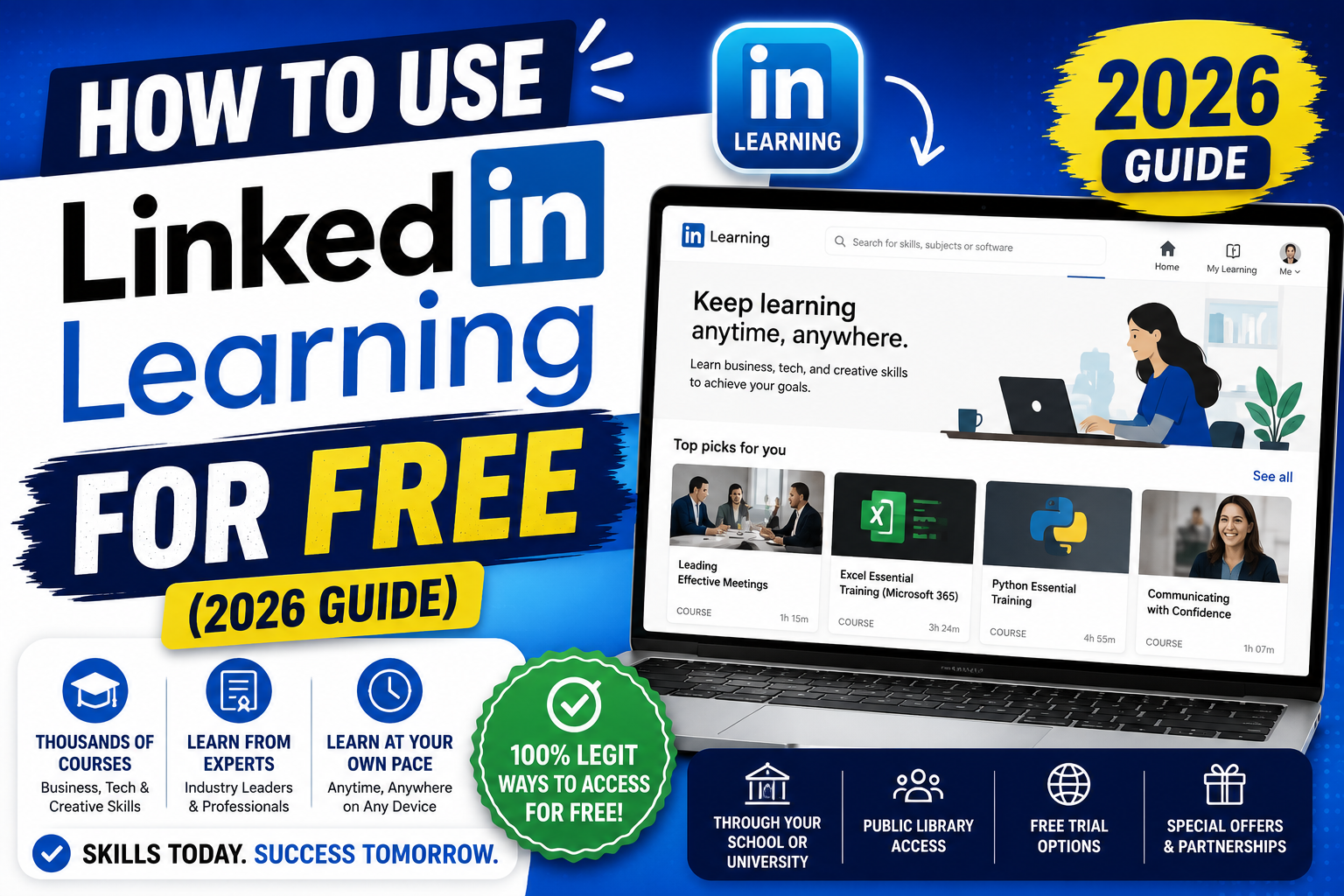
Quick step-by-step summary (click to expand)
- Try the 1-month free trial. Sign up for LinkedIn Premium at linkedin.com/premium and cancel before day 30 to keep Learning access for that month at no cost.
- Check your public library. Many US, UK, and PH libraries offer free LinkedIn Learning access with a library card.
- Ask your school or alumni association. Many universities provide free access to current students and alumni.
- Check your employer benefits. Many companies pay for LinkedIn Learning as an employee perk.
- Try LinkedIn’s free individual courses. Some courses are always free without any subscription.
- Consider free Coursera/edX alternatives. Audit mode gives you full course access at no cost on many programs.
Method 1: The 1-month free trial (easiest)
Everyone qualifies for a 1-month free trial of LinkedIn Premium (which includes Learning) when they sign up for the first time.
- Go to linkedin.com/premium/products.
- Click “Try free for 1 month” on Premium Career (USD 39.99/month after trial).
- Enter payment details (they will charge automatically after 30 days if you do not cancel).
- Use LinkedIn Learning aggressively for 25 days, take 5-10 courses.
- Set a calendar reminder for day 25 to cancel before the auto-charge on day 30.
- To cancel: Settings > Account preferences > Premium subscription > Cancel subscription. You keep access until day 30 anyway.
This gets you a full month of Learning for free. Only works once per account.
Method 2: Public library access (best long-term option)
Many public library systems worldwide have institutional LinkedIn Learning subscriptions they offer free to cardholders. This can give you unlimited access for years.
Check your library:
- Search “LinkedIn Learning library card [your city]” on Google.
- Or visit your library’s website and search their online resources for “LinkedIn Learning” or “Lynda” (the former name).
- Log in with your library card number and PIN.
- Access is usually unlimited while your library card is valid.
Libraries known to offer free LinkedIn Learning:
- United States: Los Angeles Public Library, Brooklyn Public Library, San Francisco Public Library, many mid-size city libraries.
- United Kingdom: Most county council libraries via a shared subscription.
- Philippines: National Library of the Philippines and some university-partnered public libraries. Ask at your local reference desk.
- Australia: Most state libraries.
- Canada: Toronto Public Library, Vancouver Public Library, many others.
Getting a library card is usually free with proof of address. This method is the best long-term option because access continues indefinitely.
Method 3: University / alumni access
Many universities buy LinkedIn Learning for their students and alumni:
- Check your university’s IT services or student portal, search for “LinkedIn Learning”.
- Log in with your school email address (studentemail@yourschool.edu).
- If offered, access is usually free while you are a current student.
- Some schools (like the University of the Philippines system, many US state schools) extend access to alumni for life.
Contact your school’s IT desk or alumni association if it is not obvious. Many students never realize they have access.
Method 4: Employer benefits
Many companies buy LinkedIn Learning for their employees as part of the L&D budget:
- Ask HR or check your employee benefits portal.
- Search for “LinkedIn Learning”, “professional development”, or “training subscription”.
- Some companies enroll all employees automatically; others require you to request access.
- Access typically ends when you leave the company.
If your company does not currently offer it, propose it. Cite the retention and productivity benefits (companies with strong L&D benefits have measurably lower turnover). LinkedIn Learning for a 50-person team is around USD 300/month, well within most L&D budgets.
Method 5: LinkedIn’s always-free individual courses
A small subset of LinkedIn Learning courses are permanently free without any subscription:
- Go to linkedin.com/learning.
- Search for a topic.
- Filter results by “Free” (if the filter is available in your region).
- Free courses have a “Free” badge on the thumbnail.
These are usually intro-level teasers designed to make you upgrade. Quality is good but selection is limited. Best used to sample the platform before committing to a paid method.
Method 6: Government reskilling programs
Some countries partner with LinkedIn Learning to offer free access to jobseekers and displaced workers:
- United States: Some state Career OneStop centers offer free LinkedIn Learning to unemployed workers.
- Philippines: TESDA sometimes partners with LinkedIn for specific reskilling programs (check tesda.gov.ph for current offerings).
- Singapore: SkillsFuture credits can be used for LinkedIn Learning subscriptions.
- UK: National Careers Service occasionally offers free access through partnerships.
Availability changes yearly. Check government reskilling websites in your country for current offerings.
Best Coursera / edX alternatives (also free)
If none of the above work, consider these free alternatives that cover similar content:
- Coursera Plus (7-day free trial + audit mode): Free to audit most courses (no certificate, but full lecture access). Similar quality to LinkedIn Learning.
- edX Audit Track: Free access to Harvard, MIT, and other top-university courses. Certificate requires payment but content is free.
- freeCodeCamp: 100% free tech-focused courses, especially strong for web development and data science.
- Google Digital Garage: Free courses on digital marketing, data, and career skills, some with recognized certificates.
- HubSpot Academy: Free marketing, sales, and service courses with certificates.
- YouTube: Full-length courses by top instructors (Traversy Media for web dev, freeCodeCamp channel, others). No structured learning path but massive content.
The stacked strategy (get years of free access)
Combine multiple methods for continuous free access:
- Now: Use the 1-month free trial (30 days of full access).
- Month 2 onwards: Get a library card if you do not have one. Use library access.
- In parallel: Check your alma mater alumni benefits.
- If working: Ask HR about employer benefits.
- Fill gaps: Use free Coursera audit mode and Google Digital Garage for topics LinkedIn Learning does not cover well.
Combined, most people can access LinkedIn Learning or equivalent quality content free for years without paying USD 39.99/month.
What to actually learn on LinkedIn Learning first
If you get access, popular high-value courses in 2026:
- “Learning Data Analytics” (Ben Sullins) – hands-on data with Excel and SQL
- “Excel Essential Training” (Dennis Taylor) – the definitive Excel tutorial
- “Learning Python” (Joe Marini) – clean Python intro for non-programmers
- “Communication Foundations” (Tatiana Kolovou) – underrated soft-skill course
- “AI for Everyone” (multiple instructors) – foundational AI literacy
- “Project Management Foundations” (Bonnie Biafore) – basics for anyone leading projects
Take one or two courses and finish them. Certificates go on your LinkedIn profile, which is a nice side benefit for job hunting.
Official documentation
Alternatives worth trying
The links below are affiliate links. We may earn a commission at no extra cost to you. See our affiliate disclosure.
Frequently asked questions
How much does LinkedIn Learning cost normally?
USD 39.99/month or USD 239.88/year (via LinkedIn Premium Career, which includes Learning). About PHP 2,240/month or PHP 13,440/year for Filipino users. Free trial is 30 days. Individual courses cannot be bought separately.
Can I take LinkedIn Learning free without a credit card?
Yes if you use library access or university/alumni access. The 1-month free trial requires a credit card. If you cannot get a credit card, focus on library and alumni access, they do not require payment info at all.
Which Philippine libraries offer free LinkedIn Learning?
Availability varies. The National Library of the Philippines and some Metro Manila city libraries participate. Ask at your local library’s reference desk. If your library does not offer it, request they add it, LinkedIn Learning is often a low-cost institutional add-on to their existing subscriptions.
Does the free trial give full LinkedIn Learning access?
Yes. 30 days of unlimited access to all 21,000+ courses, downloadable exercise files, certificates of completion, and the mobile app. No feature restrictions. Cancel any time within 30 days to avoid the auto-charge.
Do LinkedIn Learning certificates matter for job applications?
They matter modestly. Recruiters see them but do not weight them heavily on their own. What matters more is that they appear on your LinkedIn profile, showing continuous learning. Combine LinkedIn Learning certificates with an actual project or portfolio piece to demonstrate applied knowledge.
Is Coursera better than LinkedIn Learning?
Different strengths. LinkedIn Learning is broader (21,000+ courses) with shorter, practical courses (30 min to 4 hours each). Coursera has deeper courses (multi-week programs) from universities like Stanford, Yale, Google. Use LinkedIn Learning for quick skill-ups; Coursera for deep specializations.

Leah Whynett Dela Pena
Technology Writer at PIES IT Solution
Leah Whynett Dela Pena is a technology writer at PIES IT Solution, author of 93 career and IT education guides at itsourcecode.com. Specializes in tech career paths (software engineering, web development, cybersecurity, IT analyst roles), degree and certification guidance, and IT industry how-to content for students and career changers.
Expertise: Tech Careers · IT Education · Web Development Careers · Software Engineering Careers · Cybersecurity Careers · IT Certifications · Career Guidance · View all posts by Leah Whynett Dela Pena →