
Asana, monday.com, and ClickUp are the three most-recommended project management tools for teams under 100 people. All three call themselves “the all-in-one workspace” and all three cost roughly the same monthly. So which one actually wins for a Filipino team or agency in 2026?
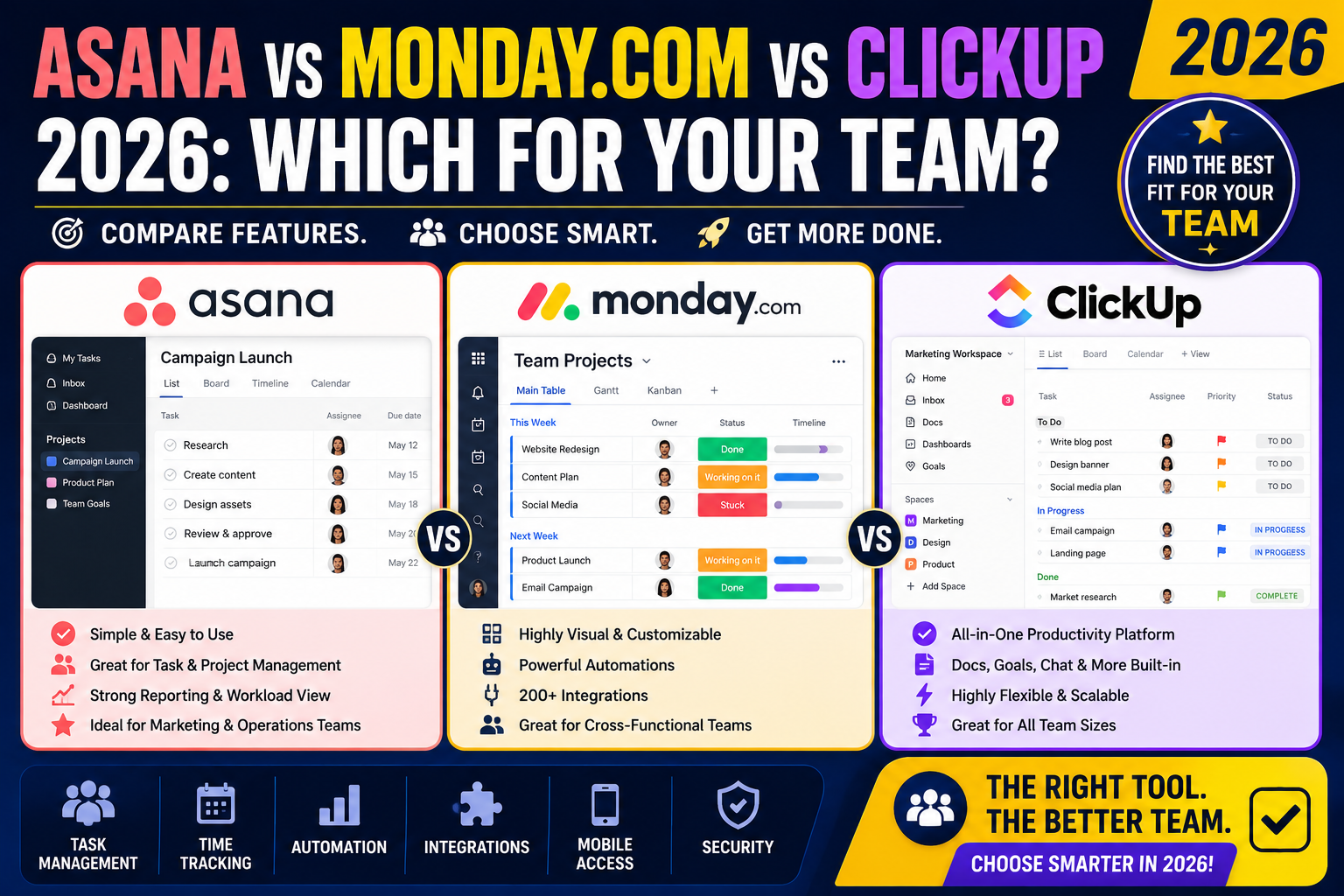
I’ve used all three on real team projects across the past 2 years. This is the honest breakdown of where each one wins, where each falls short, and which one fits your specific team size and workflow.
The 30-second answer
- Pick Asana if your team values clean visual design, has non-technical members, and cares about ease of adoption above feature depth.
- Pick monday.com if you need heavy customization, workflow automation, and don’t mind a steeper learning curve for the payoff.
- Pick ClickUp if you want maximum features per dollar and your team is willing to invest 2-4 weeks in learning the interface.
Pricing side by side (2026)
Asana:
- Personal: FREE for up to 10 collaborators
- Starter: USD 10.99/user/month (billed annually)
- Advanced: USD 24.99/user/month (billed annually)
- Enterprise: Custom pricing
monday.com:
- Free: Up to 2 seats only
- Basic: USD 9/seat/month (billed annually), minimum 3 seats
- Standard: USD 12/seat/month, most-popular tier
- Pro: USD 19/seat/month, adds automation
- Enterprise: Custom pricing
ClickUp:
- Free Forever: Unlimited users, 100 MB storage
- Unlimited: USD 7/user/month (billed annually)
- Business: USD 12/user/month, adds advanced dashboards
- Business Plus: USD 19/user/month, adds custom roles
- Enterprise: Custom pricing
Cost winner: ClickUp at USD 7/user/month is the cheapest paid tier. Asana’s Starter at USD 10.99 is close. monday.com is the most expensive at USD 9-12/seat with the 3-seat minimum.
Learning curve for Filipino teams
Asana is the easiest to adopt. A new team member can be productive in 1-3 days. The interface follows familiar list/board/timeline patterns without exotic concepts. Non-technical team members (designers, writers, sales) adopt it without training.
monday.com takes 1-2 weeks to feel comfortable. The interface uses colored blocks and status tags in creative ways that take getting used to. Once you get it, customization is a superpower , but the learning curve is real.
ClickUp takes 3-6 weeks to master. The tool has ~500+ features spread across 15+ concepts (Spaces, Folders, Lists, Tasks, Subtasks, Docs, Views, Automations, Dashboards, Goals, etc.). Powerful once mastered, overwhelming during ramp-up.
Learning curve winner: Asana by a wide margin. For Filipino agencies onboarding junior team members regularly, Asana saves real training hours.
Feature depth
Asana: Covers the essentials well. Tasks, subtasks, sections, timeline (Gantt), calendar, board, dashboards, forms, workflow rules (limited). Missing: heavy automation, custom fields at scale, complex reporting.
monday.com: Deeper customization than Asana. Custom columns of 30+ types (number, dropdown, date, timeline, formula, mirror). Workflow automation engine is best-in-class among the three. Board templates for many industries.
ClickUp: Most features of any tool. Every possible view type (list, board, calendar, Gantt, mind map, workload, activity, embed). Docs, Whiteboards, Notepad, Chat, Goals all built-in. If you can imagine a workflow, ClickUp likely supports it.
Feature depth winner: ClickUp. But depth costs complexity , see learning curve above.
Workflow automation
Asana: Basic Rules engine (when X happens, do Y). Limited to ~10 trigger types and ~15 action types. Good enough for simple workflows, not enough for complex approval chains.
monday.com: Best-in-class automation among the three. Native integrations with 40+ apps (Slack, Gmail, Teams, HubSpot). Custom automation recipes with 200+ triggers and actions. Automation quotas on higher plans.
ClickUp: Powerful automation but interface is confusing. Custom automations require learning the ClickUp automation syntax. Works well once configured but harder to iterate than monday’s visual builder.
Automation winner: monday.com by a comfortable margin. Best combination of power + visual builder.
Client-facing sharing
Asana: Guest access is well-designed. Clients see only assigned tasks, not internal team chatter. Free for guests.
monday.com: Guest access costs money on Standard tier and above. Interface is complex for clients who just want status updates.
ClickUp: Guest access is limited on lower tiers. Interface complexity makes it a poor client-facing tool.
Client-facing winner: Asana. If your Filipino agency shares boards with clients, Asana wins.
Integrations
All three integrate with the major platforms (Google Workspace, Slack, GitHub, Zapier, Notion, etc.). Depth varies:
- Asana: ~200+ native integrations, all well-maintained
- monday.com: ~200+ native integrations, deeper 2-way sync than Asana on major ones
- ClickUp: ~1000+ integrations via Zapier + native. More options but variable quality
Integration winner: Tie between Asana (quality) and monday.com (2-way sync depth). ClickUp wins on raw count but quality is uneven.
Which one for what team size
Solo consultant or 2-3 person Filipino agency: Asana Free (up to 10 collaborators). Zero setup time, easy client sharing, covers 90 percent of solo needs.
Small Filipino agency (5-10 people): Asana Starter at USD 10.99/user or ClickUp Unlimited at USD 7/user. Asana wins on adoption speed, ClickUp wins on cost per feature.
Mid-size Filipino agency (10-30 people): monday.com Standard at USD 12/seat. The automation capability starts paying for itself at this scale, and the customization handles diverse client workflows.
Full-service agency (30+ people, multiple departments): monday.com Pro or ClickUp Business. Both handle enterprise complexity. Pick monday.com if your team is non-technical, ClickUp if your team is engineering-heavy.
Startup or product team: ClickUp Business. Feature depth handles product management, sprint planning, documentation, and OKR tracking in one place.
Common mistakes when choosing
- Picking based on feature count. ClickUp has the most features but that hurts adoption. Fewer, well-adopted features beat more, unused features.
- Starting on the highest tier. All three offer meaningful free or entry tiers. Test with real work for 2-4 weeks before committing to paid plans.
- Ignoring per-seat cost multiplication. USD 12/seat × 15 team members × 12 months = USD 2,160/year. Small per-seat differences add up fast at agency scale.
- Not testing with clients. If clients access your project boards, test the interface with a real client before rolling out. Some clients bounce off monday’s complexity.
- Trying to migrate historical data. Migrating years of project history is a nightmare. Start fresh with new projects on the new tool, let old projects finish on the old tool.
Final verdict for Filipino teams in 2026
Default recommendation: Asana. For 80 percent of Filipino teams under 30 people, Asana wins on adoption speed, client sharing, and reasonable pricing. The ecosystem is stable (Asana IPO’d in 2020 so it’s not going anywhere), integrations are strong, and new team members ramp fast.
Upgrade to monday.com when you need serious workflow automation, custom fields at scale, or you’re managing 15+ diverse client accounts where each needs a different board structure.
Consider ClickUp when your team is engineering-heavy, budget-conscious, and willing to invest 4-6 weeks in mastering the tool. The feature-per-dollar ratio is unbeatable but the ramp is real.
Official documentation
Try any of the three (affiliate pending)
Links below may become affiliate links (Impact partner applications pending as of 2026-07-31). See our affiliate disclosure.
- Asana, best default for teams under 30 people
- monday.com, best automation and customization
- ClickUp, best features per dollar
Frequently asked questions
Which is the cheapest project management tool for Filipino teams?
ClickUp at USD 7/user/month (billed annually). Asana Starter at USD 10.99/user is close. monday.com at USD 9-12/seat with 3-seat minimum is the most expensive. All three offer free tiers for small teams; Asana Personal supports up to 10 collaborators free, which is enough for most solo consultants and small agencies.
Which is easiest to learn?
Asana by a wide margin. New team members can be productive in 1-3 days. monday.com takes 1-2 weeks. ClickUp takes 3-6 weeks to master because it has ~500 features spread across many concepts. For Filipino agencies with frequent junior team turnover, Asana’s adoption speed is a real competitive advantage.
Which has the best workflow automation?
monday.com. Their visual automation builder handles 200+ trigger and action combinations, integrates natively with 40+ business apps, and iterates quickly. ClickUp has powerful automation but the interface is confusing. Asana’s Rules engine is basic and only enough for simple workflows.
Can clients access my project boards?
Yes on all three. Asana wins with free guest access and clean visual separation between client-visible tasks and internal team chatter. monday.com charges for guest seats on Standard tier and above. ClickUp’s guest access is limited on lower tiers. For agencies sharing project boards with Filipino SMB clients, Asana is the friendliest.
Should I migrate my old project data to a new tool?
Generally no. Migrating years of project history is a nightmare and rarely worth the effort. Start fresh with new projects on the new tool, let old projects finish on the old tool, then sunset the old tool once all projects wrap. This “clean cut” migration takes 3-6 months but avoids data-cleanup pain.
Is there a Filipino-language version of any of these?
None natively support Tagalog or Filipino. All three support English, Spanish, French, German, and other major languages. Filipino teams universally use the English versions since business language is English by default in Philippine corporate settings.

Leah Whynett Dela Pena
Technology Writer at PIES IT Solution
Leah Whynett Dela Pena is a technology writer at PIES IT Solution, author of 93 career and IT education guides at itsourcecode.com. Specializes in tech career paths (software engineering, web development, cybersecurity, IT analyst roles), degree and certification guidance, and IT industry how-to content for students and career changers.
Expertise: Tech Careers · IT Education · Web Development Careers · Software Engineering Careers · Cybersecurity Careers · IT Certifications · Career Guidance · View all posts by Leah Whynett Dela Pena →