
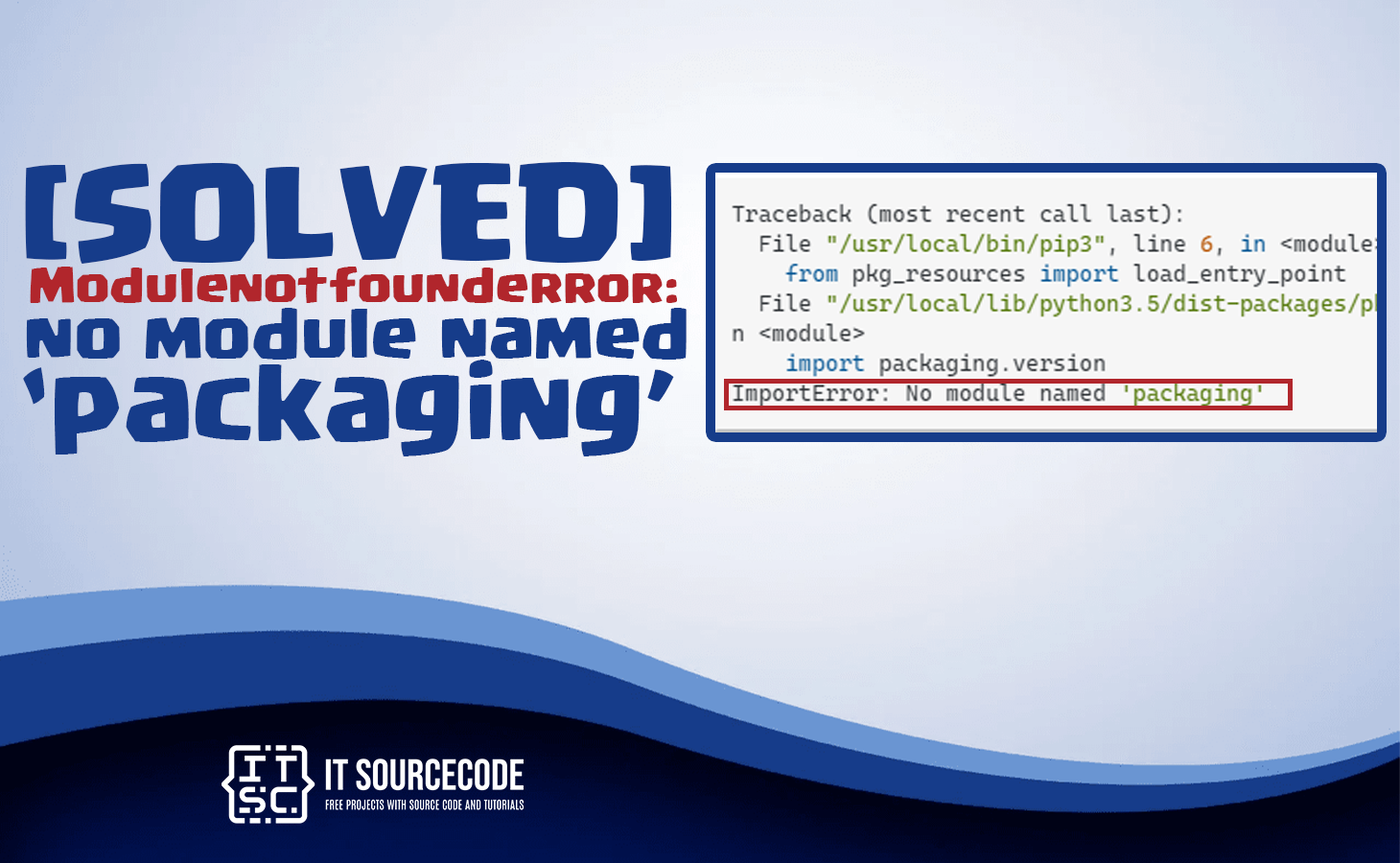
In this article, you will learn the best solutions on how to solve the modulenotfounderror: no module named packaging.
The error that encountered of many programmer in installing the packaging.
Why the no module named ‘packaging’ error occur?
The error no module named ‘packaging’ occurs because the python interpreter cannot find the module in the system.
The probability is that you have a different versions of python installed in your computer and the packaging is not installed for the specific version you are using.
Also checkout this error: [SOLVED] Modulenotfounderror: no module named ‘git’
What is Python Packaging?
A python packaging is a library which is to support in developing and distributing the packages.
On the other hand, the “packaging” module it determines and manages a package’s metadata, like its version number, dependencies.
Any other detail required for a package to be installed and used by others.
How to solve the modulenotfounderror: no module named packaging?
Time needed: 3 minutes
Here are the solutions to solve the Modulenotfounderror: no module named ‘packaging’. To solve the error you need to install the packaging module with use of the pip command.
- Install Packaging in Python 2
Before that, you must check the version of your python. For example we will install the packaging in python 2 and this is the command to install using the pip command:
“pip install packaging“ - Install Packaging in Python 3
Before that, you must check the version of your python. For example we will install the packaging in python 3 and this is the command to install using the pip command:
“pip3 install packaging“ - Install Packaging in Anaconda
To install the packaging module in anaconda, you use the following command in your anaconda command prompt(CMD).
“conda install packaging“
Frequently Asked Questions
What is Python ModuleNotFoundError and what causes it?
ModuleNotFoundError (a subclass of ImportError) is raised when Python cannot find the module you tried to import. Common causes: the package isn’t installed (pip install missing), wrong virtual environment activated, typo in module name, or Python can’t find your local module on the import path. The error message names exactly which module is missing.
How do I fix ‘ModuleNotFoundError: No module named X’?
Run pip install X first. If that succeeds but you still get the error, check which Python you’re using (which python OR python –version) vs which pip (which pip OR pip –version), they must match. Common gotcha: pip points to system Python 3.9 but you’re running python3.11 in a venv. Inside the venv, use python -m pip install X to be sure pip matches the active Python.
Why does my code work in one environment but not another?
Different Python versions or different installed packages. To diagnose: pip freeze > requirements.txt on the working environment, then pip install -r requirements.txt on the broken one. Use virtualenv (python -m venv venv) or conda for every project to avoid system-wide package collisions.
Is ModuleNotFoundError the same as ImportError?
ModuleNotFoundError is a subclass of ImportError added in Python 3.6. It specifically means ‘no such module exists.’ Plain ImportError covers a wider set: module exists but a name inside it can’t be imported (e.g. ‘cannot import name X from Y’). except ImportError catches both; except ModuleNotFoundError catches only the missing-module case.
Where can I find more ModuleNotFoundError fixes?
Browse the ModuleNotFoundError reference hub for 198+ specific module fixes (TensorFlow, Flask, Django, pandas, numpy, etc.). For related issues see ImportError. For broader Python setup see Python Tutorial hub.
Conclusion
In conclusion of this article, we provide the solutions on how to solve the error no module named packaging in windows and for anaconda platform.
It is always required to maintain your packages up to date and installed to avoid these types of errors.
You will make sure that your Python applications’ is easy and it is working.