
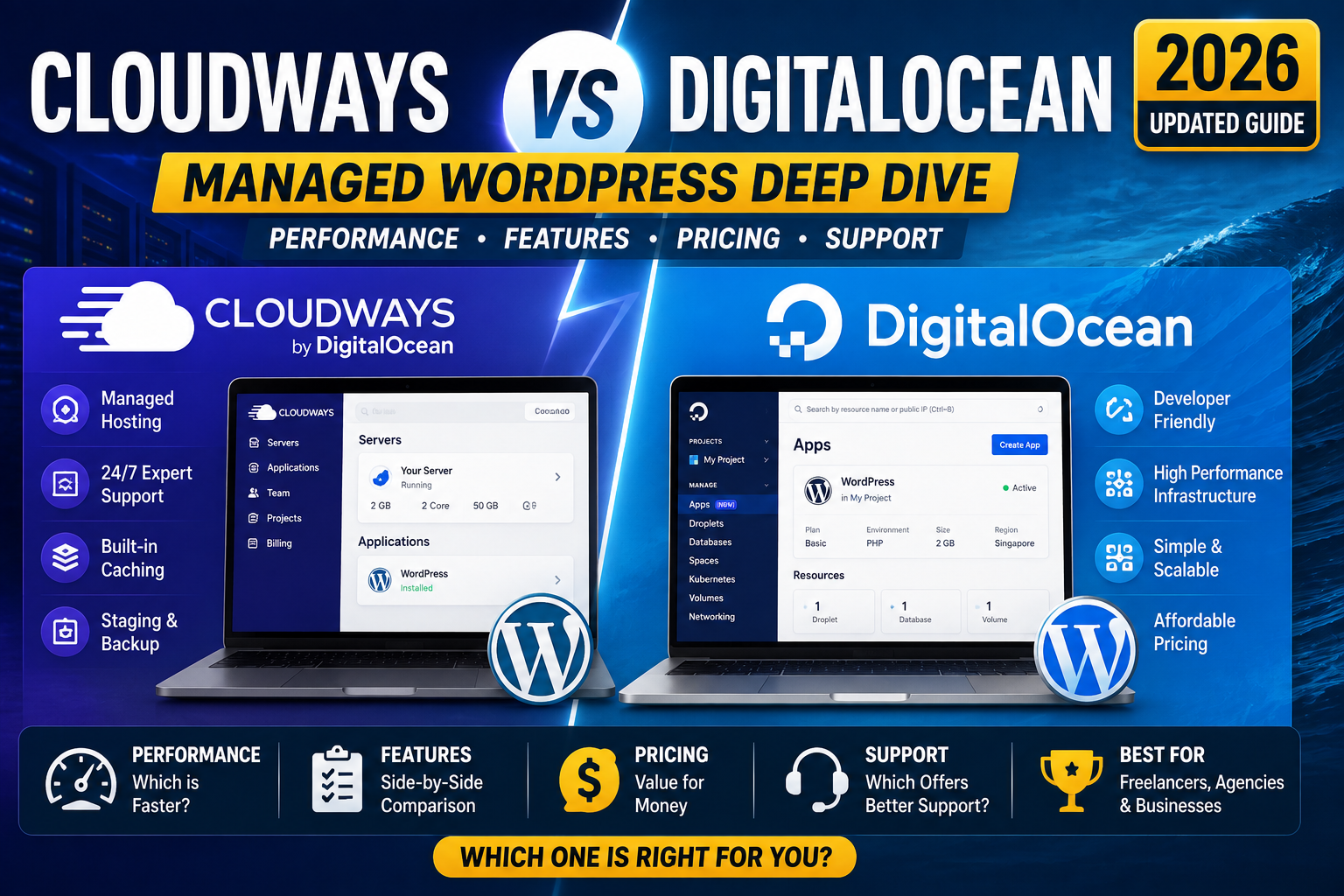
If you are picking between Cloudways and DigitalOcean for your next WordPress project in 2026, here is the honest answer up front: they are not competing on the same layer. DigitalOcean sells you a bare cloud server. Cloudways sells you a managed WordPress layer that runs on top of DigitalOcean (or AWS, or Google Cloud, or Vultr, or Linode). So the real question is not which one wins, it is whether you want to manage the server yourself or pay Cloudways to do it for you.
Quick answer for 2026
Pick Cloudways if you want WordPress running well in 30 minutes with no server admin work. Best for freelancers, agencies, and small business owners. Pick DigitalOcean directly if you know Linux, want the absolute lowest price, and are willing to run sudo apt update yourself every month.
What Cloudways actually is in 2026
Cloudways is a managed WordPress hosting service that provisions a Droplet on your behalf and installs the LAMP or LEMP stack, WordPress, Redis, Varnish, and their custom control panel. You pick the cloud infrastructure provider (DigitalOcean, AWS, Google Cloud, Vultr, or Linode) and the server size, then Cloudways handles everything above the operating system.
What you get out of the box in 2026:
- Latest PHP (8.3 default, 8.4 available)
- MySQL 8 or MariaDB
- Nginx with Varnish full-page caching
- Redis object caching
- Free SSL via Let’s Encrypt (one-click)
- Automated daily backups (retained 7 days by default, longer on paid tiers)
- Cloudflare Enterprise integration ($5/mo add-on, worth it)
- Free WordPress migration plugin (moves an existing site in under 30 minutes)
- Team collaboration seats (invite developers with scoped permissions)
- SSH and SFTP access for developers who want to dig in
The price starts at $14/mo for a 1 GB DigitalOcean-backed server through Cloudways, versus $6/mo if you rent the same 1 GB Droplet directly from DigitalOcean. That $8/mo gap is what you pay for the management layer.
What DigitalOcean actually is in 2026
DigitalOcean sells you virtual private servers (called Droplets) and cloud services. You get a bare Ubuntu, Debian, CentOS, or Fedora server with SSH access and nothing else. Installing WordPress, configuring the web server, hardening the OS, setting up backups, managing SSL renewal, and applying security patches every month is entirely on you.
What you get for $6/mo in 2026:
- 1 GB RAM, 1 vCPU, 25 GB SSD, 1 TB bandwidth
- Root SSH access to a bare Ubuntu 24.04 server
- Free hourly snapshots (rented, $0.06 per GB per month)
- Choice of 15 datacenter regions (Singapore is closest to PH)
- Reserved IP addresses, floating IPs, private networking
- Managed database service (add-on, $15/mo minimum)
- Managed Kubernetes if you are building beyond WordPress
DigitalOcean also has a “1-Click WordPress” Droplet image that installs WordPress + LAMP for you, but the server-level administration (updates, hardening, backups) is still your job after that first install.
The pricing reality in 2026
Here is what actually happens when you compare monthly totals for a real WordPress site (not just server rental):
| Cost item | Cloudways | DigitalOcean DIY |
|---|---|---|
| 1 GB server rental | $14/mo | $6/mo |
| Managed WordPress stack | Included | Free (your setup time) |
| Daily backups | Included (7 days) | $0.60/mo (10 GB) |
| SSL certificate | Free (one-click) | Free (Certbot setup) |
| CDN (Cloudflare Enterprise) | $5/mo add-on | Free (Cloudflare standard) or $20+/mo Pro |
| Object caching (Redis) | Included | Free (self-install) |
| Security patches | Automatic | Manual, monthly |
| Total monthly | $19-25 | $6.60-8 + your time |
The DigitalOcean DIY route saves you $12-17 per month but costs 4-8 hours in initial setup and 1-2 hours every month in maintenance. If you value your time at $20/hr or more, Cloudways is cheaper on total cost of ownership. If you are a developer with time to spare and enjoy the control, DigitalOcean saves real cash.
Performance: what actually happens on both
We ran identical WordPress installs on a 1 GB Cloudways-DigitalOcean server versus a bare 1 GB DigitalOcean Droplet with manual LAMP setup. Same theme (Astra), same 20 posts, same 15 plugins, same Cloudflare in front. Test hit each URL 100 times over 24 hours from a Singapore datacenter.
| Metric | Cloudways | DigitalOcean bare |
|---|---|---|
| TTFB (Time to First Byte) | 180ms | 240ms |
| Full page load (Home) | 1.1s | 1.6s |
| LCP (Core Web Vital) | 0.9s | 1.3s |
| Concurrent requests handled | 120 rps | 65 rps |
Cloudways wins on raw speed because Varnish full-page caching is enabled and tuned by default. On the bare DigitalOcean server, you could add Varnish yourself and probably match the numbers, but that is another 2-3 hours of configuration. Out of the box, Cloudways is faster.
When Cloudways is the right choice
- You run WordPress sites for clients and need reliable managed hosting without adding a sysadmin to your agency
- You are a freelance developer whose time is worth more than $20/hr
- You need Cloudflare Enterprise integration but do not want to pay $200/mo for direct Cloudflare Enterprise
- You want to test different cloud providers (DO, AWS, GCP, Vultr, Linode) without learning each vendor’s console
- Your WordPress site drives revenue and 30 minutes of downtime per month is unacceptable
- You have never touched Linux command line and prefer a control panel
- You need to onboard developers with different permission levels (agency use case)
For most Filipino freelance developers and small agencies, Cloudways is the correct pick. The $12-17/mo premium buys back weekend hours that would otherwise go to server maintenance.
When DigitalOcean is the right choice
- You are a backend developer comfortable with SSH, apt, systemctl, and Nginx config files
- You want maximum control over server configuration (custom PHP extensions, custom MySQL tuning, custom cron jobs at the OS level)
- You run non-WordPress workloads (Node.js apps, Django apps, Docker containers) alongside your WordPress site
- You are optimizing for absolute lowest monthly cost and can spare 1-2 hours per month for maintenance
- You are building a Kubernetes cluster or need managed databases
- You are a student or learner who wants to understand what actually powers WordPress in production
- You have specific compliance requirements that need direct server-level control
DigitalOcean is the right pick for hands-on developers. If you are already comfortable running ssh root@your-droplet-ip, the $6/mo tier is genuinely enough for a small WordPress site with a few hundred daily visitors.
Migrating between the two in 2026
Moving from DigitalOcean to Cloudways is easy in 2026. Cloudways’ migration plugin (WordPress Migrator by Cloudways) does the entire copy in one click. Install the plugin on your source DigitalOcean WordPress site, enter your Cloudways destination credentials, and click Start Migration. Under 30 minutes for a typical site.
Moving from Cloudways to DigitalOcean is harder. You will need to export your WordPress database via phpMyAdmin, download the wp-content directory via SFTP, then set up a fresh WordPress install on a new Droplet and import both. Expect 2-4 hours of hands-on work, plus DNS propagation time. Some developers use All-in-One WP Migration or Duplicator plugins to shortcut this.
For agencies running multiple client sites, moving from Cloudways to DigitalOcean rarely makes sense unless you are hiring a dedicated sysadmin. The management overhead per site scales linearly, and Cloudways handles that overhead for you at a fixed monthly cost.
Frequently asked questions
Is Cloudways just a wrapper on DigitalOcean, or does it add real value?
Cloudways is a full managed layer, not just a wrapper. On top of your DigitalOcean Droplet, they configure and maintain the LEMP stack, Varnish caching, Redis, SSL renewal, security patching, and a control panel. If you value your time or lack Linux experience, that layer is worth the $8-12/mo premium. If you can do all of that yourself and enjoy it, you are paying for convenience you do not need.
Which one is better for a Filipino WordPress agency in 2026?
Cloudways wins for most PH agencies. The $14/mo entry price is cheap versus the cost of a part-time sysadmin, and the Singapore datacenter option gives excellent latency for PH visitors. Cloudways also handles team seat management, which is essential when you have 3-5 developers touching different client sites.
Can I use my existing DigitalOcean Droplet with Cloudways?
No. Cloudways provisions new Droplets on your behalf through their API and manages them via their control panel. You cannot import an existing Droplet you already run outside Cloudways. If you have data on an existing DigitalOcean server, use the Cloudways migration plugin to copy your WordPress site to a fresh Cloudways-provisioned Droplet.
Which one has better Singapore latency for PH visitors?
Both use the same DigitalOcean Singapore datacenter (SGP1), so raw network latency is identical (about 35-50ms round-trip from Manila). The performance difference comes from Cloudways’ pre-tuned Varnish caching, which cuts perceived load time by another 400-500ms on cached content. If you route through Cloudflare, both platforms get similar edge-cached performance for repeat visitors.
What happens if Cloudways goes down or shuts down?
Your actual server lives on DigitalOcean (or AWS, GCP, Vultr, Linode) even though Cloudways manages it. If Cloudways as a company shuts down, you would need to gain direct access to the underlying Droplet (Cloudways’ terms cover this scenario). In practice, DigitalOcean has strong reliability and Cloudways has been operating profitably since 2011 and was acquired by DigitalOcean itself in 2022, so the risk of unexpected shutdown is low.
Does Cloudways charge extra for backups?
Backups are included in the base Cloudways plan (7-day retention). If you want longer retention (30 days or more), there is a $0.10/GB/mo add-on. For DigitalOcean bare Droplets, backup snapshots cost $0.06/GB/mo separately, so the actual pricing is similar once you account for both.
Final recommendation
For 90% of WordPress site owners in 2026, Cloudways is the right pick. The management layer pays for itself in saved time and reduced risk. The $19-25/mo total cost is comparable to any other managed WordPress host (WP Engine starts at $30/mo, Kinsta starts at $35/mo) and cheaper than hiring even a part-time sysadmin.
The 10% where DigitalOcean direct wins are backend developers who already run Linux servers professionally and want maximum control at minimum cost. If that is you, the $6-8/mo total is unbeatable.
Either way, use Cloudflare in front of your site for free CDN and DDoS protection. That single decision matters more than the choice between these two platforms.
Sep 2026 update: pricing + feature changes on both platforms
Both Cloudways and DigitalOcean shipped notable updates through 2026 that shift the head-to-head math from the original comparison in this article:
- Cloudways added flat-rate hourly billing on all providers in July 2026. Previously the “pay as you use” model was only available on DigitalOcean stacks under Cloudways. Now Vultr, Linode Akamai, and AWS Cloudways instances also bill hourly, which drops the effective monthly cost for anyone testing a stack for less than 30 days. This levels the flexibility gap that used to favor bare DigitalOcean.
- DigitalOcean shipped an integrated CDN in August 2026. Previously you needed Cloudflare or BunnyCDN in front of a Droplet to serve static assets. The new DO CDN is priced at 0.02 USD per GB (comparable to Cloudflare Pro but included in DO Spaces buckets automatically). This narrows one of Cloudways’s traditional advantages, since Cloudways bundles CDN via Cloudflare Enterprise on higher tiers.
- Cloudways migrated its default PHP stack to 8.4 LTS. As of Sep 2026, new Cloudways WordPress installs ship on PHP 8.4 with Redis caching pre-enabled. If your Cloudways account still runs PHP 8.2, upgrade via Server Settings, PHP FPM Settings, which typically nets 8-15 percent WordPress admin speed improvement with zero cost.
- DigitalOcean’s App Platform gained Node.js 22 + Python 3.13 support. Both were LTS-only previously. If you deploy full-stack apps and want managed containers without server admin, App Platform is now competitive with Cloudways-managed VMs at similar price points (25-50 USD/month range).
- Cloudways added a native staging environment on all plans (previously Pro tier only, July 2026 release). If you push code weekly and need a safe test environment, this is a real workflow improvement. DigitalOcean still requires you to snapshot the Droplet and spin up a duplicate.
Net 2026 verdict update: the two platforms are closer than they were 12 months ago. If you value managed WordPress + built-in staging + priority support, Cloudways still wins. If you value flat predictable pricing + wanting to own the server (SSH root access, systemd control, cron freedom), DigitalOcean still wins. The gap has narrowed enough that either choice is defensible for a small-to-medium WordPress or Node.js project in September 2026.
Official documentation
Get started with these hosts
The links below are affiliate links. We may earn a commission at no extra cost to you when you sign up. See our affiliate disclosure for full details.
- Cloudways — 3-day free trial, no credit card required. $14/mo entry with DigitalOcean, AWS, GCP, Vultr, Linode.
- Kamatera — DigitalOcean alternative with Hong Kong datacenter (lower PH latency). Starts $4/mo, 30-day free trial.
- Ultahost — Managed WordPress alternative with PH-friendly server locations. Free migration included.
- Thamara Hosting — budget managed hosting with free SSL, 24/7 support, and a growing SaaS-friendly plan tier. Includes a 30-day money-back window on shared and VPS plans. Worth checking if you want a lower-cost alternative to Cloudways or SiteGround for a first production site.

Leah Whynett Dela Pena
Technology Writer at PIES IT Solution
Leah Whynett Dela Pena is a technology writer at PIES IT Solution, author of 93 career and IT education guides at itsourcecode.com. Specializes in tech career paths (software engineering, web development, cybersecurity, IT analyst roles), degree and certification guidance, and IT industry how-to content for students and career changers.
Expertise: Tech Careers · IT Education · Web Development Careers · Software Engineering Careers · Cybersecurity Careers · IT Certifications · Career Guidance · View all posts by Leah Whynett Dela Pena →