
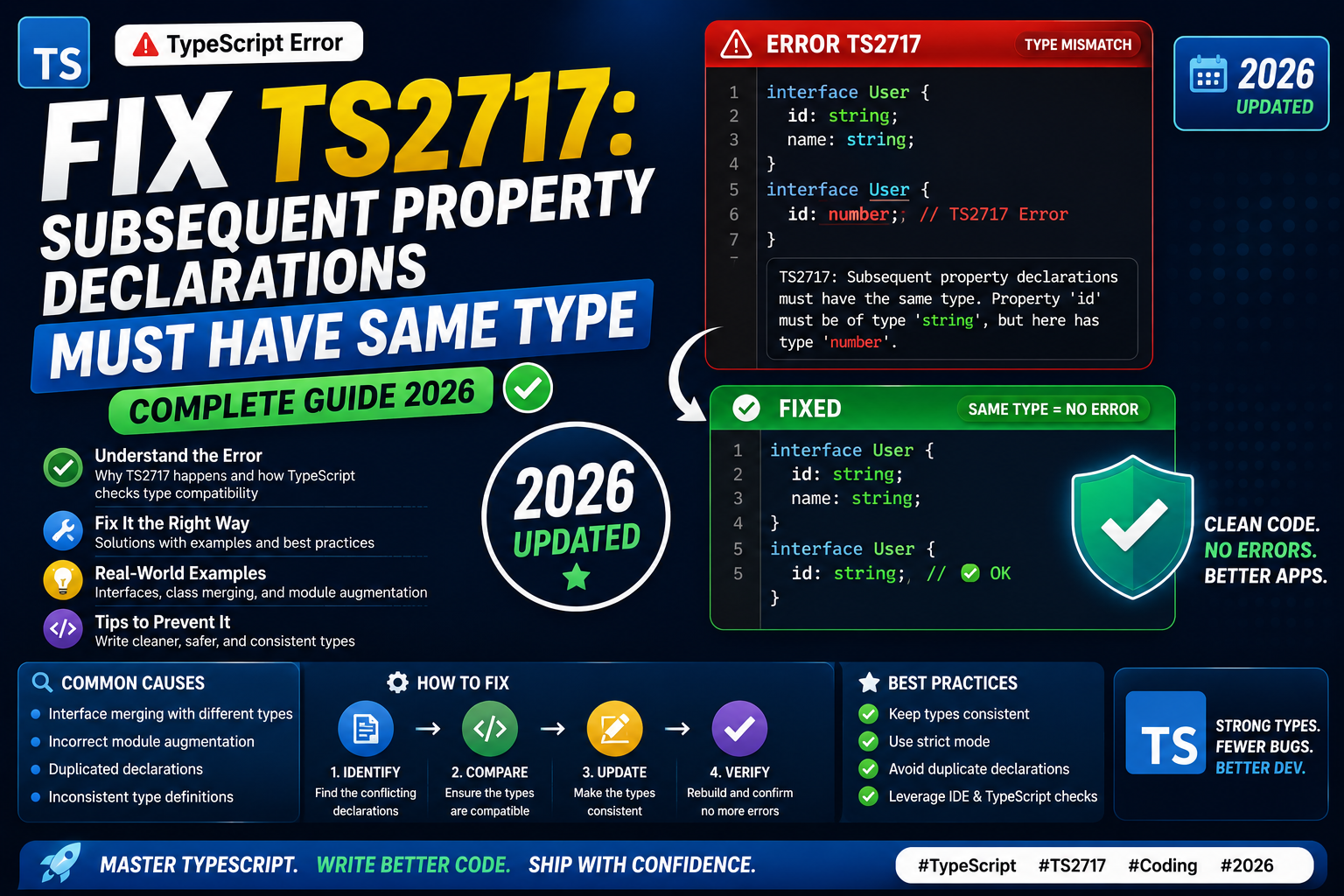
TypeScript throws TS2717 when the same property is declared in two places with different types. The message reads:
Subsequent property declarations must have the same type. Property 'x'
must be of type 'string', but here has type 'number'. ts(2717)
This shows up most often with interface merging, module augmentation, and global type declarations. Here is why it happens and how to fix each case.
Cause 1: Interface merged with conflicting types
TypeScript merges two interfaces with the same name. If any property has different types across the merges, TS2717 fires:
interface User {
  id: string;
  name: string;
}

interface User {
  id: number;   // TS2717: conflicts with 'string' above
}
Fix: pick one type and use it consistently. If both types are needed, use a union:
interface User {
  id: string | number;
  name: string;
}

interface User {
  id: string | number;  // matches, no error
}
Cause 2: Module augmentation with wrong type
Common when you augment a third-party module’s type. If you re-declare a property with a slightly different type, TS2717 fires:
// From @types/express
interface Request {
  user?: { id: string };
}

// Your custom augmentation
declare module "express" {
  interface Request {
    user?: { id: number; email: string };  // TS2717
  }
}
Fix: match the base type exactly and only extend it with new properties, not conflicting ones:
declare module "express" {
  interface Request {
    user?: { id: string; email?: string };  // matches base, extends optional email
  }
}
Cause 3: Global type augmentation
You may add properties to a global type like Window or NodeJS.Global. If you use a different type than the base declaration, TS2717 fires:
declare global {
  interface Window {
    location: string;  // TS2717: base 'location' is 'Location', not 'string'
  }
}
Fix: check the base type in the DOM library or Node type definitions and match it, or use a different property name for your addition:
declare global {
  interface Window {
    myAppState: { userId: string };  // new property, no conflict
  }
}
Cause 4: Duplicate interface in different files
If two files declare interfaces with the same name and the compiler picks both up, TS2717 fires when their properties conflict:
// file: types/user.ts
export interface User { id: string; }

// file: types/admin.ts
export interface User { id: number; }  // Same name, different file
Even with different exports, interfaces at module scope do not merge unless imported into the same file. But if either module is not properly scoped (missing export or in a global .d.ts), the types leak and collide.
Fix: rename one interface, use module scope explicitly, or wrap globals in a proper namespace.
Debugging tip: find every declaration of the property
VS Code’s “Go to definition” (F12) usually jumps to only one declaration. To see all merged declarations, use “Go to type definition” (Ctrl+Shift+F12 on Windows/Linux, Cmd+Shift+F12 on Mac). This shows every location where the type is declared.
You can also run grep across your codebase:
grep -rn "interface User" src/ types/ node_modules/@types/
This finds every interface declaration by that name, including in third-party type packages.
Common places TS2717 shows up in real projects
- Adding req.user to Express requests. Very common with Passport, JWT middleware, or custom auth. Match the base type exactly.
- Extending window with globals. Analytics scripts, third-party embeds, or WebViews inject globals. Declare them with unique names, not by overriding existing Window properties.
- Multiple .d.ts files declaring the same module. If two packages ship type declarations for the same library, they conflict. Uninstall one or use paths in tsconfig to prefer one.
- Test type augmentation. Adding custom Jest or Vitest matchers. Import the augmentation once, not multiple times with different signatures.
When TS2717 is telling you something important
It usually means two parts of your codebase disagree about a type. Do not paper over it with a cast. Instead, ask which type is correct and update the other to match. If both are legitimately used in different contexts, you probably need two separate interfaces with distinct names.
Verifying your fix
npx tsc --noEmit
If TS2717 no longer appears, your fix is in place. VS Code’s Problems panel should also clear within seconds.
Official documentation
Frequently asked questions
Why does TypeScript merge interfaces at all?
Interface merging lets libraries extend types added by other libraries. Express uses it so middleware authors can attach properties to the Request object. Without merging, that extension would require rewriting the base type, which is impossible for third-party code.
Do type aliases merge like interfaces?
No. Two type aliases with the same name in the same scope give you a duplicate identifier error, not merging. Use interface for anything you want to be extendable. Use type alias when the type should be closed to future extension.
Can I override a property type with declaration merging?
No. TypeScript enforces that merged properties have identical types. This is what TS2717 protects. If you need a different type, use a separate interface with a different name, or use a workaround like Omit and extend.
Why does my Express req.user cause TS2717?
Because @types/passport or another auth library likely already declared req.user with a specific shape. Match that shape exactly, or import your custom augmentation before Passport’s types load. Check your tsconfig.json types field ordering.
Can I disable declaration merging?
Not selectively. Declaration merging is a core TypeScript feature. If it is causing you pain, restructure your code to avoid same-name interfaces in overlapping scopes. Use module scope aggressively to keep names contained.
Does TS2717 apply to classes?
Classes cannot merge with themselves. Duplicate class names give you a different error (TS2300, Duplicate identifier). TS2717 is specific to interfaces and module augmentation cases where merging is legal but the types conflict.