
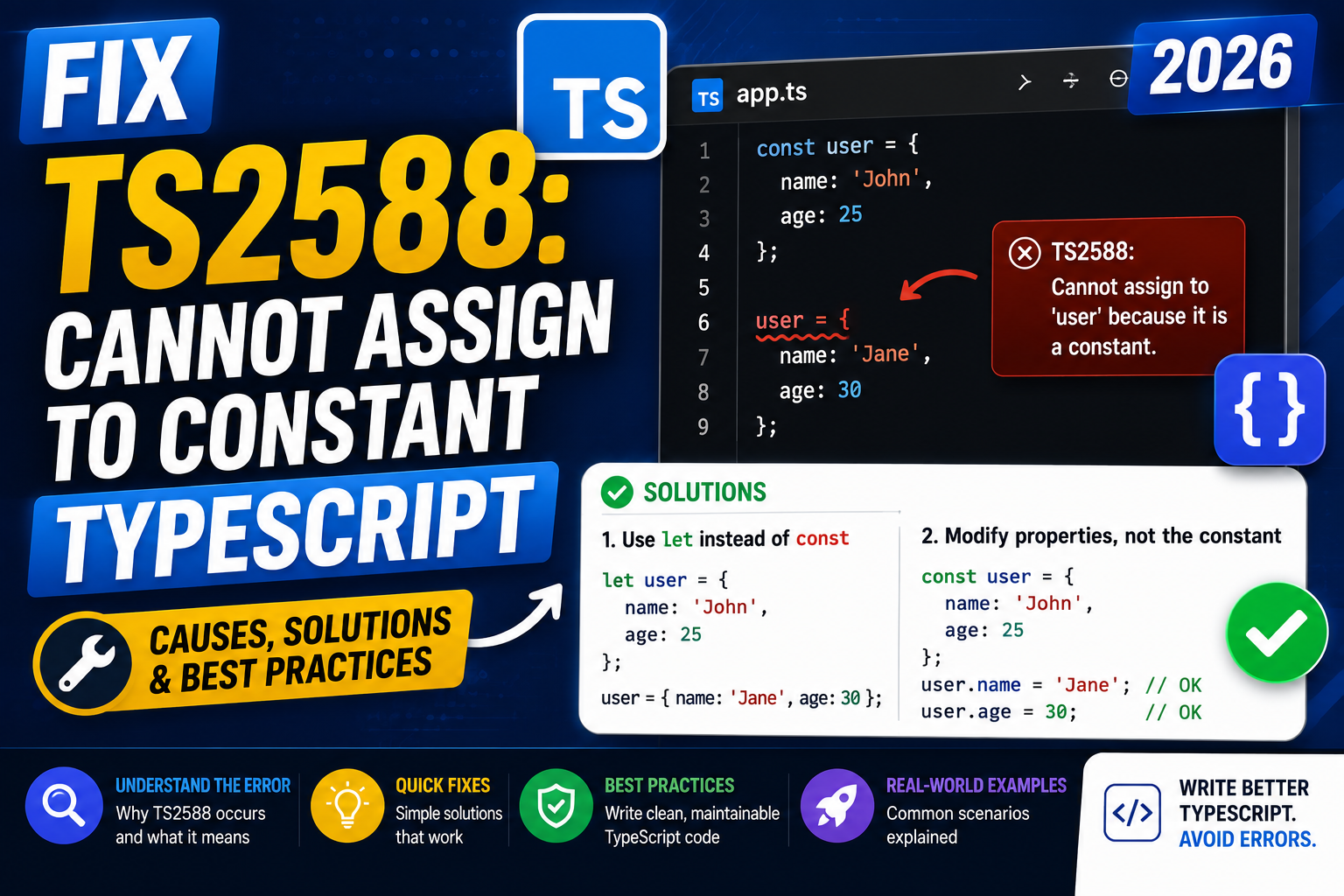
TypeScript throws TS2588 when you try to reassign a variable that was declared with const. The full message reads:
Cannot assign to 'variableName' because it is a constant. ts(2588)
This is a compile-time check that catches a common source of bugs before your code runs. Here is what triggers it, how to fix it correctly, and when the error is actually your friend.
The simplest reproducer
const count = 0;
count = 1;  // TS2588: Cannot assign to 'count' because it is a constant.
The const keyword tells TypeScript (and the JavaScript runtime) that the binding never changes. Any assignment after the declaration is blocked.
Fix 1: Change const to let if you meant to reassign
If you actually need to change the value, use let instead:
let count = 0;
count = 1;  // OK
Use const as the default in TypeScript and switch to let only when you truly need to reassign. This convention makes your code easier to reason about because a reader knows that any const value stays fixed for the life of its scope.
Fix 2: Mutate the object instead of reassigning it
Here is a common trap: you have a const object and you want to change one of its properties. You do not need to reassign the whole object.
const user = { name: "Ana", age: 27 };

user = { name: "Bea", age: 30 };  // TS2588
user.name = "Bea";                // OK, mutates the property
user.age = 30;                    // OK
const locks the binding, not the value. You can mutate the object’s properties freely. If you also want the properties locked, use const plus readonly on the type, or use Object.freeze.
Fix 3: Return a new value instead of reassigning
Functional style avoids reassignment entirely by returning a new value:
// Before: reassignment approach
let items = [1, 2, 3];
items = items.filter(x => x !== 2);

// After: return a new value
const items = [1, 2, 3];
const filtered = items.filter(x => x !== 2);
This is the pattern React and Redux use extensively. It also makes debugging easier because each named value represents one specific state.
Fix 4: Rename shadowed variables
Sometimes the error is not about the outer variable but about a loop variable or a nested scope shadowing it. Renaming clears the confusion:
const total = 100;

function processItem(item: { price: number }) {
  const total = item.price;  // Different variable, this is OK
  // total = item.price * 2;  // But TS2588 would fire here
  const doubled = item.price * 2;  // Rename to avoid confusion
  return doubled;
}
When TS2588 is doing you a favor
The error catches real bugs. Common ones:
- Accidental reassignment in a loop. You wrote
const i = 0and tried to write a for loop withi++. Switch toletor use a functional pattern likeArray.from({length: 10}).forEach(...). - Trying to modify a config that should stay fixed. If your app has a config object that should never change during runtime, keeping it as
constplusreadonlyprevents accidental writes from other code. - Reusing a name for a different value. Two unrelated values with the same name is a source of bugs. TS2588 makes you rename one.
- Migrating from var. Old code that used
varoften reassigns freely. When you convert toconst, TypeScript points out every unintentional reassignment.
const vs let vs var: quick reference
- const: value never reassigned. Use this by default.
- let: value may be reassigned. Use for counters, accumulators, and values that change during a function.
- var: legacy JavaScript. Do not use in new TypeScript code. It has function scope instead of block scope, which causes surprising bugs.
The rule of thumb: reach for const first. Only switch to let when the compiler makes you.
Verifying your fix
Save the file and check that TS2588 disappears in your editor. To confirm across the whole project, run:
npx tsc --noEmit
If TS2588 no longer appears in the compiler output, your fix is in place.
Where TS2588 sneaks in besides simple const
The obvious case is const x = 1; x = 2;, but TypeScript throws TS2588 in three more spots that catch teams off guard:
Inside destructuring
When you destructure with const, the bindings are read-only too. Trying to reassign one of them fires TS2588:
const { user, token } = getSession();
token = refreshToken(); // TS2588: Cannot assign to 'token' because it is a constant.
Fix by copying to a new let:
const { user, token: initialToken } = getSession();
let token = initialToken;
token = refreshToken(); // ok
Function parameters vs const
Function parameters are not const by default. If you use const at the callsite and then reassign inside the function body, TS2588 fires on the callsite side but not inside the function:
function updateCount(count: number) {
  count = count + 1; // ok, params are mutable
  return count;
}
const total = 0;
total = updateCount(total); // TS2588
Class fields and readonly
A readonly class field triggers TS2540 (not TS2588), but if you have const inside a class method and reassign, you get TS2588. The fix is the same: use let.
Debugging checklist before you change the code
- Search the file for the variable name. Is it declared
constanywhere in scope? - Check for name shadowing. A variable in an outer scope may have the same name.
- Confirm the reassignment is intentional. Mutation is often a design smell.
- If the value only mutates in one place, consider computing it once and storing it in a new
constinstead.
Official documentation
Frequently asked questions
Why does TypeScript block const reassignment?
Because JavaScript itself blocks it. TS2588 is TypeScript’s compile-time version of the runtime TypeError you would get if the code ran. Catching it at compile time prevents a class of bugs where a value silently changes when you did not expect it to.
Can I mutate an array declared with const?
Yes. Push, pop, splice, and index assignment all work on a const array. What you cannot do is reassign the variable itself to a new array. Use readonly arrays if you also want to block mutation.
What is the difference between const and readonly?
const applies to variable bindings and blocks reassignment. readonly applies to object properties and class fields, and blocks property mutation. Use both together when you want a fully immutable value that no code can change.
Should I use const by default in TypeScript?
Yes. The TypeScript community and most style guides (Airbnb, Google) recommend const first, let only when you actually need to reassign. Immutability by default makes code easier to read and debug.
Does TS2588 also fire in JavaScript files?
If you have allowJs enabled in tsconfig.json and checkJs on, TypeScript will check your .js files too and TS2588 will fire there. Otherwise the runtime TypeError catches it when the code executes.
Can I use const in a for loop?
Not for the loop counter in a traditional for loop, since it needs to increment. But for-of and for-in loops accept const because each iteration creates a fresh binding. Prefer for-of over indexed for loops when possible.