
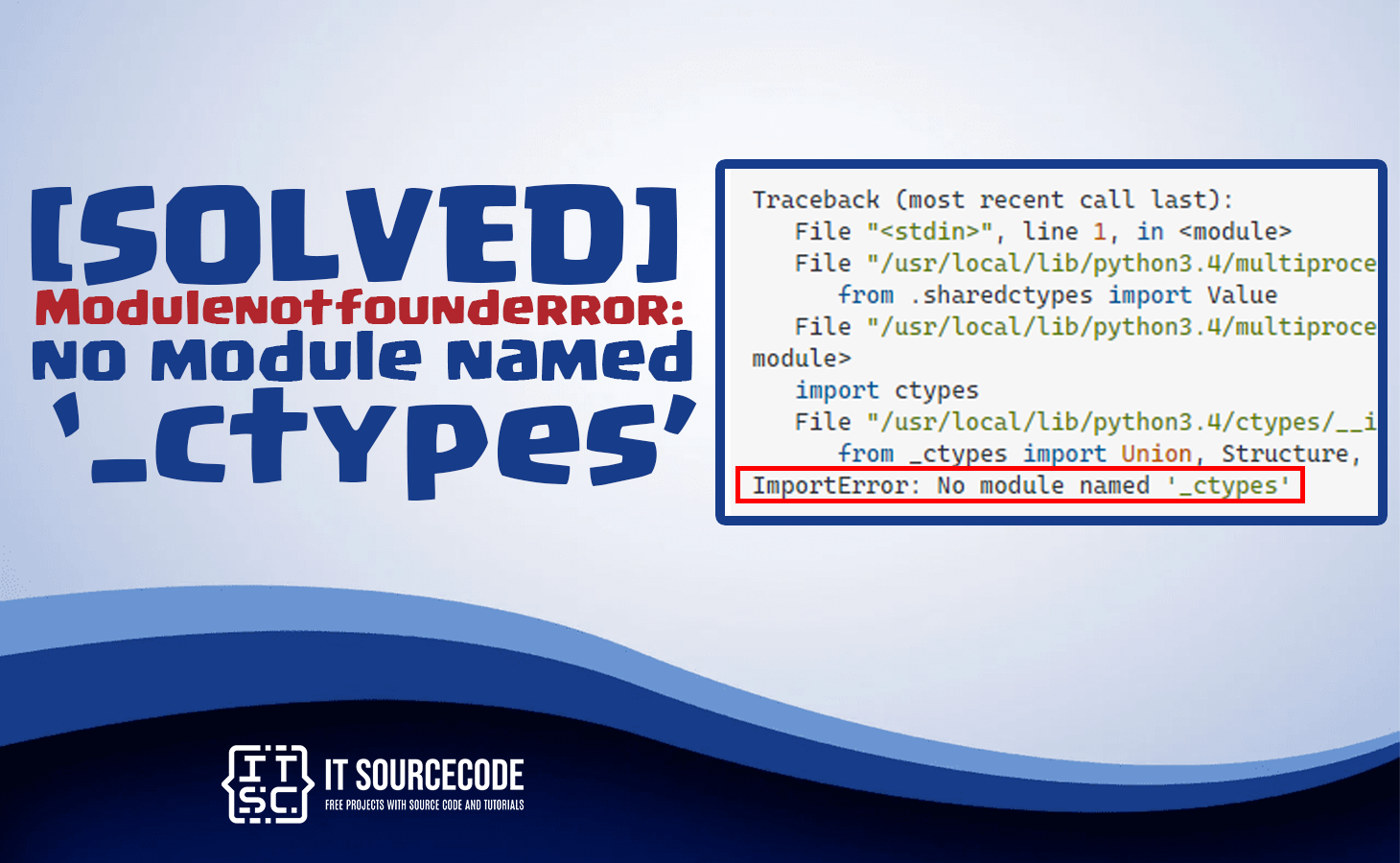
Do you get the Modulenotfounderror: no module named ‘_ctypes‘?
Then you’ve come to the right place.
So, in this tutorial, we will provide a brief discussion of this error as well as step-by-step solutions to resolve it.
What is module ‘_Ctypes’?
Particularly, the ‘_ctypes’ module is a Python module that provides a foreign function interface (FFI) for calling functions in shared libraries or DLLs.
It allows Python code to interact with C code and provides a way to create C-compatible data types in Python.
Additionally, this ‘_ctypes‘ module is a standard library module in Python and is available in all versions of Python.
It is widely used in system programming, network programming, and other areas where C libraries are used.
Why is Module ‘_ctypes’ used?
Technically, the ‘_ctypes‘ module is used in Python to interact with C code and C libraries.
It provides a way to call functions in shared libraries or DLLs and create C-compatible data types in Python.
There are several reasons why one might want to use the ‘_ctypes‘ module:
- Interfacing with C code: If you need to call a C function from Python or use a C library in Python, the ‘_ctypes’ module provides a way to do this.
- Accessing system functionality: Many system functions are only available in C libraries, and the ‘_ctypes’ module allows you to access these functions from Python.
- High-performance computing: C is often used for high-performance computing, and the ‘_ctypes’ module can be used to call C functions from Python to take advantage of their performance.
- Network programming: Many network protocols are implemented in C libraries, and the ‘_ctypes’ module can be used to call these libraries from Python.
What is Modulenotfounderror: no module named _ctypes?
Modulenotfounderror: no module named _ctypes error occurs due to incompatibility between Python 3.7.0 and ‘ctypes’ in the absence of the libffi-dev package.
So if we do not explicitly install the libffi-dev package, Python 3.7.0 installation will raise the Modulenotfound error.
As the root cause is pretty simple in the same way the solution too.
All we have to do is install or reinstall the libffi-dev package.
Let’s get started.
How to fix Modulenotfounderror: no module named ‘_ctypes’
Now that we were already done exploring what Modulenotfounderror: no module named ‘_ctypes‘ and possible causes of why this error occurs.
So now we will walk through solutions along with Linux, CentOs, and MacOS systems.
- Fix the error by checking the module name.
The first step to fix this error is to check the spelling of the module name, wherein this module name is case-sensitive.
For instance, importing this module is typed like this:
import _Ctypes
This will throw the error:
ModuleNotFoundError: No module named ‘_Ctypes’
This is because the “C” should be lowercase since it is case-sensitive. - Fix the error in Linux
The main reason why Ubuntu Linux system raises the Modulenotfounderror: no module named ‘_ctypes’ error is that it requires to install libffi-dev package first.
Wherein the _cytpes is depending on libffi-dev package.
So when the libffi-dev is missing in the installation, _ctypes can not be used.
To fix this we need to install libffi-dev with use of the following command:
sudo apt install libffi-dev or sudo apt-get install libffi-dev - Solve the error in CentOS
To use the _ctypes modules in CentOS in Linux, we need to install a new package: libffi -devel.
In Centos, we must use the “yum” command to install the libffi -devel package.
Moreover, the yum command is the standard package manager.
Thus, CentOS, we use this command to install and update packages.
The code for installing the package is:
yum install libffi-devel -y
make install - Fix the error in MacOS
Use this code in your macOS terminal to install libffi.
Here, we are installing libffi version 3.2.1. You can change your version accordingly.
wget ftp://sourceware.org/pub/libffi/libffi-3.2.1.tar.gz
tar xvfz libffi-3.2.1.tar.gz
cd libffi-3.2.1
./configure –prefix=/usr/local/libffi/3_2_1
make
make install
Additional Solutions to Fix no module named ‘_ctypes’
If the error still raises even if you perform the ways above it may be because of missing dependencies. Try the following codes to install the dependencies.
- sudo apt-get update
- sudo apt-get upgrade
- sudo apt-get dist-upgrade
- sudo apt-get install build-essential python-dev python-setuptools python-pip python-smbus
- sudo apt-get install libncursesw5-dev libgdbm-dev libc6-dev
- sudo apt-get install zlib1g-dev libsqlite3-dev tk-dev
- sudo apt-get install libssl-dev openssl
- sudo apt-get install libffi-dev
Conclusion
In conclusion Modulenotfounderror: no module named ctypes is an error raised when the libffi-dev package is missing in installation.
Remember to always keep your Python installation and modules up to date, and to check for missing dependencies if you encounter any issues.
That’s it we have provided solutions for fixing this error. However, if you follow the steps and encounter any further errors, feel free to ask for more help!
If you are finding solutions to some errors you’re encountering we also have Modulenotfounderror: no module named ‘debug_toolbar’.
Official documentation
Quick step-by-step summary (click to expand)
- Install libffi development headers. On Ubuntu/Debian run sudo apt install libffi-dev. On CentOS/RHEL run sudo yum install libffi-devel.
- Rebuild Python from source. If you built Python from source or with pyenv, rebuild after installing libffi-dev. The configure step now detects the library.
- For pyenv users, run install with clean flags. Run pyenv uninstall X.Y.Z then PYTHON_CONFIGURE_OPTS=”–enable-shared” pyenv install X.Y.Z.
- Verify with import ctypes. Run python -c “import ctypes; print(ctypes.__file__)”. If it prints a path, the module loads correctly.
Frequently Asked Questions
What is Python ModuleNotFoundError and what causes it?
ModuleNotFoundError (a subclass of ImportError) is raised when Python cannot find the module you tried to import. Common causes: the package isn’t installed (pip install missing), wrong virtual environment activated, typo in module name, or Python can’t find your local module on the import path. The error message names exactly which module is missing.
How do I fix ‘ModuleNotFoundError: No module named X’?
Run pip install X first. If that succeeds but you still get the error, check which Python you’re using (which python OR python –version) vs which pip (which pip OR pip –version), they must match. Common gotcha: pip points to system Python 3.9 but you’re running python3.11 in a venv. Inside the venv, use python -m pip install X to be sure pip matches the active Python.
Why does my code work in one environment but not another?
Different Python versions or different installed packages. To diagnose: pip freeze > requirements.txt on the working environment, then pip install -r requirements.txt on the broken one. Use virtualenv (python -m venv venv) or conda for every project to avoid system-wide package collisions.
Is ModuleNotFoundError the same as ImportError?
ModuleNotFoundError is a subclass of ImportError added in Python 3.6. It specifically means ‘no such module exists.’ Plain ImportError covers a wider set: module exists but a name inside it can’t be imported (e.g. ‘cannot import name X from Y’). except ImportError catches both; except ModuleNotFoundError catches only the missing-module case.
Where can I find more ModuleNotFoundError fixes?
Browse the ModuleNotFoundError reference hub for 198+ specific module fixes (TensorFlow, Flask, Django, pandas, numpy, etc.). For related issues see ImportError. For broader Python setup see Python Tutorial hub.

Glay Eliver
Programmer & Technical Writer at PIES IT Solution
Glay Eliver is a programmer and writer at PIES IT Solution, author of over 600 tutorials at itsourcecode.com. Specializes in JavaScript tutorials, Microsoft Office how-tos (Excel, Word, PowerPoint), and Python error debugging covering ImportError, TypeError, AttributeError, ModuleNotFoundError, and JavaScript ReferenceError. Authored several of the site’s highest-traffic Excel and MS Office reference articles.
Expertise: JavaScript · MS Excel · MS Word · MS PowerPoint · Python · Python ImportError · Python TypeError · Python AttributeError · ModuleNotFoundError · JavaScript ReferenceError · Pygame · View all posts by Glay Eliver →