
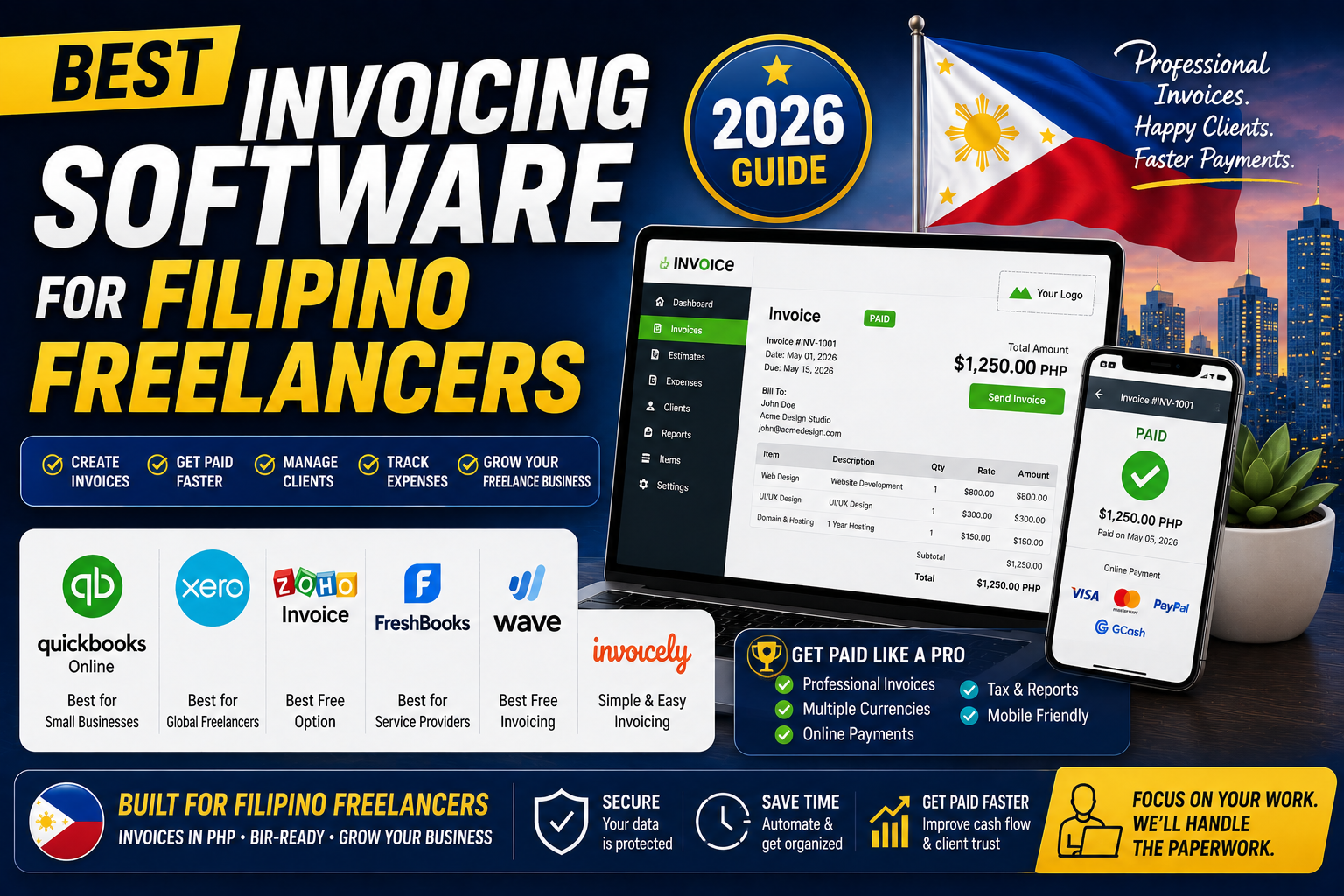
Sending professional invoices matters more than most Filipino freelancers realize. A polished invoice with clear payment terms gets paid 30-40 percent faster than a plain-text email quote. It also signals professionalism that helps you charge higher rates over time. This guide ranks 6 invoicing tools tested in 2026 by real Filipino freelancers, from free to premium, with a focus on the tools that support Philippine payment methods and Filipino tax needs.
The ranking
- Wave (free forever), best free invoicing for solo freelancers
- Zoho Invoice (free tier + Basic USD 15/month), best if you use Zoho ecosystem
- FreshBooks (Lite USD 21/month for 5 clients), best UI + client portal for premium feel
- Harvest (Pro USD 12/user/month), best if you also need time tracking
- QuickBooks Self-Employed (USD 15/month), best if your accountant uses QuickBooks
- Xero (Early USD 15/month, 20 invoices limit), best for tighter accounting integration
1. Wave at Free forever
Cost: Free for invoicing + accounting + expense tracking.
What you get free: Unlimited invoices, unlimited estimates, unlimited clients, unlimited invoicing users, expense tracking, basic accounting, receipt scanning via mobile app, customer statements.
Paid features (optional): Wave Payments (2.9% + USD 0.60 for credit cards) for online payment collection, Wave Payroll (US/CA only), Advisor services.
Best for: Solo Filipino freelancers on tightest possible budget. Wave is genuinely free (not a trial). Send professional-looking invoices to US and international clients without paying anything.
Weakness: Wave Payments (their credit card processor) has US-only card acceptance in some regions. Filipino freelancers typically use manual bank transfer or link to a separate Stripe checkout. Also, Wave was acquired by H&R Block in 2019; some worry about future feature roadmap.
2. Zoho Invoice at Free tier + Basic USD 15/month
Free tier: Up to 5 customers, unlimited invoices per customer, expense tracking, 5-user access.
Basic tier (USD 15/month): Unlimited customers, custom domain, workflow automation, custom fields.
Best for: Freelancers already using other Zoho apps (Zoho Books, Zoho CRM, Zoho Mail). Bills in PHP if you set country to Philippines. Integrates cleanly with Zoho ecosystem.
Weakness: UI is dated compared to FreshBooks. Learning curve if new to Zoho.
3. FreshBooks at Lite USD 21/month for 5 clients
Lite tier (USD 21/month annual): Up to 5 clients, unlimited invoices, expense tracking, time tracking, online payments via Stripe/PayPal integration.
Plus tier (USD 38/month): Up to 50 clients, plus proposals + estimates + double-entry accounting.
Best for: Filipino freelancers who want the most polished client-facing invoicing experience. Clients receive a professional email + branded landing page + one-click payment. Sets you apart from competitors emailing plain PDF invoices.
Weakness: Client limits on tiers are restrictive. If you have more than 5 clients, you must upgrade to Plus. Most expensive option per client count.
4. Harvest at Pro USD 12/user/month
Pro tier (USD 12/user/month annual): Unlimited clients, unlimited projects, time tracking, expense tracking, invoicing with online payment via Stripe/PayPal, team reporting.
Best for: Freelancers who bill hourly and want time tracking + invoicing in ONE tool. Harvest generates invoices directly from tracked time, saving 30-60 minutes per invoicing cycle.
Weakness: No free tier (30-day trial only). Feature set is focused on time-billing use case; pure product/service invoicing feels over-engineered.
5. QuickBooks Self-Employed at USD 15/month
Cost: USD 15/month for Self-Employed tier (higher tiers for small business, not needed for solo freelance).
What you get: Invoicing, mileage tracking, receipt capture, quarterly tax estimates, integration with US-based Schedule C tax filing.
Best for: Filipino freelancers whose PH accountant specifically uses QuickBooks (many do). The accountant workflow integration saves quarterly and annual tax preparation time.
Weakness: Feature set is US-tax-focused. Mileage tracking and Schedule C features have limited relevance for Filipino freelancers. Pay for QuickBooks Online (higher tier) instead if you need business-focused invoicing plus accounting.
6. Xero at Early USD 15/month
Early tier (USD 15/month): Invoicing (limit 20 invoices per month), 5 bills per month, reconcile 20 transactions, bank feeds.
Growing tier (USD 42/month): Unlimited invoices, bills, reconciliations. Standard tier for real freelance use.
Best for: Filipino freelancers who want the tightest integration between invoicing and accounting. Xero’s accounting is stronger than dedicated invoicing tools; the invoicing feature is a subset of the accounting product.
Weakness: Early tier’s 20-invoice limit is restrictive. Real freelance use requires Growing tier at USD 42/month, which is significantly more than dedicated invoicing tools.
What matters most for Filipino freelancers
Philippine payment methods integration: None of the mainstream invoicing tools integrate directly with GCash, Maya, or InstaPay. All rely on Stripe/PayPal for online payment collection (both process cards but not native PH e-wallets). Workaround: include your GCash/bank details as a payment option on the invoice for clients who want to pay via those methods, and let the tool handle credit card checkout for others.
USD invoicing: All 6 tools support USD invoicing. Wave and Zoho are best for freelancers who bill primarily in USD to US clients.
Recurring invoicing: All 6 support recurring invoices (set once, sends monthly automatically). Useful for retainer clients.
Late payment reminders: All 6 send automated reminders on unpaid invoices. Reduces the awkward “just following up” email you would otherwise write manually.
Recommendation by scenario
Solo freelancer just starting: Wave (free). Send professional invoices without spending anything. Upgrade when you outgrow.
Solo freelancer with 3-5 recurring clients: FreshBooks Lite (USD 21/month) for polished client experience. Or Zoho Invoice Basic (USD 15/month) for lower cost.
Solo freelancer already using Harvest for time tracking: Stay in Harvest (USD 12/month). Do not add another invoicing tool.
Freelancer working with accountant on QuickBooks: QuickBooks Self-Employed (USD 15/month) for accountant workflow integration.
Small Filipino agency (2-5 people): FreshBooks Plus (USD 38/month, unlimited clients per user). Or Harvest Pro (USD 12/user/month) if hourly billing dominates.
Bottom line
For most Filipino freelancers starting out in 2026, Wave (free) is the correct starting point. Send professional invoices, track expenses, run basic accounting, all for zero cost.
Upgrade to FreshBooks Lite (USD 21/month) once your client base grows and you want the polished experience that helps justify higher rates.
If your PH accountant uses QuickBooks, install QuickBooks Self-Employed (USD 15/month) for smoother tax preparation.
We hope this helps you pick the right invoicing tool. Feel free to comment below with your specific setup for a targeted recommendation.
Official documentation
Try any of these invoicing tools (affiliate)
Some links below are affiliate links. See our affiliate disclosure.
- Wave, best free invoicing option
- FreshBooks, best premium client-facing experience
- Zoho Invoice, best value with Zoho ecosystem
- Payoneer (referral), for receiving USD payments after invoicing
Frequently asked questions
Do invoicing tools accept GCash payments?
None of the mainstream international invoicing tools have direct GCash integration in 2026. Workaround: include your GCash number and QR code as a payment option in the invoice body/notes. Clients who want to pay via GCash send manually, then mark the invoice as paid. For international clients using cards, the tool’s Stripe or PayPal integration handles checkout automatically.
Are these BIR-compliant Official Receipts?
No. Invoices generated by these tools are business invoices for your own record-keeping and client communication. For BIR compliance in the Philippines, you also need to issue BIR-Registered Official Receipts (from your BIR-approved printer or via BIR eOR system) to your clients per Republic Act 11534. The invoicing tools help you TRACK what you invoice; the OR is separate legal document.
Which tool has the best mobile app?
FreshBooks has the best mobile experience by a clear margin (invoice creation, expense capture, payment recording all polished). Wave mobile is functional but less polished. Zoho Invoice mobile is good if you already use Zoho. Send-invoice-from-phone-while-onsite scenarios favor FreshBooks.
Can I switch tools mid-year?
Yes, but rebuilding client records and invoice history is tedious. Contact and client data exports from all 6 tools via CSV. Historical invoices export as PDF (individual downloads). Best practice: pick a tool you can commit to for at least 12 months. Only switch if the current tool has a hard limitation (missing feature you need or per-client pricing cap you hit).
Do late payment reminders actually work?
Yes. Automated reminders sent 7, 14, and 30 days after due date recover 30-45 percent of otherwise-overdue invoices without you having to write awkward follow-up emails manually. All 6 tools listed have automated reminders on both free and paid tiers.
Is FreshBooks worth 3x the cost of Wave?
If you have paying clients today, likely yes. FreshBooks’ polished client-facing experience (branded email + landing page + one-click Stripe payment) helps you get paid faster and justifies charging premium rates. For solo freelancers not yet earning steadily, Wave is fine and free. Upgrade when you consistently invoice USD 3,000+ per month and want the professional edge.

Leah Whynett Dela Pena
Technology Writer at PIES IT Solution
Leah Whynett Dela Pena is a technology writer at PIES IT Solution, author of 93 career and IT education guides at itsourcecode.com. Specializes in tech career paths (software engineering, web development, cybersecurity, IT analyst roles), degree and certification guidance, and IT industry how-to content for students and career changers.
Expertise: Tech Careers · IT Education · Web Development Careers · Software Engineering Careers · Cybersecurity Careers · IT Certifications · Career Guidance · View all posts by Leah Whynett Dela Pena →